

Dual Space: Multi App is an excellent multi-account management tool that allows users to log in and run multiple social media and communication app accounts simultaneously on the same device without repeatedly switching login states. Each cloned account runs in its own independent "space," with data isolated to ensure that work chats and personal conversations do not interfere with each other, achieving efficient separation of work and personal life. Furthermore, it allows users to set independent themes, icons, and notification styles for different accounts for easy visual differentiation and improved efficiency.
Click to load YouTube / 点击加载视频
YouTube ↗How to use:
Getting started takes only a few minutes and follows a straightforward flow. To keep things simple, prepare the accounts you plan to use so you can sign in right away after setup. When ready, download Dual Space : Multi App and follow the steps below.
Open Dual Space : Multi App, then look through the list of installed apps and pick one you want to clone.
Confirm the clone creation, and wait for the app to set up the independent space for that copy.
When prompted, grant the required permissions so the cloned app can run and access what it needs.
Launch the cloned app from inside Dual Space : Multi App, then sign in with a different account.
Switch back and forth between the original and the clone from the Dual Space : Multi App home screen, and rename the clone to keep things clear.
Features:
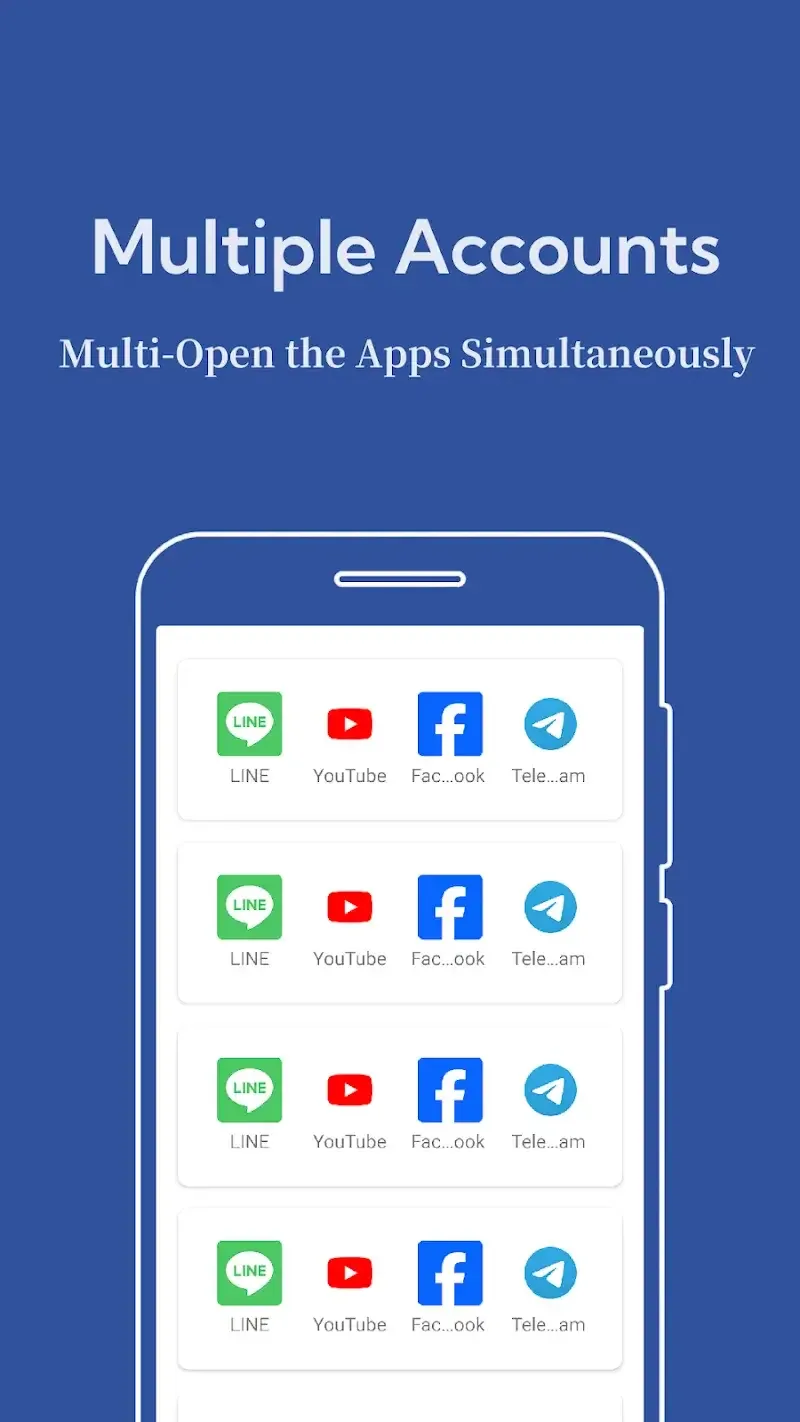
Multiple Account Login: Use two or more accounts for the same app at once
App Cloning: Easily duplicate supported apps without rooting your device
Independent Storage: Each app runs in its own secure environment
Fast Switching: Quickly switch between main and cloned apps
Lightweight: Small size and optimized performance
No Root Required: Simple and safe to use on most Android phones
Highlights:
No Root Required: Works on most Android devices without complicated setup.
Stable & Reliable: Trusted by millions of users worldwide for seamless app cloning.
Enhanced Gaming Experience: Play dual accounts of your favorite games and never miss rewards or events.
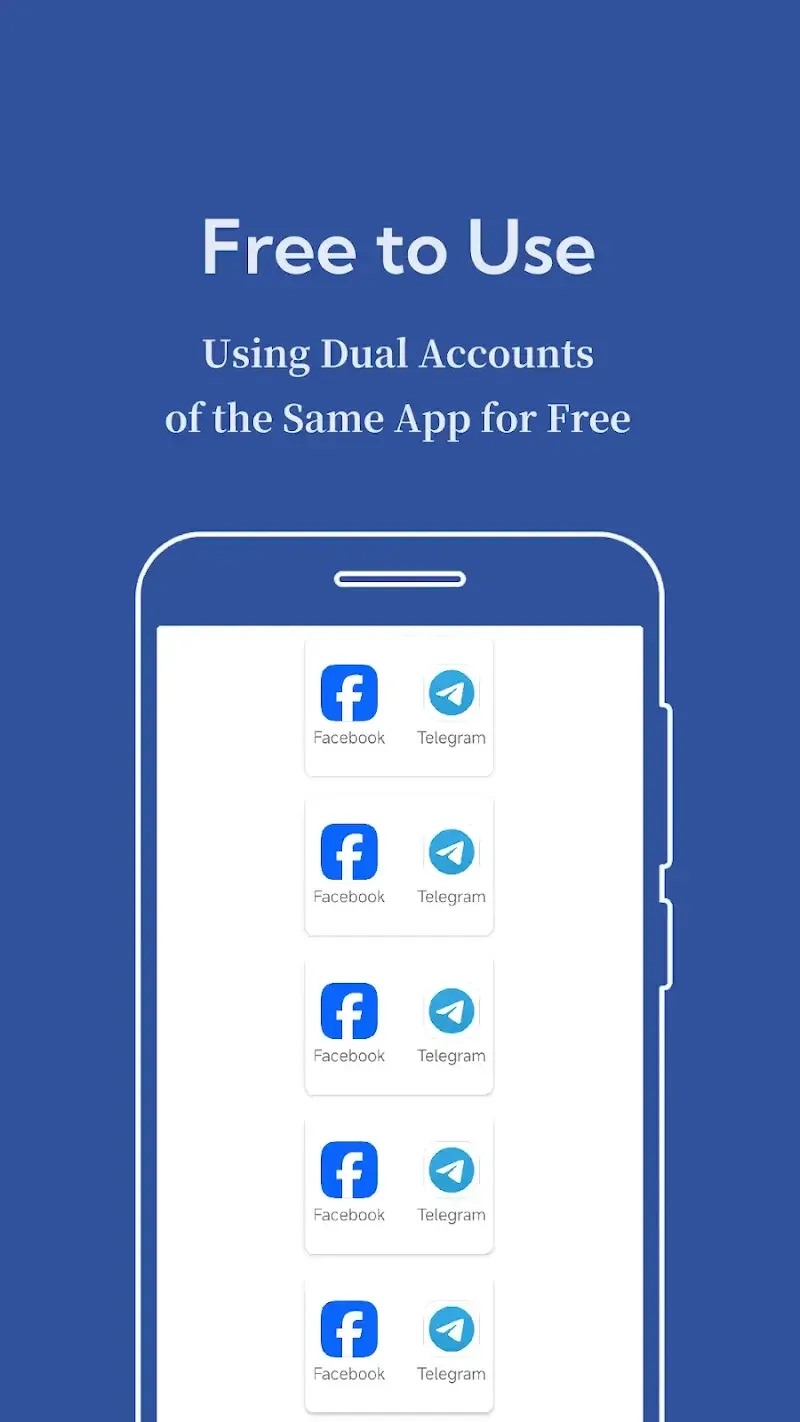
Completely Free: Download and start managing multiple accounts today without hidden charges.
Pros and Cons:
Pros
Free app cloner for running multiple accounts on one device
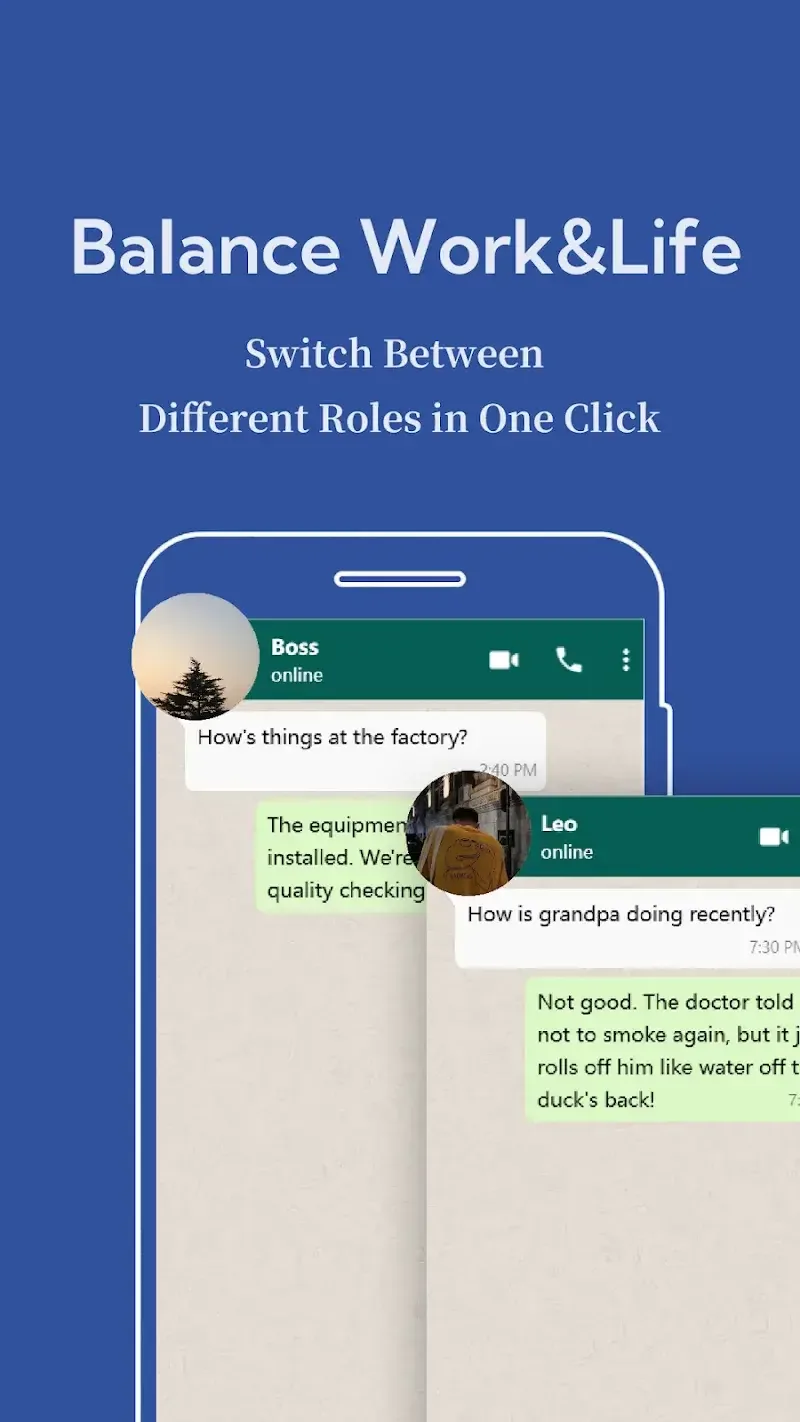
Supports dual spaces to separate work and personal apps
Account data and notifications stay isolated with no overlap
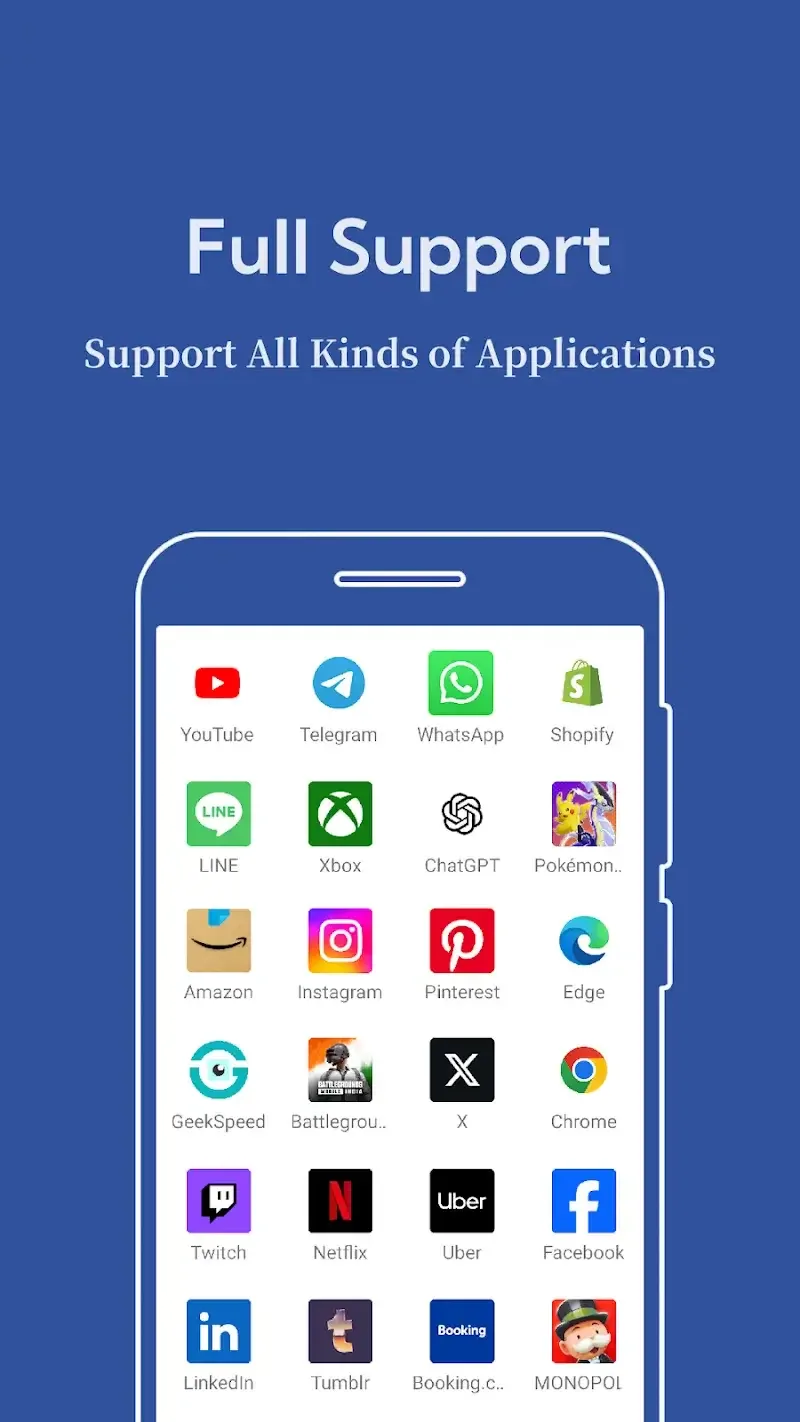
Compatible with Android 8–15 and many popular social, messaging, and gaming apps
Includes privacy features such as hidden apps, secure lock, and secret zone
Customizable icons and labels help distinguish different accounts
Simple, beginner-friendly interface with quick app startup
Can clone multiple instances of supported apps without a fixed limit
Cons
Reports of recent versions failing to open cloned apps and crashing frequently
Ongoing “Network Error” issues for some users, even on stable connections
Intrusive pop-up advertising that disrupts usage
Key bugs appear to remain unresolved for some time, which affects trust and reliability
Final thoughts:
Multi Space provides a convenient solution for managing multiple app accounts within a single interface. Multi Space is most useful for users balancing different profiles across social, work, or gaming activities. While performance and compatibility vary depending on device and app behavior, it remains a practical option for reducing account-switching friction and keeping activities organized in one place.








