
Remote Gamepad is a game controller designed for mobile devices, providing users with a gamepad-like control experience. The software supports multiple connection methods including Wi-Fi, Bluetooth, and USB. Once connected, users can create and customize their button layouts for different games, adjusting button positions, sizes, and colors for a more comfortable gaming experience. Users can share the button layout link with their friends, saving them time and effort.
Click to load YouTube / 点击加载视频
YouTube ↗Features of Remote Gamepad:
Works Across Platforms: With this app, you can use it on both online and offline games. It provides you with a convenient and intelligent experience, making you extremely satisfied every time you use it.
Seamless Game Integration: This application will bring you the most dynamic and engaging gameplay. You will enjoy smooth and seamless entertainment moments without any difficulties or obstacles.
No Extra Hardware: With this application, you can use it immediately without needing any supporting devices or software. It provides you with a convenient and comfortable user experience. You will feel like you are actually using a real controller.
Fully Editable Controls: You can adjust and move the buttons to suit your habits and needs. It allows you to use it immediately without spending too much time getting familiar with or learning how to use it.
Shareable Layout Designs: In this application, you can also share the layout of the controller. With this feature, you can exchange ideas with your friends and create the most perfect controller. It provides you with a professional controller that will satisfy you every second of use.
Strengths of Remote Gamepad:
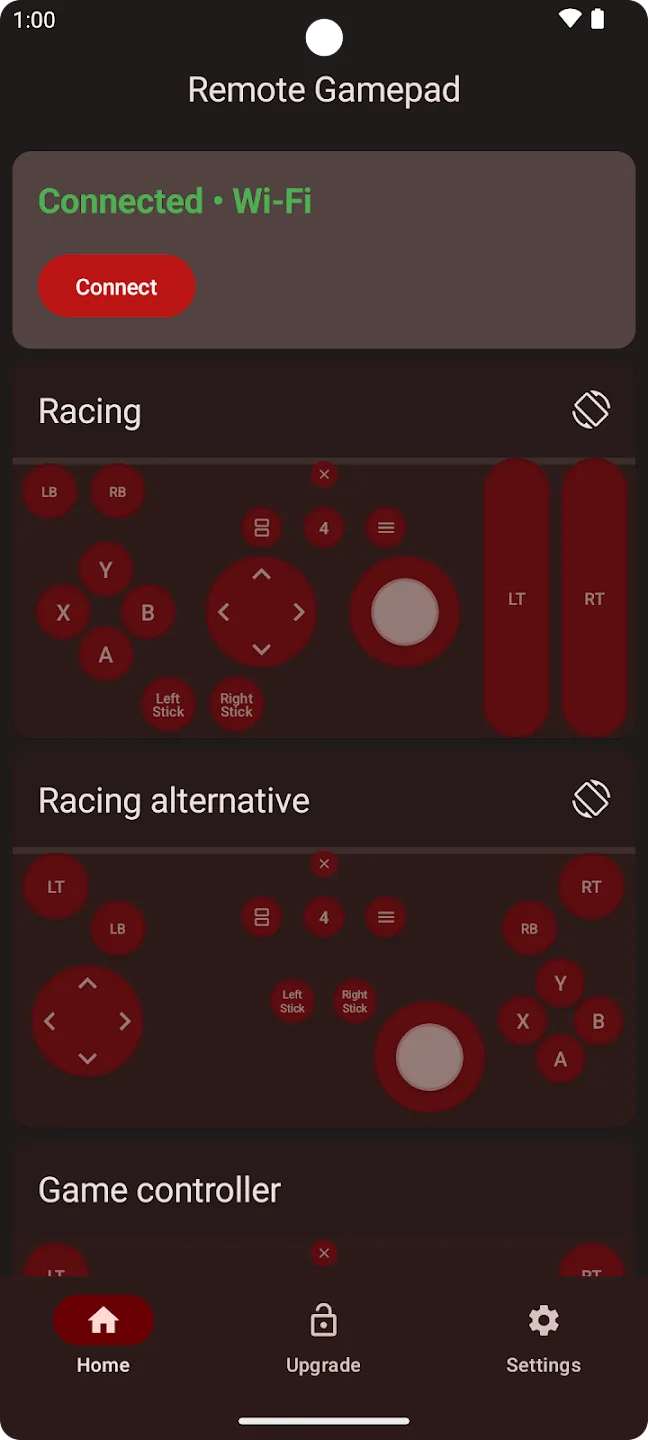
Flexible connections: You can choose WiFi, USB, or Bluetooth to link your phone to your PC. Remote Gamepad detects available options and helps you pick what works on your network or cable. It supports Windows and Linux PCs so you can play where you prefer. As you switch between modes, the app keeps input consistent for your games.
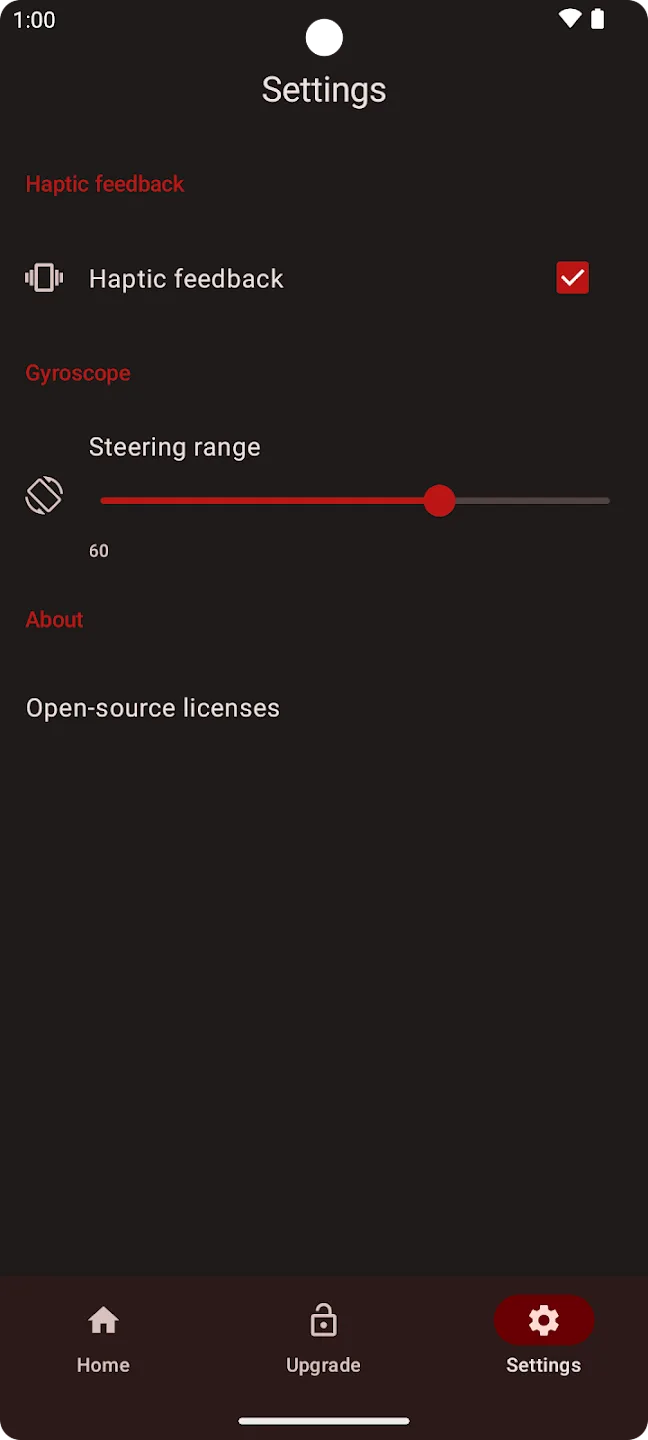
Motion steering for racing: Rotate your phone to steer in racers and driving games. Remote Gamepad reads motion from your device and translates it to the game as analog input. When you need precise control, adjust sensitivity inside the app so steering feels natural for your style.
Onscreen gamepad: Use a virtual gamepad when a physical controller is not on hand. The layout gives familiar sticks and buttons that work with any PC game that supports controllers. You can move and resize controls to fit your grip. It also works on Google TV and Android TV devices on Android 9 or later.
Advanced layout editor and sharing: Remote Gamepad lets you change button position, size, color, and shape. You can save different profiles for different games, then share layouts with simple links so friends can load them quickly. Community templates showcase popular setups for top PC titles, which helps you get into a game faster.
User Reviews of Remote Gamepad:
I sincerly enjoyed my time using this to play PES 2018! I half-expected it to be a subscription scam at the start but turns out all you are required to do is to watch advertisements and get 30 minutes of play time. It was very smooth and generally easy to handle, but my most favorite part is that the app allows you to customize the controls! 5 stars is not even enough for this, it's revolutionizing PC Gaming!
Pretty damn good. It's like a touchscreen version of a physical controller which you and your friends can download and use to play games on PC. Recommended for games with simple control schemes for max comfort/usage, something like NES/SNES, 2d platform games, etc is nice for it. Only drawback is that you gotta keep watching ads to replenish your controller time (30 mins per ad, 90 mins max in one go) or buy the premium. I don't mind it much but sometimes it's annoying.
Best Gamepad Ever. No hastle to download app to tv and stuff just scan for device and connect it only 2 clicks required. It has features to customize buttons sensitivity which is very useful also it does not have any intrusive ads not any banner ads nothing and it allows 30 minutes play time for 1 ad which is very reasonable. please Change the price for indian user as ₹180 for an app is too much but $2 for USA people is very less so please optimize the price for country where currency is weak.
I am sad to see many bad reviews on that app. I got it for couple of hours now and I am more than happy that it even exist. The first minutes are to try it out and then if you want to use it more you can buy it cost so little. Also the connection is super fast you just download a simple app to get the QR code and that's all.
Summary:
Transform your smartphone into a versatile gaming peripheral with the Remote Gamepad application. This innovative tool enables you to play your PC games with greater flexibility, using your phone as a wireless game controller. It offers intuitive on-screen controls, mirroring the functionality of traditional game controllers, and can simulate a steering wheel by detecting the rotation of your phone—perfect for racing game enthusiasts.








