

Citra MMJ is an emulator app. Here, you can turn your phone into a Nintendo controller and enjoy a variety of classic games previously only available on handheld consoles. All games can be played in high-resolution graphics with smooth gameplay. Save your game progress anytime, and you'll be back where you left off! The app also offers customizable controls; you can reconfigure the buttons and adjust the sensitivity for a personalized gaming experience. Furthermore, the app supports cross-platform gaming, allowing you to play games from other platforms!
Usage
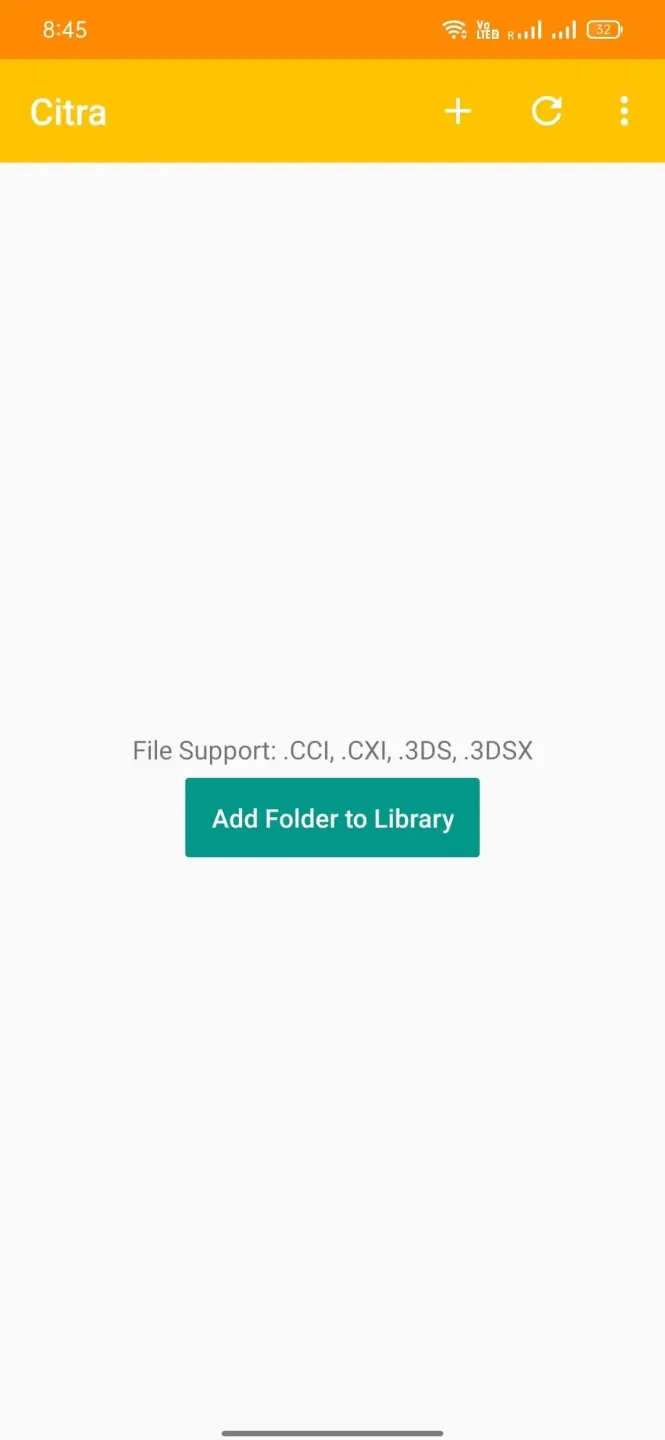
Choose the version suitable for your device and install the Citra MMJ APK. After installation, open the app to begin setup.
When prompted, set the emulator directory. If you are using the StorageAccess version, the path is located at Android/data/org.citra.emu/files/citra-emu. You can browse this directory using a file manager that supports app-wide folders.
Place your game files in the games folder of citra-emu, then return to the app and refresh the game library. Your games should appear in the list for you to choose from.
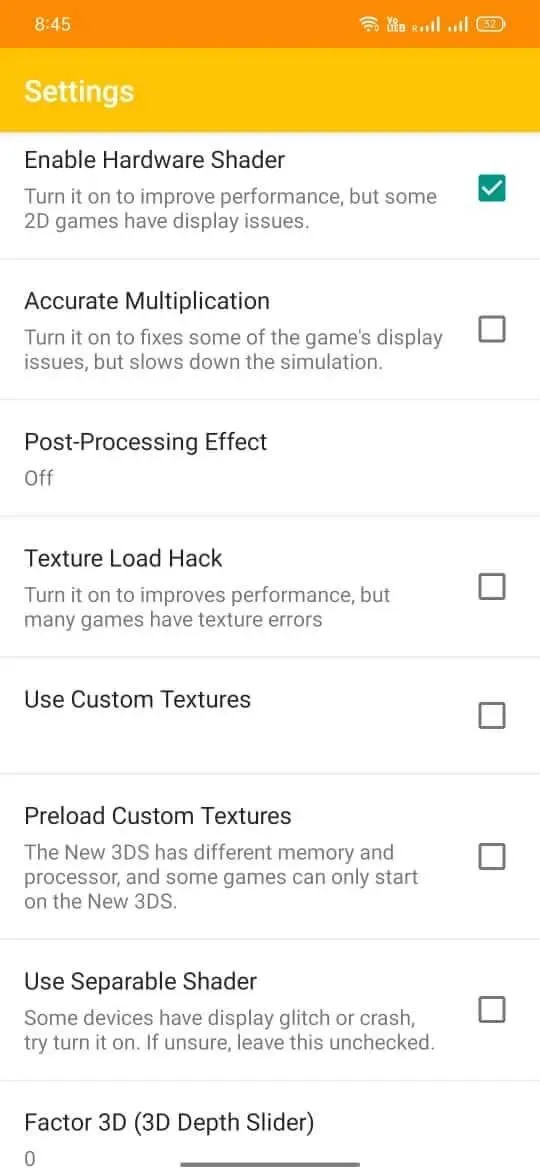
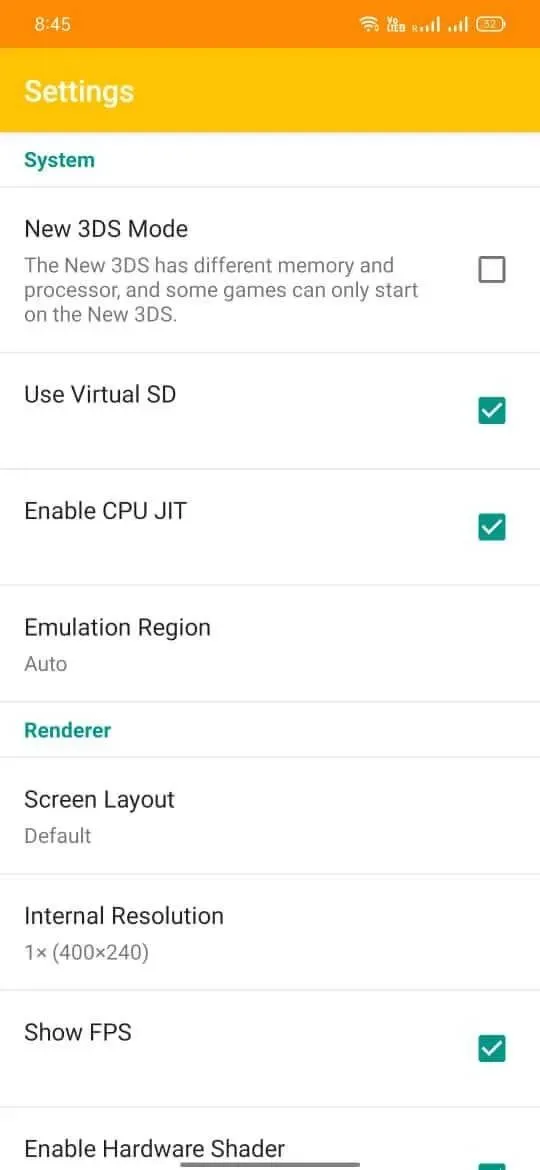
Open "Settings" to adjust control, graphics, and audio settings according to your device. If the game malfunctions, go to "Settings" and select "Try resetting settings," then test again.
If a game that previously worked but now fails, close the application and delete the CEC folder located at citra-emu/sysdata/00010026/00000000/CEC. Restart Citra MMJ and try launching the game again.
Features
High-resolution rendering—Simulates the actual hardware of the 3DS console for high-resolution graphics and a smooth gaming experience.
Save game progress—Quickly save your game progress at any time to resume from where you left off.
Customizable controls—Easily remap buttons or adjust touchscreen sensitivity settings.
Enhancements—Enable graphics enhancements such as anti-aliasing and texture filtering to improve game performance!
Cheat support—Easily add cheat codes to Citra MMJ without manually entering them every time you use them during gameplay.
Cross-platform support – You can also play your favorite games from other platforms such as PlayStation Portable (PSP), Game Boy Advance (GBA), etc.!
Pros & Cons
Pros: Get source code
Supports multiple games
Unlocks more privileges
Cons: All games must be uploaded first.
Newer games are not supported.
FAQs
Does Citra MMJ work?
Yes, this application works and you can download it from this website. Alternatively, you can download it from any third-party website.
How do I install Citra MMJ on an Android device?
You can download the game's APK file to your device and then click on the file to install.
Is the Citra MMJ APK free?
Yes, this application is completely free. You can play your favorite Nintendo 3DS games without paying any fees.
Summary
Unlike some software designed for specific platforms (such as PSP emulators), Citra MMJ offers greater flexibility in terms of playable game types. Therefore, it is an excellent choice for users who have been looking for an all-in-one solution to enjoy their favorite games.








