
SuperDisplay is a practical application that turns your mobile device into a second screen for your computer, making everyday use convenient! Even when running computer content on your phone, you don't need to worry about lag; the application runs at 60 frames per second, ensuring smooth performance whether you're drawing or doing homework. It also allows you to personalize display settings, including adjusting resolution, orientation, and other parameters, all designed to give you the best extended screen display experience! Furthermore, it supports pressure-sensitive styluses, so you no longer need to worry about your mobile device screen being too small to reach the desired location!
Usage
A major advantage of SuperDisplay - Virtual Monitor is its ease of use. Turning your tablet into a second screen for your computer takes only three steps. First, download and install the application on the device you want to use as a second screen. Second, download and install the driver on your computer. Finally, connect your Android device to your computer using a standard USB cable. After completing these steps, you will receive a notification that everything is working correctly and you can start viewing your computer screen on your tablet.
Features
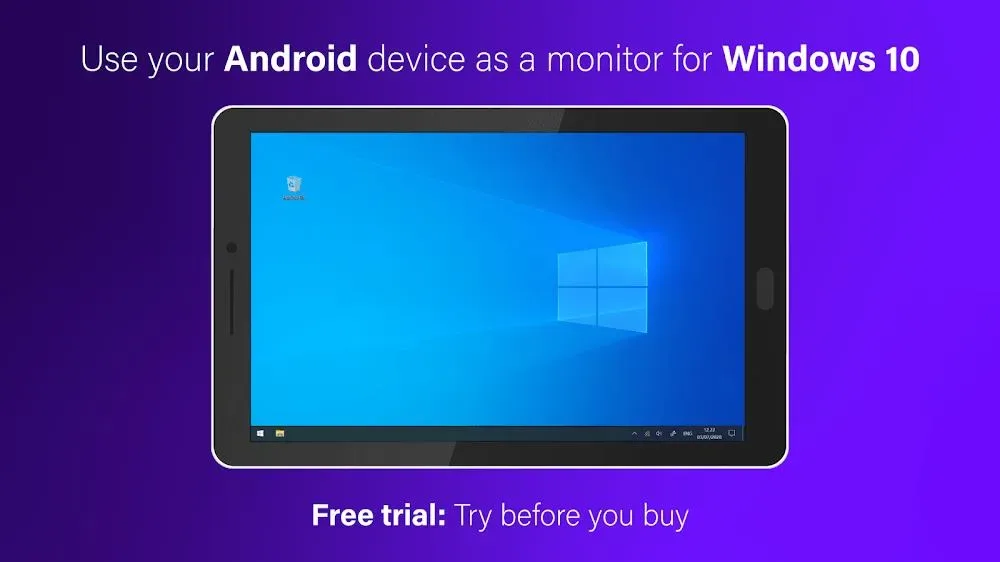
Portable USB Display: SuperDisplay allows your Android phone or tablet to act as a portable USB display for your Windows 10 computer. It allows you to have an extra display anytime, anywhere without a bulky external monitor, which is incredibly convenient.
Smooth Performance: The app runs at a smooth 60 frames per second, providing a seamless, uninterrupted experience whether you're drawing or thinking. Say goodbye to lag and stuttering.
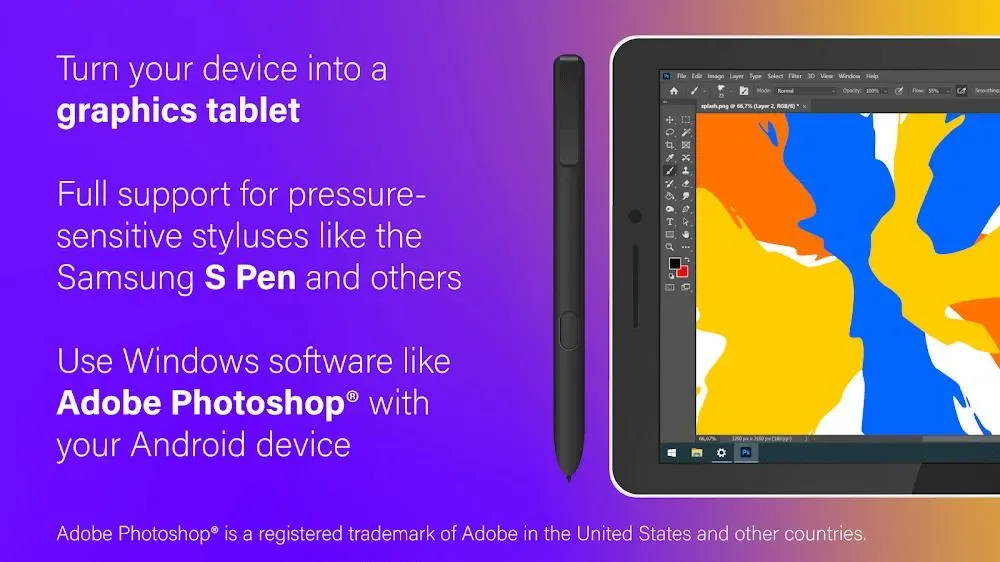
Pressure Sensitivity: SuperDisplay supports pressure-sensitive styluses such as the Samsung S Pen, making it ideal for digital artists. You can use your Android device as a drawing tablet, creating precise and detailed digital artwork with apps like Adobe Photoshop®.
Customizable Settings: The app allows you to customize display settings to your personal preferences. You can adjust resolution, orientation, and other parameters to create the best extended display settings for your Windows 10 PC. Furthermore, you can save your current display settings for easy switching between different layouts.
Multi-Device Support: SuperDisplay isn't limited to specific hardware platforms. You can connect multiple Android smartphones to your Windows 10 PC, allowing you to use all your phone screens simultaneously. This feature improves productivity and facilitates collaboration.
User-Friendly Configuration: SuperDisplay offers a user-friendly configuration wizard, allowing you to easily connect and set up various devices. You don't need to be a technical expert to use this application efficiently.
Highlights
Full Operation Support: Existing and new operations make using the new screen easier and more convenient.
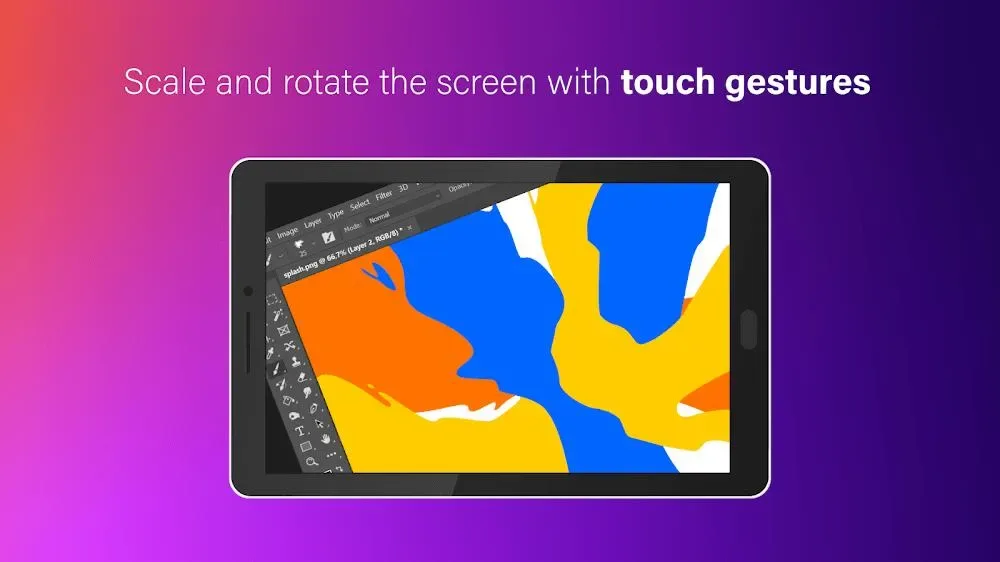
Easy Interaction with the Application: Users can organize and control more easily through navigation, scrolling, drawing, and other operations.
Quick and Convenient Operation: The operation is very familiar and will not cause any difficulties for users.
Simple Connection: You can connect two different devices using a USB cable.
Not Complex: All operations can be performed, and no one will encounter too much difficulty.
Quick Start Experience: Once everything is ready, you can start working immediately.
Summary
SuperDisplay is a tool that allows you to create an immersive experience on your Windows 10 PC. SuperDisplay's concept is simple: if you have an Android phone or tablet, you can use it to extend your desktop. You don't need to install any drivers or make any settings changes. Just download SuperDisplay, connect your device to your computer, and you're ready to go.








