

ZArchiver is a file compression tool. Here, you can easily create compressed files in various formats, including ZIP, 7ZIP, XZ, and more—all popular compression formats—ensuring a superior compression experience. The application also boasts numerous practical features, including the ability to view the contents of compressed files without compression, allowing you to anticipate whether a large compressed file's contents are worth downloading. The application also allows you to create password-protected compressed files, setting passwords for important compressed files to protect your data security.
Features
Create compressed files in various formats: ZIP, 7ZIP, XZ, TAR…
Decompress files with most existing compressed file extensions, including RAR, ZIP, EGG, and ALZ.
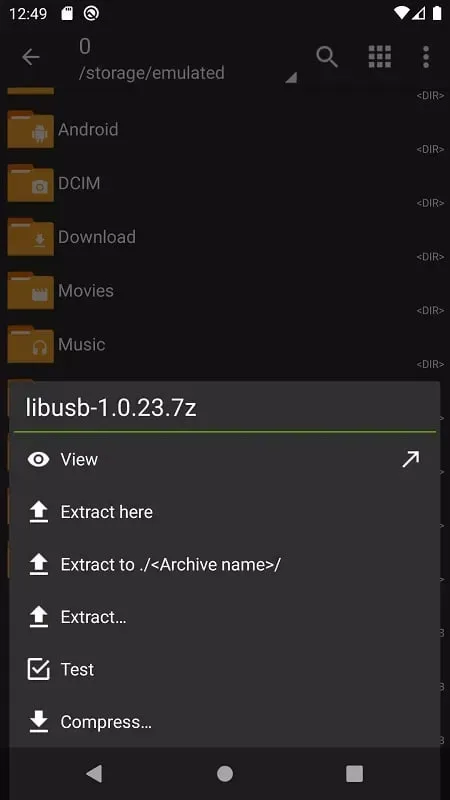
View the contents of compressed folders without decompression.
Create and decompress password-protected files (if available).
Create and decompress multi-part compressed files in 7Z and RAR formats.
Install APK and OBB files from backups.
Open compressed files, including those via email applications.
Unzip split files in 7Z, ZIP, and RAR formats.
Partial file decompression.
It supports UTF-8/UTF-16, so symbols can be used in filenames.
Supports multiple views for folders and files.
Highlights
ZArchiver allows you to create password-protected compressed files, maintaining enhanced data security and privacy. This means you can set passwords for ZIP, 7z, and other supported formats, and protect folders during compression. The app can also decompress password-protected files, requesting a password before decompression. This feature is especially useful if you need to securely share confidential or private documents over the internet or physical media.
Tips
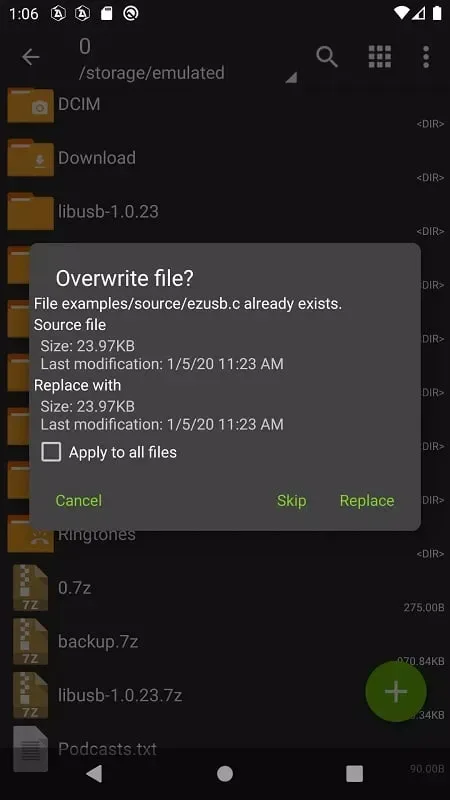
Use file compression: Compress large files to save storage space and improve phone performance.
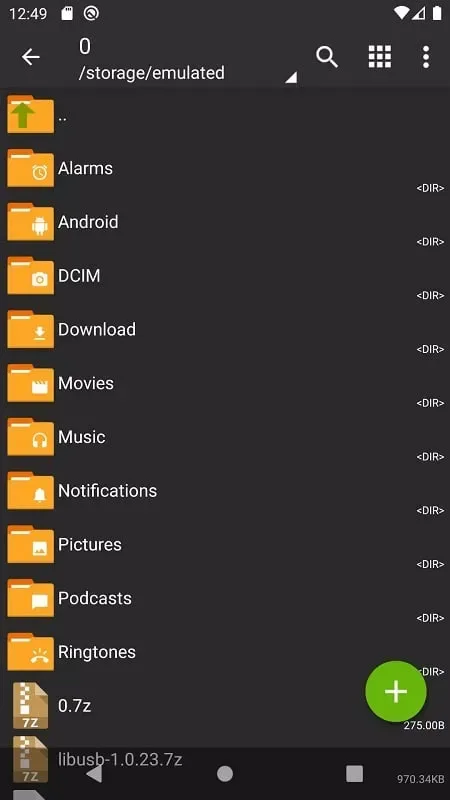
Organize files into folders: Create separate folders for different types of files to keep them organized and easily accessible.
Enable password protection: Set passwords for sensitive files to prevent unauthorized access and protect your data.
Advantages and Disadvantages
Advantages: Security protection
Disadvantages: Limited support for RAR files
Summary
ZArchiver APK is more than just an archiving application; it's a full-featured file management solution that combines powerful features, security, and ease of use. Whether you're creating password-protected archives or managing multipart files, it handles every task seamlessly.








