

Netcut is a network management tool designed specifically for mobile devices. Users can freely configure network connectivity, mark and disconnect specific users, detect nearby networks and connect to them, and more, meeting diverse user needs. Users can also choose to view their network usage in graphical form to help save data. The software boasts strong compatibility, running on most devices, and is continuously updated and optimized to introduce more features and ensure network security.
Click to load YouTube / 点击加载视频
YouTube ↗Features of Netcut:
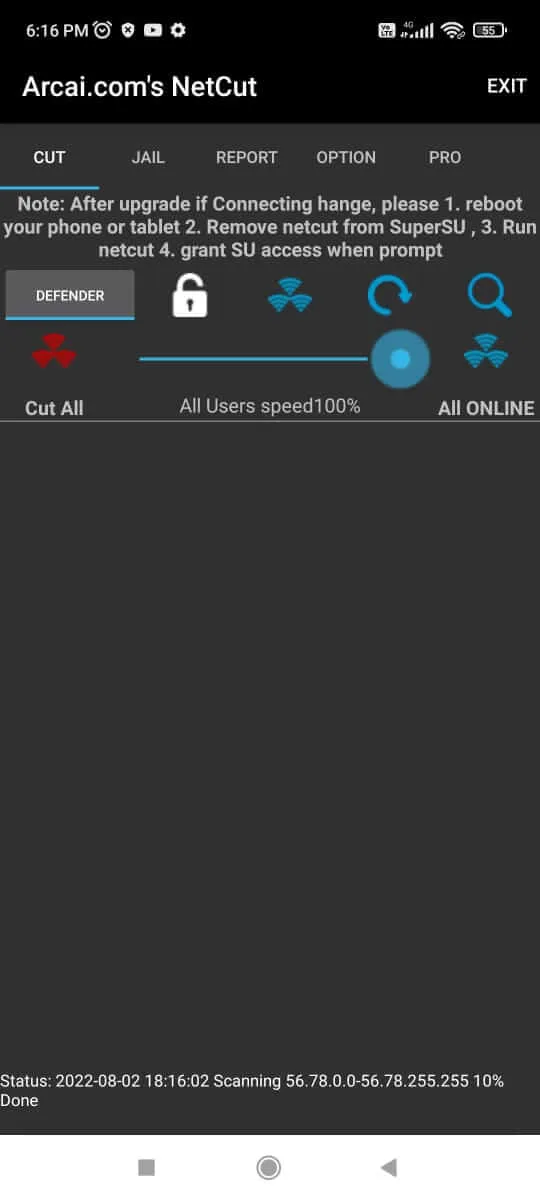
Device Detection and Monitoring: NetCut automatically scans your active WiFi network, listing all connected devices. Every device displays details such as its IP address, MAC address, and device name. This function is especially useful for identifying unauthorized users or monitoring which devices are consuming the most bandwidth. The app includes usage graphs, making it easy to spot devices that might be slowing down your network by consuming excess data.
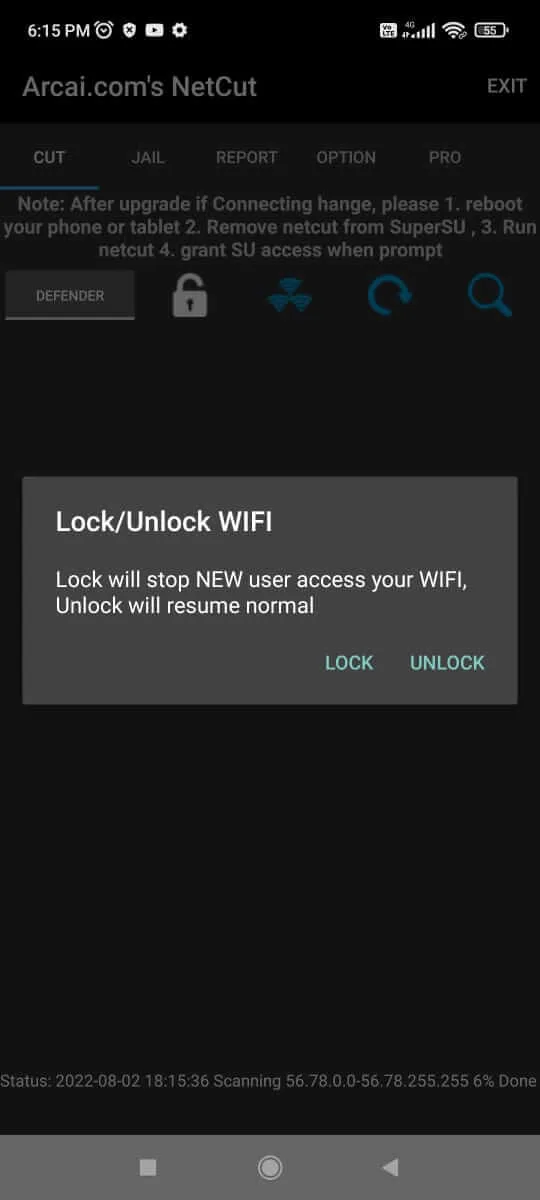
Network Management Features: A hallmark feature of NetCut is the ability to cut off internet access to specific devices directly from the app. By selecting any device on the scanned list, users can instantly remove it from the network, helping to ensure that only trusted devices have access. To avoid confusion or accidental disconnects, NetCut allows customization of device names for easier recognition.In addition, the app lets users block specific devices permanently. Once blocked, these devices remain unable to reconnect until they are explicitly unblocked within NetCut. This provides an extra layer of control, crucial for managing shared networks or protecting against persistent intruders.
ARP Spoofing Protection and NetCut Defender: NetCut includes a security suite called NetCut Defender. This feature focuses on defending your connectivity against ARP spoofing—one of the most common local network attacks, especially on public or vulnerable WiFi networks. NetCut Defender will alert the user if a spoofing attempt is detected and can automatically mitigate such risks, helping keep both data and devices safe from interception or intrusion.
Complete Control Over Your WiFi Network: NetCut is a network management tool designed for Android that allows users to monitor, detect, and control devices connected to a WiFi network. Developed by Arcai.com, this utility puts an array of network management functions at your fingertips, delivering features typically found on desktop-based network utilities directly to your mobile device.
Strengths of Netcut:
Reports and logs: NetCut provides detailed reports and logs that show the usage of each device and the bandwidth usage of applications.
Security features: NetCut also provides security features such as detection and defense against ARP spoofing attacks.
Help secure your network: NetCut can help secure your network by identifying and managing devices and applications connected to your computer.
Reduce network congestion: By controlling network bandwidth usage, NetCut can reduce network congestion and make your network smoother and faster.
Improve network efficiency: By managing access to network devices and applications, NetCut can improve network efficiency and ensure that your network resources are maximized.
Convenient and easy to use: NetCut has an intuitive user interface that is easy to use and can be easily mastered even by users with no network management experience.
FAQs of Netcut:
Change MAC address of a adapter freely ? Clone MAC address from a local network by one click?
Yes. With netCut 2.0.9, it’s do able . and it’s easy/free/fast/safe. I hope this help some users that use netcut for years and had discover other useful than “cut” . Enjoy!Before you click on Change, you must has done following:
- Select a adapter to change.
- Select a PC to clone MAC address from
- Click on “Change Mac ” Button
When you Click on “Change” Button, Following action happen?
- NetCut stop monitor the adapter
- NetCut Stop send packets to the gateway and the been dealed PC.
- NetCut read the MAC address from the input box and write it as he MAC of your current netCut selected network adapter.
- Disable the network adapter.
- re-enable the network adapter.
——-> Note: step 3, 4 and 5 may fail when you are not local admin . or you are running firewall that prevent “change register/change network status” action. when it fail. netcut will raise a window stat it, and you will need to manually restart the network adapter. and restart netCut
- netcut resume monitor/sending packets to gateway .
WHAT IS “CLONE MAC ADDRESS FROM A PC IN YOUR NETWORK”?
- Select PC from the NetCut’s detected PC list.
- Click on Button “Change MAC”
- The screen should shows the full details of selected including
MAC address
IP address
Host name( some may not shown as not following a netBios && reverse DNS protocal)
This is the PC you going to clone MAC address from
- Click on “Change”. this will set your own PC’s netcard Mac address to be the same as the PC’s. Note: some of the win7&&windows 8 wireless card may not allow you change MAC address, just force use XP version’s driver will overcome this limitation.
- Click on “Restore factory default setting”, this will set your PC’s netcard’s MAC address bac
Final words:
Netcut Apk is paid app which only works on rooted android devices. You can still use Netcut without rooting your device, but its full potential can only be unlocked after you root your device. This app is specially made for computers to check the LAN and wifi connections in big enterprises where there are lots of users. You can manually lower the speed of the network or cut the connections easily with one click. This is the must-have app for those who want to track their WiFi and LAN connections.








