

Panda Beta Pro Mouse is an amazing gaming utility that helps players experience professional-grade key mapping services, allowing them to enjoy classic and popular console games on Android devices with flexible control and smooth gameplay. The application presents a powerful, easy-to-use, and lightweight key mapping program for a wide range of gamers. Players can enjoy seamless integration of mouse and keyboard, experiencing superior interactive operation with powerful customization settings. The application supports anti-ban protection, providing smooth mouse simulation, making it the best choice for enjoying fast-paced action games.
Click to load YouTube / 点击加载视频
YouTube ↗Attractive Features of Panda Beta Pro Mouse
Avoid Cloning Issues: Since the application runs immediately after download, you don't need to worry about security issues such as hidden application cloning.
Smooth Experience: This application will help you play games smoothly without lag, making your gaming experience smoother and less uncomfortable.
Save Time: You don't need to spend a lot of time copying the application and pasting it into another application. This application allows you to use it directly without any other complicated operations.
Easy Login: You can easily link and log in using your Google, Facebook, or other accounts. There's no need to create a new account specifically for this application like traditional methods.
Wonderful Performance of Panda Beta Pro Mouse
Enjoy PC-Level Gaming on Your Smartphone
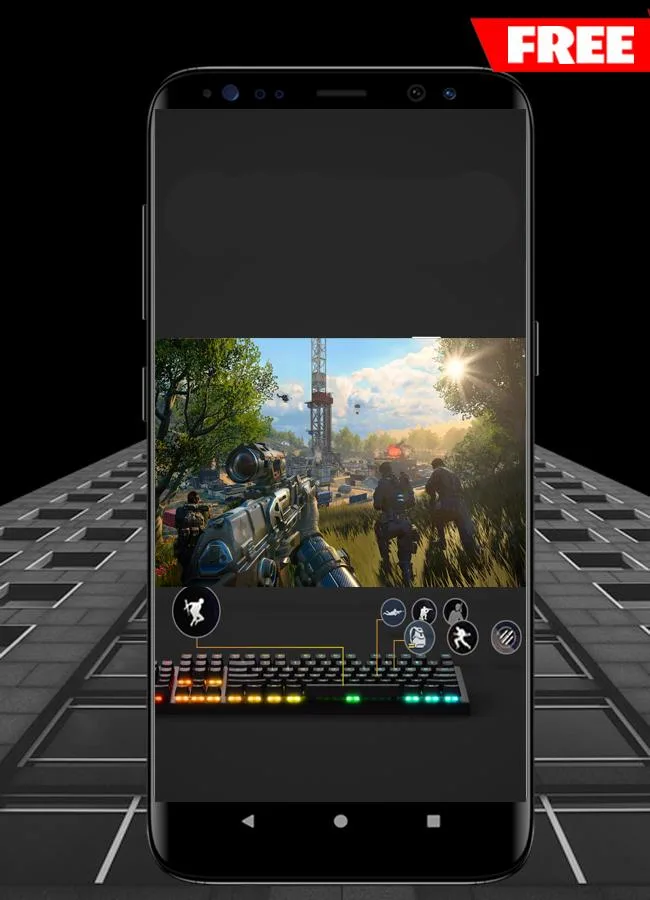
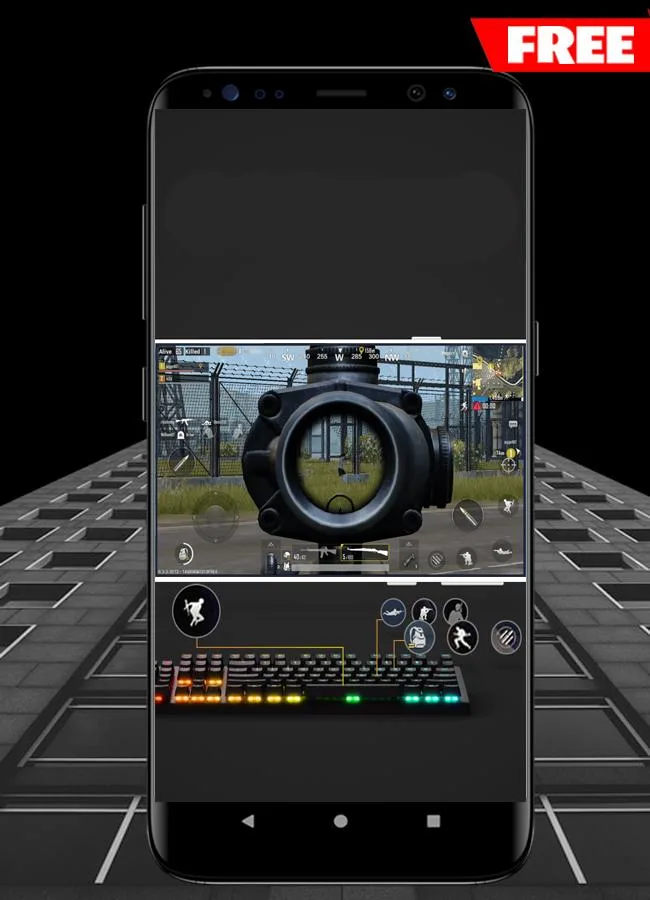
Experience PC-level gaming performance in all battle royale games on your mobile device with Panda Mouse Pro Tools. This innovative tool seamlessly integrates PC peripherals such as keyboards and mice into your mobile device, elevating your gaming experience to a professional level. Connect wirelessly via Bluetooth, freeing you from cumbersome cables and making your gaming experience more flexible and convenient.
Seamless Integration of Mouse and Keyboard
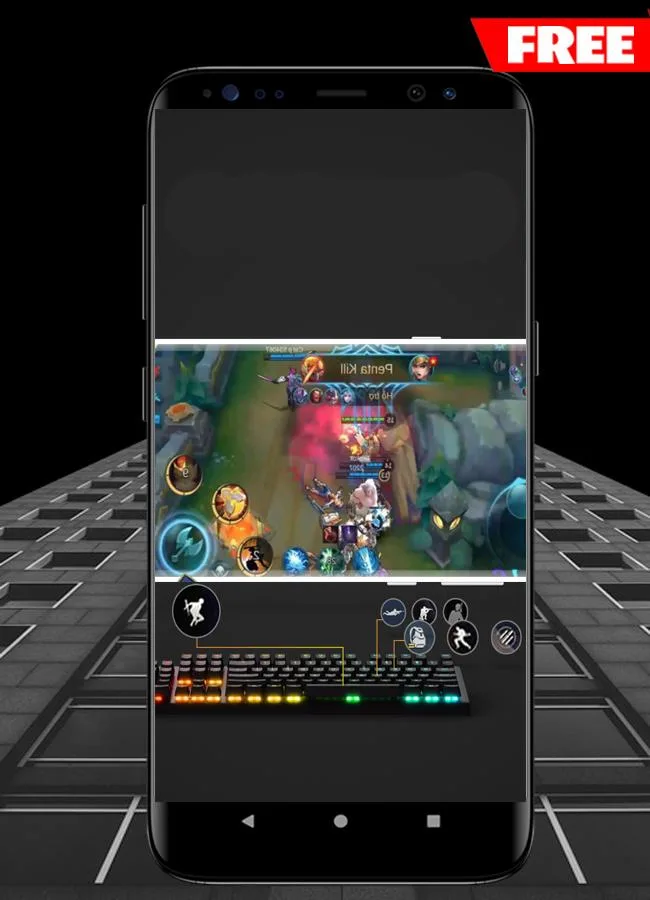
Gamers can use Panda Mouse Pro Tools to configure various settings, such as customizing key mappings and adjusting key positions, to enhance their gaming experience. The tool supports virtually all PC peripheral brands, allowing you to achieve a professional gaming experience in an affordable way.
Wireless Connectivity Support
If your device supports Bluetooth, enjoy the wireless experience of Panda Mouse Pro Tools, saying goodbye to tangled cables and distance limitations. This application supports all connection methods and can run independently without third-party applications. Of course, if you prefer a wired connection, external devices such as OTG and USB hubs also allow you to easily connect your computer to your phone.
Anti-cloning and Anti-ban
Unlike other key mapping tools, Panda Mouse Professional does not use cloning technology, thus eliminating the risk of players being banned by various platforms. Now you can enjoy your games with peace of mind, without any worries or concerns.
User's Comments of Panda Beta Pro Mouse
I've been using mappers for some time now. I can say that these Panda mappers apps are good. Very responsive and easy to setup. NO you dont need to be rooted to use it. You will need a PC to run a quick script to active the software. As long as you don't restart your device you will remain activated.
Works great. I'm rooted, so activation is automatic and works without issue. The manual pc meathod worked fine too, before I decided to root. Can't say I ever experienced the random deactivations other reviews mention, as I only needed to reactivate after rebooting my phone. My only complaint is that there's no way to set multiple layouts per game. It would be nice to have at least two that I could toggle between for different game modes, say one layout for driving and another for Shooting.
It's a very good app. There are certain things that could be implemented for improvements. Resizing the compass not just in a circle but also in an oval shape, like making it wider or narrower. Allowing the addition of multiple fire buttons, not just one, such as for tank games with multiple gun turrets firing simultaneously. Any way to control zoom level with the mouse wheel might also be possible; that would be amazing.
Frequently Asked Questions of Panda Beta Pro Mouse
What is Panda Mouse Pro?
A key mapping tool for Android that allows you to use your mouse and keyboard directly in games—without cloning the app.
Won't it get banned?
Yes—it avoids app cloning, reducing the risk of triggering anti-cheat detection.
How do I activate it?
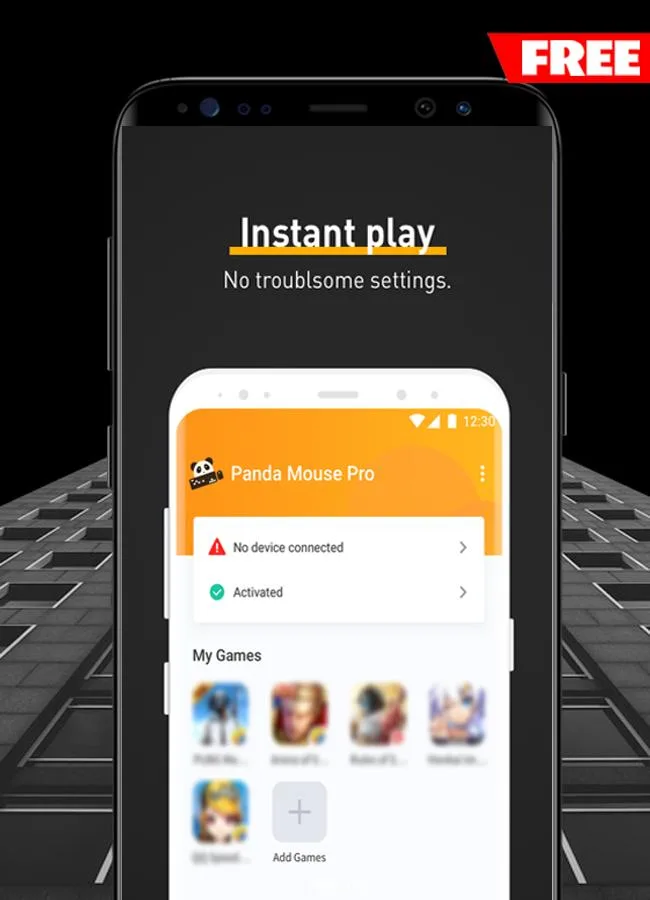
On Android 11 and higher, you can activate it directly within the app. On Android 10 and lower, you need to connect to a PC or Mac. Rooted devices will activate automatically.
Which peripherals and games are supported?
It supports keyboards and mice from almost all brands, and a wide variety of Android games (shooters, MOBAs, sports games, etc.).
What new features does it have?
Recent updates include a randomized joystick center option, joystick fine-tuning, and a configurable status information bar.
Final Words
This app can save you a lot of money and time because you don't need to download many other similar apps on your device. Furthermore, it has a built-in keyboard and mouse and is compatible with most phones and tablets.








