
Eden Emulator is an outstanding and practical game emulation platform that helps players easily access popular Switch games on their mobile devices, experiencing smooth responsiveness and high-quality graphics for a relaxing and enjoyable gaming experience. The application presents a powerful yet lightweight and easy-to-use console emulator for a wide range of gamers. Players can explore rich customization options in an intuitive interface and experience excellent performance. The application offers a wide selection of Switch games, providing excellent compatibility and allowing players to relive classic titles with satisfaction.
Click to load YouTube / 点击加载视频
YouTube ↗Excellent Features of Eden Emulator
Extensive Game Compatibility
Eden Emulator can run many Nintendo Switch games on Android devices. It supports XCI and NSP game formats, so you can directly run games stored in these formats without additional conversion. This feature makes it easier to try different game versions and focus on the gaming experience.
Optimized for mobile hardware performance
To enhance Android system performance, it offers the following features:
Enhanced frame rates, reducing stuttering during gameplay
Efficient use of LRU cache to manage shaders and resources
Modern GPU support for Vulkan 1.3 graphics
Options for entry-level and flagship devices
Customizable touch and controller support
You can drag, resize, and reposition buttons to adjust touch controls to match your screen and grip. The Eden Emulator also supports external controllers via Bluetooth or USB, including popular gamepads from Xbox, PlayStation, and 8BitDo, for a familiar layout on your mobile device.
Overlay real-time performance statistics
The built-in overlay display shows frame rate, speed, memory usage, and battery temperature while you play. This helps you monitor performance and choose settings suitable for your device for a smoother gaming experience.
Wonderful Highlights of Eden Emulator
Compatible with multiple Nintendo Switch game formats.
Touchscreen-friendly interface.
Live save function. Virtual control options, compatible with gamepads.
Continuous updates and performance improvements support.
Automatic configuration.
Requires user-provided prod.keys.
Awesome Characteristics of Eden Emulator
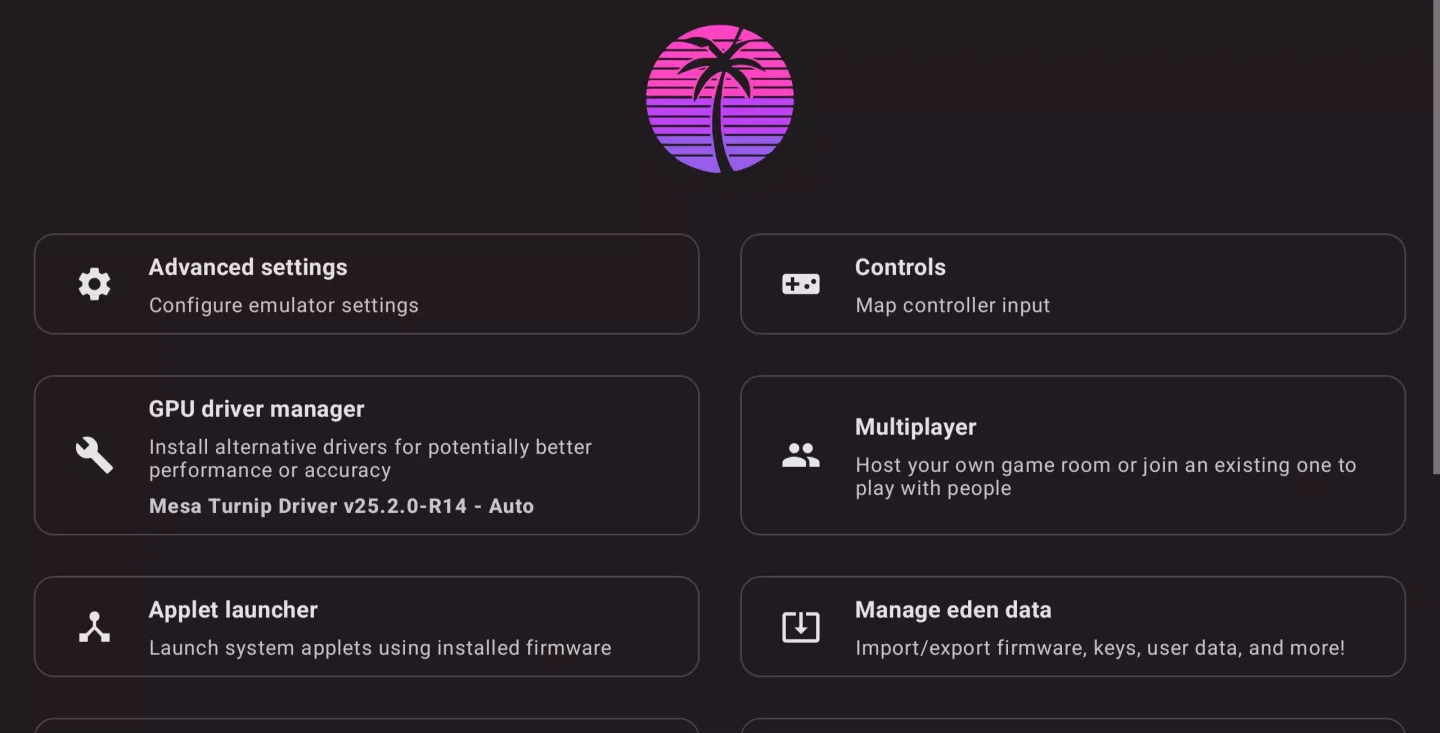
Eden Emulator is designed for gamers who prioritize a smooth experience over cumbersome controls. Simply open the program, set it up once, and you're ready to play. Without a bulky interface and extra buttons, it focuses on providing a smooth gaming experience, fast loading speeds, and stable performance.
If you're using an Android system or a low-spec device, Eden Emulator feels lighter and smarter. It efficiently utilizes hardware resources, avoiding unnecessary load. This means fewer crashes, lower heat generation, and more stable frame rates. For most users, it's easier and faster to use than other emulators.
Fantastic Performance of Eden Emulator
Controllable Graphics Settings
Adjust resolution and rendering options to balance image quality and speed. If stuttering occurs, lower the resolution first.
Smooth and Natural Controls
Use a keyboard and mouse on your computer, or connect a gamepad for a console-like experience. Android users can also use a Bluetooth gamepad.
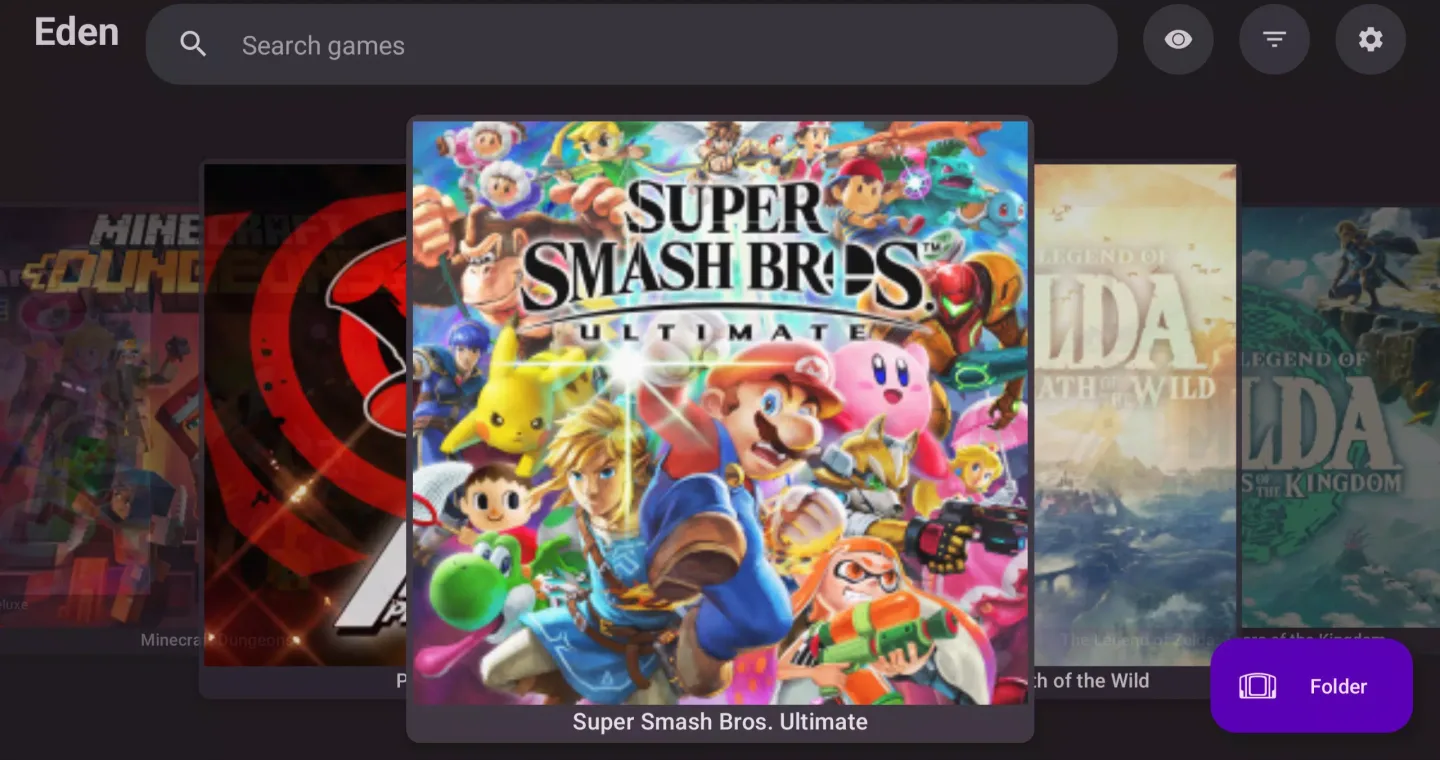
A concise and clear game library
Manage all your games centrally. This emulator lets you easily browse and launch games without having to search through files repeatedly.
Quick save option for short sessions
You can actually save your game progress, especially when you're playing short games or encountering difficult parts.
Conclusion
Download the Eden APK to enjoy this powerful Switch emulator and experience top-tier games on your Android device. Thanks to continuous updates, compatibility is constantly improving—games that had issues before will run perfectly after the next update. Furthermore, each new version offers more advanced graphics settings, allowing you to fully utilize your device's performance.








