

Discord is a comprehensive instant messaging and social networking platform. It uses servers as its core organizational unit, with each server capable of creating multiple text, voice, and video channels on various topics. It supports customizable role permissions, facilitating large-scale community management and information distribution, and is highly adaptable to interest-based community operations. Users can also customize the server environment. The platform supports over 10,000 third-party bots and provides API interfaces to support developer extensions, covering scenarios such as automated management, music playback, and AI interaction. Don't miss it if you need it!
Click to load YouTube / 点击加载视频
YouTube ↗How to use:
This quick guide covers the basics on a phone so you can start chatting right away. If you are new, the Discord latest version makes setup simple with guided prompts. Follow these steps to get going without extra tools.
Open the app and sign in or create an account. Then set your display name and allow the permissions you are comfortable with to enable voice and media features.
Join a server from an invite link or create your own. Next, pick a few channel topics so conversations stay organized from the start.
Enter a text channel to send messages, emoji, and files. When you are ready to talk, join a voice channel and tap the camera icon if you want to switch to video.
Share your screen or start a stream inside a voice channel when you need to show what you are doing. Adjust volume, mute, or deafen as needed from the in call controls.
Set your status and manage notifications so you are only alerted when needed. Finally, fine tune server settings like roles and permissions as your group grows.
Features:
GROUP CHAT THAT’S ALL FUN & GAMES
∙ [DMCAed NAME] is great for playing games and chilling with friends, or even building a worldwide community. Customize your own space to talk, play, and hang out in.
MAKE YOUR GROUP CHATS MORE FUN
∙ Create custom emoji, stickers, soundboard effects, and more to add your personality to voice, video, or text chat. Set your avatar, a custom status, and write your own profile to show up in chat your way.
STREAM LIKE YOU’RE IN THE SAME ROOM
∙ High-quality and low-latency streaming makes it feel like you're hanging out on the couch with friends while playing a game, watching shows, looking at photos, or idk doing homework or something.
HOP IN WHEN YOU’RE FREE, NO NEED TO CALL
∙ Easily hop in and out of voice or text chats without having to call or invite anyone, so you can chat with your friends before, during, and after your game session.
SEE WHO’S AROUND TO CHILL
∙ See who’s around, playing games, or just hanging out. For supported games, you can see what modes or characters your friends are playing and directly join up.
ALWAYS HAVE SOMETHING TO DO TOGETHER
∙ Watch videos, play built-in games, listen to music, or just scroll together and spam memes. Seamlessly text, call, video chat, and play games, all in one group chat.
WHEREVER YOU GAME, HANG OUT HERE
∙ On your PC, phone, or console, you can still hang out on [DMCAed NAME]. Easily switch between devices and use tools to manage multiple group chats with friends.
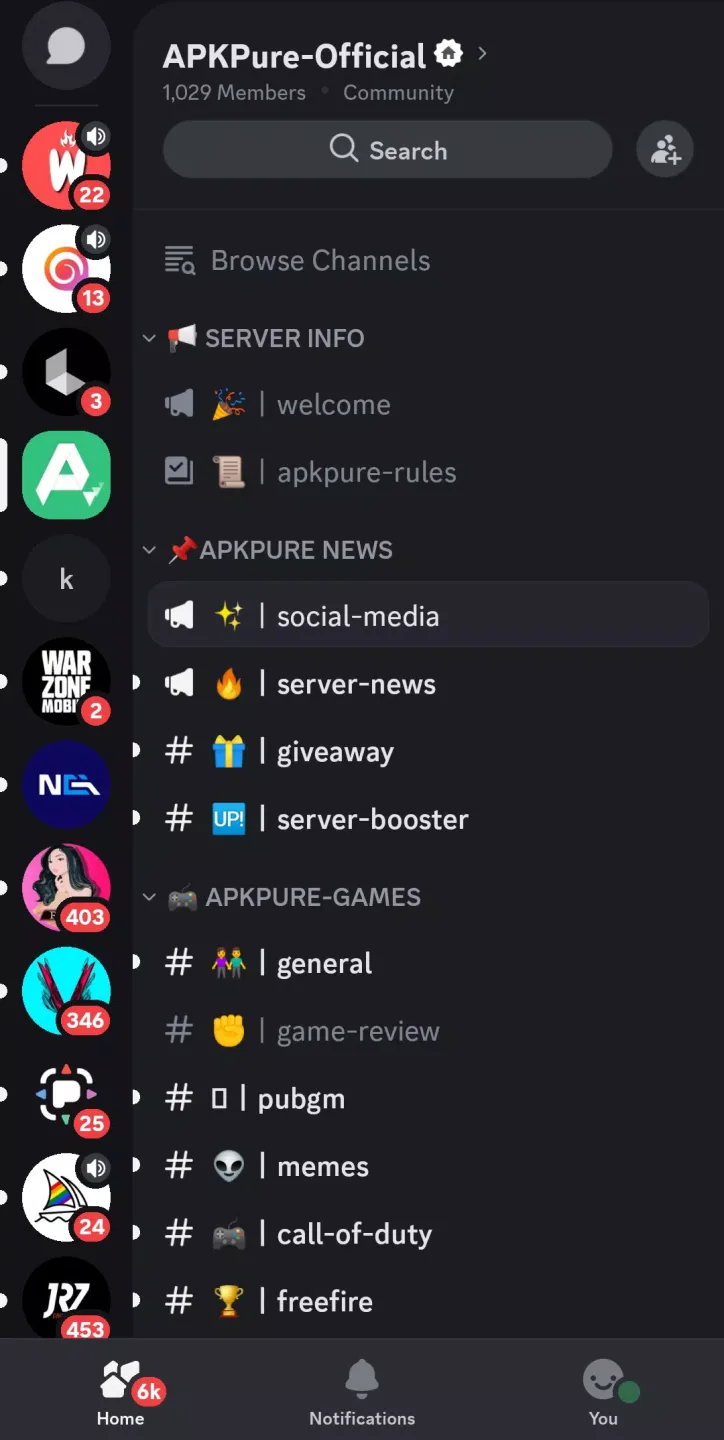
Highlights:
Voice chat: Join voice channels and chat with your group
Real-time messaging: Share video, images, and text in rich chat
Push notifications: Never miss a thing with @mentions and direct messages
Instant Invite: Easily add friends to your voice server by sharing the Instant Invite link
Direct messages: Send one-to-one private messages
Multiple server support: Manage all your game chat groups in one client
Organizable channels: Keep discussions on topic through structured communication
Pros and Cons:
Pros
Offers text chat, VoIP call, and video call features
Has a user-friendly interface
Let you converse with communities on servers
Multitude of tools for gamers and streamers
Cons
No end-to-end encryption
FAQs:
What is Discord?
Discord is a mobile app that lets users create chat servers with voice, video, and text options for gaming, communities, or just talking with friends.
How does Discord work on mobile?
You can join servers, voice chats, and video calls straight from the app. It syncs across devices so you never miss conversations or pings.
Can I stream games on Discord APK?
Yes, you can share your screen during calls or voice channels, making it easy to stream games, shows, or anything on your device.
What makes Discord good for gaming?
It supports low-latency voice, live status on games, built-in streaming, and real-time chat that helps squads coordinate without lag or distractions.
Is Discord free to use?
Yes, Discord is free to download and use. Extra features like custom emojis, boosted server quality, and more come with the optional Nitro upgrade.








