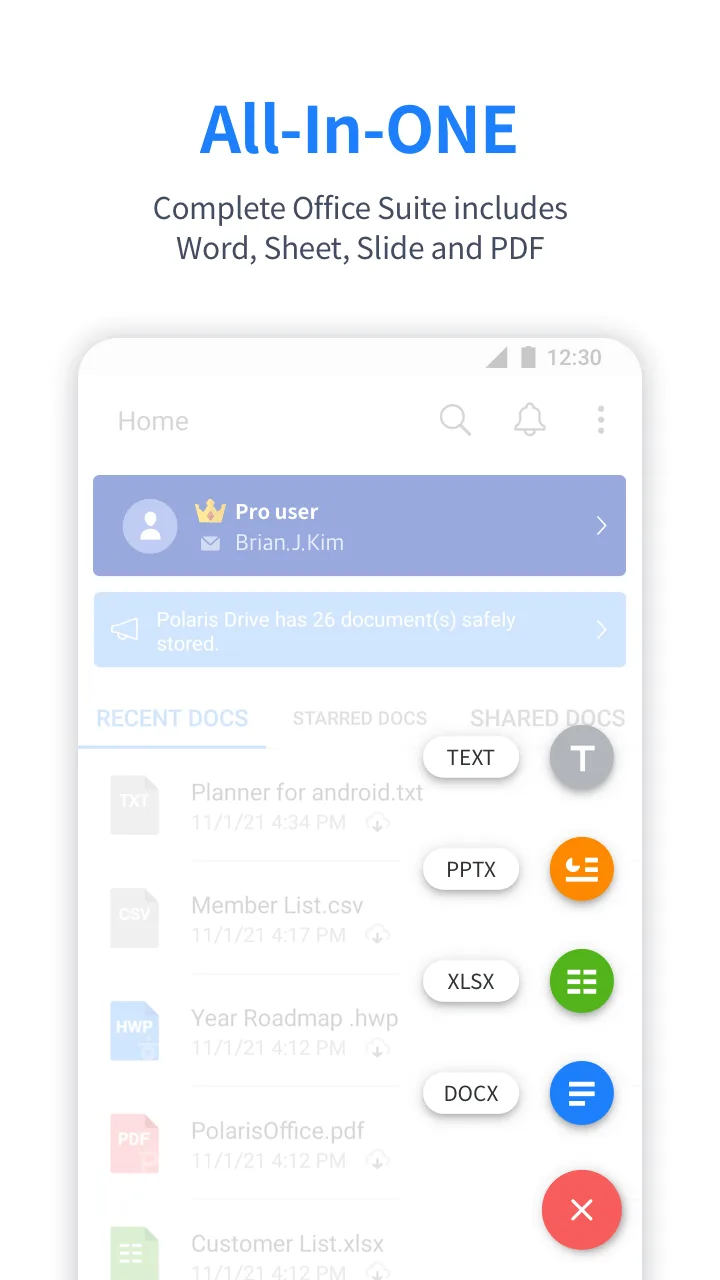
Polaris Office is an office software designed for mobile devices. Users can freely import various file formats and automatically recognize more than 18 common languages. Users can edit directly on their mobile devices and save the files as other formats or send them directly to other users. Users can log in to their accounts on different devices at any time, seamlessly continuing their previous work. The software also supports document sharing; simply share a document link to allow all team members to remotely exchange and discuss revisions on a unified document, improving work efficiency.
Click to load YouTube / 点击加载视频
YouTube ↗Features of Polaris Office:
Format Compatibility Expanded: The application can quickly access and open popular files that are currently in use. Therefore, in urgent situations, editing becomes more necessary.
Language Support Offered: The system supports many different languages for convenience in text input. From there, the content can be checked more quickly in just a few minutes.
Cloud Services Included: Over time, transferring files from the application to cloud features can become easy. Each person is free to choose the storage location to edit at any time.
Lightweight App Design: The application interface focuses entirely on editing features. Therefore, optimizing the capacity is completely understandable and makes it a great office supporter.
PDF Features Integrated: For available forms, the application allows you to complete them quickly. Filling in the information is simple and the transmission is immediate.
Seamless Compatibility Provided: Compatibility with different types of files is also a strong point. From there, they do not need to carry too many things during the move and still ensure the content.
Strengths of Polaris Office:
In terms of performance, Polaris Office operates smoothly on devices running Marshmallow 6.0 and above. This requirement ensures that users have access to the latest features and security updates, enhancing the overall experience. The app’s ability to sync documents across all devices means that users can maintain up-to-date files regardless of whether they are using a desktop, tablet, or smartphone.
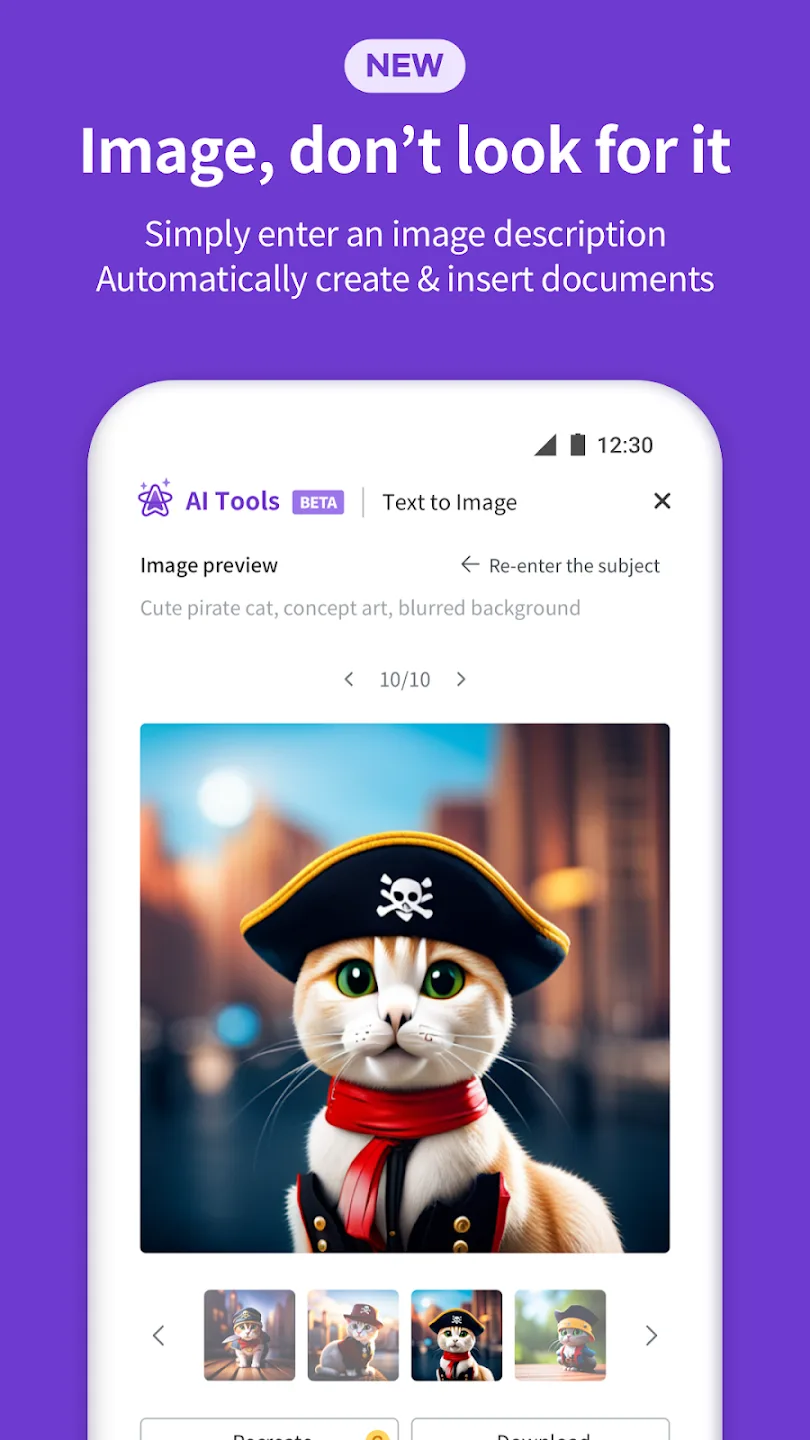
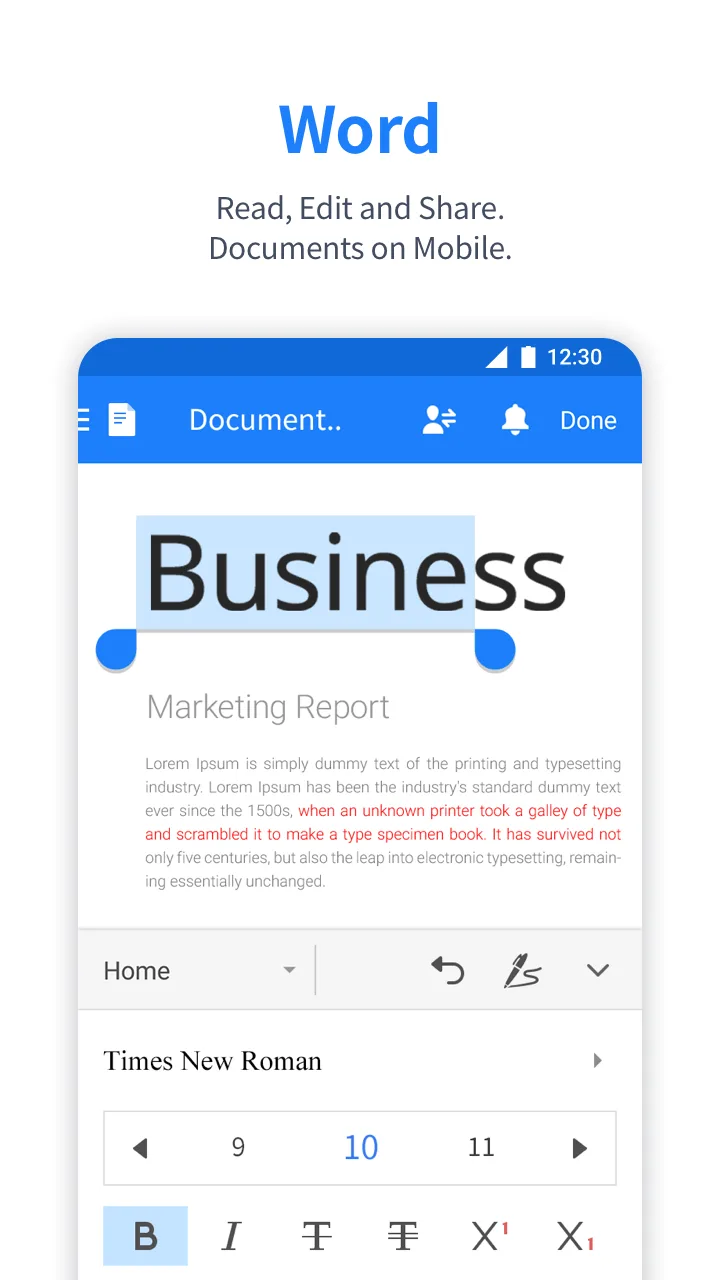
The handwriting input feature is another unique offering, allowing users to write directly on their screens as if they were using paper. This capability can be particularly beneficial for note-taking or brainstorming sessions, providing a more personal touch to document creation. Additionally, users can incorporate images or video clips directly from their Android devices, enriching their documents and presentations with multimedia content.
Privacy and security are also addressed within the app. Polaris Office requires necessary permissions for accessing external storage, which is essential for editing and saving documents. Users can manage their permissions effectively, ensuring that their data remains safe while using the app’s functionalities.
Polaris Office combines various tools and features designed to meet the needs of users who require robust document management solutions. The app’s ability to handle multiple file formats, coupled with its collaborative features and cloud integration, positions it as a valuable resource for anyone needing to work with documents on the Android platform.
User Reviews of Polaris Office:
So far the best. I have been trying several apps for me to use in daily basis for writing simple word document and this app is the perfect one for me. The free version was not too overwhelm with ads. If you really need to remove them, there is one time payment option, which for me was not that expensive. This app also came with several popular basics font, unlike some other apps that came with only one/two rarely used fonts only.
5 Stars I've been using Polaris Office and found it to be one of the best apps for document handling on mobile. It's lightweight, easy to use, and perfect for everyday tasks. The interface is smooth, and it supports almost all formats. However, I would love to see more advanced features added for Excel—like better formula support, data validation and more others for daily work in polair Office. Wish you good luck.
In of itself, it's a good app given the features and ability to do various tasks. The only problem I have is that I upgraded to the monthly $3.49 as, I wanted to be able to fill out internet forms and email them or print them out. But, I upgraded to the wrong one. How can I cancel this as I cannot find a contact phone number nor an email to request cancellation. As of yet I am being billed monthly and I haven't even used the upgrade.
Editing in Excel has gotten worse for me. The font in the solid edit box is HUGE while the font in the text box that you type in above is ok. When finished editing the font returns to its original state. Also, when re-opening a file after editing and closing, the file opens in some random location in the file instead of the same location when it closed. I've been using Polaris for 6yrs now and this is the first time this has happened. Please correct. Thanks. Update! Both problems fixed!
FAQs of Polaris Office:
How do I fix login issues suddenly appearing on Windows 7?
If you don't update the certificate, your use of Polaris Office will be restricted.To comply with information security regulations, please update the certificate using the following methods:Update your computer's Windows operating system to the latest version and verify that Polaris Office is functioning properly.
When I drag and drop files in Chrome, the browser suddenly closes. How can I fix this?
If your Chrome browser unexpectedly closes while performing drag-and-drop tasks, it may be due to a configuration error or conflict within the browser settings. To resolve this issue, we recommend resetting your Chrome settings.
How do I invite Team Members?
- Go ahead to 'www.polarisoffice.com'
- Click 'sign in' at the top right > Sign in with an the Master account
- Select 'Admin Console' in the top right corner
- Select the 'Team Member' menu in the left > Invite
- The icon of the invited team member appears at the bottom, select the recipients (team member, manager) and click the Invite button. (Invitation will be sent to team member's email.)
How to set up a Team Folder?
- Sign in to the Polaris Office homepage (www.polarisoffice.com) and select the 'Admin Console' in the upper right corner
- Select the 'Team Folder' on the left
- Add a 'Team Folder'
- After selecting whether to share to all team members or to a select member and create it, members can check the team folder in My Polaris Drive.
What is the auto-save feature?
The automatic recovery function is not supported when the document is opened in an external cloud.If the document data is lost due to the program being forcibly terminated while the above function is activated, a pop-up for document recovery will appear when you run the Polaris Office program.
[Windows]Open a document with Polaris Office > Select a file in the upper left > Select an option > In the save tab, you can turn on/off the automatic recovery cycle function, and an automatic recovery document is created as many period as you set.
[Mac]Open a document with Polaris Office > Select a file in the upper left > Select an option > In the General tab, you can turn on/off the automatic recovery cycle function, and an automatic recovery document is created as many period as you set.
[Android/iOS]Run Polaris Office app > Select three dots in the upper right corner > Select Settings > Select documents > You can turn on/off recovery documents.If the generation interval function is set, automatic recovery documents are created for the set period.
Final Verdict:
Beyond typing, the app lets you write by hand, sketch ideas, and insert images or videos directly into your documents. Sharing is just as simple, with options to send document links for quick collaboration or feedback. Overall, Polaris Office turns your Android device into a practical mobile office that fits naturally into everyday work routines.