

KBVIEW is remote monitoring software designed for KBVISION cameras. Users can connect to the camera at any time, adjust the camera's monitoring direction, or quickly find recordings from specific time periods. The software uses advanced encryption protocols to protect recorded footage and user data at all times and ensure connection security, allowing users to use the camera with peace of mind. Users can design alarms for specific events, immediately notifying them when the camera disconnects, ensuring home security. The software will also be continuously updated and optimized, releasing more new features and improved security technologies. Users can look forward to it!
Click to load YouTube / 点击加载视频
YouTube ↗Features of KBVIEW:
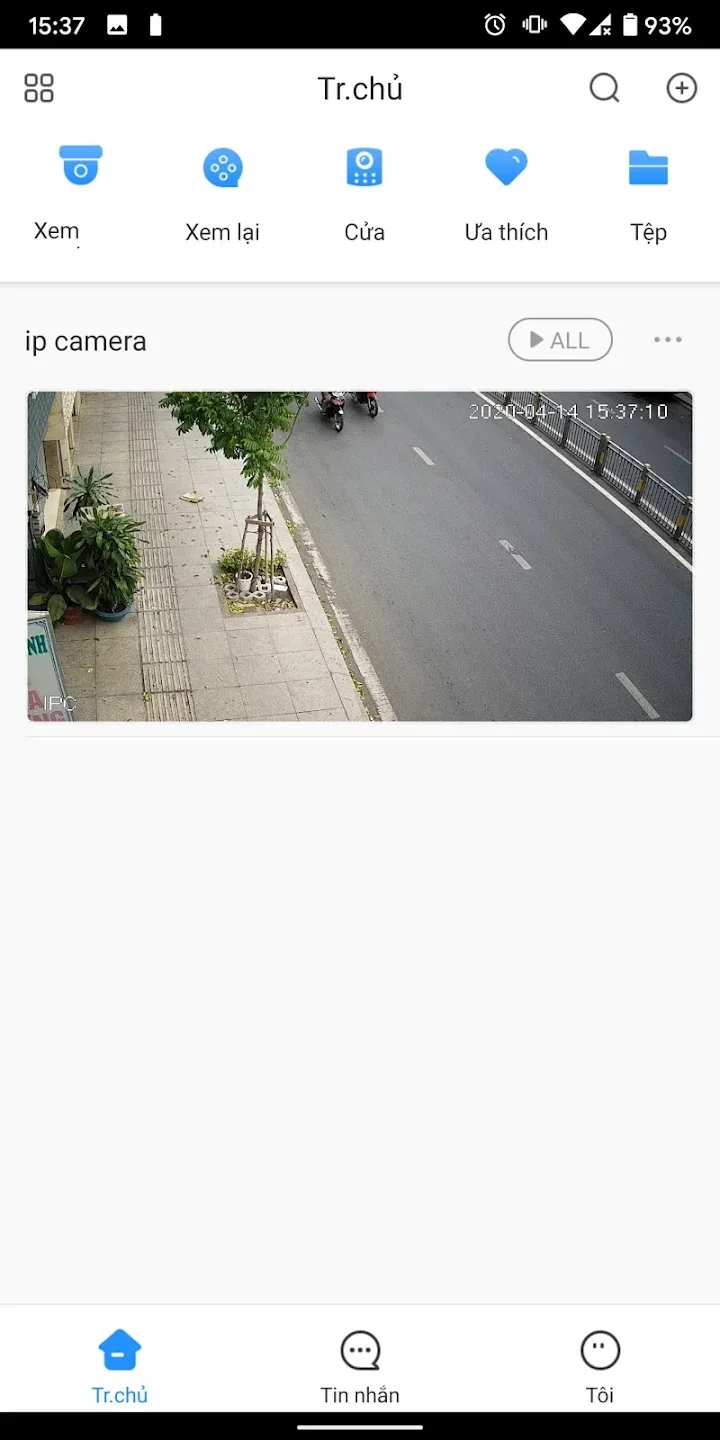
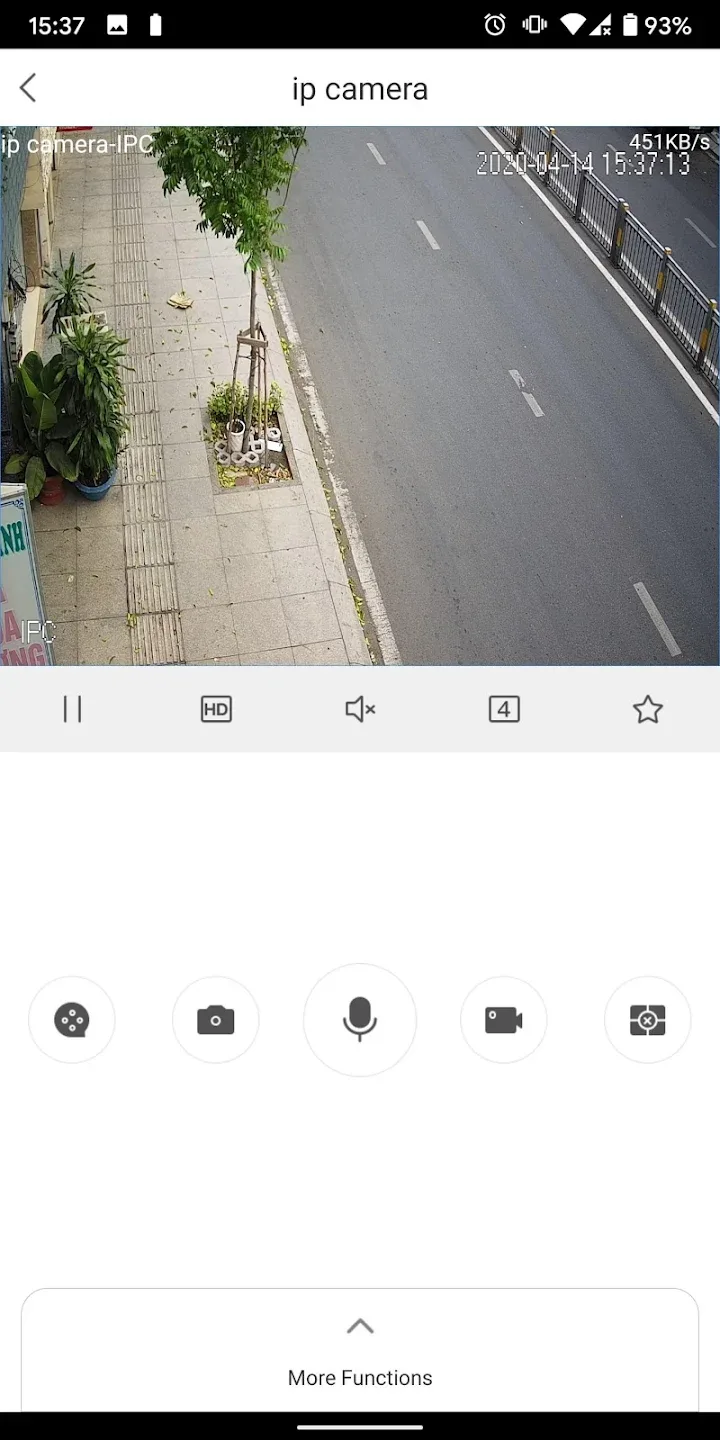
The primary function of KBVIEW is to provide live viewing of camera feeds. Users can connect to their KBVISION devices using various methods, including IP and P2P (SN) connections. This flexibility allows for seamless integration with existing security systems, ensuring that users can keep an eye on their property from anywhere with internet access.
In addition to live monitoring, the app includes features for reviewing previously recorded footage. Users can easily navigate through saved recordings, allowing them to quickly locate specific events or timeframes of interest. This capability is crucial for those who need to investigate incidents or keep a record of activities within their monitored areas.
The app is designed with user-friendliness in mind. Its intuitive interface simplifies the process of managing camera settings and viewing options. Users will find that navigating the app is straightforward, which is especially beneficial for those who may not be technologically savvy. The layout is organized, enabling users to access different functions without unnecessary complications.
KBVIEW supports a variety of camera types and configurations, ensuring compatibility with a wide range of KBVISION products. This versatility means that users can expand their surveillance systems as needed without worrying about compatibility issues. The app is capable of managing multiple cameras simultaneously, allowing for comprehensive monitoring of various locations.
For those concerned about security, KBVIEW offers robust features to ensure that connections remain secure. The app employs encryption protocols to protect user data and maintain privacy while accessing live and recorded footage. This focus on security is essential for users who require peace of mind when managing their surveillance systems.
FAQs of KBVIEW:
Do I need an internet connection to use KBVIEW?
Yes, an internet connection is required for remote access to surveillance footage and live streams.
Is there a cost associated with using KBVIEW?
KBVIEW is free to download and use, but additional features may require a subscription or one-time payment depending on the specific configurations.
What should I do if I experience connectivity issues with KBVIEW?
If you experience connectivity issues, check your internet connection, ensure your camera system is properly configured, and update the app if necessary.
How do I set up a new camera in KBVIEW?
To set up a new camera, open the app, go to the 'Add Camera' section, enter the required details such as IP address and credentials, and follow the prompts.
Where can I find support for troubleshooting issues with KBVIEW?
You can visit the KBVISION GROUP website or refer to the app's help section for support and troubleshooting assistance.
Final Thoughts:
Enhance your security management experience with KBVIEW, designed for seamless integration with KBVISION devices such as IPC, NVR, and DVR. This Android app enables you to watch live feeds and review recorded footage with ease, offering robust support for both IP and P2P connections.








