

Clash Meta is a convenient VPN proxy software that allows users to import their configurations for comfortable access to geographically restricted websites with enhanced stability, and to download various software and games to their devices. The software offers users a wealth of customization options, allowing them to freely change proxy rules and modes, switch between different network nodes, and enjoy a smooth web browsing experience. Not only is the software ad-free and pop-up-free, but it also boasts excellent device compatibility, installing and working on the vast majority of Android devices.
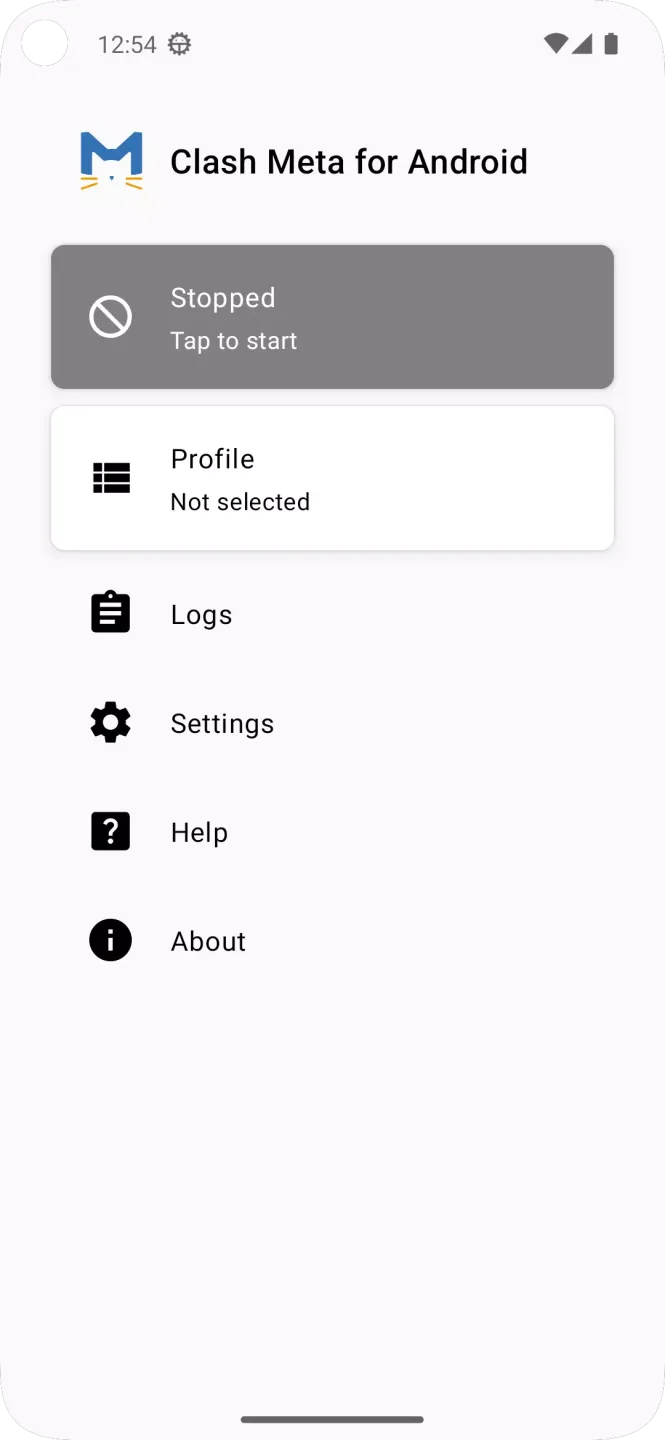
Features of Clash Meta:
Protocol and local server support: Clash Meta supports VMess, Shadowsocks, Trojan and Snell for remote connections. When using the Clash Meta APK, you can run a local HTTP, HTTPS or SOCKS server with authentication to serve traffic from apps on your device.
Built in DNS and DoH/DoT upstreams: For name resolution, Clash Meta includes a DNS server designed to lessen DNS pollution effects. It can forward queries to DoH or DoT upstreams and return fake IP responses when configured.
Rules and remote groups: When you need precise routing, you can set rules by domain, GEOIP, IP CIDR or process. This lets you direct packets to different nodes based on clear conditions. Remote groups support automatic fallback, load balancing or automatic node selection by latency to keep traffic flowing.
Remote providers, deployment and API: To keep node lists current, Clash Meta can fetch them from remote providers instead of hardcoding entries. For gateway scenarios, you can enable Netfilter TCP redirect and deploy with iptables. An HTTP RESTful API is available for status and control.
Strengths of Clash Meta:
Powerful Traffic Splitting Rules: The built-in traffic splitting rule function allows users to manage network traffic granularly, such as forwarding traffic from different applications or websites through designated proxy nodes, effectively improving network access speed and stability.
Wide Device Compatibility: Supports multiple Android devices with various architectures, including ARM and x86, covering most models.
Real-Time Updated Kernel: Clash Meta for Android uses the continuously updated Clash Meta (mihomo) kernel, enhancing its adaptability to changes in the network environment.
User-Friendly Interface: A clear and intuitive user interface makes configuring and managing proxy settings simple and convenient, allowing even first-time users to quickly get started.
High Customizability: Users can customize proxy rules, select different nodes, and even automatically switch proxy modes based on network conditions (such as automatic selection and failover modes).
FAQs of Clash Meta:
How to set up automatic how-choose-service updates?
Most graphical clients support "Auto-update how-choose-service/configuration":
Clash for Windows: Profiles/Configuration page → Enable Auto Update → Set update interval (e.g., every 1/6/24 hours).
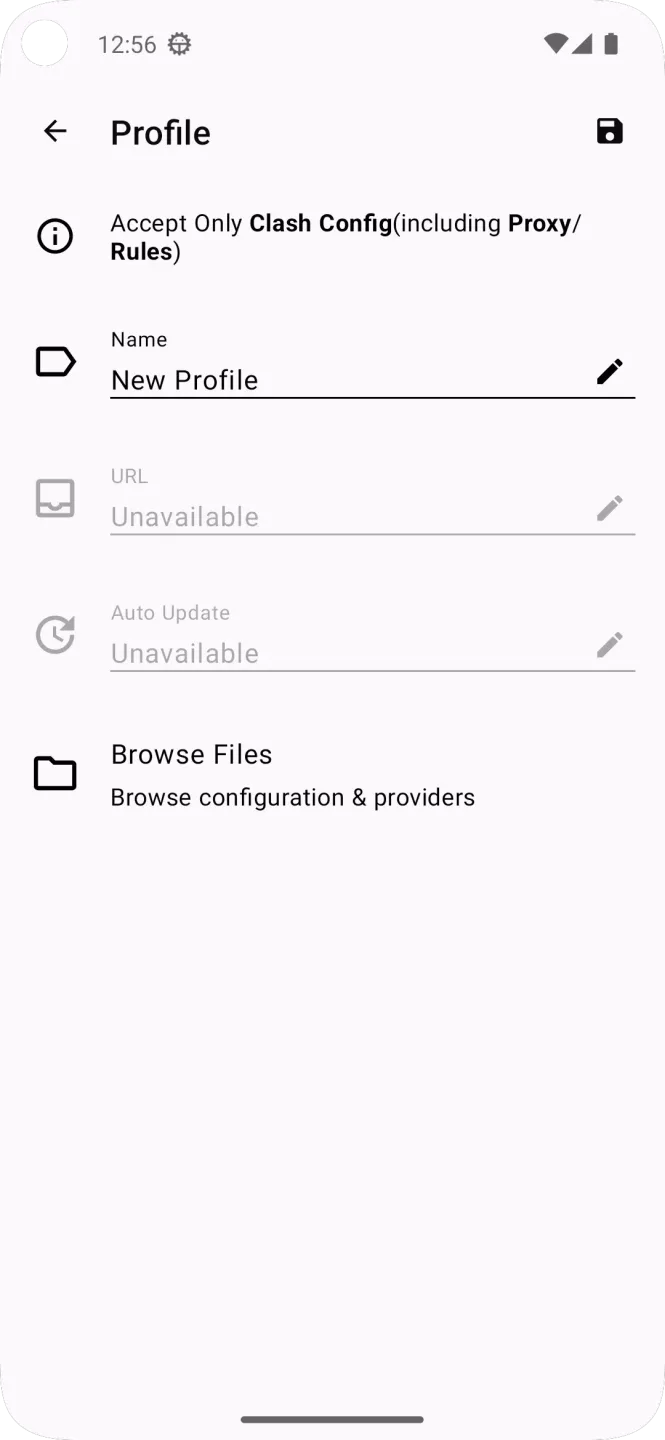
Clash Verge / Clash Meta for Android / OpenClash: Enable "Auto-update/Scheduled refresh" in the how-choose-service/configuration page. Routers can use scheduled tasks for timed fetching.
Why use open-source Clash clients?
If downloading from non-official GitHub sources, clients may be infected with malware, potentially threatening your computer. Hackers can use proxy software to turn your computer into their proxy server without your knowledge. Therefore, we advocate using official open-source software from GitHub.
Can I still use Clash clients that stopped maintenance?
Answer: Yes, but download from legitimate channels through official GitHub repositories. If you still have concerns, switch to a currently maintained client - the functions are largely similar. We provide tutorials for other maintained clients and strongly recommend using maintained Clash clients (such as Clash Verge, Clash Meta for Android, etc.). For Apple Silicon Macs, use natively supported clients (such as ClashX/Clash Verge).
Will I get in trouble for using proxy services?
Personal use without sharing, selling, or providing internet services to others is fine. Don't get involved in politically sensitive topics. The main purpose of using proxies should be to broaden your horizons and improve yourself.
What's the relationship between Clash and internet access?
Clash is a rule-based traffic routing network proxy client/kernel. It doesn't provide nodes and subscriptions itself - it handles the routing management. The actual routes are provided in how-choose-service links from service providers. The two work together to complete internet access.
Final Verdict:
Through Clash Meta, you can also easily connect to remote servers using popular protocols such as VMess, Shadowsocks, Trojan, and Snell. In any case, this tool gives you easy access to a built-in DNS server that will shield your Android device from any attacks or dangerous IP addresses.








