
UU Game Booster is a simple and easy-to-use game accelerator that supports all popular mobile games. It provides users with different network nodes worldwide; simply select the optimal node for a smooth gaming experience. Not only does it boast strong compatibility, but it also consumes minimal data and battery power, ensuring worry-free use. The software is constantly being updated, adding more supported games and optimizing its acceleration technology to provide users with an even better gaming experience.
Click to load YouTube / 点击加载视频
YouTube ↗Features of UU Game Booster:
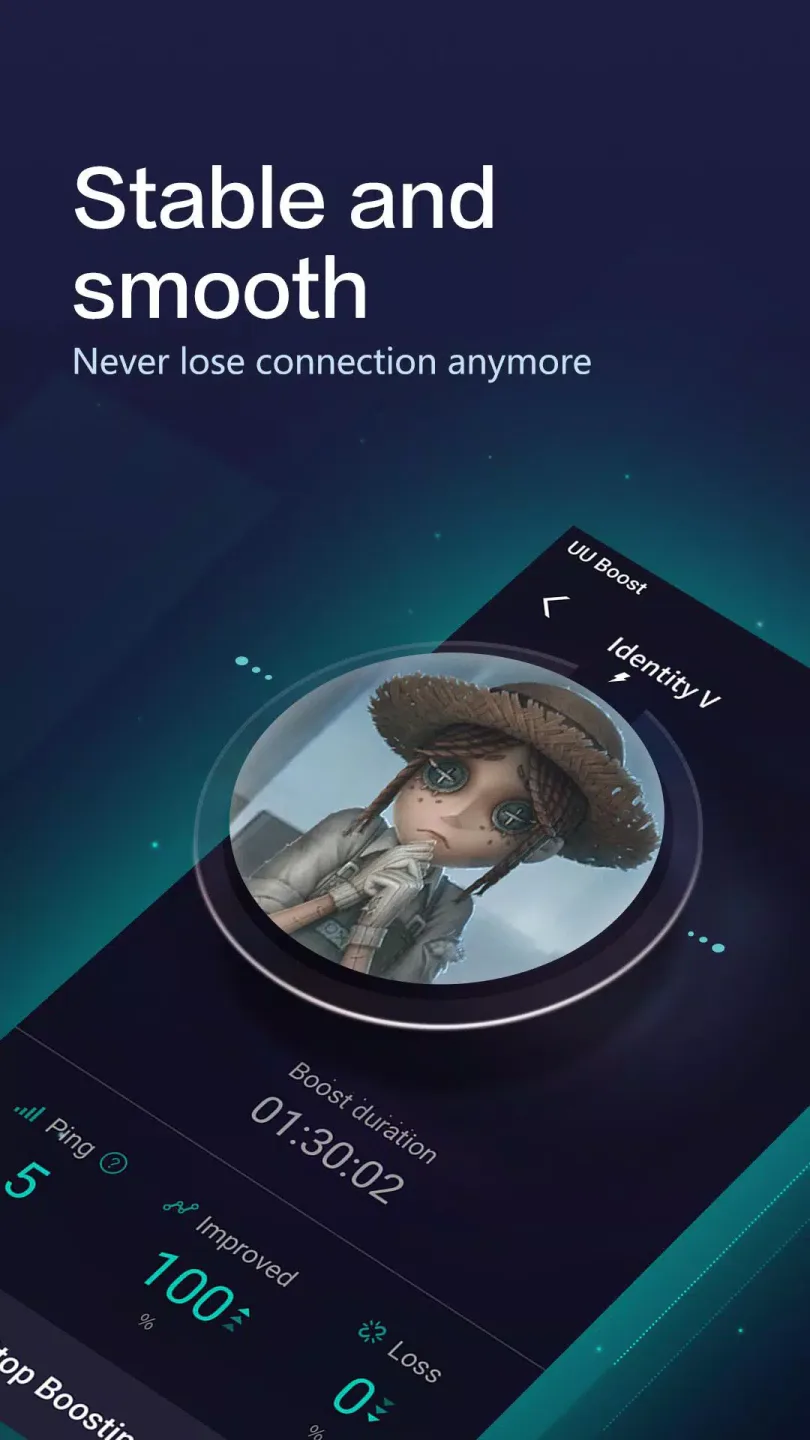
Lag-free Performance: Improvements that you can see and feel! Our smart routing system prevents disconnections, lags, and high latency!
Patented Technology: Exclusive route: We provide a different path for you to connect to the game server! No need to compete with other gamers for the usual congested route, ensuring lower latency and hence lower ping.
Stress-free Gaming: Knowing the needs of our mobile gamers, we can guarantee that our game booster does not consume higher data usage or battery usage. Perfect for gaming on the go!
Quality Guaranteed: NetEase is a leading tech company that develops and distributes popular games such as Onmyoji Arena, Diablo, Knives Out and Identity V.
Fast and Stable Connection: We offer exclusive nodes across the world to provide the fastest connection available! With our multipath technology, we guarantee that you can always connect to the best node.

Highlights of UU Game Booster:
Network optimization for smoother sessions: First, UU Game Booster-Enjoy ultra smooth gaming uses a dedicated acceleration network to help stabilize routes and lower packet loss. During peak hours, it aims to keep connections more consistent so your inputs register reliably. This helps reduce sudden spikes that can disrupt gameplay.
Support for over one thousand games: Next, the app supports over one thousand mobile titles, including popular battle royale and MOBA games. If your game is not listed, you can submit a request, and the support list is updated over time.
Simple setup with no ads: Then, you choose a game and start boosting in a few taps. The interface avoids clutter, and the UU Game Booster-Enjoy ultra smooth gaming APK is ad-free. New users can try a free three day trial before deciding on ongoing use.
In-app issue reporting: Finally, if boosting or gameplay shows issues, submit feedback inside the app. This helps detect network problems quickly and allows the team to address them more accurately. Clear reports lead to faster troubleshooting.
How to Use UU Game Booster:
Although UU Game Booster is quite easy to use, there are a few things you should know before diving in. Here’s the user manual for this app:
Step 1. Download, install and open UU Game Booster
Step 2. You can select the game you want to play next by tapping on the “+” button located at the top-right corner of your display. Then, tap on an app icon from the displayed list to add it to your active games.
Step 3. After adding a game into UU Game Booster, you will see a list of options displayed on your screen. These include:
Step 4. Once you have selected the options you want, click on “Start” and then tap on “Launch Game” to start playing.

Membership Coupon/Time Card Usage Guide:
I. Coupon/Time Card Usage Steps for Different Clients
- Windows Client Redemption Process
Redemption Entry: Open the Windows client and click "Redeem Coupon" in the bottom right corner.
Redemption Method: Enter the redemption code at the top of the "Redeem Coupon" page to redeem; after redemption, you need to manually select a coupon or activate a time card.
- Android Client Redemption Process
Redemption Entry: Open the UU Accelerator App or UU Host Accelerator App and click "My" - "Card Pack".
Redemption Method: Enter the redemption code at the top of the "Card Pack" page to redeem; after redemption, you need to manually select a coupon or activate a time card.
- iOS Client Redemption Process
Redemption Entry: WeChat Official Account "NetEase UU Accelerator" - Send "Redeem" - Click the automatic reply "Link".
Redemption Method: Enter the redemption code at the top of the "Card Pack" page to redeem; after redemption, you need to manually select a coupon or activate a time card.
- macOS Redemption Process
Redemption Entry: Open the macOS client and click the coupon icon (the third icon) in the bottom left corner.
Redemption Method: On the 【Discount Redemption】 page, enter the redemption code to redeem; after redemption, you need to manually select a coupon or activate a time-limited card.
II. Notes on Time-Limited Card Usage
When redeeming a time-limited card, you must log in to the client (Windows, macOS, Android) or the redemption page (iOS) using your mobile phone number.
Time-limited cards can be used before or during the trial period; after use, trial eligibility is lost; trial periods for accounts currently on trial are not retained.
If your current account is currently a Premium Member or Global Member, you will not be able to use the "Mobile Game Member Time-Limited Card" redemption code.
Final Thoughts:
UU Game Booster is a great app for Android gamers that will give them an edge as they compete against other players online. Check it out and never deal with a frozen game, slowdowns -or worst of all, getting killed- due to an unstable connection again.