
KuGamer is a mobile utility designed for Android gamers who prefer keyboard and mouse controls over touchscreens. This powerful app acts as a keyboard and mouse adapter, allowing players to map physical buttons to on-screen actions. With KuGamer, you can make Android games respond to external controllers that are not normally available, ensuring that every key press or mouse movement triggers a specific in-game action. With all its necessary features, you can connect various types of controllers to your Android system, allowing you to play even games that don't support external controllers.
Highlights:
Visual key mapping editor
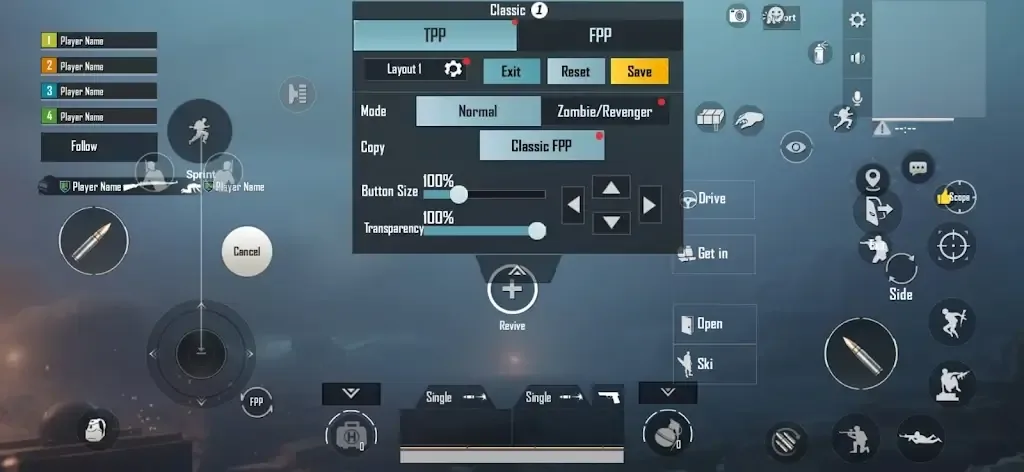
KuGamer lets you place tap, swipe, and aim points directly over on-screen buttons. You can map keys and mouse actions to each control and see changes while the game is open. Multiple layouts can be saved for the same title, so switching between casual and ranked setups is quick.
Per game profiles and sensitivity
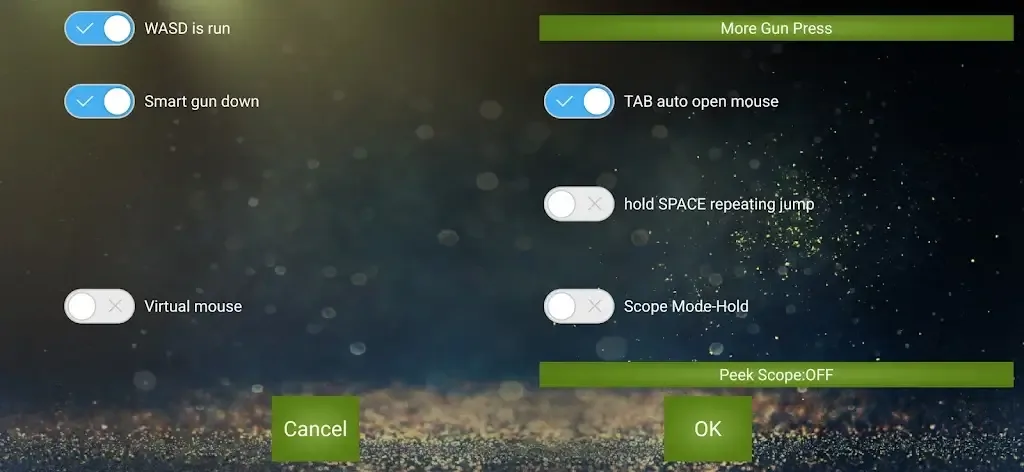
You can tune look and movement to match each game’s camera and physics. Pitch, yaw, and roll adjustments help align the mouse feel with a specific title, which reduces over-aim or drift. Profiles store these sensitivity choices so your preferences stay tied to the right game every time.
Wide hardware support
KuGamer supports standard keyboards and mice as well as PlayStation and Xbox controllers. It also works with popular input converters over cable or Bluetooth, which helps when a device has limited USB ports. This range gives you the flexibility to use gear you already own.
Built in testing tools
Before a match, you can verify that keys, mouse movement, and triggers are being detected correctly. The test view shows input events in real time, making it easier to fix conflicts or duplicate bindings. This helps avoid unexpected actions once you load into a live game.
Converter firmware updates
KuGamer includes tools to update supported adapters so they stay compatible after game patches. Updating firmware through the app can resolve detection issues or restore consistent aiming behavior. This keeps your hardware and keymaps aligned as titles evolve.
Features:
Multiple Devices
The best thing about this app is that it supports a wide range of devices. You can connect the Keyboard, Mouse, and even other controller devices. With the support for a wide range of devices like the PlayStation, Xbox controllers, and touch-based controllers, it becomes easier than ever to control your gameplay experience.
Sensitivity Settings
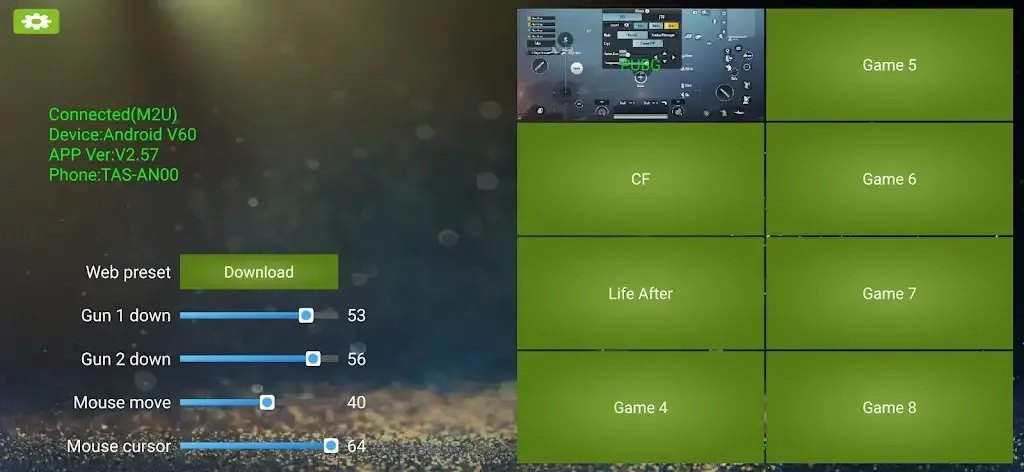
With the option to customize the sensitivity as per your needs, you can control everything about the external devices. Be it the mouse or keyboard, you can adjust the settings to have better control over your in-game characters. You can change the Pitch, Yaw, Roll, and many other things in the sensitivity part.
Multiple Games
One of the interesting things about this game is that you can use this app for multiple games. The most popular games are PUBG, Life After, and many others. You can add new games in the slots and have custom settings for each game.
Testing
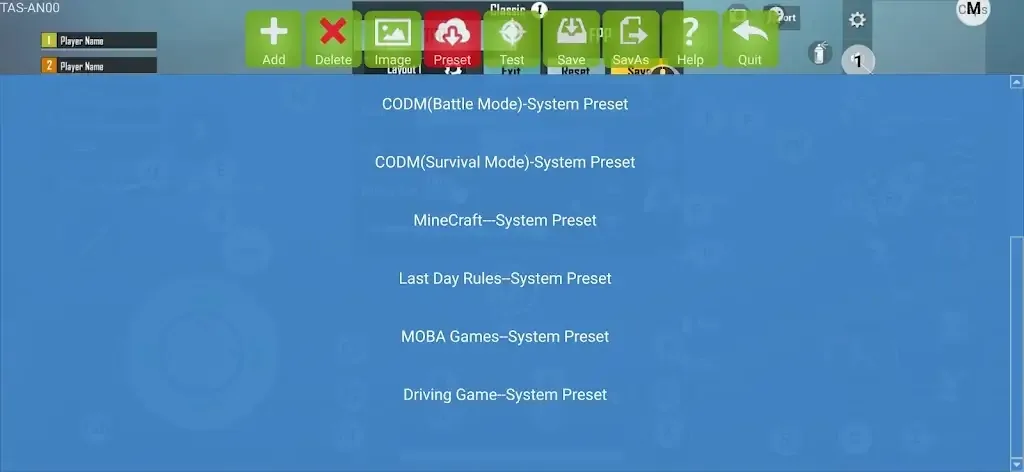
Once you activate the app and then connect your controller devices, then you can test everything. This is to ensure a smooth gameplay experience. You can test the controller devices and adjust the sensitivity before starting the game. With cloud support, you can connect to the cloud network to import the existing settings and have an excellent experience.
Completely Safe
Usually, similar apps are very unsafe to use with online multiplayer games. The anti-cheat system of those games detects such apps. This app is quite safe as it’s undetectable to all of the games, and you will not receive any kind of ban from those games.
FAQs:
Does this app require root access?
No. This app does not require root access, but having root access does not impact usability.
Are there any premium plans in this app?
No. There are no paid plans available for this app, and it’s completely free to install.
Is this APK file safe to install?
Yes. This APK file is completely safe to install, and you don’t have to worry about any issues.
Conclusion:
This app is mainly suited for competitive mobile shooter players who want more control over movement and aiming. It is useful for users who already own a keyboard–mouse adapter or want a PC-style control layout on Android. Casual players may find the setup unnecessary, but those who spend hours in titles like PUBG Mobile or Free Fire often appreciate the added precision and flexibility.