Flowchart Maker is a user-friendly mobile tool that allows users to create flowcharts with just a few taps. It provides various shapes and a symbol library, and tutorials help users easily get started creating flowcharts. The software supports multi-user collaboration, allowing multiple users to edit the same flowchart simultaneously, facilitating real-time communication among users in different locations and improving efficiency. Users can also log in to their accounts on different devices, seamlessly continuing their flowchart creation history and resuming their work.
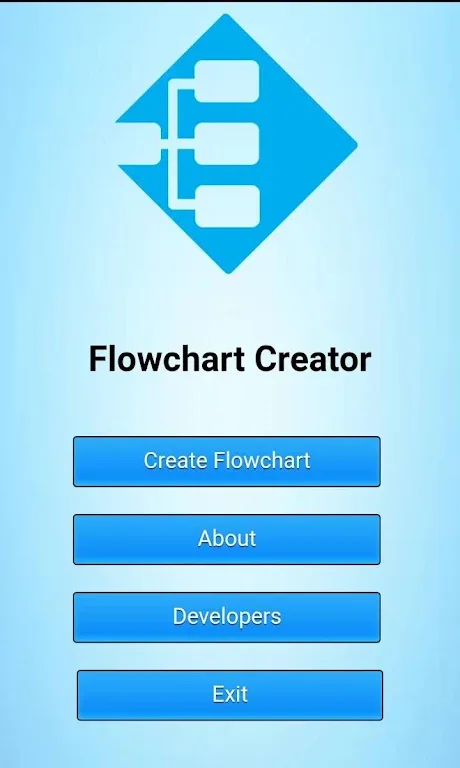
Features of Flowchart Maker:
Intuitive Interface: Flowchart Maker’s user-friendly interface ensures that even beginners can start creating flowcharts without a steep learning curve.
Smart Sketching: Flowchart Maker’s smart sketching feature lets you draw shapes and connectors naturally on a touchscreen device.
Extensive Shape Library: Flowchart Maker offers a comprehensive library of shapes and symbols that cater to all your flowcharting needs.
Cross-Platform Compatibility: Whether you are using an iPhone, iPad, Android device, or your web browser, Flowchart Maker is accessible across multiple platforms.
Real-Time Collaboration: Flowchart Maker supports real-time collaboration, allowing multiple users to work on the same flowchart simultaneously. This feature is invaluable for teams working remotely or in different locations, ensuring that everyone is on the same page.
Useful Tips of Flowchart Maker:
Decide on the start and end points of the flowchart: As trivial as it may sound, a flow with random endings is more confusing than it helps. So choose the objectives and keep it simple. An important flowchart tip that is often ignored.
Break it down into multiple flows: Very long flowcharts can cause the reader to overlook the details that you are actually trying to convey. It is best to break down a flowchart into sub-flows. Use the connector and inbuilt link feature to create automatically linked documents with sub-flows in Creately.
Use colors meaningfully: You can color code your flowchart objects to convey things like Risk involved, Who’s responsible, Process state (Draft/Final), basically anything you want. But always remember to include a legend on the corner so everyone knows how to read the chart.
Get your team on-board: Documenting processes or planning steps requires careful review and thinking. You can use Creately’s inbuilt collaboration features to help kick this process off easily.
Types of Flowcharts:
Process Flowcharts: This is one of the most commonly used flowcharts compared to the others. Process flowcharts or process flow diagrams depict step-by-step sequences of activities within a process, making it easy to understand the workflow. They are ideal for analyzing and optimizing processes, identifying bottlenecks and improving efficiency.
Swimlane Flowcharts: Swimlane flowcharts take process flowcharts to the next level by introducing swimlanes representing different departments, individuals or responsibilities. Swimlane diagrams provide a clear visual representation of handoffs and interactions, helping identify accountability, collaboration and areas of improvement.
Data Flowcharts: Focused on the movement of data within a system or process, these flowcharts illustrate how data is processed, stored or transformed. They are widely used in software development, system analysis and data management to understand and optimize data flow.
Workflow Diagrams: Also known as deployment flowcharts, these easy to understand diagrams showcase interactions between different entities in a system or process. They visualize the flow of tasks, decisions and events among individuals, departments or systems. Workflow diagrams help understand and improve coordination and communication between various components.
Final words:
Since most of the people nowadays especially the students use smartphones for their daily lives, this application can be convenient and essential for the intended users who need to create portable flowcharts. The target users are the Information Technology and Computer Science students that can access to a portable flowcharting application thru mobile phones.