

PdaNet+ is a powerful network sharing tool primarily for sharing network resources between mobile phones and computers. It supports three connection methods: wired connection, Bluetooth connection, and WiFi Direct connection, adapting to various usage scenarios. There are no speed limits, and the computer can fully access all network resources on the phone. Furthermore, the software can turn the connected computer into a secondary WiFi hotspot, allowing other devices to share the network, making it very practical.
Click to load YouTube / 点击加载视频
YouTube ↗How to use:
Open PdaNet+ and allow the requested permissions, including location for WiFi-related functions.
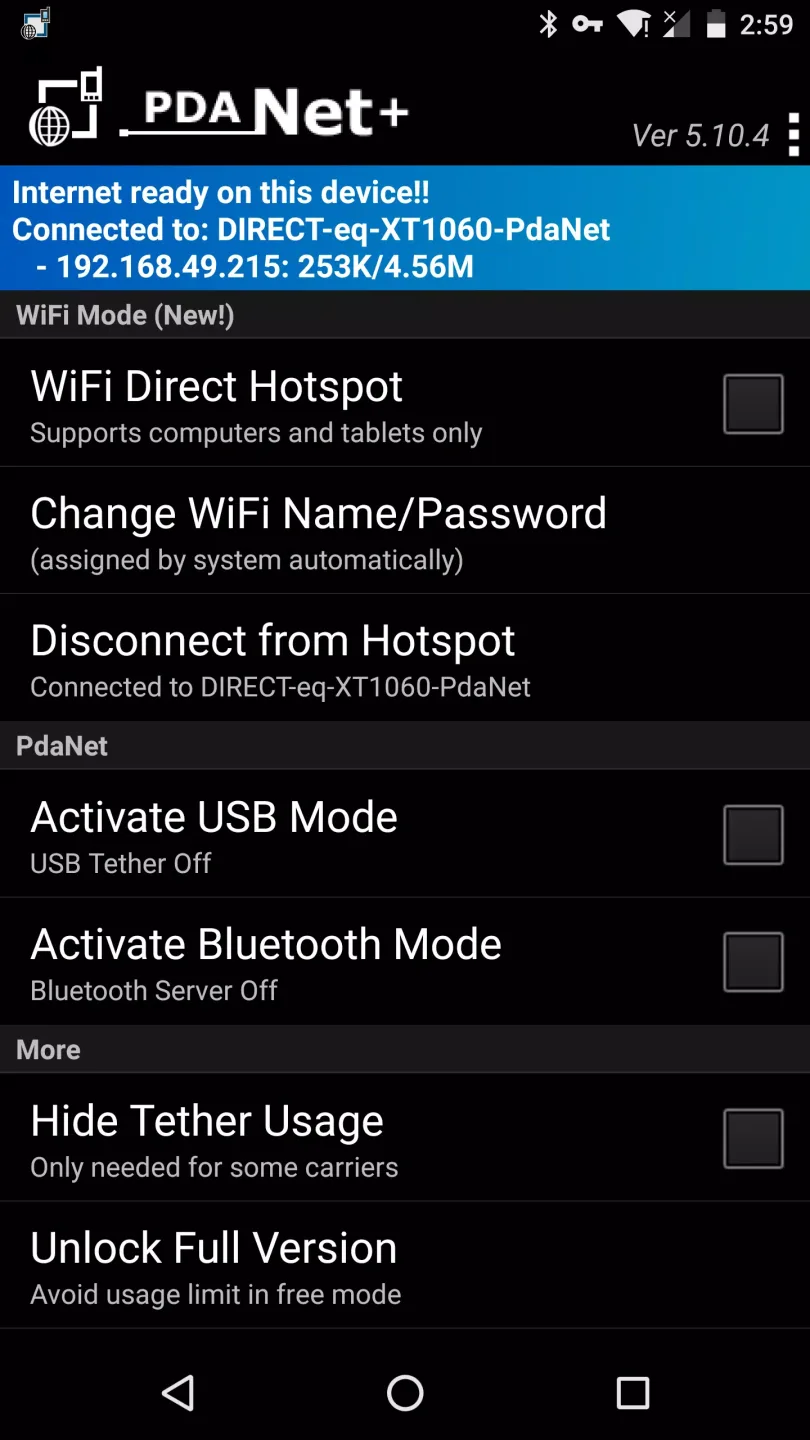
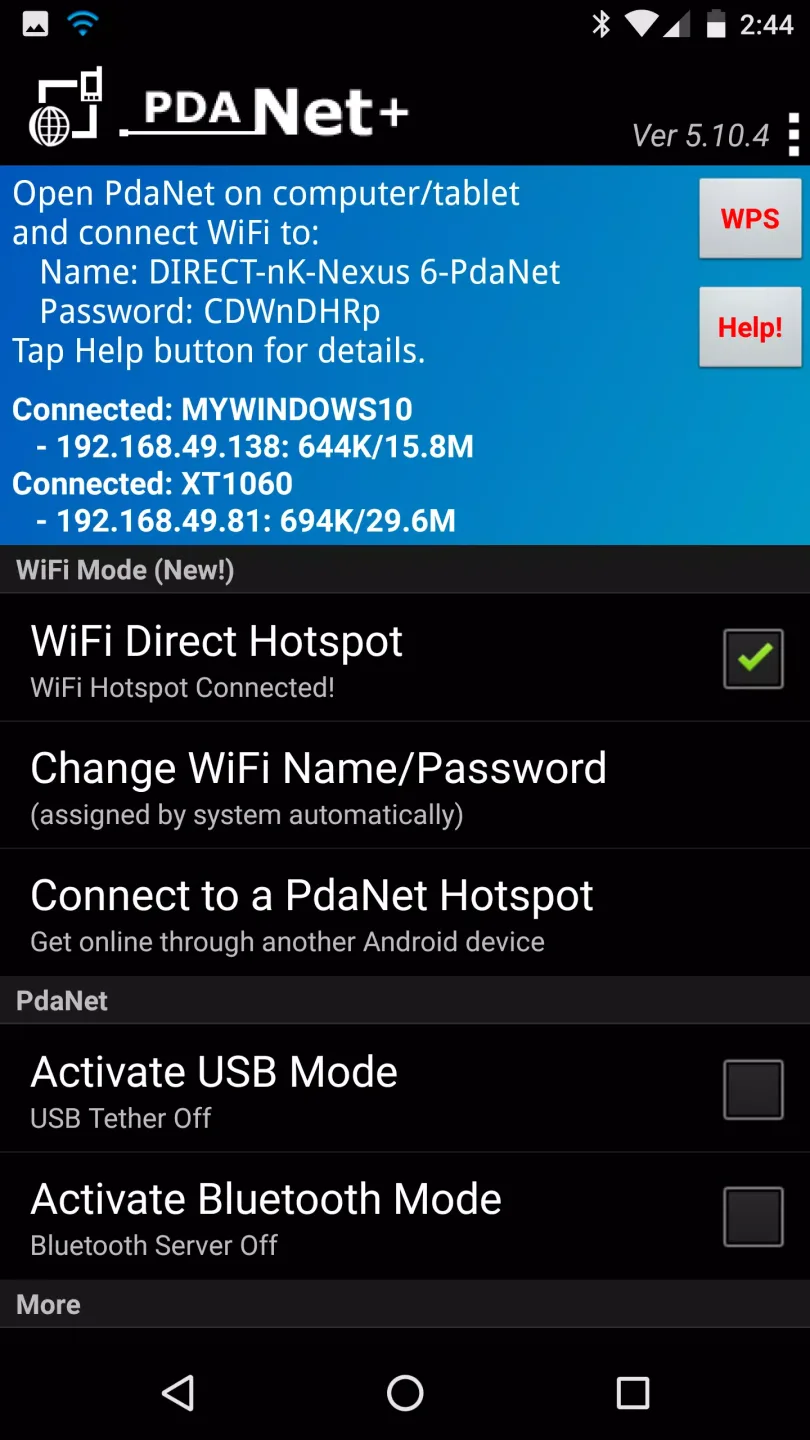
Select a mode in the app. Choose WiFi Direct Hotspot, USB, or Bluetooth depending on your needs.
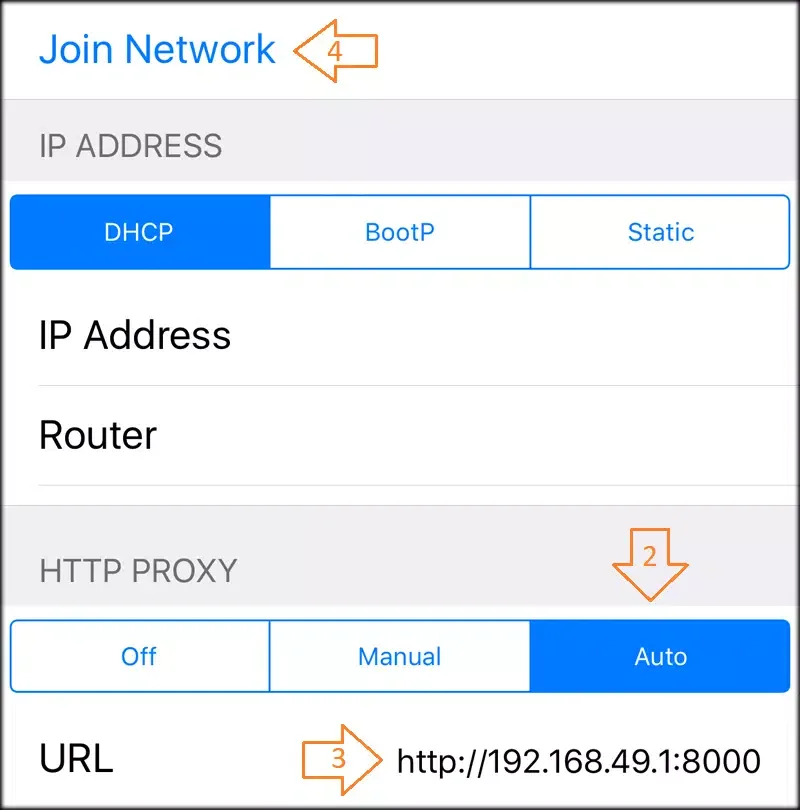
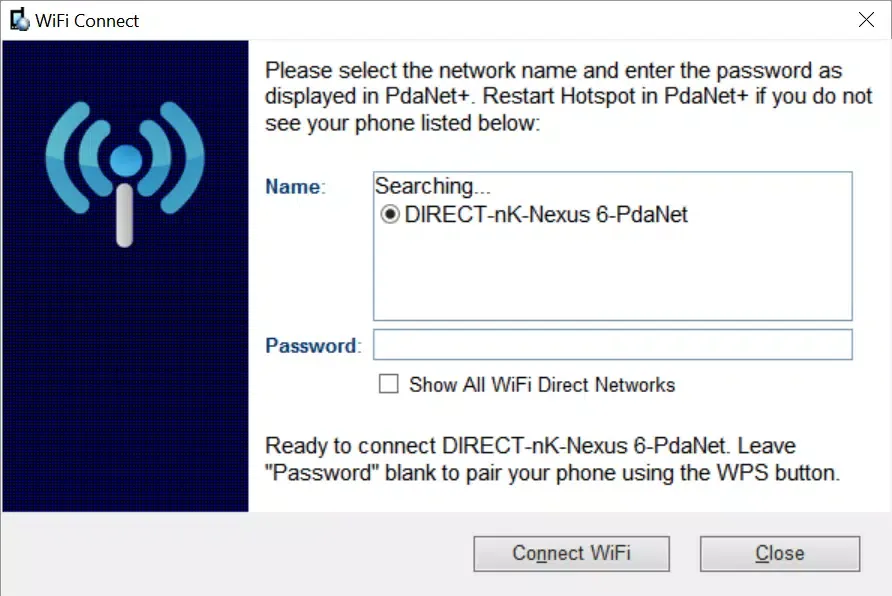
For WiFi Direct, start the Hotspot and follow the on-screen instructions to install the client or set up a proxy on your computer or tablet, then connect to the shown network.
For USB, connect your phone to the computer with a cable, enable USB mode in PdaNet+, and install the desktop components if prompted.
For Bluetooth, pair your phone with the computer in Android settings, then return to PdaNet+ to start the Bluetooth connection.
Features:
Easy Data Sharing
The process is similar as you typically enable your Hotspot from your device. But after installing the app, you have to allow the settings from this particular app to make strong connections with multiple devices.
Fast Downloads
The speed will not decrease even if you connect with multiple devices. The total connection limit is up to 12 devices simultaneously, but we recommend you connect only 3 or 4 devices.
100% Uptime
You will not lose the connection no matter how weak the link is, don’t let your device turn off because it’s the only way for the relationship to be lost.
Secured Connection
Once you connect with the app’s network, you don’t have to worry about your virtual address. The app will cover up your IP and let you browse the internet without sharing your real-time location with anybody.
No Root Required
You don’t have to root your device; this app is available for all android smartphones and lets you experience all the app modules without root access.
Pros and Cons:
Pros
Multiple tethering options
No root required
Lightweight and efficient
Reliable remote access
Cons
No advanced tools
Can't bypass all carriers
Limited customization features
FAQs:
Why doesn't the PdaNet+ app support your device?
This could be due to an outdated Android version or incompatibility with technical requirements. For example, if your device has an ARM7 architecture and you're trying to install an app with an ARM8 or x86 architecture.
Why does the PdaNet+ app crash or become unresponsive?
This could be due to an outdated version of the PdaNet+ app, a full cache, insufficient RAM, or a system conflict. Try updating the app, clearing the cache, or restarting your device.
How much space does the PdaNet+ app take up?
The PdaNet+ app takes up approximately 999 KB (1,023,191 bytes) of memory.
What's new in PdaNet+ 5.32:
Fixed a Wi-Fi Direct connection interruption issue. Keep the screen on to prevent this on some phones.
Conclusion:
After downloading pdanet+ apk, you can freely share data with anyone, anytime, anywhere, from any device, enjoying ultimate convenience. This highly sought-after tool lets you easily manage data on your device or share it with those who need it. You can also customize settings to your personal preferences. Such powerful features are something you've always dreamed of, and now you can easily have them.








