

OttPlayer is the ultimate, fun app for watching IPTV. It boasts stunning visuals and broad compatibility, allowing users to watch IPTV from various sources on a wide range of devices. With OttPlayer, you can easily manage playlists, configure settings, and organize channel icons—all in one place. The app also supports multiple protocols, ensuring smooth playback of your chosen channels and providing easy access to various IPTV services. Furthermore, you can explore different genres and regions to expand your entertainment options.
Highlights:
To get started with OttPlayer, users must first create an account on the OttPlayer website. Once registered, they can input their login credentials into the app. This process allows the app to synchronize with their account, enabling seamless access to their playlists. After downloading the desired playlist from their chosen source, users can link their devices to the playlist within the app. This simple setup process facilitates immediate access to live IPTV channels, enhancing the overall user experience.
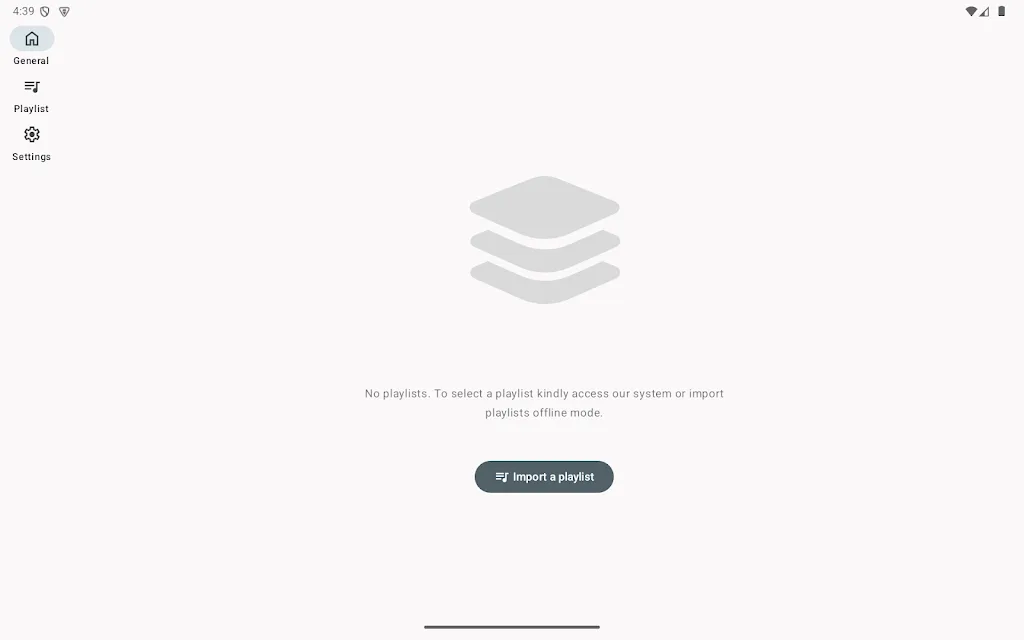
An important aspect of OttPlayer is that it does not contain any TV channels inherently. Instead, it serves as a tool for viewing IPTV content, meaning users must obtain a list of channels from external sources. This requirement highlights the flexibility of the app, as it allows users to curate their own selection of channels based on personal preferences.
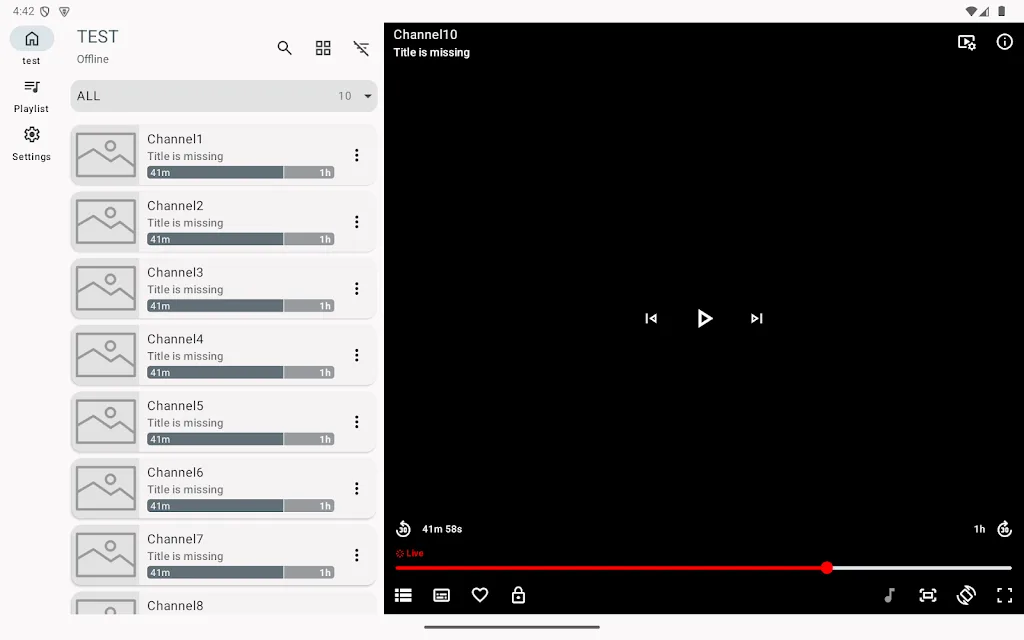
The user interface of OttPlayer is designed with simplicity in mind, allowing users to navigate through their playlists easily. Channel icons can be managed directly within the app, enabling users to personalize their viewing experience further. The absence of advertisements enhances this experience, providing uninterrupted viewing without distractions.
OttPlayer's functionality extends beyond basic streaming capabilities. The app's support for various protocols ensures compatibility with different types of IPTV services. This feature is especially beneficial for users who may have multiple sources for their IPTV content. By accommodating different streaming methods, OttPlayer provides a unified platform for accessing diverse content.
Features:
Broad protocol support
OttPlayer supports HLS, RTSP, RTMP, and TS over UDP. These protocols cover common IPTV stream types used by many providers, so playback is straightforward on most lists. As a result, you can keep one player while switching between different sources.
Central web control for devices
OttPlayer uses a web account to manage playlists and devices through ottplayer.tv. You sign in, upload your list, then attach each device so the same channels appear everywhere. This approach keeps the phone, tablet, set top box, and TV aligned without repeated setup on each screen.
Upload once and sync across screens
The app accepts M3U8 playlists, and you upload the file or URL only once on the website. OttPlayer then syncs that playlist to every linked device, including Android phones, Android TV, and Smart TV widgets from Samsung and LG. If you download OttPlayer on multiple devices, your list stays unified and easier to maintain.
Channel icon management
OttPlayer lets you assign and manage channel icons for faster navigation. Icons help you scan large channel lists and find the right content quickly. This is useful for family members who prefer visual cues over long text names.
Ad free viewing
The interface focuses on playback and control, without ads interrupting the experience. You can move between channels and devices while keeping the same clean viewer everywhere. This consistency is helpful when switching from other IPTV players that display ads.
Pros & Cons:
Pros
Ad-free streaming
Supports HLS, RTSP, TS by UDP, and RTMP
Web dashboard syncs playlists across devices
Low resource usage
Cons
Requires external M3U8 playlist and site registration
No native channel grouping or categories
SMS verification can fail during setup
Changelog:
What's new
This update contains improvements and bug fixes, including:
• Performance enhancements and improvements.
• Bugs fixed
We're working to improve the app even more.
Thanks for using OttPlayer.!!!
Conclusion:
To use OttPlayer, users need to create an account, insert their registration information in the application, download the playlist from their preferred source, and then link the device to the playlist to start enjoying the content. The app's support for multiple protocols and playlist management, along with its ad-free nature, makes it a convenient option for accessing and enjoying IPTV content from various sources. The centralized control via the website also adds to the ease of managing and accessing IPTV channels across different devices.








