
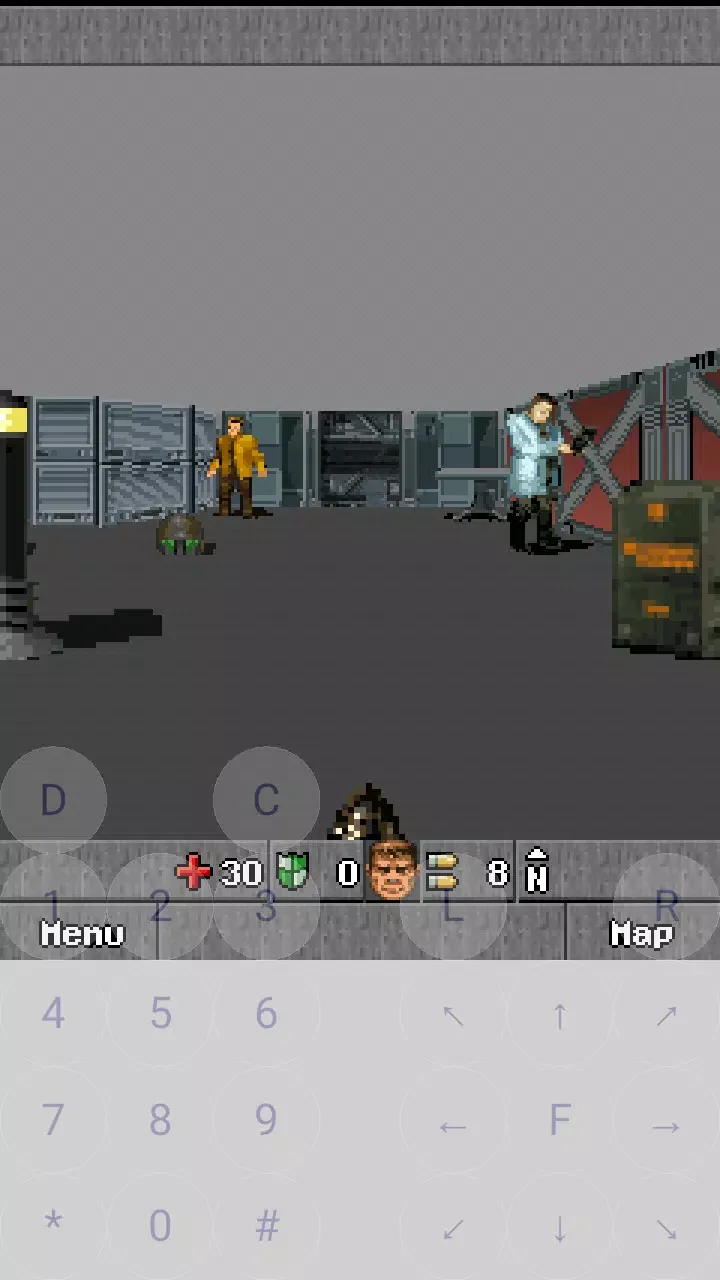
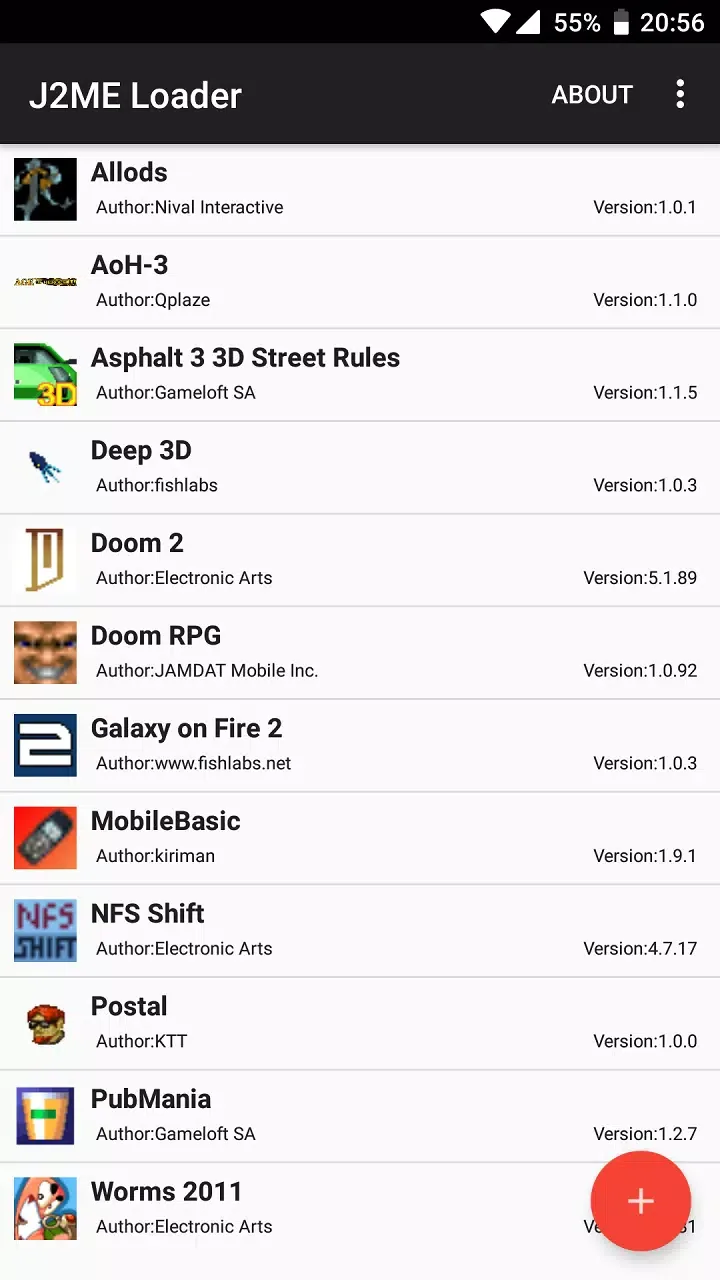
J2ME Loader is a game emulator platform for Android. Users can use it to run most retro Java games such as DOOM: RPG and Heroes of Might and Magic II. You can freely adjust various graphics parameters such as resolution and scaling mode to achieve the best gaming experience. It also supports gamepad controls, and with compatible virtual buttons, it can significantly enhance the gaming experience on modern devices.
Click to load YouTube / 点击加载视频
YouTube ↗How to use:
Getting started is simple if you already have your JAR or JAD files ready. After you download J2ME Loader, you can add your files and launch them directly. A few quick adjustments usually help each title run more smoothly.
First, open J2ME Loader and allow it to access your files if prompted, so it can find your MIDlet archives.
Next, browse to the folder that contains your JAR or JAD and add the file to your app list inside J2ME Loader.
Then, tap the title in the list to start it. Wait a moment for the emulator to initialize the game or app.
After that, if the game expects keypad input, open the in app menu and enable the virtual keyboard to show on screen keys.
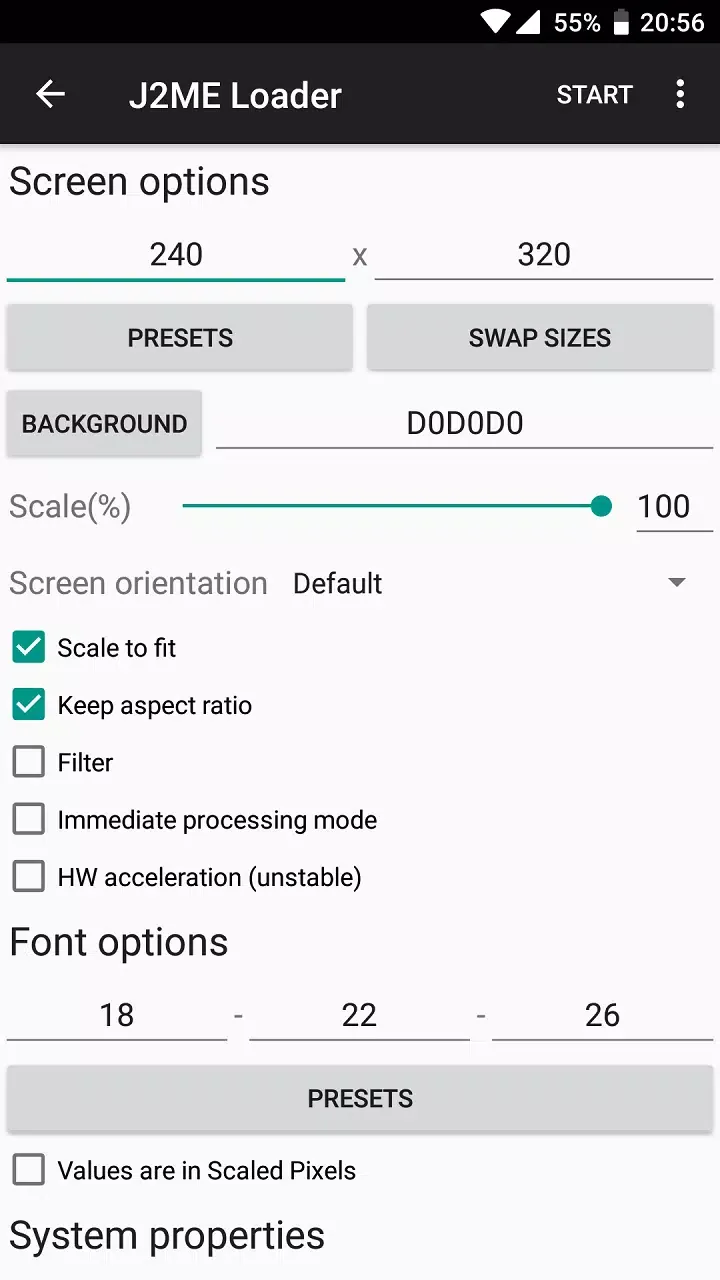
Finally, open the per app settings to adjust display scaling and aspect options. If you notice flicker, try Immediate processing mode, and if performance is low, turn off filtering.
Features:
Enabling filtering in some cases can greatly reduce performance. Disable this option if game is too slow
Image flickering issues can be fixed by enabling the "Immediate processing mode" option
It supports most 2D and 3D games
Emulator has a virtual keyboard, individual settings for each application, scaling support
This project is a fork of J2meLoader
Pros and Cons:
Pros
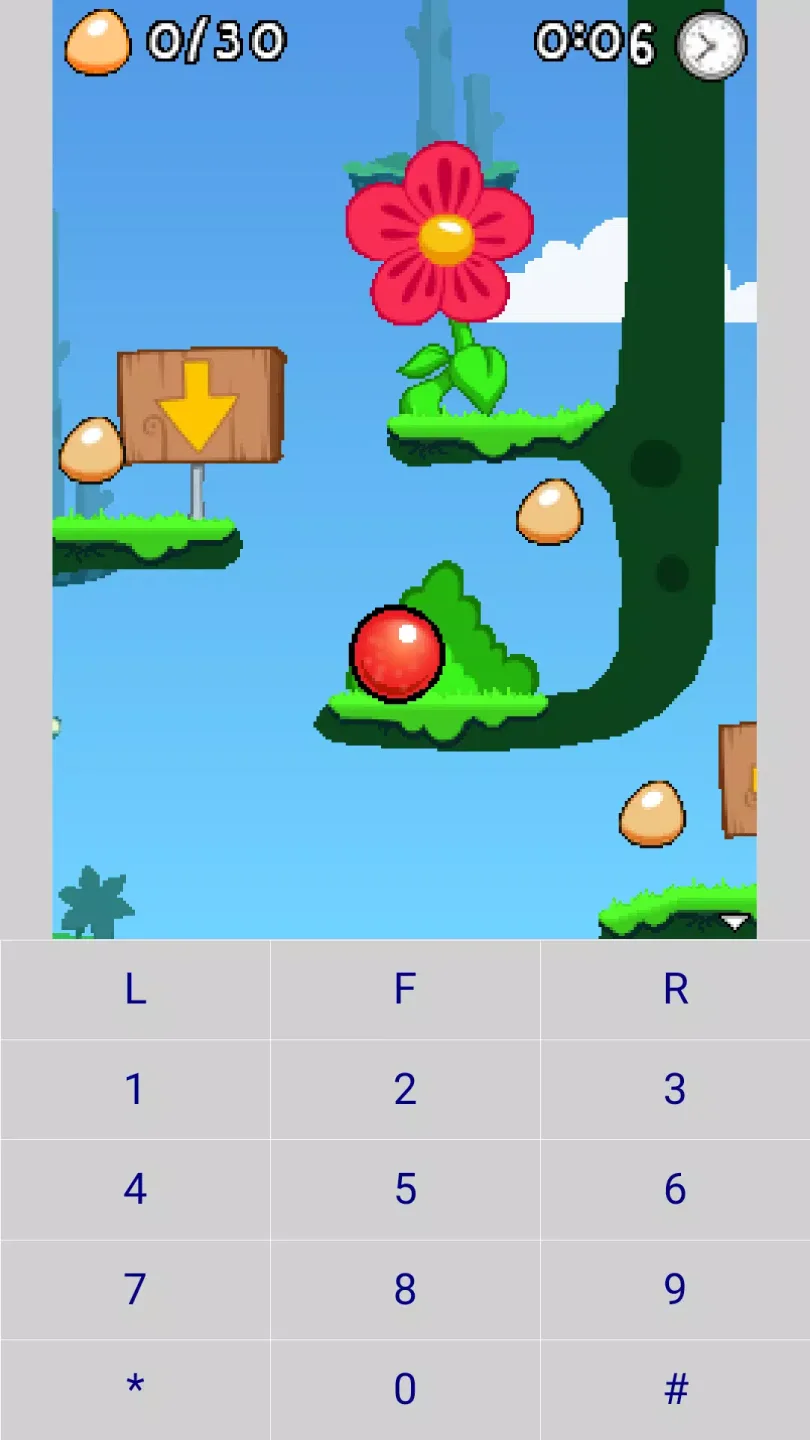
Runs most 2D J2ME games with generally high compatibility
Supports some 3D titles, with clear information about Mascot Capsule 3D not being supported
Extensive control customization with savable layouts and adjustable button size
Virtual keyboard and keyboard emulation for keypad-centric games
Per-game configuration profiles and scaling options, including fullscreen-style display
Frame rate tools such as an FPS limiter and in-game frame rate adjustment
Game information shown before adding or reinstalling a title
Open source project with donation-based in-app purchases
Cons
Mascot Capsule 3D games do not work at all
Some specific games, such as Bobby Carrot 5, may stop working after updates
Ongoing development means occasional bugs and compatibility changes
FAQs:
- How to install J2ME Loader APK/XAPK file?
APK file: Tap on the downloaded APK file, and follow the on-screen prompts to complete the installation.
XAPK file: It's a compressed package containing an APK file and additional data files. You need a XAPK installer to install it. If you're using MEmu Android Emulator on PC, simply install the XAPK file directly into MEmu.
- Can I use J2ME Loader on my PC?
Yes, you can use J2ME Loader on your PC using MEmu Android Emulator. After installing MEmu, you can either drag and drop the downloaded APK/XAPK file into the emulator, or open MEmu and search for J2ME Loader to install it directly.
Conclusion:
J2ME Loader is a really interesting emulator that lets you enjoy a series of games that many younger players probably haven't heard of. It's true that most titles for older mobile devices haven't aged well, but they're still a whole lot of fun, nonetheless.