Root Explorer is an excellent file management application. It boasts powerful features, allowing users to access the SOLite database, create and decompress zip files, and perform various tasks to customize and organize files to your needs. With Root Explorer, you can easily add, delete, rename, and organize files, manipulating them according to your requirements. Its user-friendly interface and intuitive design display folders and files in a clear and organized manner, making it easy to browse and find specific items. Furthermore, you can experiment with different file management functions, customizing file operations to suit your specific needs and preferences.
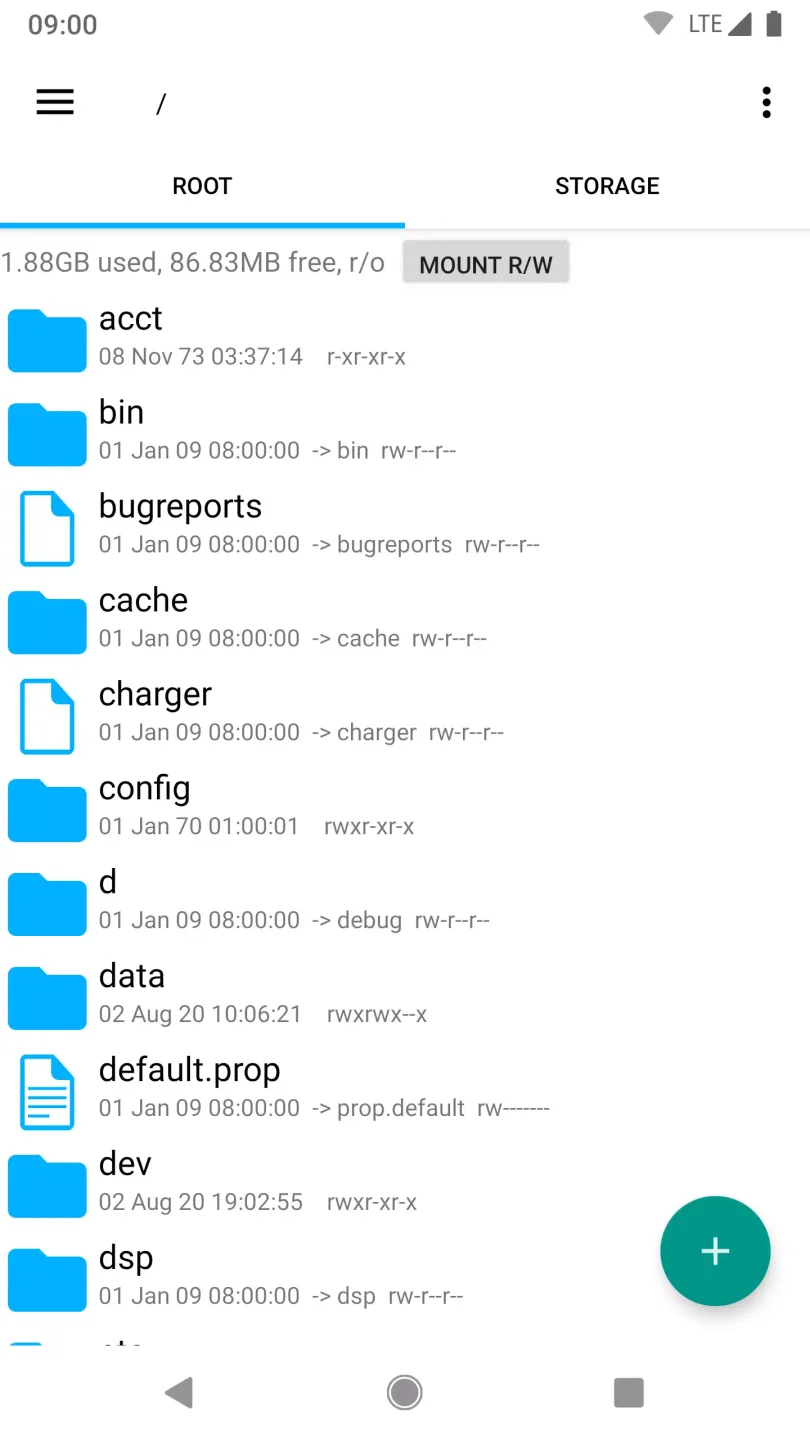
Highlights:
Find accounts: Used to list available accounts for logging into Google Drive.
Stop from sleeping: Help to stop the device sleeping during long operations so they are not interrupted.
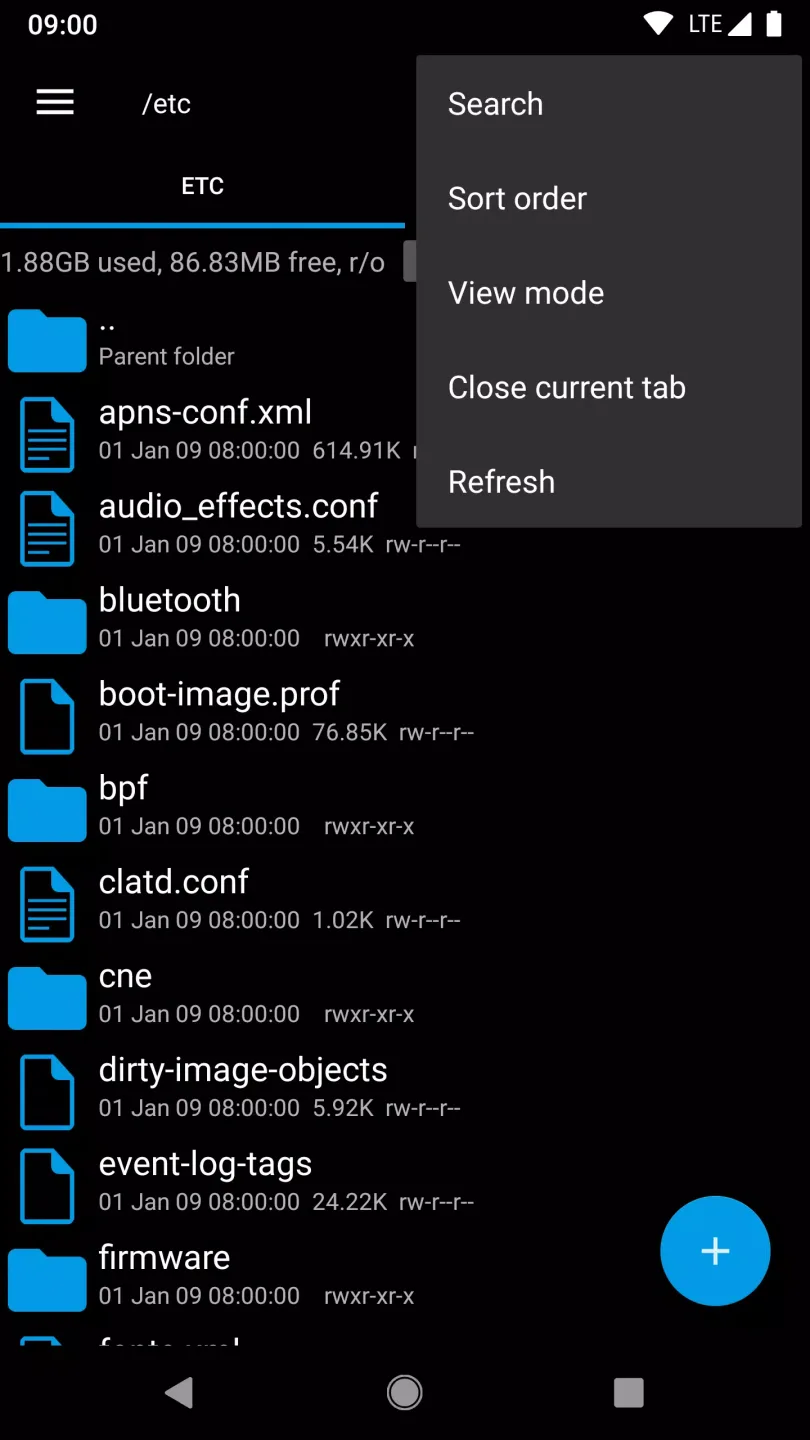
Multiple tabs: You can easily navigate between different locations by swiping or clicking on a tab
Built in Text Editor: Built in text editor is available in root explorer
Files Sending: You can easily Send files with root explorer
SQL Database Viewer: Built in SQLite database viewer is available in root explorer
Search option: You can Search properly with root explorer
Features:
Access All Files: Unlike standard file managers that only let you tinker with certain parts of your phone’s data, Root Explorer gives full access even to the hidden data in root directories.
Multiple Tabs: Just like internet browsers! This feature lets you quickly switch between different locations on your device without losing track.
SQLite Database Viewer: For those who know their way around databases, this built-in viewer makes it easy peasy lemon squeezy!
Text Editor: Need quick edits on a configuration or text-based file? You don’t need an external app; use the integrated text editor within Root Explorer.
Zip/Rar Support: Easily open ZIP or RAR files directly from within the App – no need for separate unzipping tools!
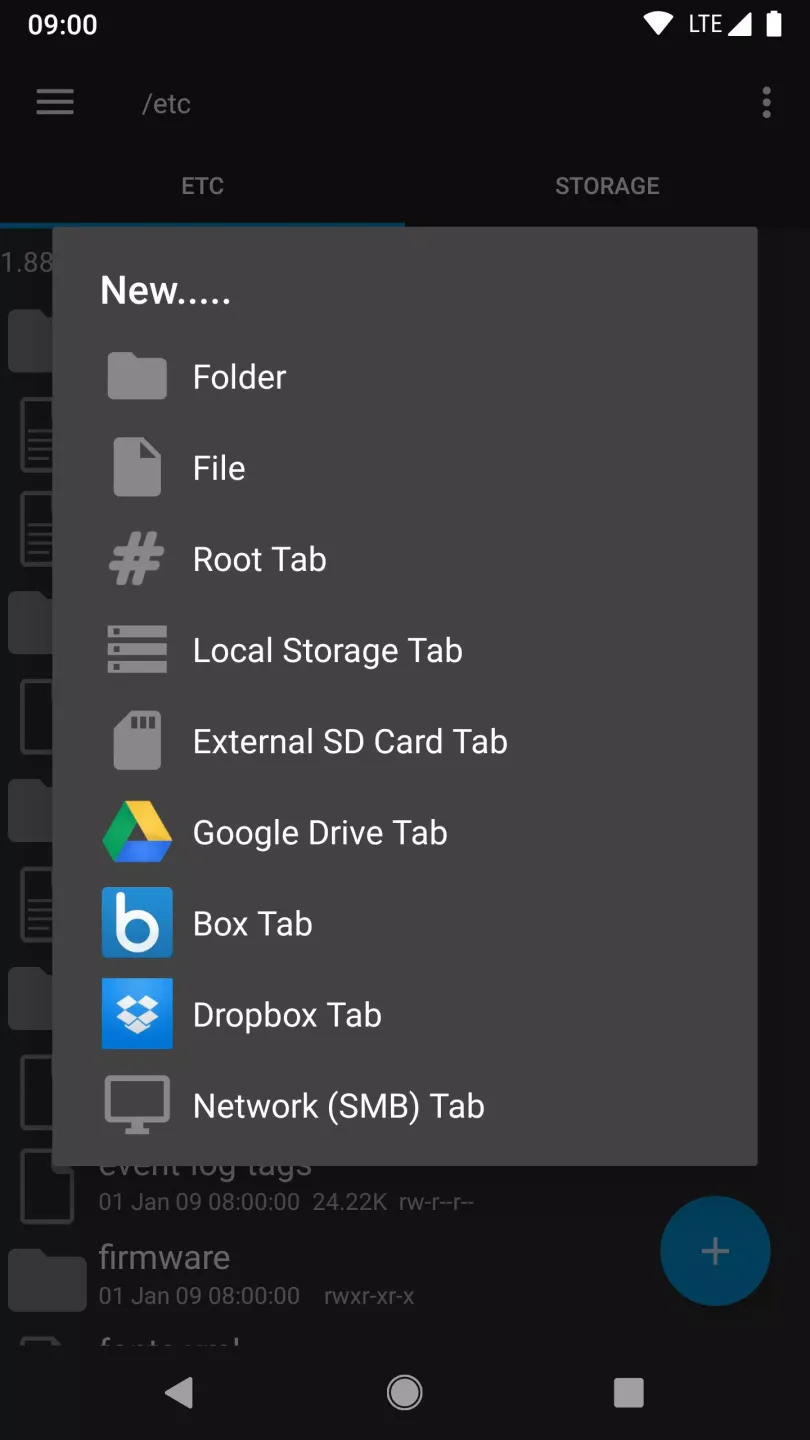
Cloud Storage Integration: Access Dropbox, Google Drive, or Box accounts right through App, making managing online offline storage a breeze.
Permissions Tweaker: Change permissions associated with various apps quickly, but remember great responsibility!
Tips for Users:
Effortless File Handling: Files will be displayed directly in a shared interface. Users can search for files they are interested in in the list of saved files. In addition, remounting, granting permissions, or removing them is also up to the user to decide.
Multiple Format Support: Many files will be stored in a shared space. No matter what format they are in, the application will still arrange them into a list. There are two extraction modes allowed: zip or tar/gzip. Users can flexibly choose the type of format that suits their work.
Efficient User Interface: All main folders are pre-marked in the application. Users only need to open a large folder to explore many other small files. They are arranged to make it easy for users to find. Previously logged-in accounts will be listed for users to easily log in next time.
FAQs:
What is Root Explorer?
Root Explorer is an advanced Android file manager designed for rooted devices, allowing users to access, modify, and manage system-level files and directories.
Is Root Explorer safe to use?
Yes, it is safe when used responsibly. However, modifying system files without proper knowledge can cause device instability, so backups are recommended.
Does Root Explorer require root access?
Yes, root access is necessary to unlock its full capabilities, including viewing hidden directories and editing protected system files.
Who should use Root Explorer?
It is ideal for developers, power users, and Android enthusiasts who need advanced file management, customization, and deeper control over their devices.
Conclusion:
People who are looking for an easy and effective way to manage files should make sure that they take a look at Root Explorer. However, with no free trial available to utilise, it is difficult to be absolutely sure that this is the right option and users may prefer to check out one of the free file management options before committing to paying out for the software.