

Maple TV is a user-friendly video playback software. Users can log in to their accounts from different service providers at any time to automatically view available movies and TV shows through the corresponding playback channels, seamlessly connecting their viewing progress and allowing them to watch their favorite shows anytime, anywhere on different devices. The software also supports screen recording, allowing users to record their favorite programs to the cloud for convenient viewing and review. Users can also perform batch processing of content in the storage space, such as deleting or moving files, to free up cloud storage space.
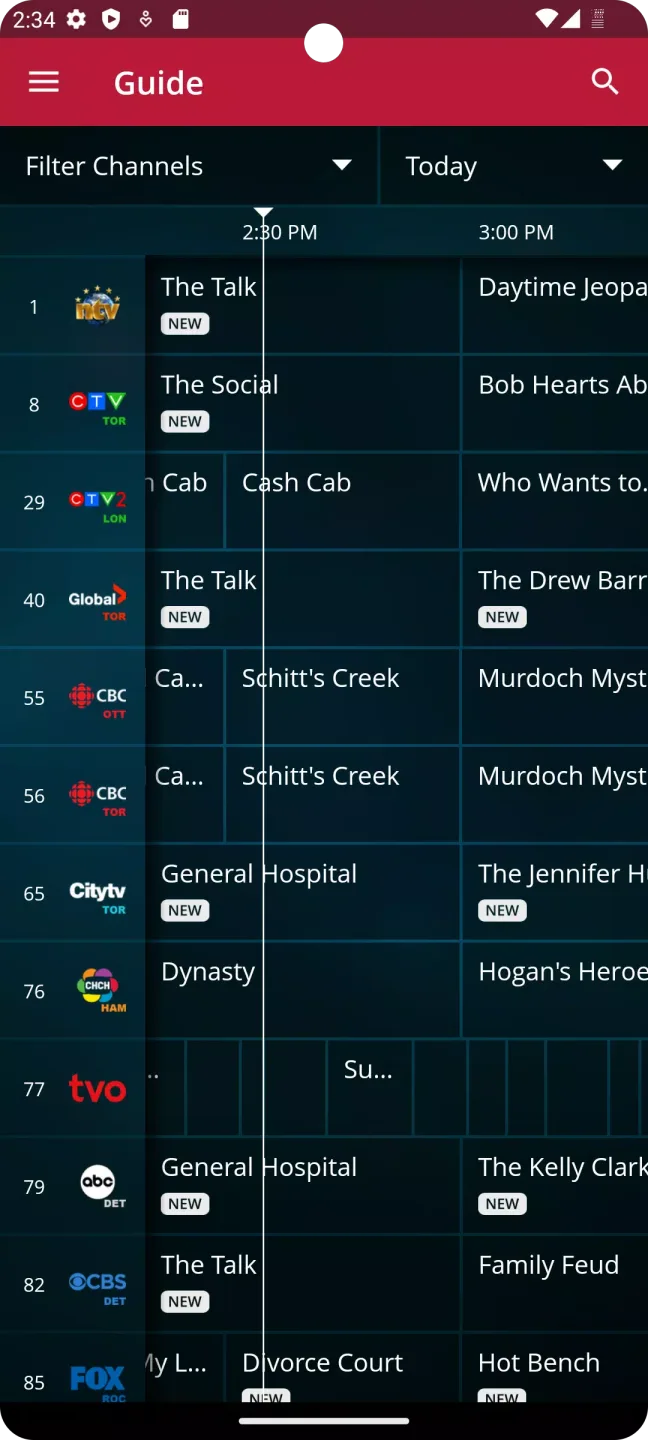
Features of Maple TV:
Live TV on the Go: Stream live channels anytime, anywhere. maple tv keeps up with your schedule, so you don’t have to miss out on trending shows or local news.
Easy Access to Movies: Find and watch a wide selection of movies, from blockbusters to old favorites. Having movie night? Just open maple tv and start watching.
Personal Login Made Simple: Signing in is just a matter of using the credentials from your provider—no complicated forms or long setups required.
No Extra Cost to Download: The app itself is free to install. Once you have your username and password, you can start using it right away.
Secure Viewing: Only folks with valid logins get access, so your shows and channels stay private and personal.
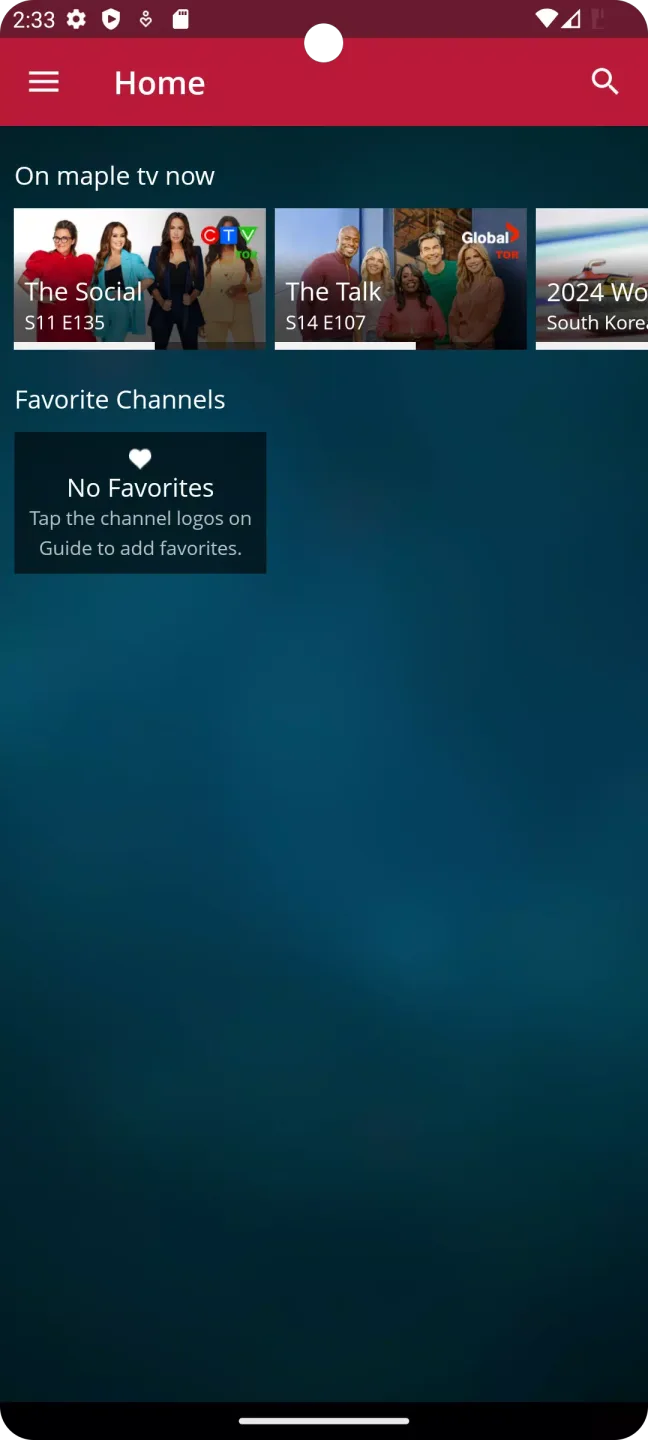
Highlights of Maple TV:
Watch live channels from your provider: maple tv lets you stream the live TV lineup included with your subscription, including local news, sports, and entertainment channels. After signing in with your provider username and password, the app displays the channels available in your plan. If your subscription changes, the channel list updates accordingly.
Use it across phones, tablets, and TVs: You can view on Android phones and tablets, and also on compatible smart TVs and Android-based streaming players such as Fire TV Stick models. This makes it practical to watch in different rooms or when you are away from home. Switching devices only requires the same provider sign-in.
Choose packages that match your viewing: Through RCML Maple TV, channel packages range from Popular to Complete, so you can select a plan that fits how you watch. Package tiers determine how many channels are available and which networks are included. Your app experience reflects the package on your account, so there is no separate app purchase to add channels.
Record with Cloud DVR add-ons: You can add Cloud DVR storage in 50-hour or 100-hour options to save shows and watch later. Recordings can be scheduled from the guide and managed within the app when your add-on is active. Deleting watched programs helps you free up space as needed.
FAQs of Maple TV:
What is Maple TV?
Maple TV is a mobile streaming app that lets users watch live TV channels andmovies using their cable or internet provider account.
Is Maple TV free to use?
The app is free to download, but you need an active subscription from a supportedprovider to watch content.
Can I watch live TV on Maple TV?
Yes, the app streams live channels that are included in your existing subscriptionplan.
Does Maple TV work without internet?
No, a stable internet connection is required for streaming channels and movies.
Who should use Maple TV?
It is best for users who already have a cable or internet TV subscription and want towatch content on their mobile devices.
Final words:
The Maple TV app allows you to watch your favourite channels and movies on your device. The app gives you access to your live TV channels from your cable or Internet provider.Downloading of the app is free but you will need to sign-in with your username and password provided to you from your Internet provider or use a link on the providers website to create your credentials








