
CapCut Video Editore & Maker This is a powerful video editing software that perfectly blends rich features with extremely easy usability. You can use this software to generate various high-quality short videos in seconds and share them on your social media platforms. Simply add saved videos to your device, unleash your imagination, and create videos as you wish, adding personalized elements. The software also supports high-resolution selection; choose the frame rate you want based on your device's performance and your needs. It's one of the most powerful and versatile video editing tools—give it a try!
Click to load YouTube / 点击加载视频
YouTube ↗FEATURES
Basic video editing
• Trim and shorten clips and split or merge videos.
• Adjust video speed from 0.1x to 100x, and apply speed curves to clips.
• Animate video clips with incredible zoom in/out effects.
• Highlight the best moments with the freeze feature.
• Explore transition options with awesome effects on and between clips.
Advanced video editor
• Keyframe video animation is available for all settings.
• Edit videos to create smooth slow-motion with the optical flow feature and speed curve tool.
• Use the chroma key to remove specific colors from videos.
• Easy to arrange and preview clips on multi-track timeline.
• The stabilizing feature keeps video footage steady.
Intelligent features
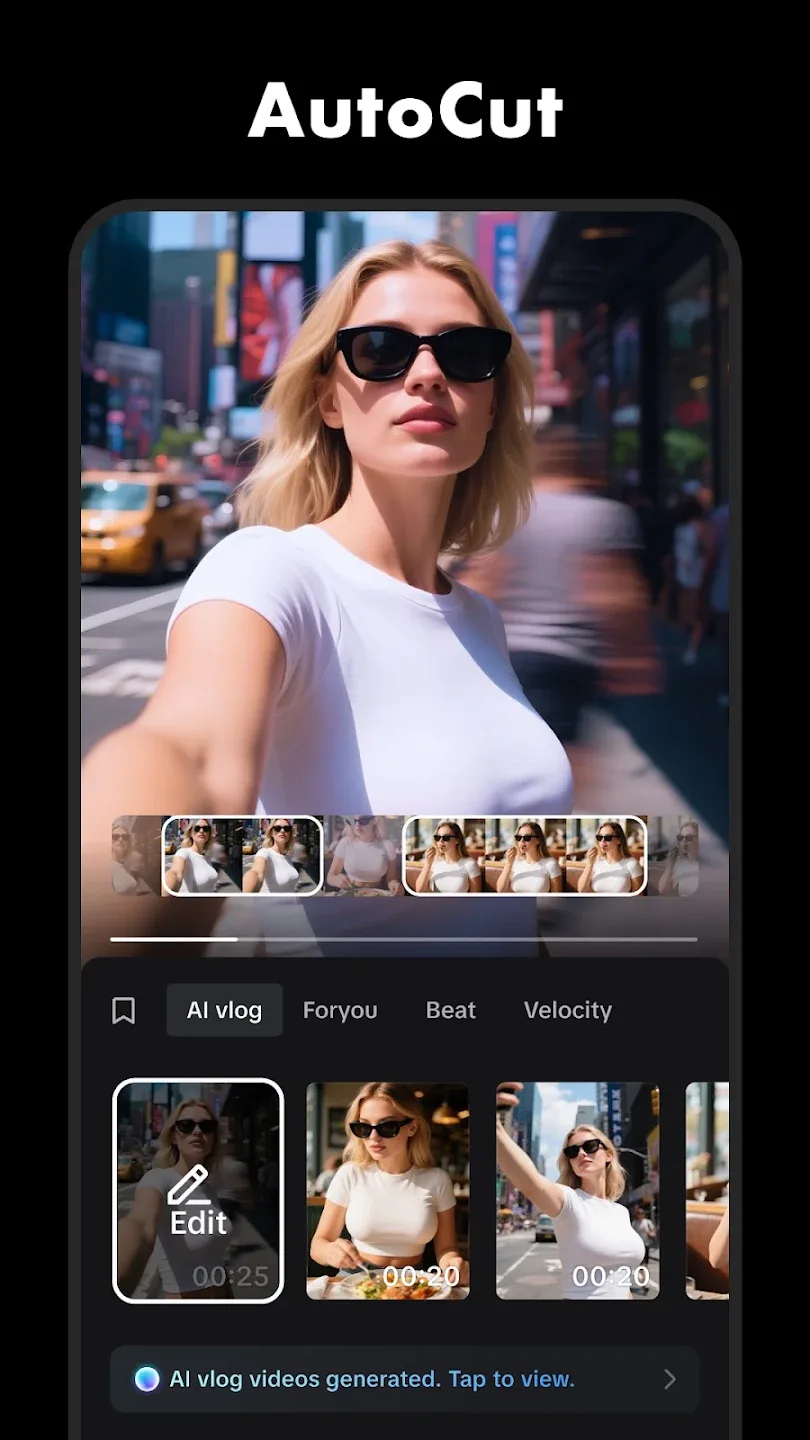
• Auto captions: automate speech recognition and subtitles in videos.
• Text-to-speech: apply text-to-speech in multiple languages and voices.
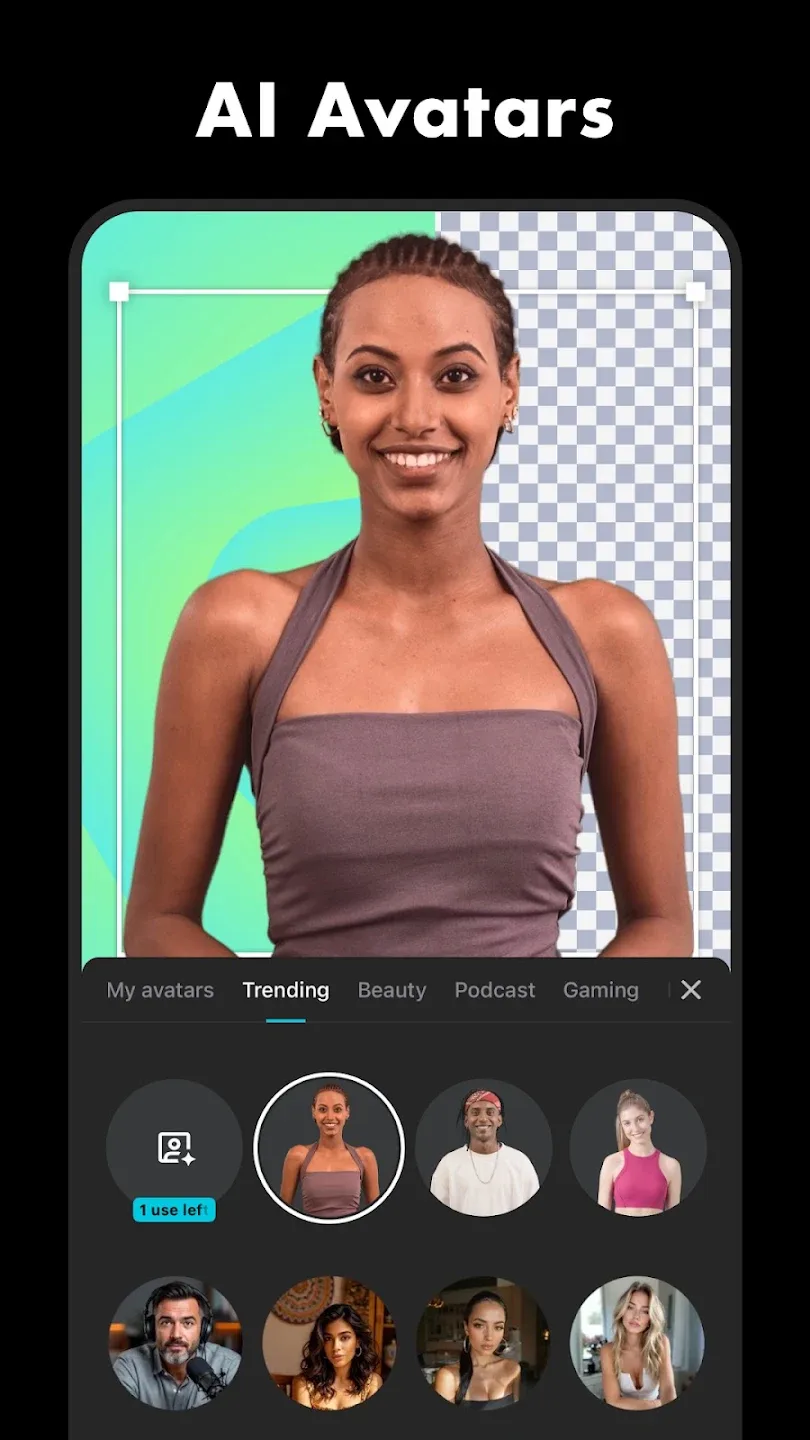
• Background removal: automatically remove backgrounds.
Highlights
Easy-to-learn with comprehensive features for free
With CapCut, you can upload the video you want to edit and change basic settings such as brightness, tone, and saturation of the clips you want to edit— all without paying a cent. This video editor also allows you to add endless stickers, filters, masks, sounds, and even copyrighted music without any problem thanks to its integrated gallery. The final output results in high-resolution videos of up to 4K HDR.
AI features that automate multiple aspects of editing
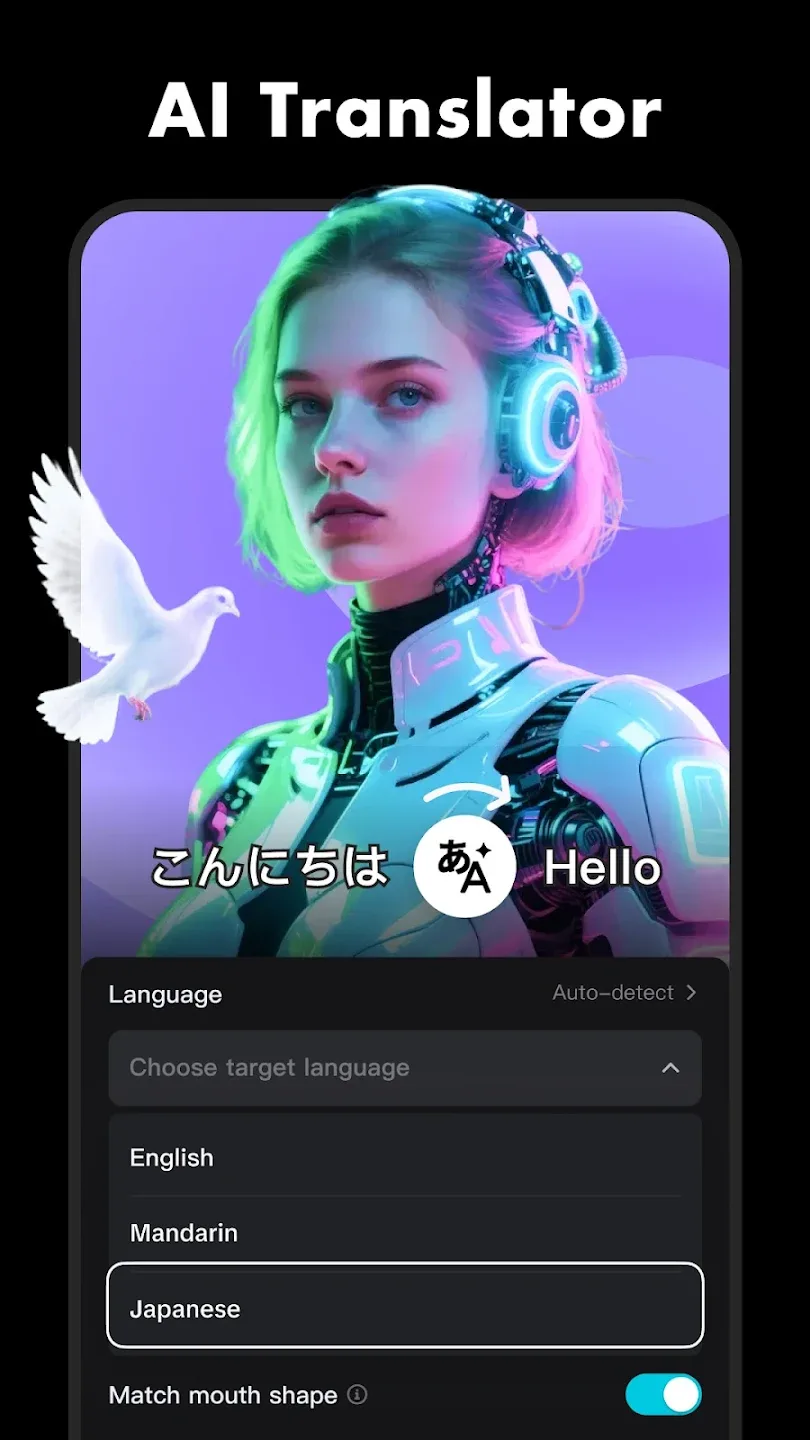
One of CapCut’s most popular options is its text-to-speech function with nearly 93 languages. Adding to this useful and popular function are the voice changer and video translator functions powered by fully AI components, helping you develop content that reaches worldwide while altering your audio the way you want. Additionally, it guarantees a secure editing environment for users, as it protects data uploads through powerful data encryption.
A free and versatile video editor with AI capabilities
CapCut is an exceptional free video editing tool that balances user-friendly features with professional capabilities. Its extensive options, from basic adjustments to advanced AI functions, empower users to create high-quality short videos easily. While it has limitations, such as a 15-minute video cap and upload restrictions for free users, its accessibility and robust features make CapCut a top choice for social media enthusiasts aiming to enhance their content.
Advantages and disadvantages
Pros
Free and easy-to-use with extensive editing tools
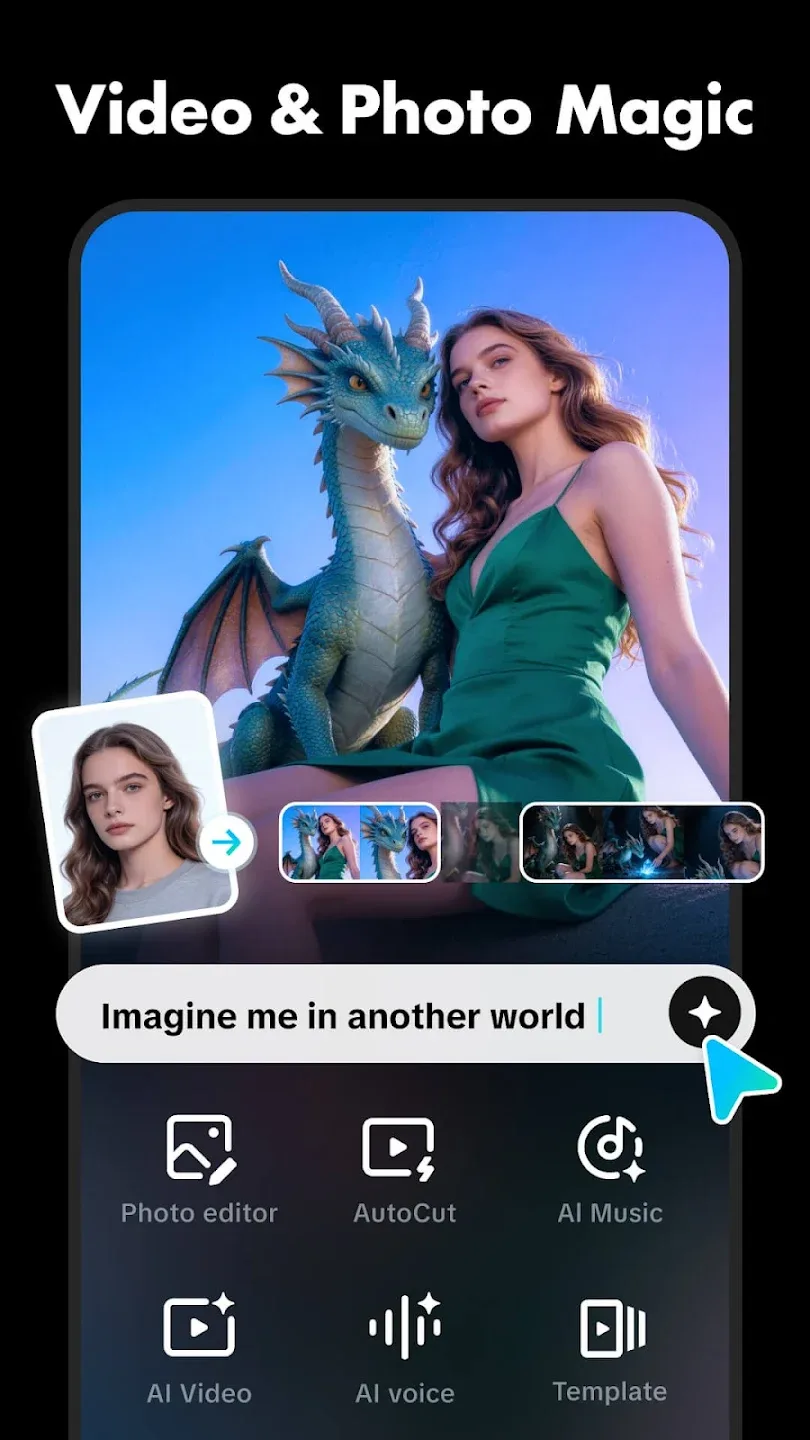
AI powered tools that automate tedious tasks
Secure and encrypted data
Cons
15-minute cap on edited videos
1 GB upload limit for free users
User comments
Alright for a mobile video editor, but not really great in general. It's missing some extremely basic features that are on the PC version, such as transforming the x/y axis of an asset independently. Having a lot of videos on the timeline makes the app run slowly, so it also doesn't seem to be optimized very well? I've also experienced a bug where adding a wobbly filter to a video causes the app to completely freeze and crash, so that's not great.
It's nice for when I'm feeling creative, but the templates... when I use a template and are done with everything and I look at the end result, it is slowed down, making it look really lame and unpresentable and I cringe. I don't know WHY it slows down the end result, but it just does, and I have to settle for it. Please fix this!!
A great and easy to use app for beginners. However, the app has become money hungry as you progress. Even the fonts or effects I usually use have become pro and they're not even good for edits. Another thing is a small glitch I've been experiencing. Whenever I place a sticker and leave to place another, the sticker I just placed wouldn't move or function at all and it irritates me easily. Other than that, this app is still usable even if you don't wanna spend money to upgrade to pro.
Conclusion
CapCut is one of Android's most powerful and versatile video-editing tools. If you want to try editing on Windows or Mac, on the other hand, there are desktop versions of CapCut, too. The vast majority of videos on TikTok, Instagram, and other social media platforms are produced either partially or entirely with this app, and the reason for that is simple— it's easy to use, offers amazing results, and has a large and active community. Without a doubt, this is a must-have app for content creators who want to create eye-catching videos on their Android devices.