PDF Editor & Document Viewer is a comprehensive PDF editing tool. This application offers a wealth of practical PDF tools, including a document viewer, PDF editor, and PDF converter, allowing users to easily complete various PDF editing tasks. With PDF Editor & Document Viewer, you simply open the application, point your camera at the text, take a picture, and let the application automatically convert it. It instantly converts the image into a PDF file, making it easy to share and send documents with others. In addition, the application offers advanced features such as text cutting and merging, barcode scanning, and extracting text from documents.
Highlights:
User-friendly interface: The app has a simple and intuitive interface, making it easy for users to navigate and access its features.
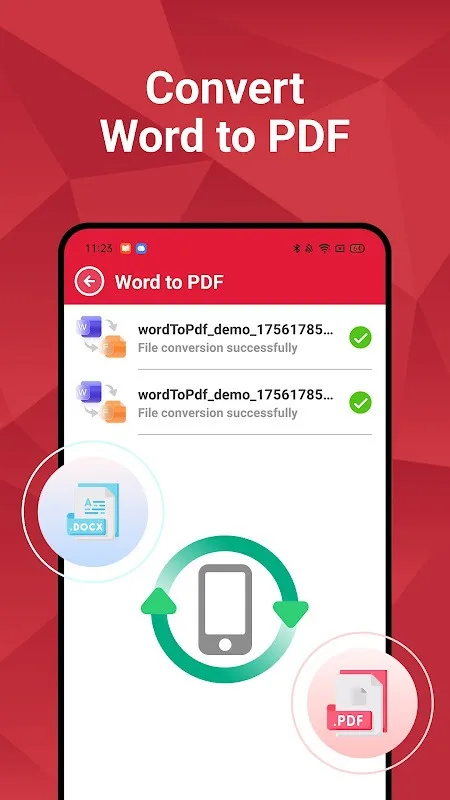
Powerful editing and conversion capabilities: With this app, users can edit text and images in PDF documents effortlessly. They can also convert other file formats, such as Word or Excel, to PDF and vice versa.
Aftercall feature: This unique feature allows users to easily create new PDFs or access existing ones after phone calls, making it convenient for busy professionals on the go.
File management: The app comes with a built-in file manager, enabling users to organize and manage their PDFs efficiently.
PDF tool:
Merge: Combine multiple PDF files into a single document quickly and effortlessly. Simply select the files you wish to merge, and the PDF editor app will handle the rest for you. This PDF editor app makes document management a breeze.
Split: Separate a large PDF file into smaller ones, helping you organize your documents more efficiently. Whether you are using the PDF viewer or the PDF reader, this feature adds convenience.
Lock & unlock PDF: Protect your documents by locking them with a password, or unlock PDF files that have been secured. This feature ensures you control access to sensitive information, making it a reliable file opener.
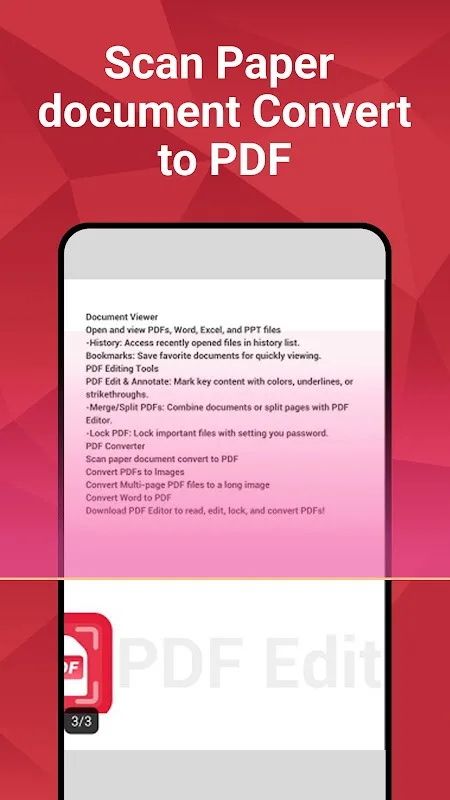
Scan: Convert paper documents into PDF files, enhancing your capabilities as a PDF converter.
Convert PDF to image: Convert PDF pages into high-quality images. This All Document Reader & PDF Editor app’s feature is perfect for sharing specific sections of a PDF without sending the entire file, adding versatility to your PDF viewer.
Features:
Document Viewer
- Open and view PDFs, Word, Excel, and PPT files.
- History: Access recently opened files in history list.
- Bookmarks: Save favorite documents for quickly viewing.
PDF Editing Tools
- PDF Edit & Annotate: Mark key content with colors, underlines, or strikethroughs.
- Merge/Split PDFs: Combine documents or split pages with PDF Editor.
- Lock PDF: Lock important files with setting you password.
PDF Converter
- Scan paper document convert to PDF
- Convert PDFs to Images
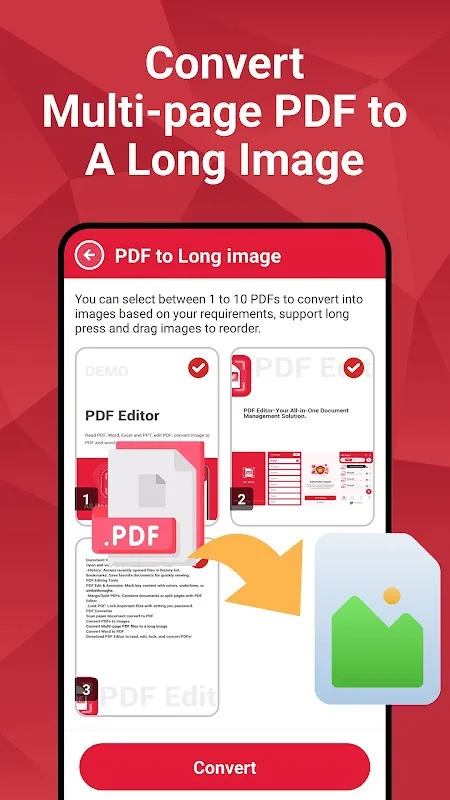
- Convert Multi-page PDF files to a long image
- Convert Word to PDF
FAQs:
Can I use this app on any device?
Yes, this app is compatible with both Android and iOS devices, making it accessible to a wide range of users.
Is the image-to-PDF conversion accurate?
Yes, the app conducts an accurate scan of the image and creates a precise model, ensuring high accuracy in the conversion process.
Can I edit the converted PDF files?
Yes, this app allows you to edit PDF files by cutting out sections of text or combining multiple pages into one.
Final Words:
Supporting over 15 languages, this productivity tool adapts to users worldwide, making it accessible and inclusive. Its wide range of features empowers you to efficiently manage documents, whether for academic, professional, or personal needs. Download the PDF Editor & Document Viewer APK today and transform your mobile phone into a complete smart office assistant.