

Twitter Video Downloader helps users easily download their favorite videos and GIFs from Twitter. It's incredibly simple to use: just open Twitter, find a tweet that interests you, copy its video URL into the software, and start downloading. Users can freely adjust the save location of downloaded files and pause or batch downloads at any time, making the process even easier. The software automatically records the user's download history. If the user wants to return to the original tweet, they can simply open the history to find the relevant content, making it easy to review those interesting posts.
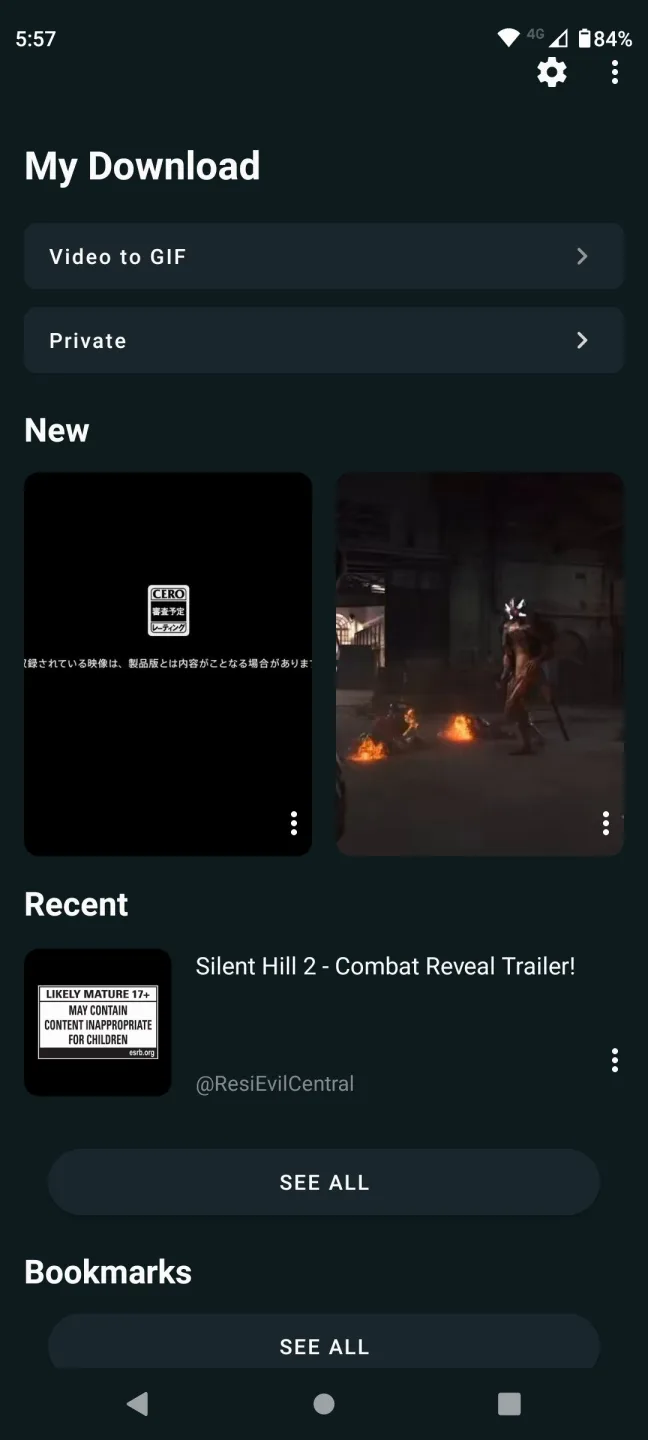
Features of Twitter Video Downloader:
Simple Interface: The app has an easy-to-use interface that makes navigating and downloading videos simple.
Download Videos: Seamlessly download videos from Twitter in different formats and quality.
GIF Download Support: Besides videos, you can save your favorite GIFs directly from Twitter.
Offline Viewing: You can save your videos and GIFs to watch offline anytime, without an internet connection.
High-Speed Download: The app ensures fast downloading speeds, so you can quickly get your content.
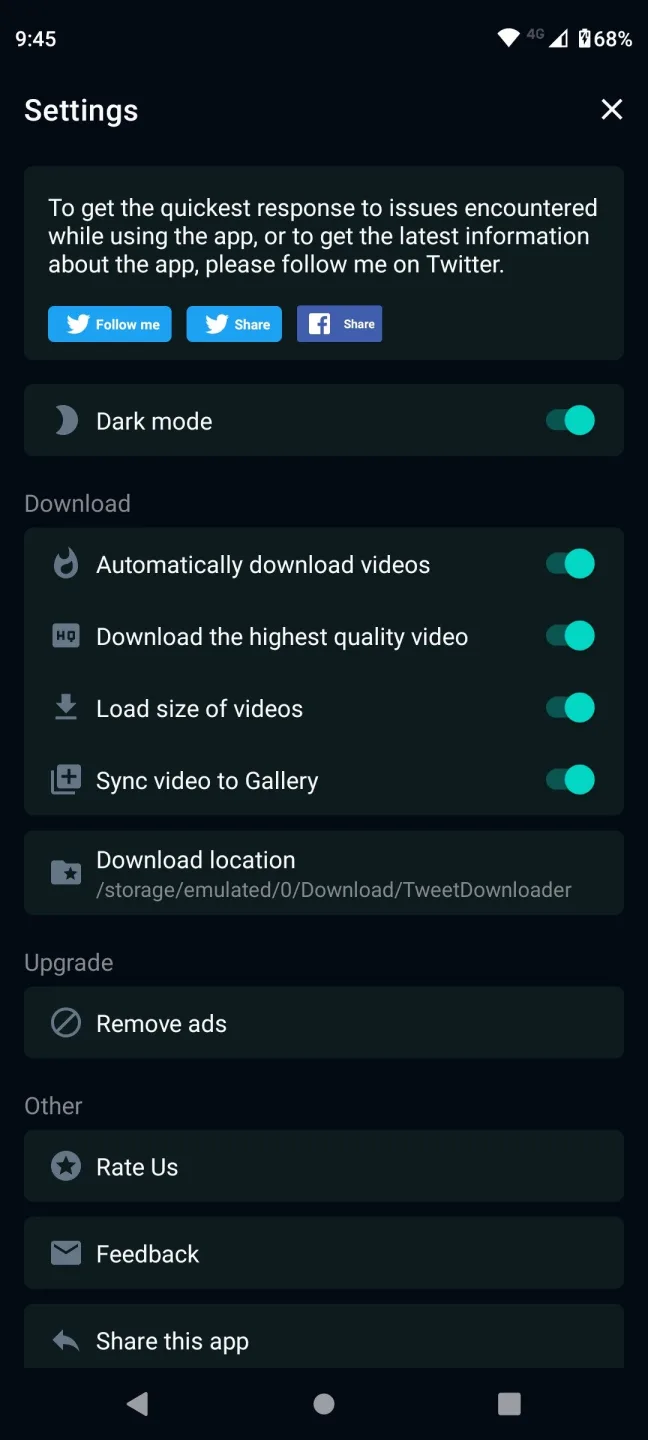
No Ads: The app version is entirely ad-free, offering an uninterrupted and smooth user experience.
Multiple Formats: The app supports various formats to accommodate your video downloading needs, whether using MP4, MP3, or other media formats.
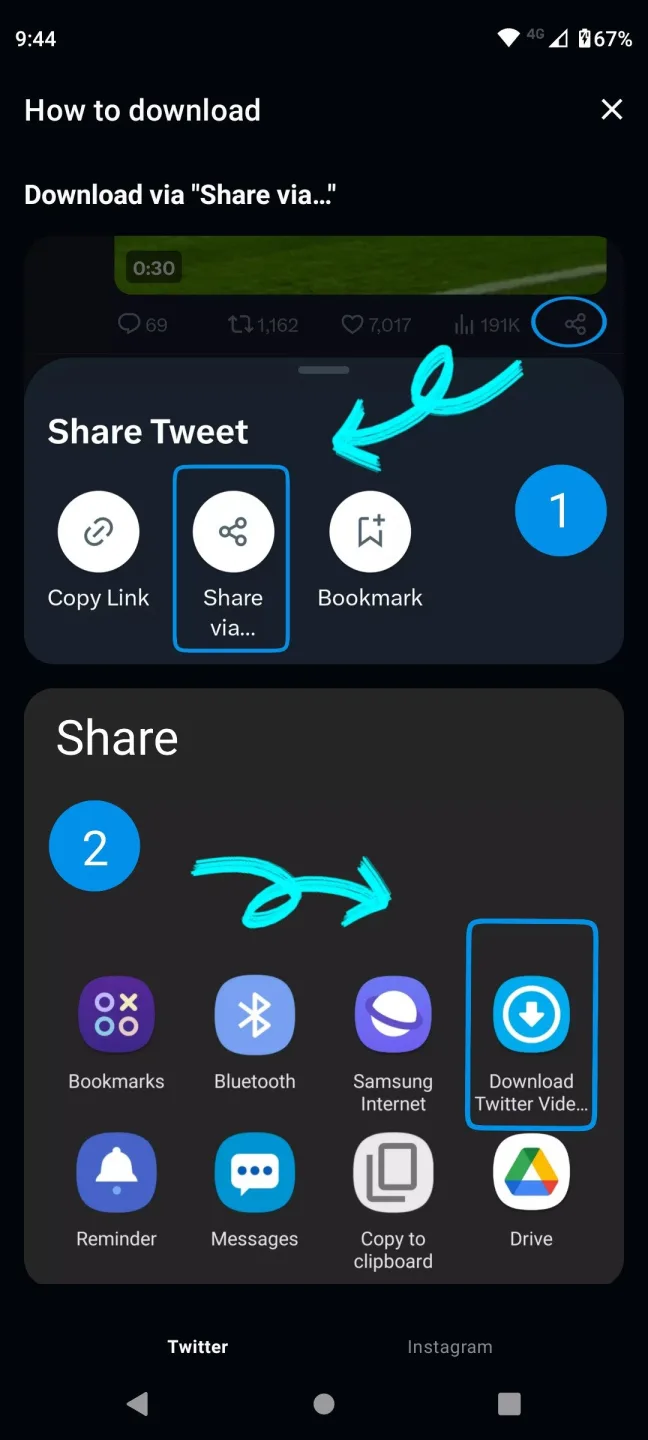
How to download videos from Twitter:
Open Twitter, and go to the tweet which contains twitter video.
Get the link/url of the tweet which have video.
Method 1: Click on the tweet, and copy the url from address bar of the browser.
Method 2: Copy click on the three dots(...), and click on "Copy link to Tweet".
Now right click on the tweet url and "Copy link address".
Paste the tweet link in the above input url box, and click on "Download" button.
FAQs of Twitter Video Downloader:
Can I download Twitter videos from private accounts?
No. Our Twitter video downloader only works with public tweets — private accounts are blocked by Twitter itself, and we don't bypass that. Even with public videos, keep in mind they may be copyrighted or contain personal information, so download responsibly.
Does Twitter Downloader have any limits?
No! You can use our Twitter Video Downloader to download Twitter videos as many as you wish. The only restriction is the wait time between pressing the download button. This delay is mandatory to reduce server loading and to ensure best downloading speed of our Twitter Video Downloader.
How to download Twitter video on Android?
To save Twitter videos or convert X to MP4 on Android completely free, you will need to follow three steps guide which is listed above. Everything is very simple with our twitter video downloader. Try it and you will see it!
Do I Need to Sign Up to use the Twitter Video Downloader online?
No! Use our Twitter Video Downloader with just a tweet URL.
Final Verdict:
And that's not the best part, the best part is that the app keeps the information from the original tweet. So, if you want to see the original message at any time, al you have to do is tap on the three-dot menu and select the "open tweet" option. In short, download Twitter Video Downloader for free if you want a practical tool to download videos and GIFs from this social network.








