
Intelligent CV is a resume generation software designed specifically for job seekers. It offers users hundreds of resume templates and different color options. With a simple click, users can apply the corresponding template and format, fill in their personal information, signature, hobbies, work projects, etc., and quickly create a beautiful resume and export it to their device. The software provides rich customization options; you can customize the font style, color, margins, and more to better suit your aesthetic preferences. The software also has a built-in translation function to help users write a polished English resume, increasing their interview chances.
Click to load YouTube / 点击加载视频
YouTube ↗Features of Intelligent CV:
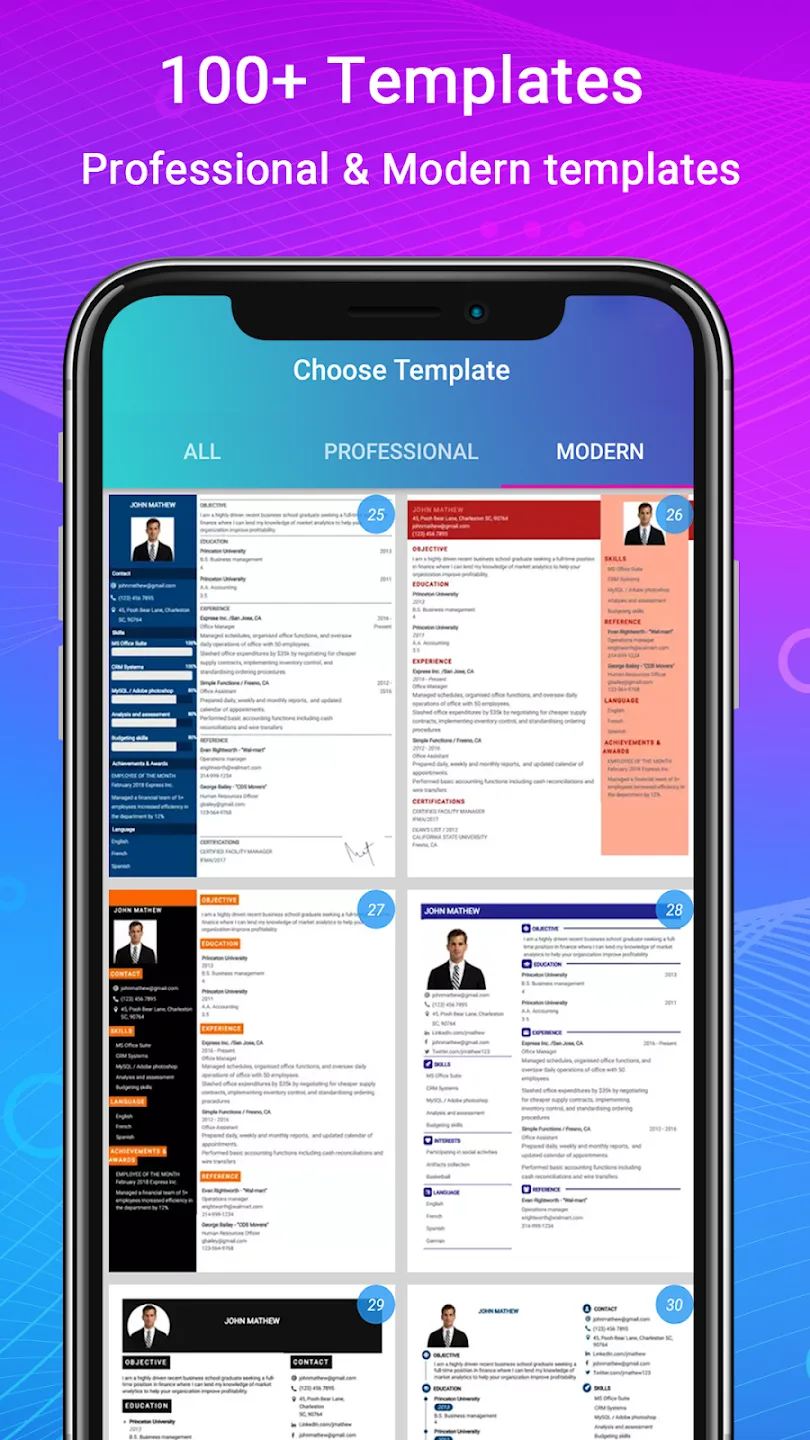
Resume designs and formats: Intelligent CV provides 500 plus resume designs, 50 plus templates, and 42 resume formats. These layouts cover different job types and countries, so you can choose a structure that fits your application. The app also includes ATS friendly layouts, which can help keep the resume format clear when employers use screening systems.
Cover letter support: You can create matching cover letters for many fields, including IT, engineering, nursing, teaching, sales, business, and accounting. This is helpful when a job application asks for both a resume and a cover letter. Since the cover letter templates follow the resume style, your documents can look consistent when sent together.
Guided writing for each section: Intelligent CV gives step by step guidance while you fill in your CV details. It also includes resume examples, samples, and writing tips, which can help when you are not sure what to write. For freshers and students, this can make first resume writing easier because the app shows where education, skills, projects, and experience details belong.
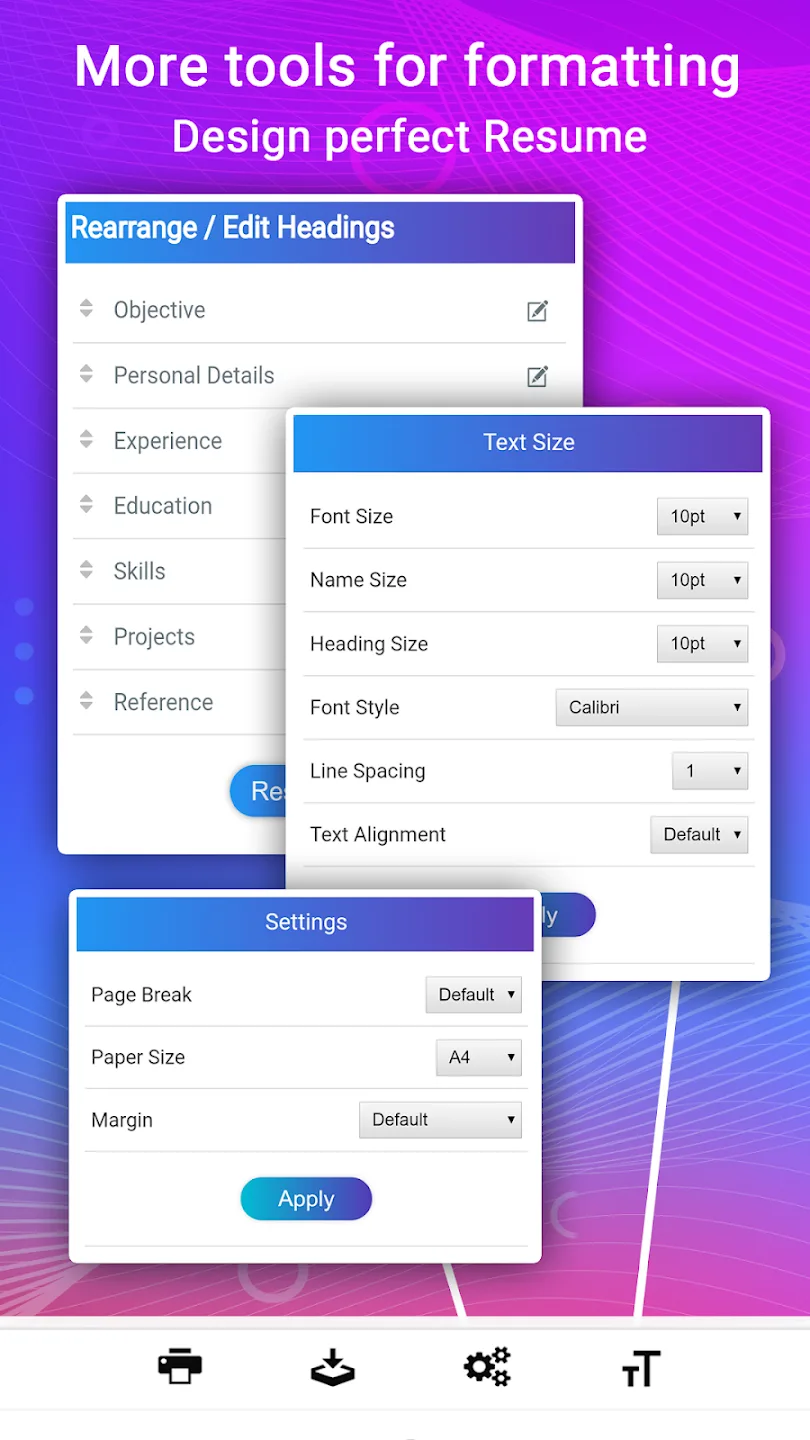
Flexible editing and layout control: You can adjust sections, rename headings, add custom sections, and change the order of information. Intelligent CV also supports changes to fonts, colors, margins, spacing, and lists. Because of this, experienced users can shape a resume around work history, while internship seekers can place education, skills, and projects in a stronger position.
Profiles, preview, and PDF export: You can manage multiple resume profiles inside the app for different job applications. Before finishing, you can preview formats live and edit the resume anytime. After the document is ready, Intelligent CV exports it as a PDF file, with options to download, print, email, or share directly from the app.
How to Use Intelligent CV:
Choose a language: English or Spanish.
Create a new CV or edit an existing one.
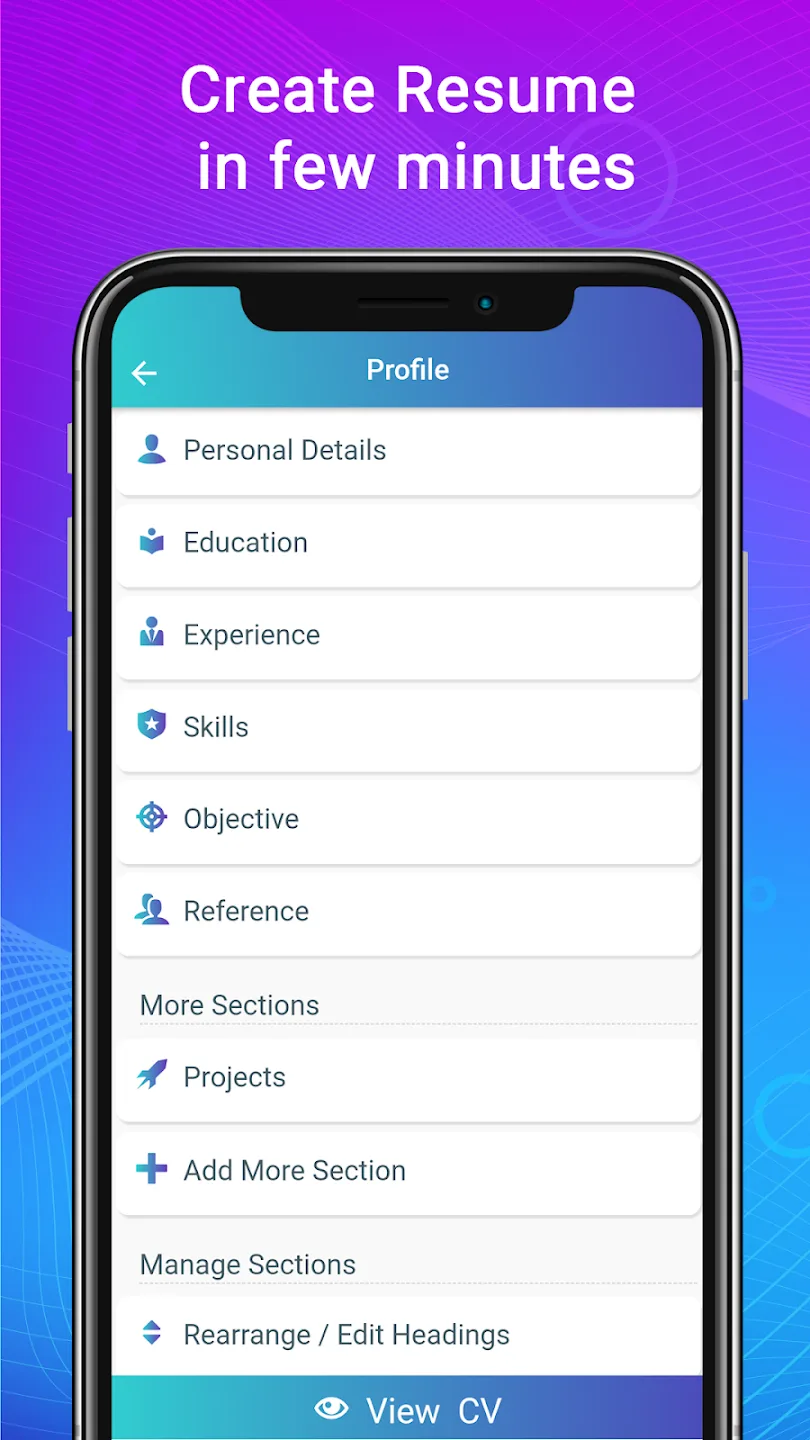
Complete the different sections, including personal details, education, experience, skills, recommendations, goals, etc.
Add other sections, such as languages, signature, hobbies, projects, publications, etc.
Create a cover letter.
Edit the composition and headings order.
Choose from more than 500 professional and modern templates.
Download your CV in PDF.
Print and share your CV.
You can easily create a resume and cover letter on a smartphone in a few minutes, without having to wrestle with complex programs or designs. If you need to create a CV quickly, you just found the ideal app.
User Reviews of Intelligent CV:
Great Application.. At the home page where you have created CV's by a user, let us be able to rename them, so we can easily identify them without viewing them especially when we have created duplicates. e.g: "New communication CV" Secondly, your formatting is an issue. It's fair enough, but there is a always too much line spacing at the top where the name is displayed. it's an issue. Work on your formatting please.
This app is free. Not like the other apps that say free, then there are hidden fees. To add extra sections on your resume with other apps you have to pay. Not with this app. Yes there are avertisementd but not annoying.
I have been using this app for mor than 3 year now. I am very satisfied with its use. The only thing that feels missing is the title field. The title is very important in ATS-friendly CVs. Please, developer team, try to add this option.
The CV making app is remarkably easy and great to use because everything you need to tell the employer's or those who are interviewing you or are their candidate for a certain position or perhaps a job application and so on is enabled to fill close by. You can just fill every job application and make a very great resume, imagine.
FAQs of Intelligent CV:
How can I make a resume on my phone?
Download the resume maker app and create your professional resume / CV in mobile.
Is Intelligent CV maker free?
Yes, this CV maker is free. Remember we never ask you for money for creating curriculum vitae.
Intelligent CV for PC, Windows laptop, web?
Now we are available only on Android and Apple.
Intelligent CV for iphone, ios?
Yes, we have app for iphone and Android.
Which is the best resume maker app in Android?
Our resume maker app is the best for making resume. Among all resume builder apps We have highest rating, most downloaded cv maker and most loved resume editor app.
How many resume i can create?
You can create any number of resume. Create resume profile for various jobs because you can manage multiple resume profile for job.
How to make resume in PDF format?
Resume will be downloaded in PDF format. You should send CV in PDF format because it is the best format to digital document.
Conclusion:
In today’s competitive world, standing amongst sea applicants is crucial in landing a dream role; give yourself an edge to ensure noticed hiring managers trying to see the difference makes the journey successful. Remember, great opportunity knocks on the door. Prepared, answered, confidently, polished, ready to impress. Good luck, and happy hunting!








