
Spacedesk is a desktop extension software designed for PC devices. It not only projects the PC screen onto mobile devices but also expands the workspace and display area, allowing users to multitask and run different software and games simultaneously without needing additional monitors. The software provides multiple input methods such as touch, mouse, and keyboard, ensuring reliable connection and allowing users to freely play various videos and process spreadsheets and documents. The software is constantly being updated with more practical features to be added, so stay tuned!
Click to load YouTube / 点击加载视频
YouTube ↗Features of Spacedesk:
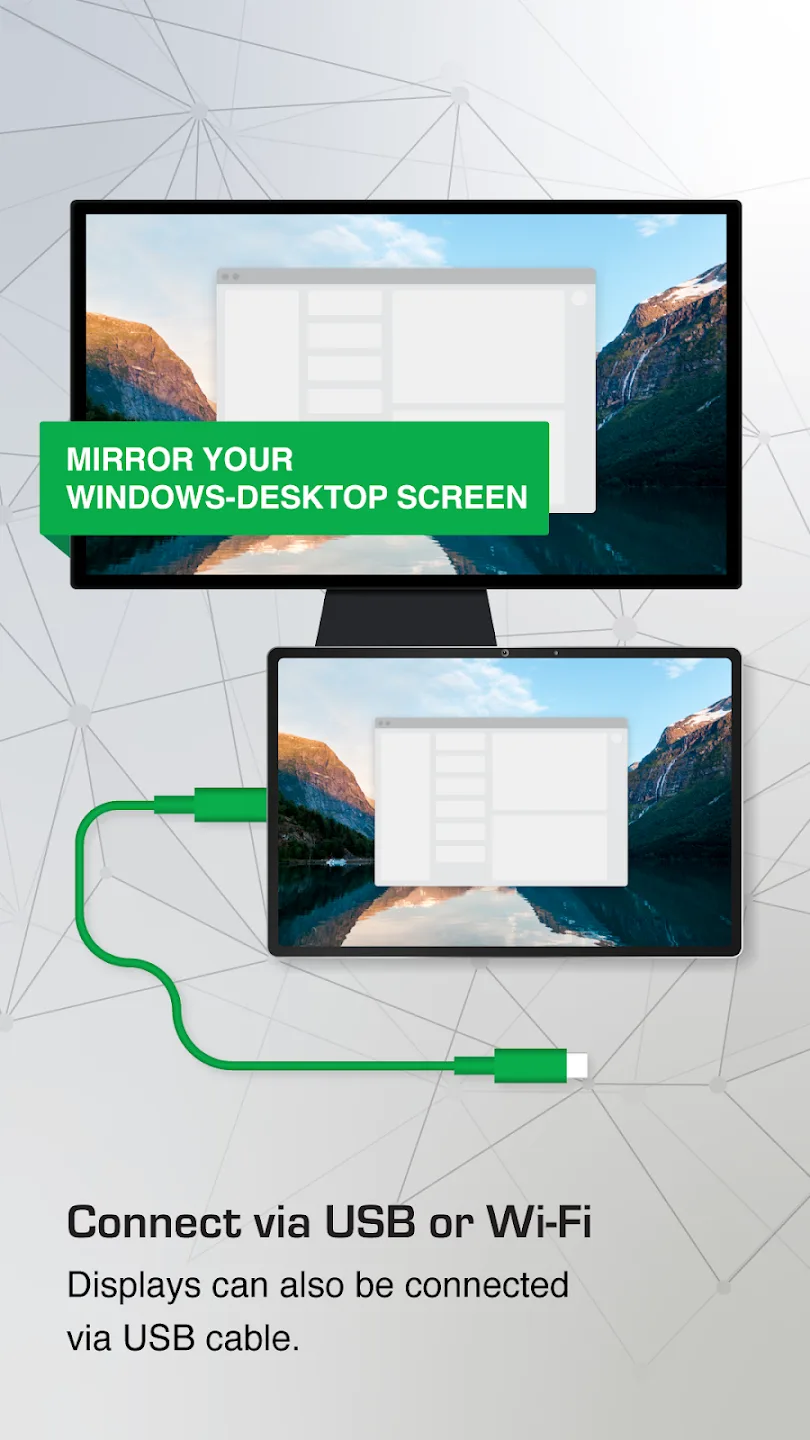
Extend or duplicate your display: spacedesk extends or mirrors your Windows desktop to Android, iOS, Windows, or HTML5 devices. You connect over WiFi, a local network, or USB for reliable links. This gives you more room for apps, timelines, chats, or reference windows.
Interactive control on the secondary device: You can control the PC from your Viewer using touch, mouse, or keyboard. Moreover, stylus input with pressure sensitivity is supported for sketching and note taking. This transforms a tablet into a simple drawing surface or a quick annotation tool.
Audio redirection to your device: spacedesk can stream your PC’s audio to the connected device. Therefore, you can listen through the tablet or phone speakers while the main monitor stays muted. It is helpful for videos, calls, or quiet environments.
Video wall and digital signage: spacedesk combines multiple devices into larger display surfaces for signage or monitoring. In addition, each Viewer can rotate to any angle, so layouts are flexible. This supports classrooms, events, lobbies, and simple control rooms.
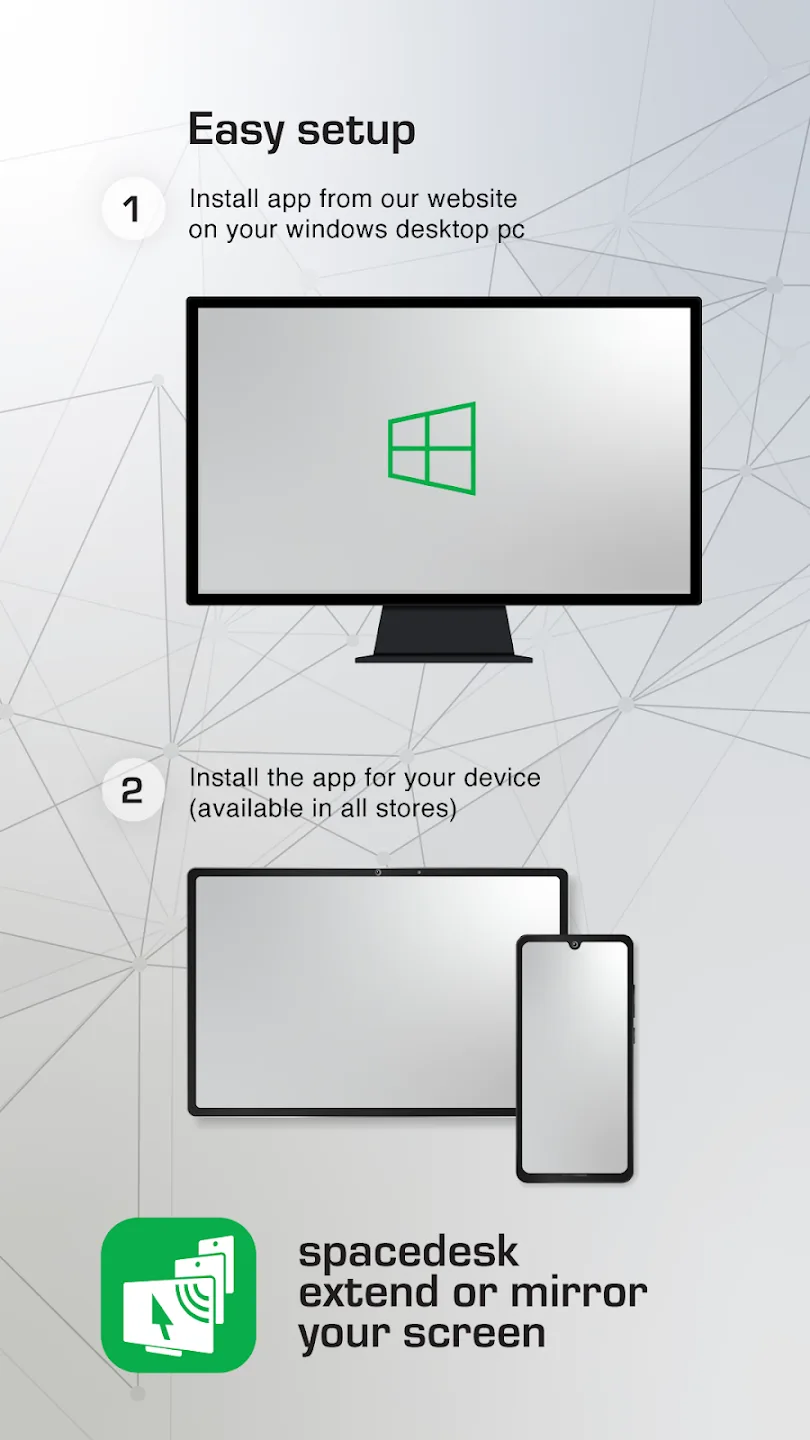
Simple and free setup: spacedesk uses a free Driver on Windows and a free Viewer on your device. You connect on the same network or by USB and the Viewer discovers your PC automatically. The process avoids extra hardware and shortens setup time.
Highlights of Spacedesk:
Wireless and Wired Display Modes: You can connect your devices wirelessly or through a wired USB connection, whether at home or in the office.
Multiple Connection Options: It offers flexible connection methods such as USB, Wi-Fi, and LAN, giving users different ways to connect their devices based on convenience.
High-Quality Display: The app provides a clear and smooth display, ensuring your Android device is a high-resolution secondary monitor.
Touchscreen Support: When using the app, your Android device can be a touchscreen monitor, allowing touch control features for supported applications.
Low Latency: The app is optimized to minimize delays, providing a responsive experience when extending or mirroring your PC screen to your Android device.
Cross-Platform Support: It works across various Windows versions, from Windows 7 to Windows 11, ensuring broad compatibility.
User Reviews of Spacedesk:
excellent! set the program as pc start-up, open the app on my phone and gets thing ready by just one tap. even more excellent when my android phone can connect to my pc wirelessly. thank you so much.
Been looking for this for years! Best solution for dual monitors with a tablet I've ever seen! I love it and will continue to use it for a long time. It has a Windows driver that adds new monitors to your display settings and you can utilize any android as a display for your laptop. You can extend your desktop or just mirror the screen like any other monitor and the quality is pretty decent. The better your wireless network the better it responds. I have all my devices tethered to my phone!
awesome.... works perfect and I can use my lap top with full control right on my phone...the controls make the pc interface like my androids, it would be awesome if I would be able to use the android pop up key board on it to control the pc but touch comands all work flawlessly, I was using the onscreen keyboard for a while and just got an actual keyboard to make it a lot easier. that would be an awesome feature, but I paid for this a while ago and it was totally worth it, Its awesome!!
Excellent solution. I have never seen an app like this. Works as described. Virtually no lag at all. I do have one request though: could the developers do a reverse app? i.e. from Android to PC? That is actually why I downloaded this app. Though it doesn't solve my problems I would have given the developers more than 5 stars if possible.
Summary:
To use the tool, you need to install the software on the PC and on the secondary terminal. Then both devices need to be linked via the same network connection. However, you can also synchronize them via Mobile Hotspot or USB Tethering, although no Internet connection is required.








