

Claude is a powerful AI tool. This application offers advanced AI capabilities, employing the latest AI models to serve developers and information workers managing various technical and productivity workflows, simplifying user workflows. With Claude, you can easily ask questions via chat and have it assist you in completing various tasks. The application also offers file sharing, allowing you to provide a file for it to filter and edit. Furthermore, it boasts powerful image analysis capabilities; users can upload images and suggest modifications for it to help with image editing.
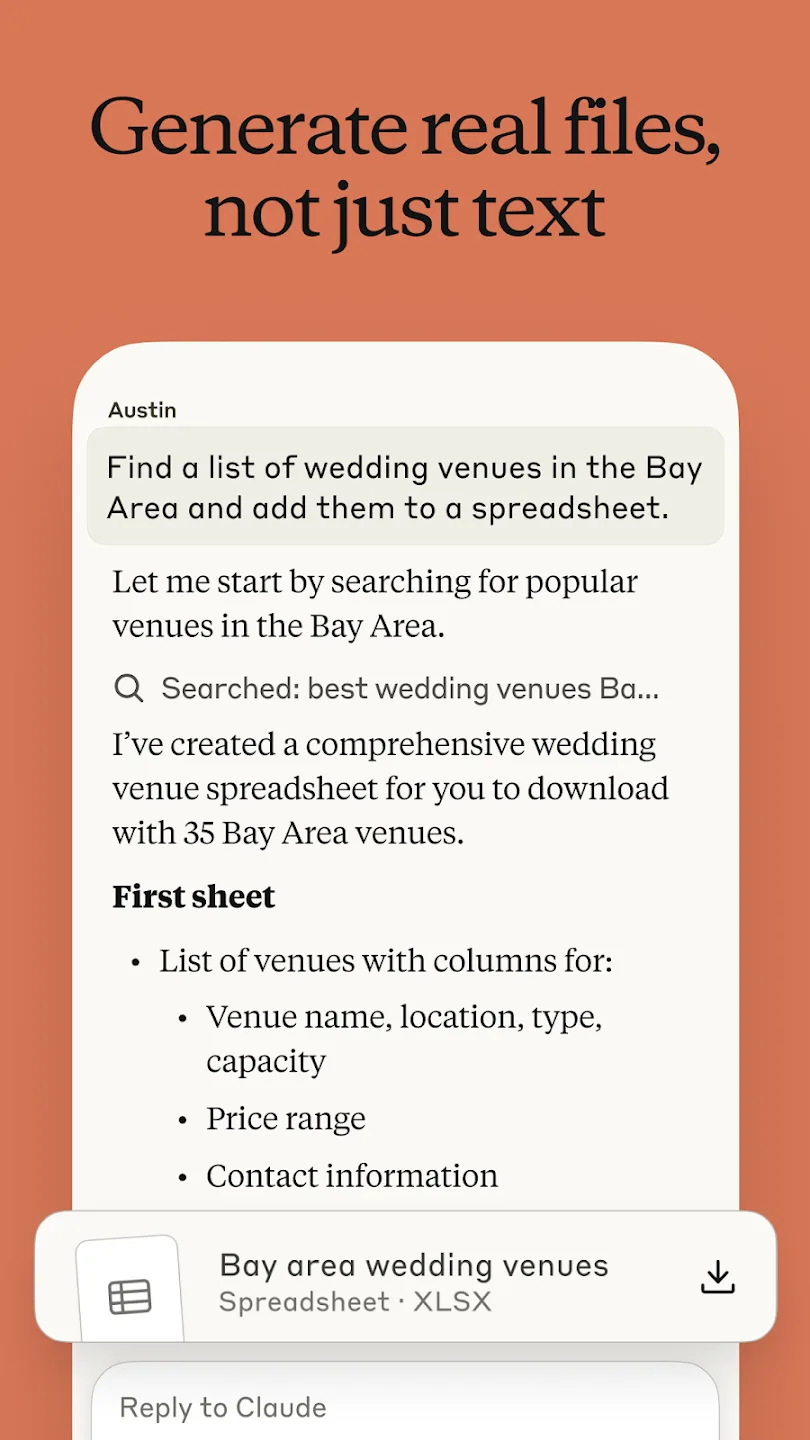
Highlights:
For software developers, the application provides code review and debugging support across Python, JavaScript, React, and dozens of other programming languages. Claude analyzes code implementations, identifies errors and potential issues, suggests corrections and improvements, and explains problematic patterns or architectural concerns.
Extensive language support means developers working across different technology stacks—whether building web applications, systems software, data processing pipelines, mobile apps, or specialized tools—can rely on a single application for code analysis rather than juggling multiple language-specific tools or services.
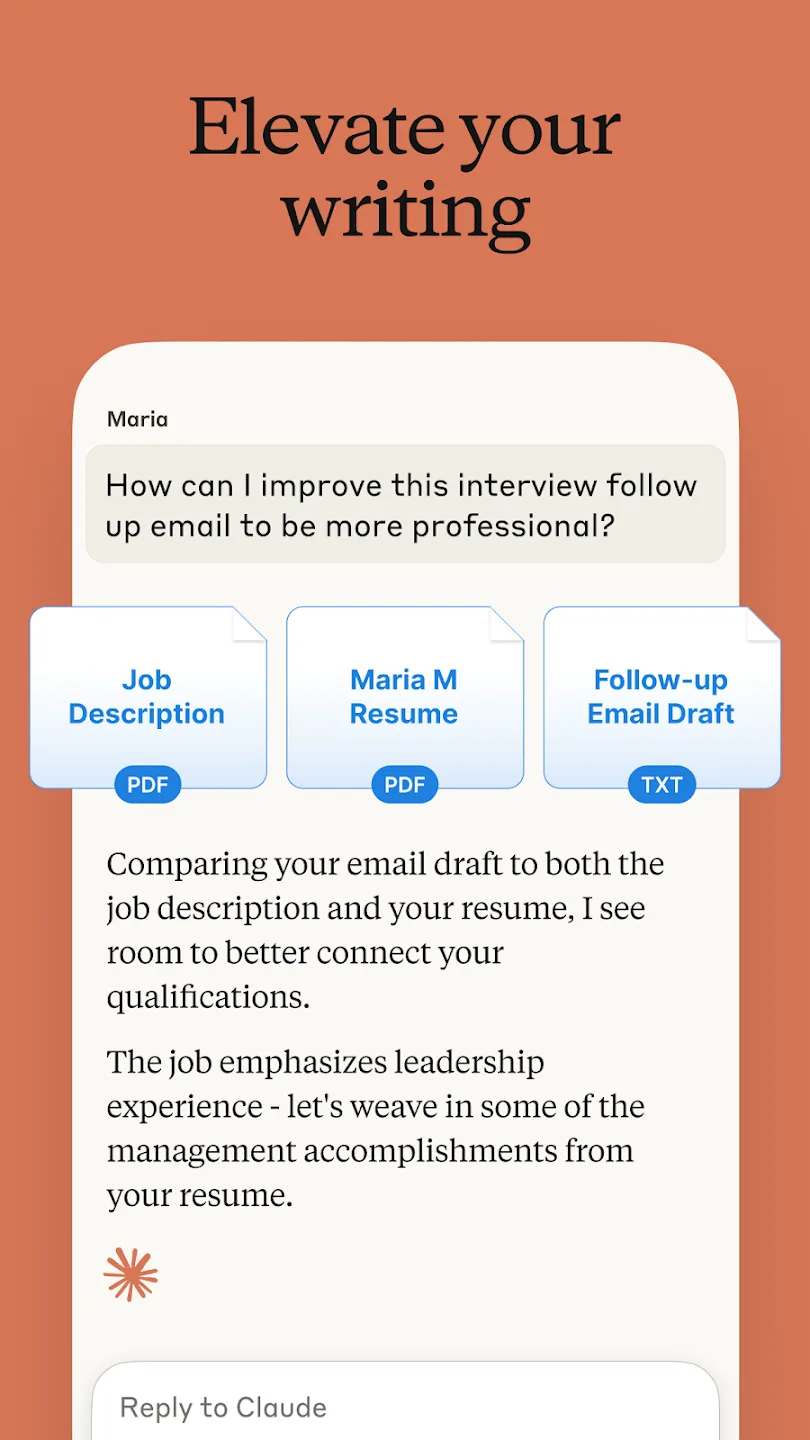
The application provides writing assistance for multiple communication contexts and professional scenarios. Users can compose and refine social media posts, draft professional emails, and structure reports through integrated capabilities. The assistant supports appropriate tone, organization, clarity, and style for different audiences and purposes, consolidating all writing functionality into the main interface rather than requiring users to switch between services.
The application's visual and document analysis capabilities handle multiple content types and formats. Claude interprets photographs, analyzes PDF documents, and processes screenshots submitted by users. The app extracts text directly from images, interprets charts and graphs, and evaluates user interface layouts and technical diagrams.
Users can submit screenshots of applications under review, photographs of sketches or handwritten notes, scanned documents, or user interface mockups for analysis without requiring external tools. Beyond analysis, the application generates SVG code from text descriptions, allowing users to create scalable vector graphics through specification rather than manual code editing or separate design software.
Features:
Advanced Capabilities for Complex Challenges
Claude stands out with its ability to deliver both instant responses and detailed, step-by-step reasoning for more intricate problems. Powered by advanced AI models like Claude Opus 4 and Claude Sonnet 4, it excels in tackling complex issues, coding tasks, and offering enhanced problem-solving strategies. This ensures a seamless experience for tasks requiring deeper analysis or creativity.
Efficiency and Productivity on the Go
The app is an efficient partner for managing daily tasks, such as drafting professional emails or summarizing meeting discussions. It fosters collaboration and deep work, offering continuity by allowing users to pick up conversations on multiple devices. This feature lets you maintain productivity whether you're at your desk or traveling.
Versatility Tailored to Your Needs
Claude integrates cutting-edge technology to enhance reasoning and creative support across diverse subjects. While free to use, upgrading to premium plans unlocks additional features, extended usage, and access to enhanced AI models like Claude 3.7 Sonnet. Designed for accuracy and dependability, Claude serves as a reliable and intelligent partner for personal or professional tasks.
Who is it suitable for?
You value a privacy-focused AI assistant where your conversations stay secure and confidential
You want fast, accurate help writing, summarizing, translating, and correcting texts for study or work
You seek clear explanations, code assistance, and data-driven recommendations to learn topics and make decisions
Final Words:
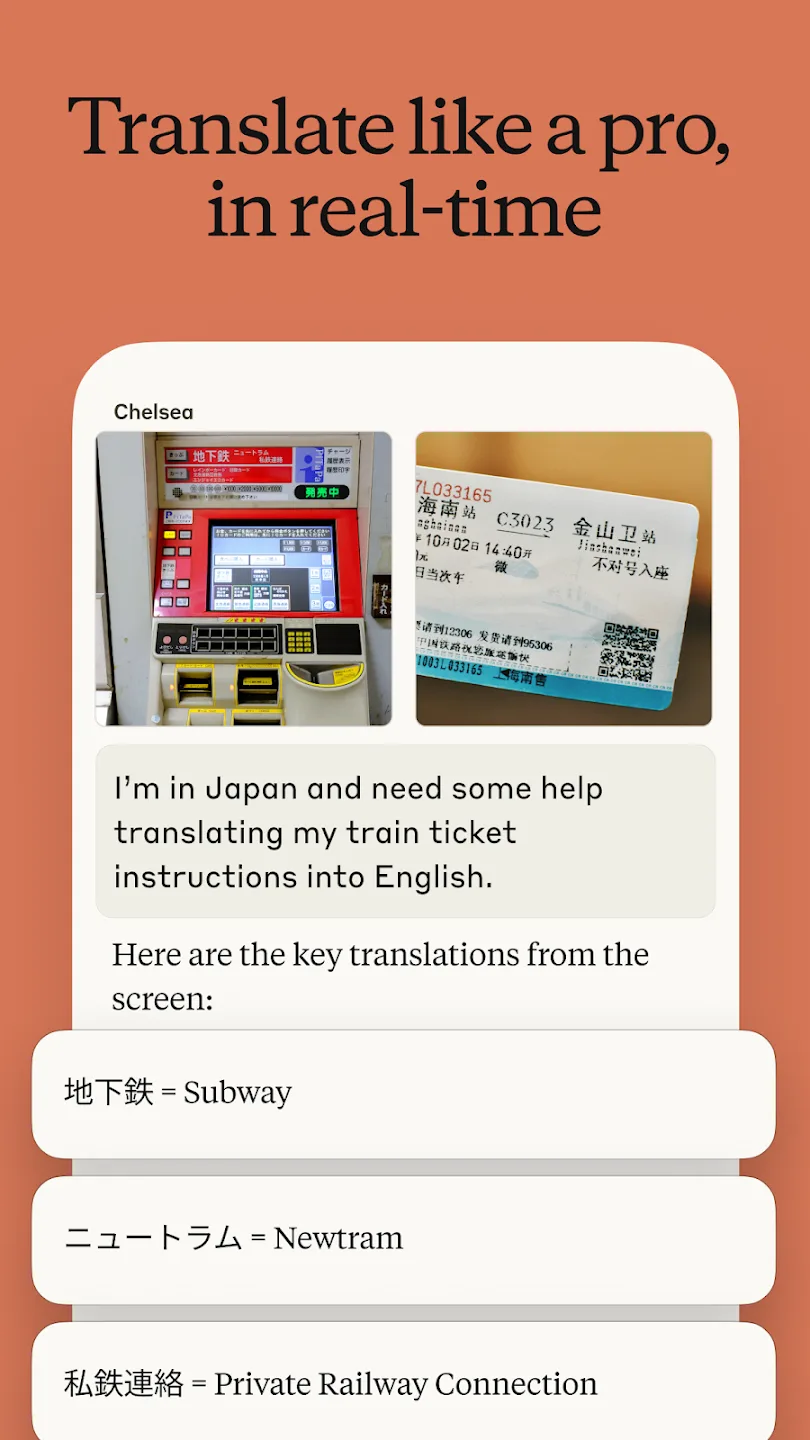
Voice input and transcription across multiple languages integrate with the application's broader capabilities—users dictate notes, compose messages, or provide instructions that Claude processes through analysis and generation features. This multilingual approach, paired with translation support for over 100 languages, reflects deliberate design for globally distributed teams and information workers operating across language barriers.








