

Google Clock is a clock app designed for mobile devices. It not only integrates various clock, timer, stopwatch, and world time functions found in regular apps, but also offers a bedtime mode. When the user sets a time, the app automatically plays soothing music to help users achieve better sleep quality. The app provides users with extensive customization options; they can freely adjust the position and size of the widget, as well as choose the way the time is displayed and the interface design, making the widget more suitable for their screen.
Features of Google Clock:
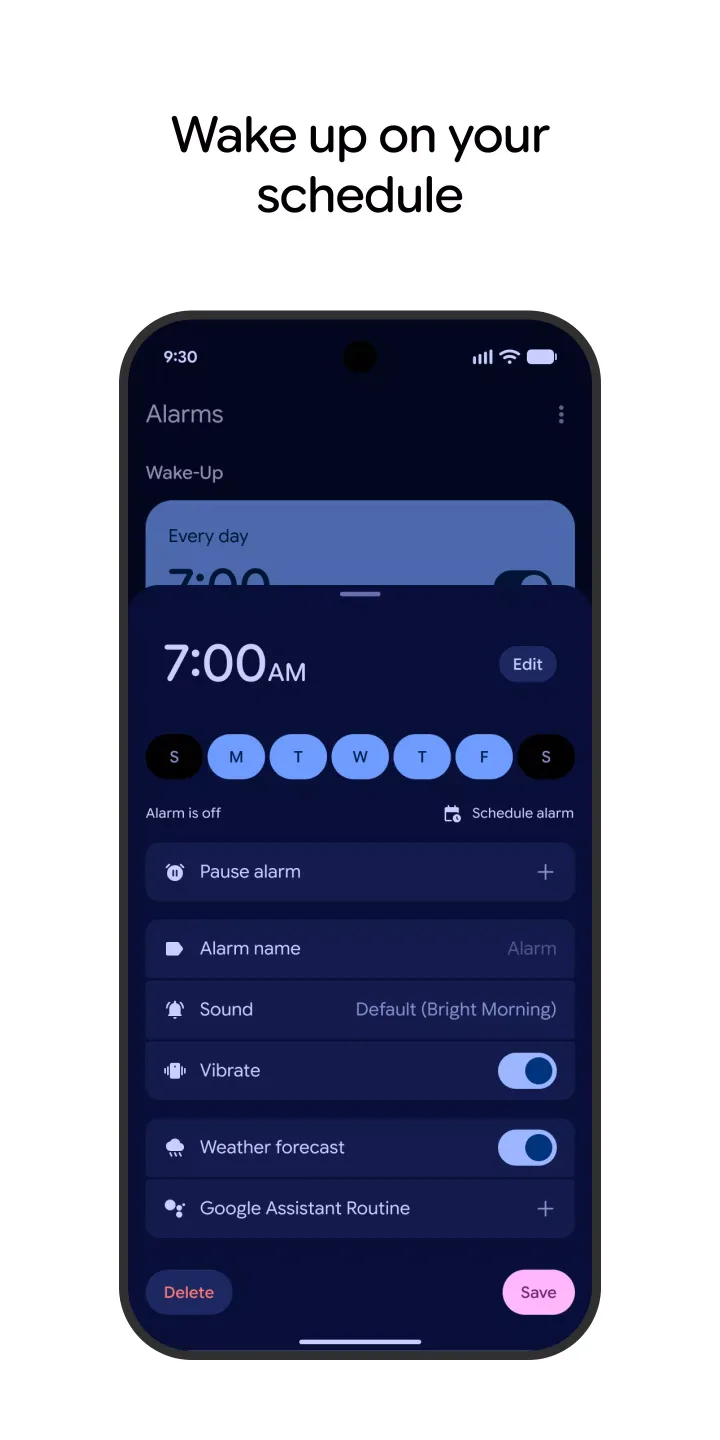
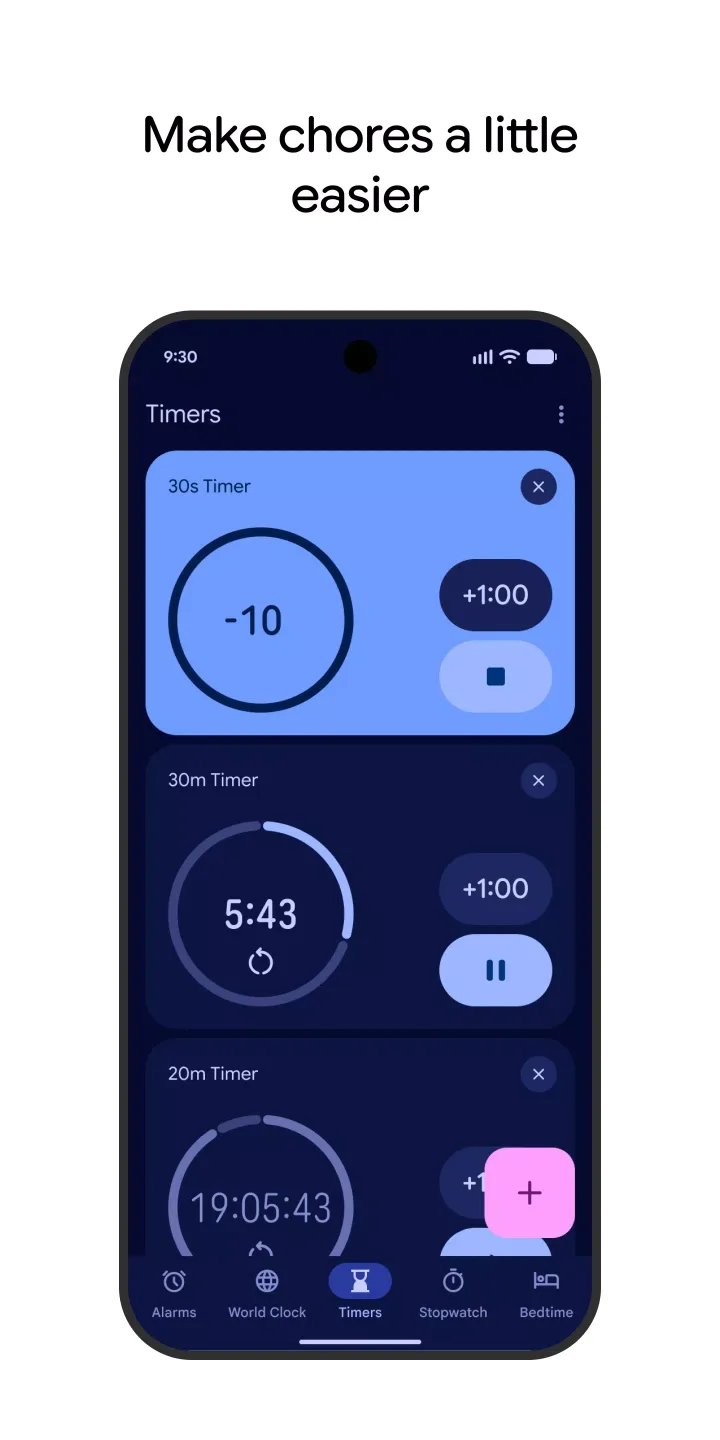
Reliable alarms, timers, and stopwatch: Google Clock lets you set alarms with clear controls. You can run multiple timers at once and use a full stopwatch for precise tracking. This alarm clock app keeps key actions simple, which helps during busy moments.
World Clock for time zones: Track several cities in one view and compare local times at a glance. This helps you schedule calls or plan travel without manual checks. Google Clock keeps the list tidy, so you see the most relevant cities quickly.
Bedtime schedule and sleep sounds: Create a bedtime routine that reminds you when to wind down. You can listen to calm sleep sounds and review upcoming events for the next day. As a free clock app, these bedtime tools stay accessible without extra setup.
Wear OS on your wrist: Pair a Wear OS watch to mirror alarms and timers. Use tiles and watch face complications to start, snooze, or dismiss right from your wrist. This connection keeps time tools available when the phone is not in hand.
Highlights of Google Clock:
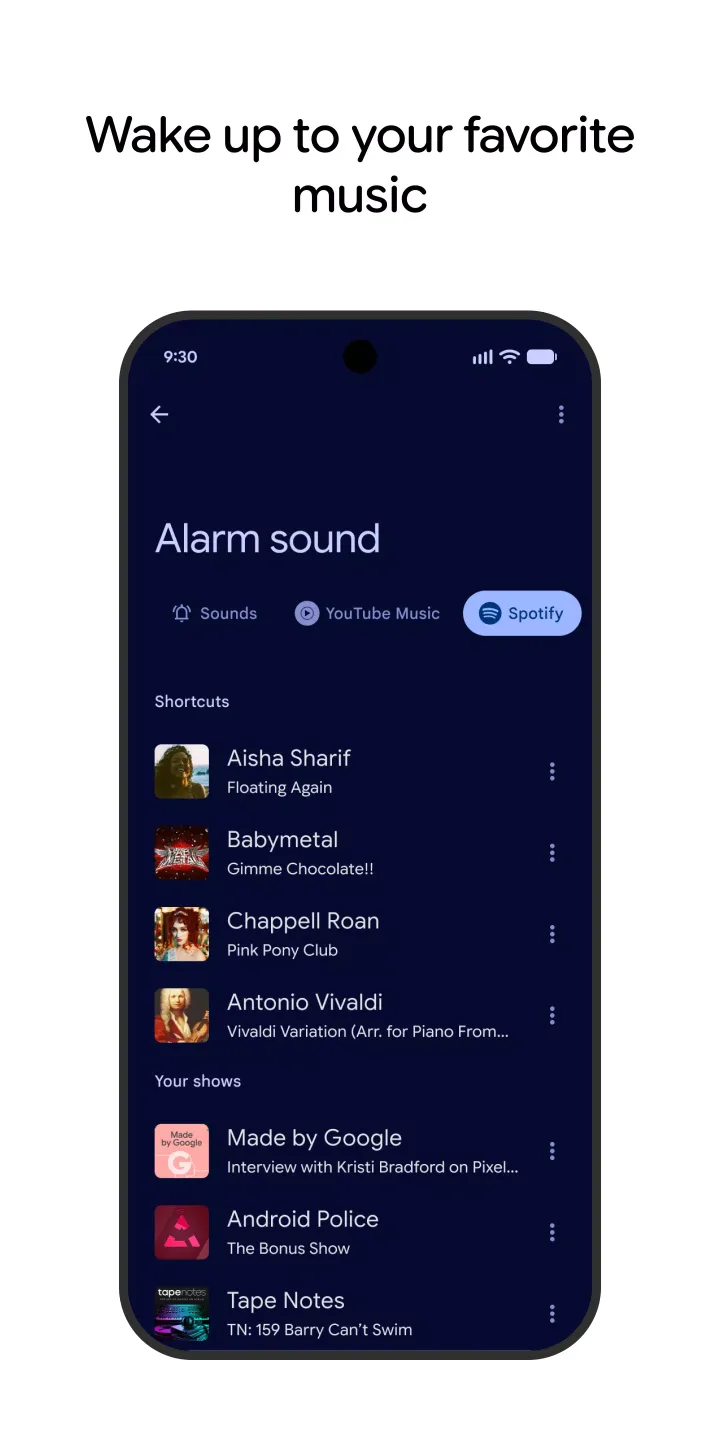
Users can set alarms to wake up or remind them of important tasks. The alarm feature allows for customization, enabling users to select different tones and snooze options based on their preferences. This functionality is particularly useful for those who need to adhere to a strict schedule or wish to ensure they do not forget important commitments.
In addition to alarms, the app includes timer capabilities. Timers can be particularly beneficial for cooking, workout sessions, or any activity that requires strict timekeeping. Users can start multiple timers simultaneously, allowing for versatile time management across various tasks. This feature streamlines the process of keeping track of time-sensitive activities without the need for separate applications.
In terms of accessibility, the app supports a range of languages, ensuring that users from different backgrounds can utilize its features effectively. This inclusivity is important, as it allows a broader audience to benefit from the app's time management capabilities.
Clock is also designed with performance in mind, ensuring that it operates smoothly on a variety of devices. Users can expect quick responses to their inputs, whether they are setting an alarm, starting a timer, or accessing the World Clock. This reliability is crucial for maintaining user satisfaction and ensuring that the app can be relied upon for essential timekeeping tasks.
The app's combination of alarms, timers, stopwatch, World Clock, bedtime scheduling, and event tracking makes it a comprehensive tool for managing time effectively. Users can download Google Clock to streamline their daily routines while benefiting from the convenience of an all-in-one time management solution. Its features are tailored to meet the needs of various users, from busy professionals to individuals looking to improve their timekeeping practices.
How to set a bedtime & wake-up time:
When you set a bedtime and wake-up time, you can review how much sleep you’ll get. The alarm set in the Bedtime tab will also show in the Alarm tab.
Open the Clock app .
Tap Bedtime.
On the “Schedule” card, tap the time under Bedtime.
Set a bedtime and the days to use your bedtime routine.
Select any of the following options:
Reminder notification: Set a bedtime reminder.
Bedtime mode: At bedtime, silence your phone and remove the screen's color. Learn how to manage the time you spend on your phone.
Tap the time under Wake up.
Set a wake-up time and the days to use your wake-up alarm.
Select any of the following options:
Sunrise alarm: Slowly brighten your screen 15 minutes before your alarm starts.
Sound: Choose your alarm sound.
Vibrate: Turn on vibration for the alarm.
Google Assistant Routine: Choose what you want the Assistant to do when you wake up. Learn more about routines.
Final Thoughts:
Google Clock brings together the main timekeeping tools most Android users need: world time, alarms, timers, a stopwatch, plus a thoughtful bedtime mode. The interface remains generally clean and easy to understand, and support for both analog and digital displays, along with wearable integration, gives it flexibility.








