
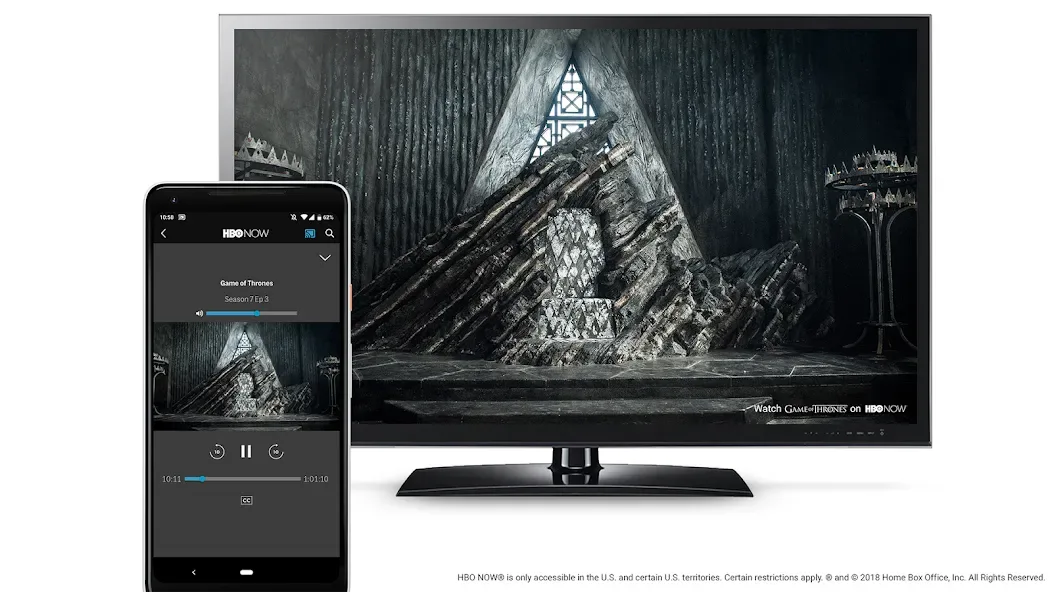
Chromecast built-in is a utility app designed specifically for Android TV. It offers a wealth of features that significantly enhance the connectivity and functionality of modern televisions, allowing users to cast video content from their smartphones to the TV screen. With Chromecast built-in, you can cast content from your Android device to the big screen simply by connecting both devices to the same Wi-Fi network. Once set up, a single tap is all it takes to watch videos on the big screen, making your viewing experience effortless and convenient.
Highlights:
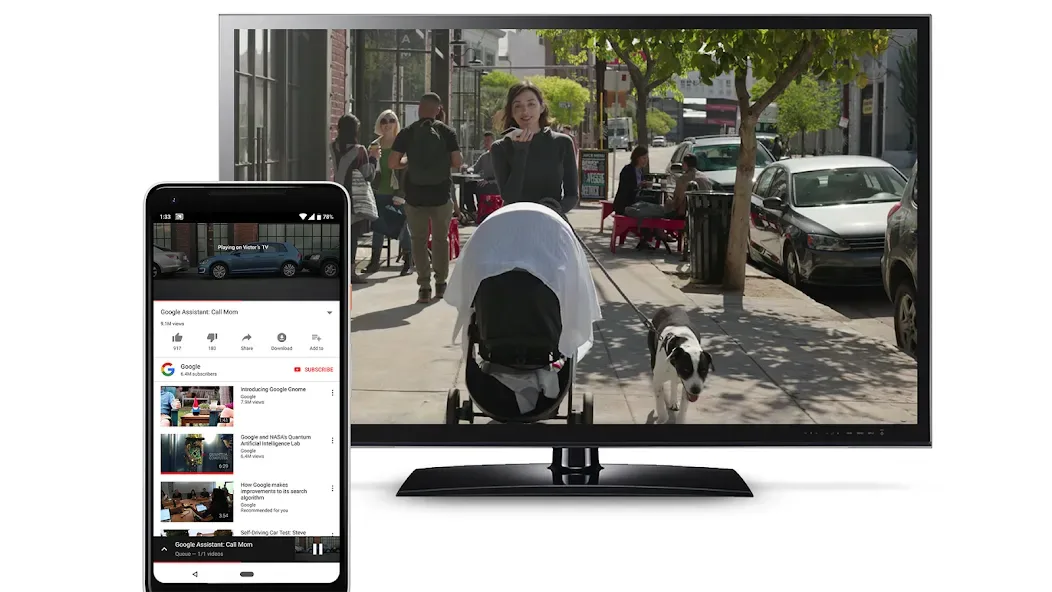
You can enjoy a multi-screen experience with ease thanks to Chromecast built-in, a useful tool.
By using the application, you can share your screen and manage content on a variety of devices, from small screens like a phone, tablet, or laptop to large screens like a television.
You can enjoy your content on a big screen in a convenient and efficient manner with the help of this app.
The Chromecast built-in application comes with a user-friendly interface for ease of navigation for every user.
It also offers basic features for accessibility and controls to make its utilization free of hassle.
Features:
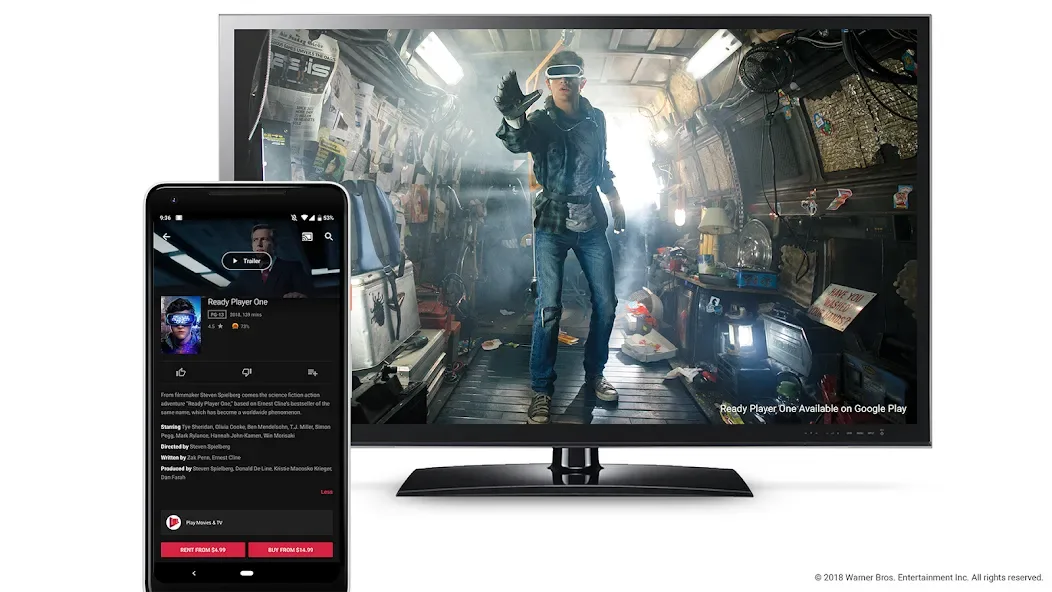
Cast video and audio from your apps
You can cast video and music from Android, iOS, or web apps to a TV or speaker. Google Cast lets your device play, pause, seek, rewind, and stop without changing inputs on your TV. This keeps control in your hand while the big screen handles playback.
Chromecast built in for Android TV
On certified Android TV devices, Google Cast is the receiver component that is preinstalled. Your TV appears as a cast target right away, so compatible apps can connect without extra setup. In everyday use, this helps you start a session quickly from your phone or laptop.
Cast Connect for richer TV app behavior
With Cast Connect, Android TV apps can receive messages and report playback status like a Chromecast. Google Cast works with these apps to provide transport controls and progress that feel native to the TV. This allows TV apps to show accurate media information while you control content from your phone.
Broad media format support
Google Cast supports many common formats, protocols, and codecs used by modern media apps. This flexibility helps developers integrate casting and gives users reliable playback on supported devices. As formats vary, the sender app and TV app coordinate to deliver stable streams.
Multi device control and voice integration
You can start a session on your phone and continue control from a Nest display or another connected device. Google Cast also works with Nest Hub or Nest Audio for voice commands to speakers or Chromecast connected TVs. Consequently, you maintain control as you move around the home.
Tips and Tricks:
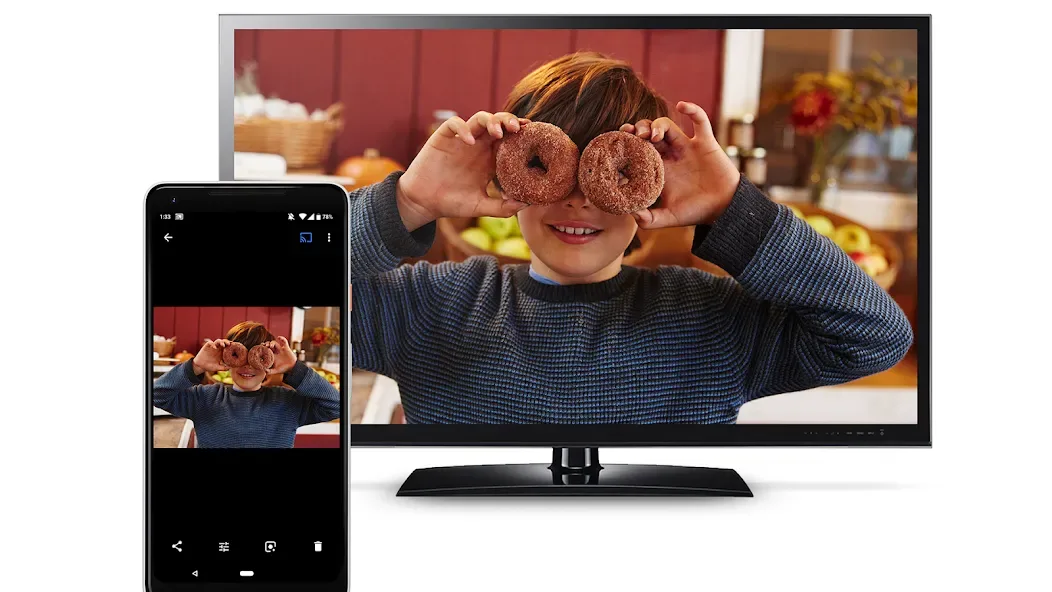
Use a supported app to tap the Cast button and select a nearby device; the cast session runs on the TV so you can continue using your phone for other tasks.
Chromecast built-in devices are often integrated into smart TVs and streaming hardware, and you can manage and configure them from the Google Home app on your mobile device.
Stream video and music from supported apps to your TV, control playback, volume, and captions from your mobile device, mirror your Android screen to compatible displays, and manage multiple devices and settings in the Google Home app.
Chromecast built-in makes it simple to switch between apps and keep using your phone while content plays on the TV.
Final Words:
Enjoy multimedia content on your Smart TV and view it on the big screen in a matter of seconds, thanks to Chromecast built-in, a convenient, simple and great tool that lets you watch your favorite videos on TV and control the display using your Android as if it were a remote control.








