

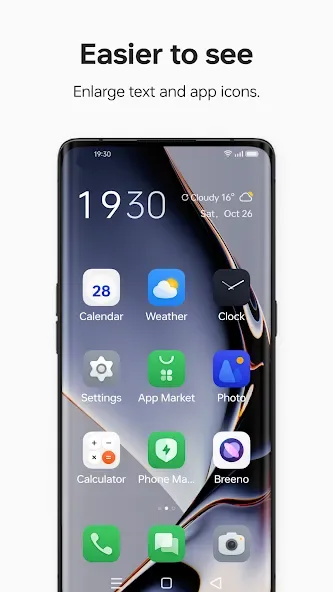
Simple Mode is a tool that simplifies operation, helping some middle-aged and elderly users quickly use their phones. It allows for one-click access to frequently used contacts and quick launch of frequently used apps. Icons are maximized, providing a clear view of the phone's functions. The easy-to-use interface makes it convenient for less tech-savvy users to get started quickly. It enhances the user experience for the elderly and visually impaired, improves performance, reduces background processes, and lowers battery consumption.
Function
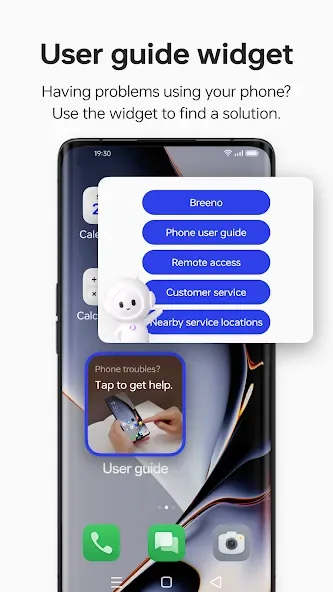
Select your favorites contacts and access them one swipe away
Choose the apps you use the most to launch them quickly
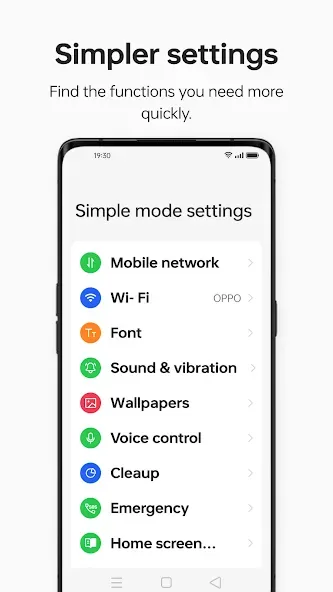
Change your phone settings at a glance
Activate notification dots over your Phone and Message apps icon
Advantages and disadvantages
Pros
User-friendly interface designed for simplicity
Reduces clutter, making navigation easier for less tech-savvy users
Customizable settings that can suit individual preferences
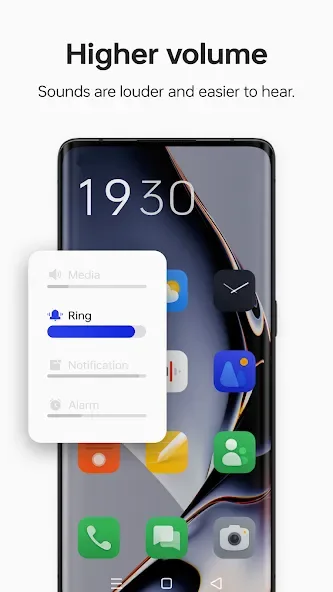
Accessibility features enhance usability for the elderly or visually impaired
Streamlined functionality focused on essential features increases performance
Less battery usage compared to full-feature mode due to reduced background processes
Cons
Limited functionality as advanced features are often hidden or unavailable
May not satisfy power users who prefer full-featured interfaces
FAQS
What is Simple Mode in ColorOS?
Simple Mode is a user interface feature in ColorOS that simplifies the phone's interface and functionality, making it easier to use, especially for seniors or those who prefer minimal complexity.
How do I activate Simple Mode on my ColorOS device?
To activate Simple Mode, go to 'Settings', then 'Convenience Aid', find 'Simple Mode', and toggle it on.
Can I customize the apps shown in Simple Mode?
Yes, you can customize which apps appear in Simple Mode from the settings menu associated with it.
Will my regular apps still be accessible in Simple Mode?
Regular apps can be accessed from the app drawer, but only the selected apps will be displayed on the home screen in Simple Mode.
Is Simple Mode available on all ColorOS devices?
Simple Mode is available on most ColorOS devices, but availability may vary depending on the device model and software version.
User comments
1 it's very useful when it's very useful when your batteries percentage I've used it a couple of times the first time I was a bit apprehensive the second time with more confident is a good setting on this mobile
User friendly app, makes things easier and better... I would personally recommend it to other users as well.
Please solve the problem of not updating layers And this app is no longer compatible with your device
Summarize
Simple mode is designed to help the elderly use their phone more easily. When you open Simple mode, your phone system automatically switches to larger text, bigger icons, and higher volumes, and uses handwriting as the input method and virtual buttons as the navigation method.








