
VPN Secure is a VPN application for Android systems. It boasts a large number of nodes and high-speed broadband. It requires version 5.0 or higher to function. It supports Wi-Fi and 5G networks. The user interface is clean and simple, with only a few ads. This VPN has no usage time limit; no registration or configuration is required. It does not request any extra permissions from your phone. It is small in size and provides strong security. It can access servers in 23 or more countries. It is very powerful and can bypass some network restrictions.
Features
Large number of servers, high-speed bandwidth
Choose apps which using VPN (Android 5.0+ required)
Works with Wi-Fi, 5G, LTE/4G, 3G and all mobile data carriers
Strict no-logging policy
Smart choose server
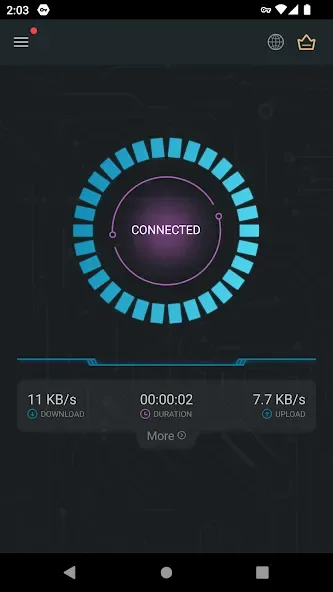
Well-designed UI, a few ADs
No usage and time limit
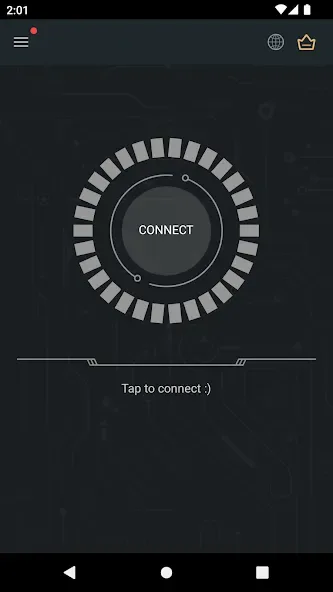
No registration or configuration required
No additional permissions required
Tiny size, more safer
Function
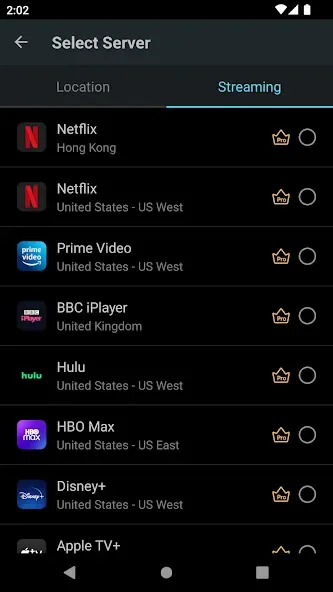
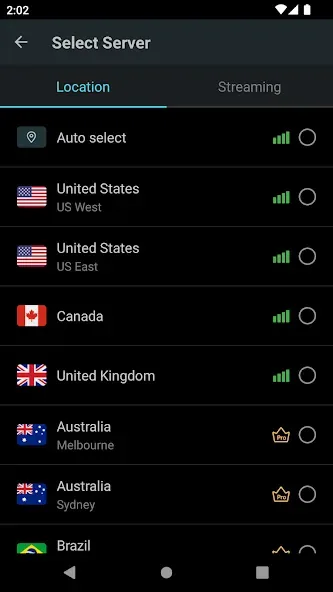
Access servers in 23 countries (and more!).
Always-on feature allows reconnection on startup.
VPN Secure protects your privacy.
Works with Android, iOS, Windows, Mac, and Linux desktop clients.
No root access required.
Save login details.
Clear the list of recently connected servers.
Manage your account and purchases from within the app.
FAQS
How does the VPN Secure app work?
Using a virtual private network offers multiple benefits. Besides hiding practically all your activity, it also offers great data protection, since this connection protocol applies all private network management and security policies similar to the Security Master app.
What location servers do we get with this VPN app?
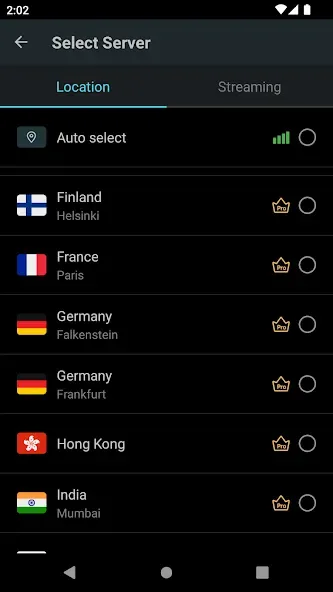
This Android proxy app comes with a lot of global locations, divided into regions. For instance, from the menu, you can choose Germany, the United States, France, Australia, Japan, Russia, or Canada.
What are the downsides of a Free VPN app?
Free VPNs are often slow, enact usage and data limits, offer a minimal selection of servers, and are generally less secure than paid VPNs. So it is more useful when you get a fully paid subscription service for a VPN.
How can I download and install the secure VPN app?
You can start the process by downloading and installing the app by clicking the button above. The app will not need any registration or configuration. It offers a Well-designed UI with few ads when using the free version.
User comments
Perfect app. It's amazing that this is free. this vpn has worked consistently. the ads only appear when it's loading, so they're not a problem.
This is one of THE BEST vpns I ever had. I've been constantly switching from app to app and most of them require money to even start up the thing but, this app is totally the opposite! it already works pretty dang smooth without payment. I wonder how better it can get! (the best ever)
This app is good abd amazung because its allowing me to use diffirent countries. but for other vpn you need to pay for premium then you can choose countries .
Summarize
Secure VPN is a powerful, free, and fast VPN tool that focuses on providing secure and anonymous Internet access. It is also a great way to avoid censorship in a particular region. Download the Secure VPN APK and enjoy all its functions.








