
Franco Kernel Manager is a mobile toolkit designed for mobile devices. It not only monitors battery information and the power consumption of different applications in real time, providing corresponding powersaving tips, but also detects system health and displays CPU usage, helping users gain a comprehensive understanding of their device's details and extend battery life. The software's functionality extends beyond this; through its editor, users can easily customize kernel settings, view kernel logs, and configure CPU settings for different applications, meeting diverse user needs.
Features of Franco Kernel Manager:
Ultimate Performance Tuning: Adjust CPU and GPU frequencies and governors to maximize your frame rates in demanding action games or heavy RPGs.
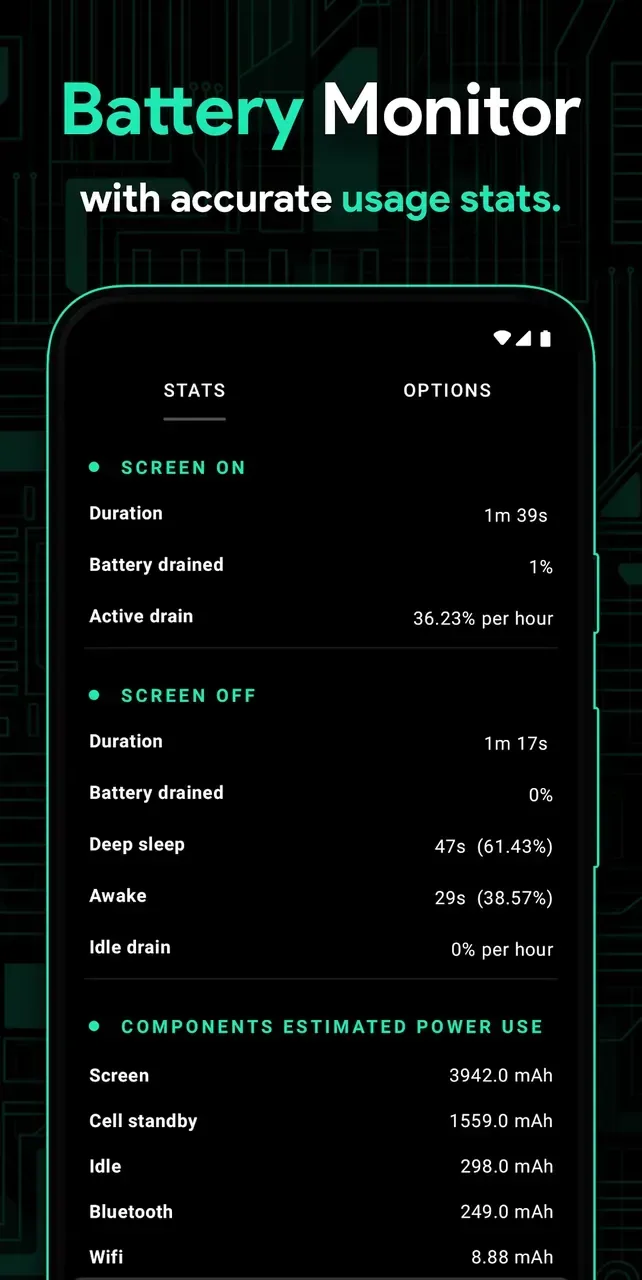
Comprehensive Battery Monitor: Gain deep insights into your power consumption. Track active drain, idle drain, and estimate battery health with precision.
Display Calibration: Enhance your visual experience with granular control over color temperature, saturation, and gamma settings for a smoother viewing experience.
PerApp Profiles: Create custom performance tiers for specific apps. Set highperformance modes for your favorite strategy games and lowpower modes for social media.
System Health Dashboard: A beautifully designed interface that provides a snapshot of your system’s vitals, including temperature, clock speeds, and memory usage.
Advanced Kernel Integration: Seamlessly interact with your device’s kernel to unlock hidden features and optimizations.
Strengths of Franco Kernel Manager:
Detailed Battery Stats: Displays power consumption in mAh for various components like WiFi, screen, signal, idle, etc.
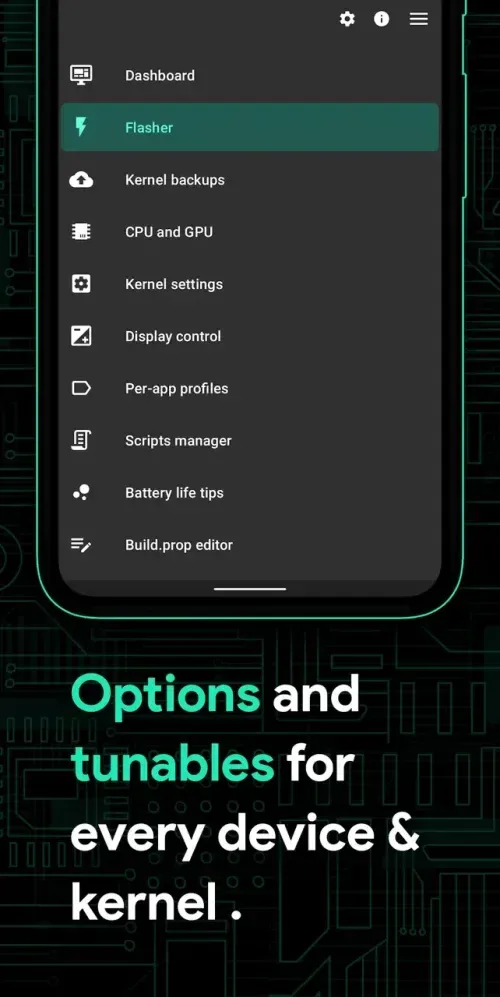
Build.prop Editor: Easily customize system properties with the builtin editor.
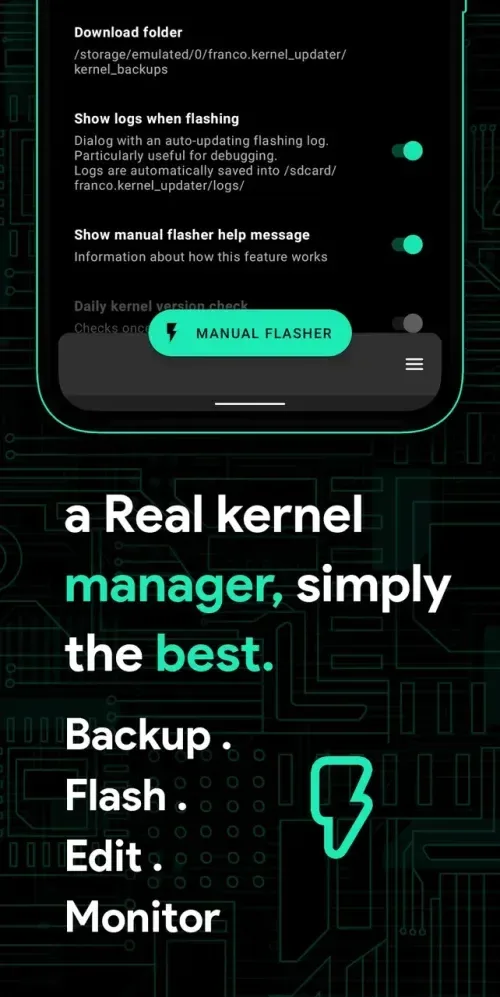
AutoFlash Kernels and Zips: Flash kernels, Magisk modules, and other flashable zips directly from the app without the need for a custom recovery.
Powerful Battery Saving Tips: Simple onetouch buttons to activate batterysaving settings.
GPU and CPU Control: Manage CPU and GPU frequencies, governors, multicluster configurations, and more for optimized performance.
Custom Kernel Settings: Adjust settings such as IO scheduler, wakelocks, memory management, and more to finetune your device’s performance.
User Reviews of Franco Kernel Manager:
So, I bought this a while ago but I didn't post a review... ...I don't know why not. It's great value and brings a new lease of life to all the devices I've installed it on. For example, my OnePlus One running LineageOS has great battery life again: on its original battery! The list goes on. My only regret is that my company phone, an S9, can't be rooted (not allowed to) and isn't explicitly supported: its battery life is questionable. Maybe I can get them to buy me a phone from the list. If you are wavering and wonder whether you should buy, just go ahead, you won't regret it...
The app is very good and it has really affected my phone's performance and battery life. But one issue, whenever I turn on Underclock CPU , and try to turn off it doesn't turn off. I have to reboot my device. Is there any fix ? Edit : Actually, when my battery becomes low, I underclock the cpu, and when it dies and after fully charging I tried to restore it, but it doesn't restore. that's the problem. But it was gone after I reinstalled the app freshly. It's very good to hear from you.
Best kernel tuner on the market. Been using this religiously on every device I've had. My only issue is with the perapp profiles. After it goes back to "default," the minimum cpu frequency is always set the the absolute lowest no matter what you had it set to before. Other than that, this app is a must have.
Love the new UI. One bug (or maybe I'm not aware) I'm unable to apply 25% lower clocks, 50 and 75 work fine though. Is it because the default balanced profile lowers the clocks? I'm using a OnePlus 3T with Franco kernel r45. EDIT: It is applied, I can notice some apps taking a couple of seconds longer to open, and the max frequency for cluster 2 is lowered by approximately 25%. The app doesn't show that it's applied though, it still shows the apply button.
FAQs of Franco Kernel Manager:
Do I need root to use Franco Kernel Manager?
Yes, root is required for kernellevel changes.
Can Franco Kernel Manager damage my phone?
If used responsibly, no. But extreme overclocking may cause overheating.
Is it safe for beginners?
Yes! Start with preset profiles instead of manual tweaks.
Does it work on all Android phones?
It works on most rooted devices, but features may vary depending on kernel support.
Is there a free version of Franco Kernel Manager?
Yes, there is a free version with limited features. A paid version offers additional functionalities and customization options.
Can I revert changes made by Franco Kernel Manager?
Yes, you can reset settings and revert changes made in Franco Kernel Manager to its default configurations.
Final Verdict:
As mentioned above, the information that Franco Kernel Manager provides will often appear in many different ways. These can be common information and indicators that often appear in the lists of each part of the device. In particular, if you want to know the current condition of the device when it is in use, don’t ignore the charts that truly reflect the device’s condition. There isn’t too much information, just up or down lines that reflect what’s going on.








