

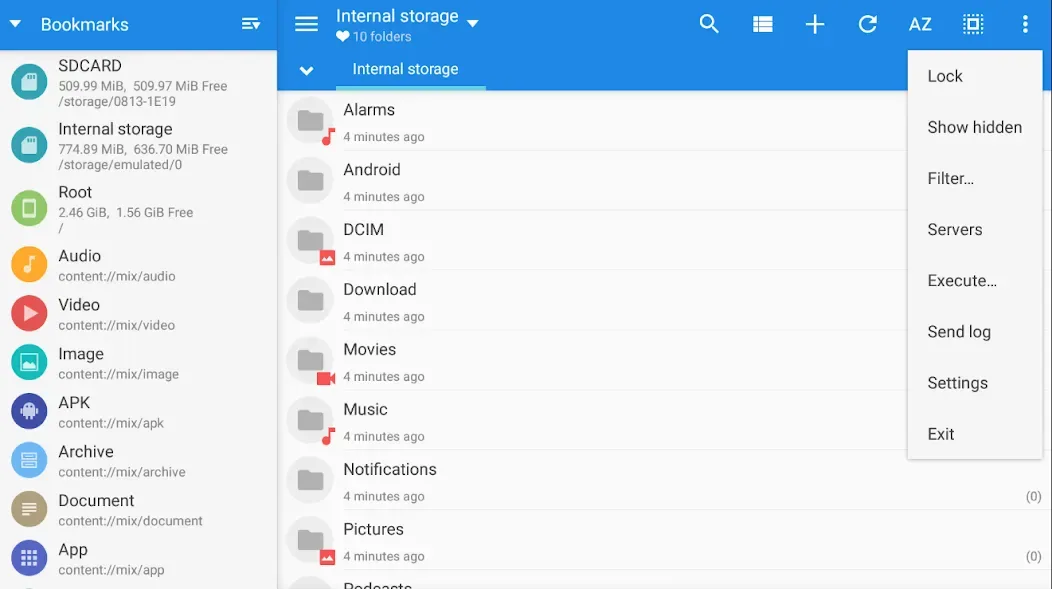
MiXplorer Silver File Manager is a file management tool. It allows for multi-tab operation of multiple tasks within the application and features advanced search capabilities with filtering options. It also includes a built-in image viewer, media player, and more. It can view code files and supports direct FTP file transfer. It can decompress compressed files directly within the application. This includes file encryption and decryption. Some functions require root privileges. The user interface is simple and easy to learn, with introductory tutorials and guided operation available.
Features
Tabbed Browsing – Open Multiple Windows in Tab View and Do Multiple tasks easily.
Advanced Search – Search Whatever you want, and very advanced filter while searching.
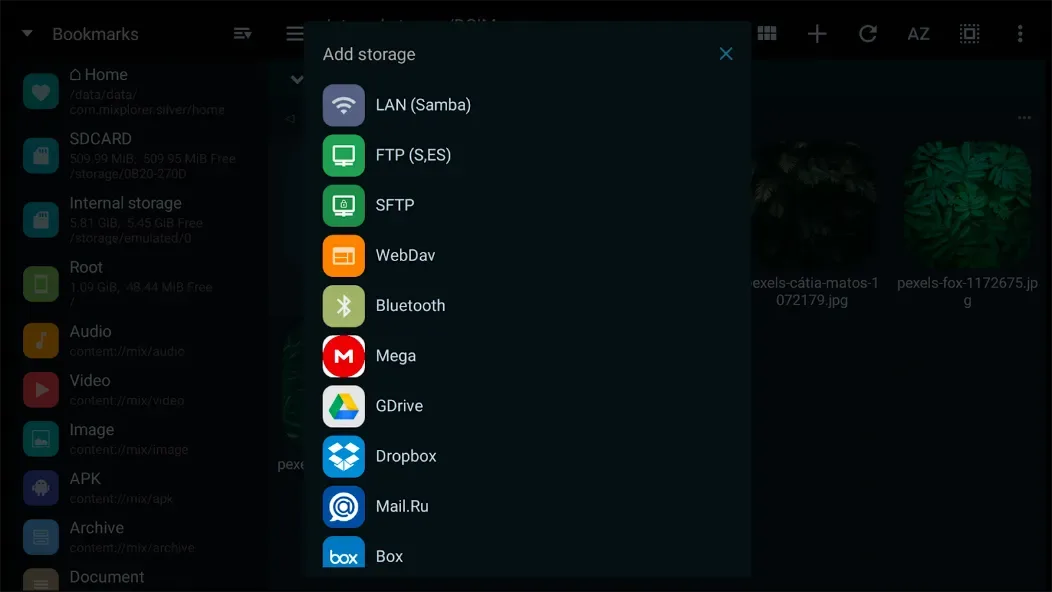
Built-in Features – This File Manager have build-in Image Viewer, Music Player, Media Player, Text Editor, HTML Viewer, FTP/SFTP Connector, Mp3 tag Editor, File Extractor (Rar, Zip, 7Z) etc.
Supports OTG Storage reading functionality.
Easily do tasks like Copy/Paste/Move.
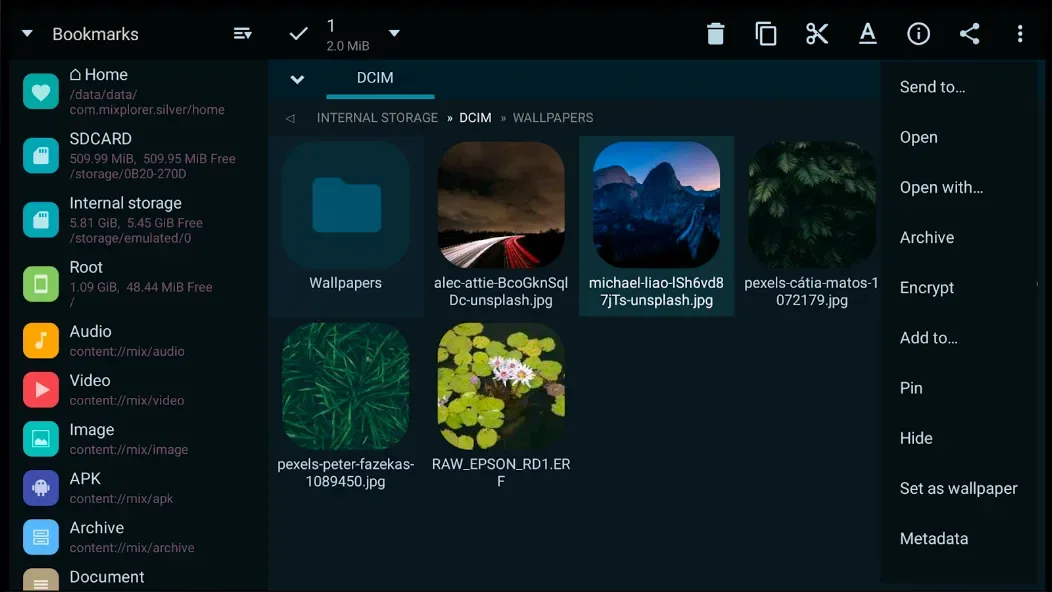
Encrypt/Decrypt Files.
Edit System Files like Build Prop etc (Requires root access).
Ebook Reader – Open all Type of files like PDF, XPS, CBZ etc and much more.
Advantages and disadvantages
Pros
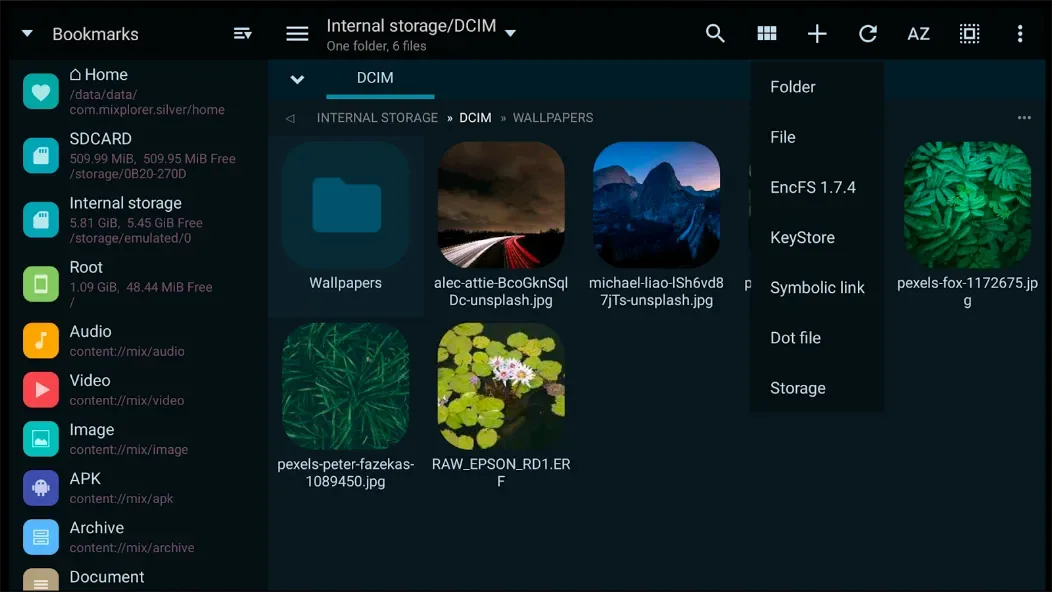
Comprehensive support for local, network, and cloud storage
Extensive file type, compression, and archive options
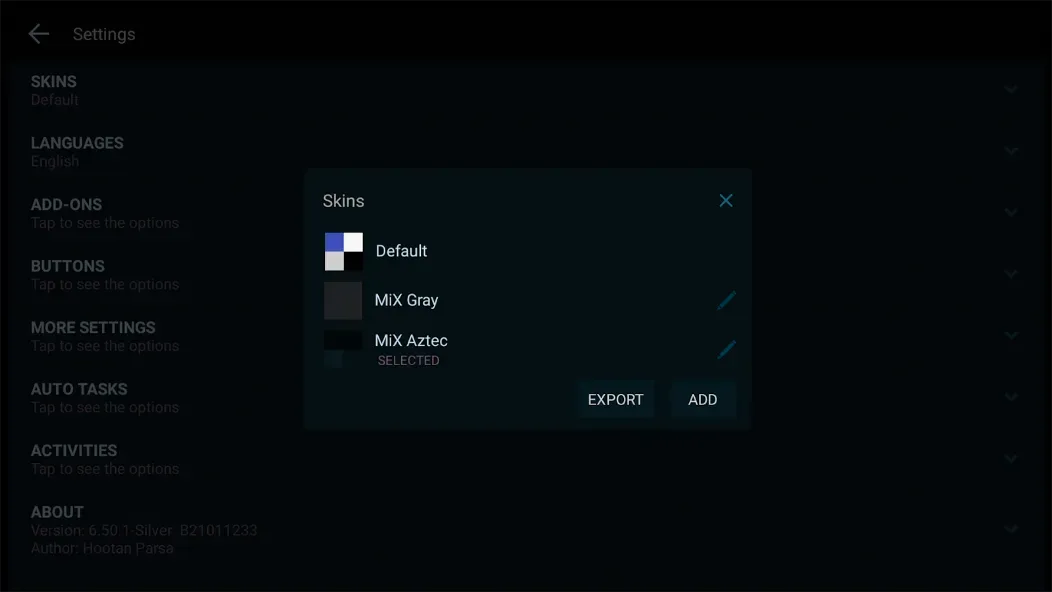
Highly customizable interface and workflow
Tabbed browsing and dual-panel support
Integrated viewers, editor, and advanced search
Cons
Interface can be complex for new or casual users
Limited guided onboarding or beginner tutorials
FAQS
Is MiXplorer Silver File Manager free to download?
Yes, there is a standard version available that is free and does not contain advertisements. There is also a paid version called "Silver" which includes extra plugins and supports the developer.
Does it require root access to work?
No, the app functions perfectly on standard devices. However, root access allows you to view and modify system-level files that are usually hidden.
Can I open ZIP and RAR files with this app?
Absolutely. The application has a built-in archive manager. You can open, view, and extract many compressed formats, including ZIP, RAR, 7Z, and ISO.
Is it safe to use for my passwords?
The app uses strong encryption standards to protect your data. As long as you choose a strong password for your encrypted folders, your information remains highly secure.
User comments
Been using this app for years. It does everything I need it to do and it does it well. Allows me to manage the files on my phone, view them using the apps pdf viewer, video player, image viewer etc. And let's me transfer stuff from my NAS to my phone and vice versa with ease. Keep up the good work
Been using this since FStrong went to the dark side and it's easily the most useful smb-capable Android file manager i've used. Most of my LAN storage access, including video streaming, happens via MiXplorer Silver File Manager.
I use detailed mode globally. live counting is broken, the metadata for the files says no item when it's turned on. It also doesn't update the folder size, it just stays at zero. Also the folder size stays blank in some folders and I'm not sure what is the deciding factor in this but it seems like the folders affected are the ones downloaded today. but everything else seems great
Summarize
MiXplorer Silver File Manager is a robust Android file management app aimed at users seeking complete control over their device’s file system. Bundling the classic MiXplorer Silver File Manager app with premium add-ons (Archiver, Image, Tagger, and PDF tools), this paid version delivers a powerful suite for handling files locally, over networks, and across the cloud.








