
BlockSite helps users block splash-screen ads and pop-ups in apps and on websites, enabling smoother access to key content. For users looking to boost their focus, the app offers a customizable "Focus Mode" that silences non-essential notifications, app pop-ups, and calls, helping users cultivate better concentration habits. It also features a customizable blocklist, allowing users to select specific apps and games to block. Additionally, the app synchronizes settings—such as Focus Mode and blocklists—across multiple devices whenever the user logs in, saving time and ensuring a consistent experience.
Click to load YouTube / 点击加载视频
YouTube ↗Features of BlockSite:
Custom app and site blocking: BlockSite lets you create tailored block lists, so specific apps and websites are unavailable when focus matters. You can also set daily time limits on social, news, streaming, or gaming apps to curb endless scrolling. This creates straightforward guardrails that reduce impulse checks without removing the apps you still need.
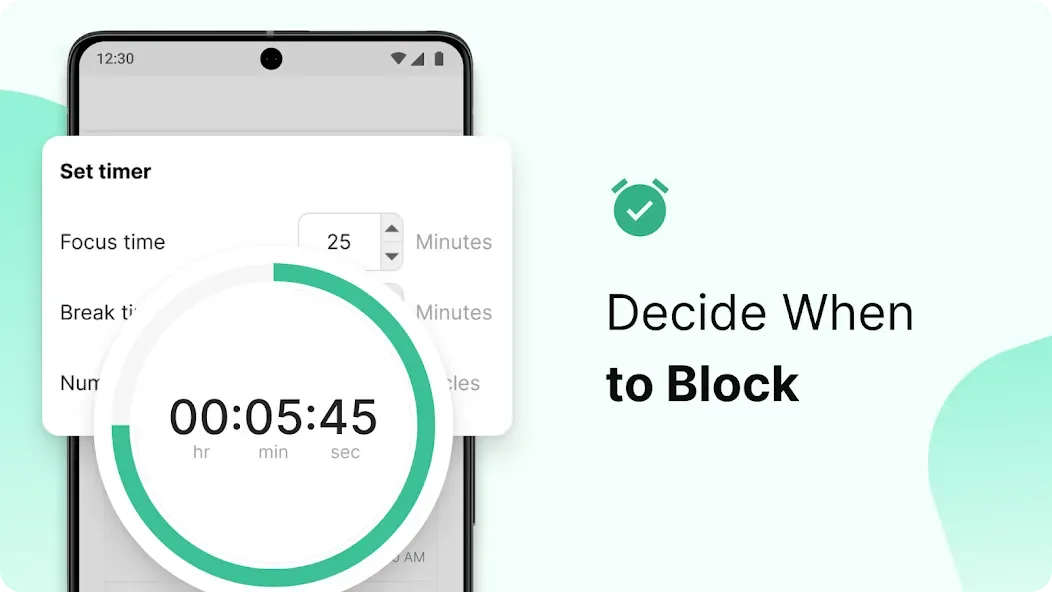
Focus Mode and Schedule Mode: The Focus Mode of BlockSite structures your day with Pomodoro-style sessions that alternate work and break times. Meanwhile, Schedule Mode applies recurring blocks during set hours, such as workdays, class periods, or bedtime. Together, they provide reliable structure, so your rules keep running even when attention wanes.
Category and keyword filters: The app lets you block entire categories like adult content, social media, shopping, sports, news, or gambling in a single tap. Keyword blocking also stops any URL that contains selected words, which helps catch new sites that mimic old distractions. This approach works well for users who want broad coverage without managing long lists.
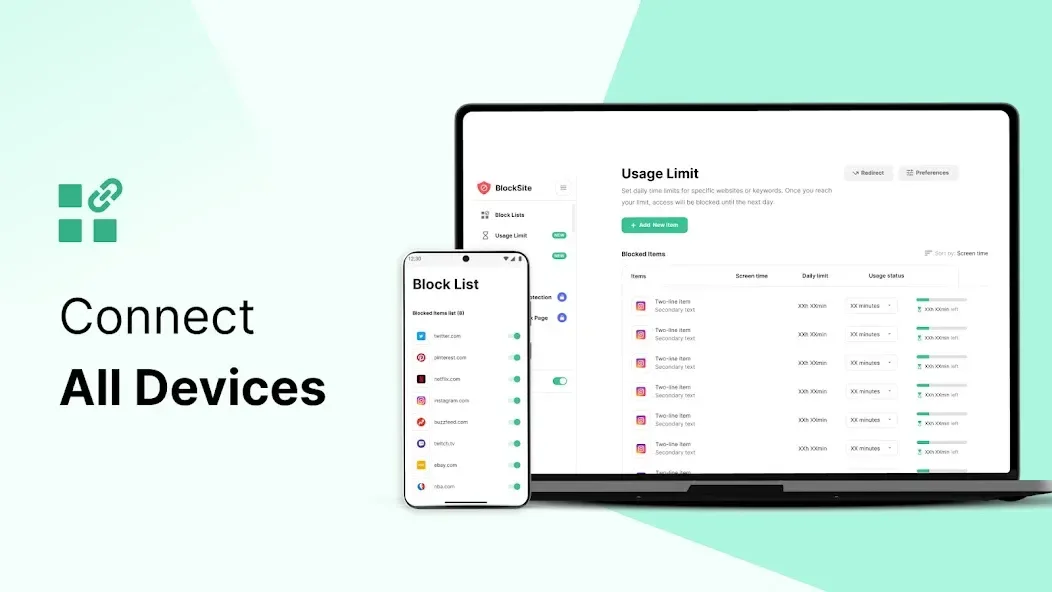
Accountability, cross-device sync, and Insights: Password protection and uninstall prevention make it harder to bypass rules in stressful moments. With cross-device sync across Android and supported browsers, BlockSite keeps the same logic at home, school, and the office. Insights reporting highlights time-wasters and reveals patterns, while Slack blocking helps reduce message checks during deep work.
Highlights of BlockSite:
For those who wish to personalize their experience, BlockSite includes custom block pages. When a user attempts to visit a blocked site, they can be presented with a personalized page featuring images or messages of their choice. This adds a touch of humor or motivation, making the experience less frustrating and more engaging.
Uninstall Prevention is an additional layer of protection offered by BlockSite. Users can enable this feature to prevent accidental uninstallation of the app, ensuring that their productivity efforts remain intact. This security measure helps maintain commitment to productivity goals.
For users seeking advanced functionalities, BlockSite offers premium features. Redirect Mode allows users to be redirected to a different website when attempting to access a blocked site. This can help guide users towards more productive activities instead of simply presenting them with a blocked page.
Category Blocking is another premium option that enables users to block entire categories of websites in one action. This is particularly useful for those looking to limit access to broad categories such as social media, shopping, or gambling sites. By blocking categories, users can save time and simplify the process of restricting access.
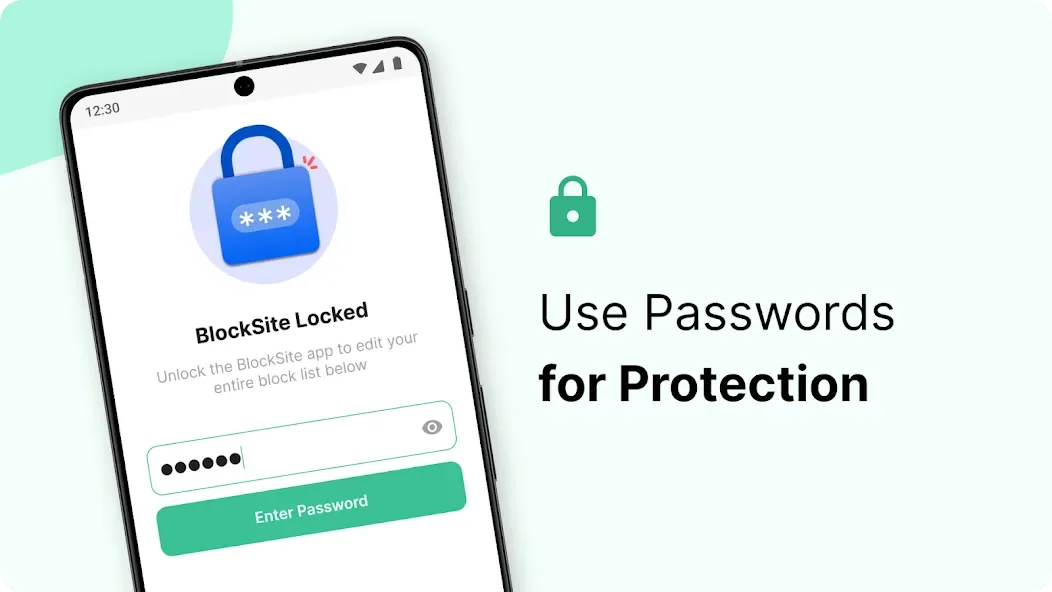
Password Protection adds an extra level of security to the app. Users can set a password to access the app’s settings and blocked pages. This feature can help deter users from changing their settings impulsively and encourages adherence to their productivity goals.
User Reviews of BlockSite:
Super easy to set up. All you do is click add then pick websites, apps or categories you want and it blocks them immediately 10/10! This helps so much and definitely the best blocking app I've tried, and I have tried many! you can only pick 5 blocked sites/apps without the subscription but it still works well.
Hello, I have granted your app full Accessibility permission to block specific websites. I am concerned about my privacy. Please confirm whether this permission allows the app to access, read, collect, store, or share my photos, videos, messages, contacts, passwords, banking apps, account information, or other private data. Is Accessibility access used only for website blocking? Please also confirm whether any personal data is sent to your servers or shared with third parties.
I checked it. it is NOT working on Firefox, while accessibility service for Block Site is enabled and battery settings are fine, and blocksite does blocks on other browsers like Chrome, Edge, Samsung Browser, Brave Browser, Opera Browser. but is not working on Firefox on my device. I'm very sure of this after extensive testing. it used to work previously. I think from the last 1 month after the new Firefox Mobile update and UI overhaul, it has stopped working. Please rectify the serious issue.
I just installed it for 30 minutes, so far the most peaceful 30 minutes of my life being totally free from annoying ads and popups on my screen, after placing the ads and popups generating apps under block list. So far this app works perfect, just the kind of apps capable of effectively blocking popup ads on my cellpbone screen, just what i were looking for. None come closer to what this app perform.
FAQs of BlockSite:
Is BlockSite an ad blocker?
No, BlockSite is not an ad blocker.BlockSite is a productivity and digital well-being tool designed to help you block distracting websites, apps, categories, and keywords so you can stay focused and reduce screen time.
How to prevent myself from bypassing BlockSite?
If you find that you are constantly turning off Password Protection to bypass your own blocks, we recommend the "Trusted Friend" method.Enable Password Protection on your device.Ask a trusted friend or family member to set the password for you.Ensure they keep the password and do not share it with you.This ensures that you cannot change the settings or disable the blocker during a moment of weakness, making your block list much more effective.
How to use Password Protection?
In this article, you will find an overview of the Password Protection feature and how it helps secure your settings.Password Protection allows you to lock your BlockSite settings and block lists. This prevents you (or others) from easily making changes, such as removing a site from the block list or turning off the extension.Recommendation: To fully prevent yourself from bypassing restrictions, we recommend asking a trusted friend or family member to set the password for you. This way, you cannot change the settings on your own during a moment of weakness.
How do I reset my password?
If you forgot your password you can request to have it sent to the email address from which you initially set up your account.Another option would be to go to a blocked site in your browser and click “Forgot Password?” and then check your mail (spam as well) for an email from BlockSite to reset your password.
How to block website categories (Adult, Social, etc.)?
To block specific types of content, you simply need to add the relevant Category to your block list.Instead of adding individual URLs one by one, selecting a Category (like Adult, Social, or News) automatically blocks thousands of related websites for you instantly.
Final words:
BlockSite focuses entirely on user-uninterrupted experiences. Specifically, each person can permanently or temporarily block a number of different applications. Websites are no exception if their keywords are not up to standard.








