
Samsung Voice Recorder is a recording app for Android devices. It allows users to save recordings of important moments. Bookmarks can be added to the recording software for easy access. Saved segments can be played instantly. Incoming calls can be blocked while recording. Users can select data to share and transcribe it into text. It's very easy to use: simply tap the button to start recording and tap again to stop. Saved files are named in a specific folder within the recorder. It supports multiple file formats and provides excellent sound quality.
Features
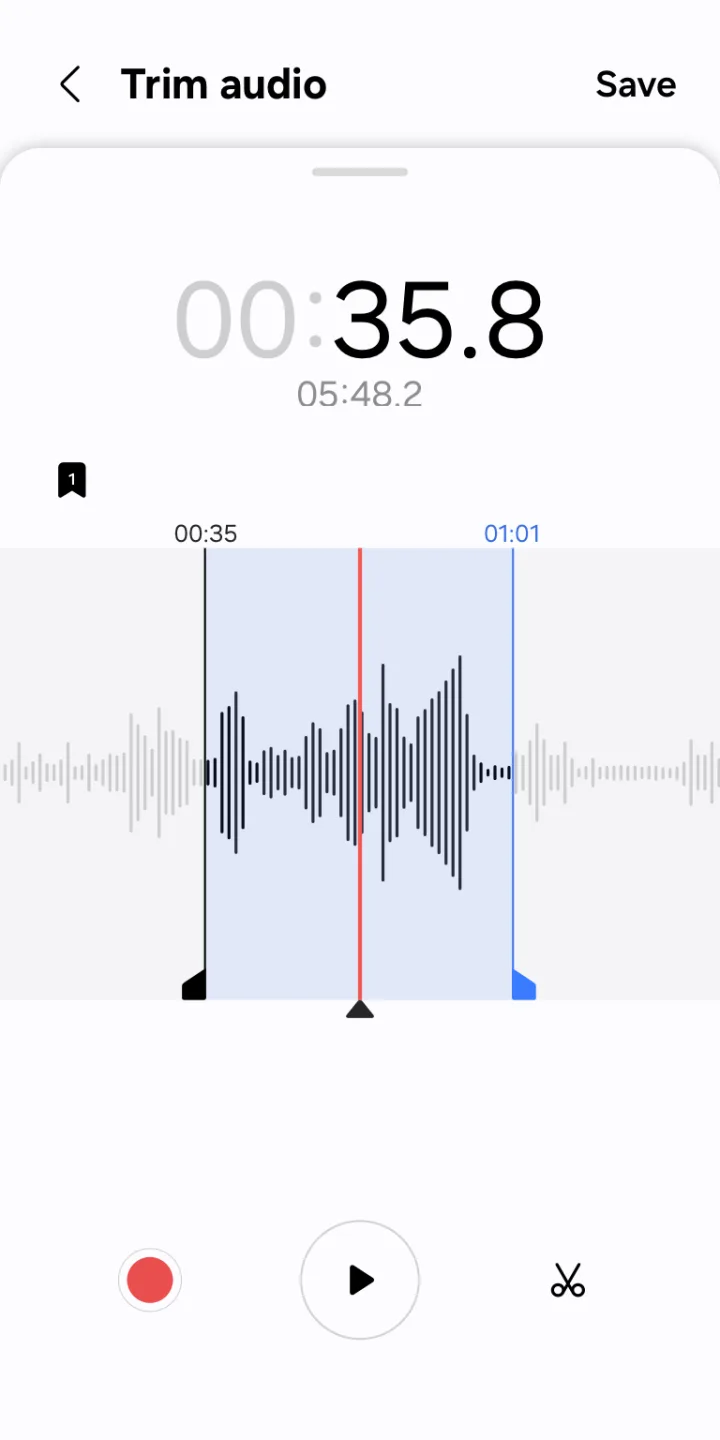
Bookmark important moments
You can add bookmarks to easily find important content.
You can also collect only the snippets you bookmarked or play them right away.
Block calls while recording
When you get a call while you’re recording, you can continue recording without answering.
Share only the data you need
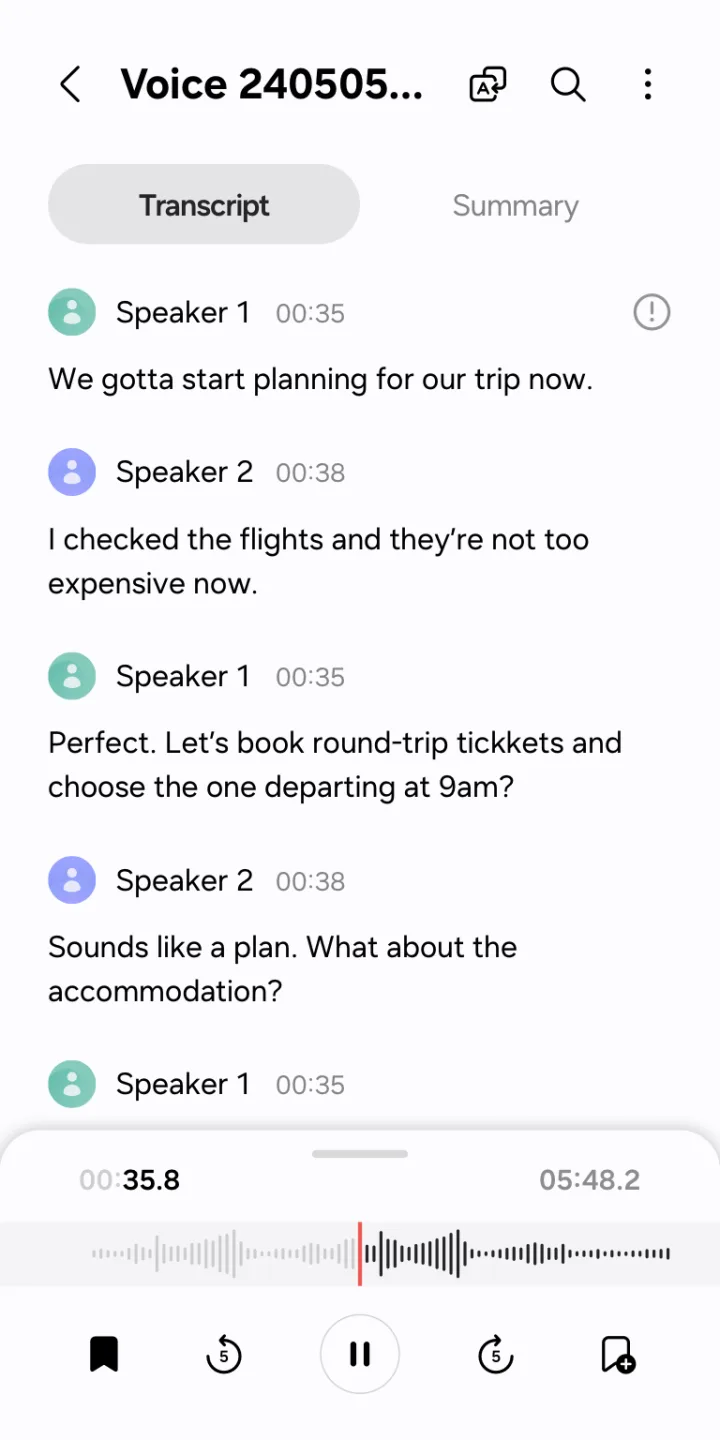
Share your recorded audio or transcribed text by selecting only the data you want to share.
How to Use
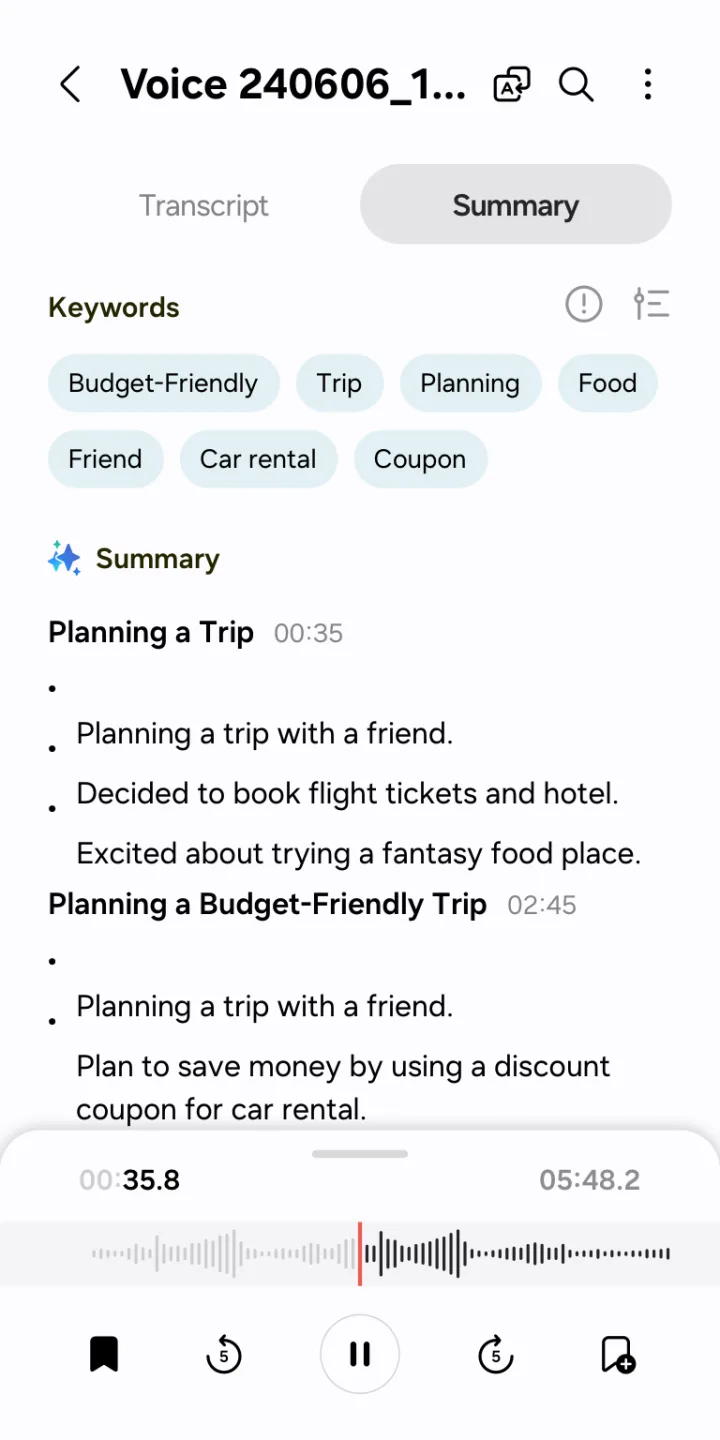
Recording audio with Samsung Voice Recorder is simple. All you have to do is tap a button to start recording and then tap it again to make it stop. All the audio files you record are then perfectly stored on your device and you can access them directly from the app.
Samsung Voice Recorder is a useful sound recorder that luckily comes installed on almost all Samsung devices by default. Although all the features offered are pretty basic, that's exactly what makes it so useful and easy to use.
FAQS
Can I use Samsung Voice Recorder on non-Samsung devices?
Yes, you can install the APK file on many compatible devices. However, some advanced features like Interview Mode require specific hardware layout. Standard mode will work perfectly on most setups.
Where does Samsung Voice Recorder save the audio files?
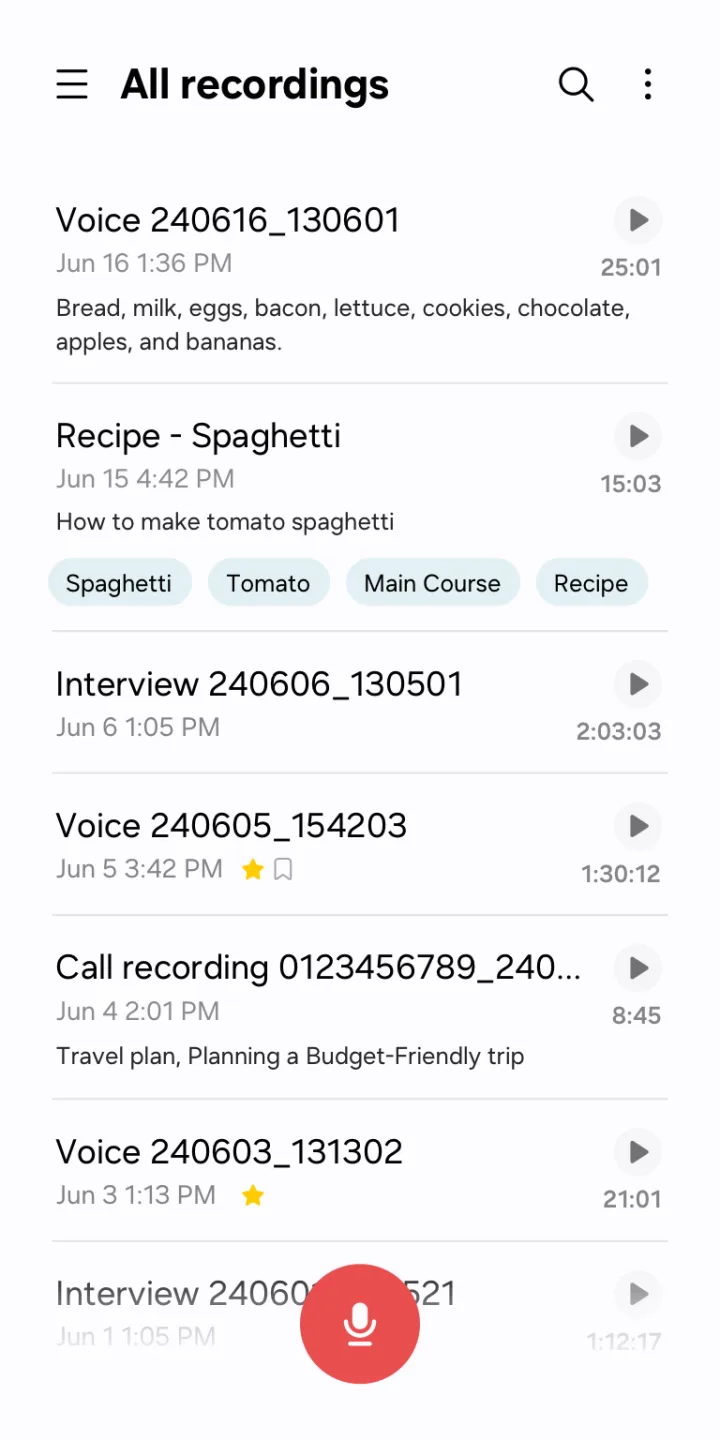
The software saves all recordings in your internal storage under a specific folder named Voice Recorder. You can access this folder using any local file manager tool.
What file formats does this audio tool support?
It primarily saves audio files using high-quality M4A or MP3 formats. These formats provide excellent sound clarity while keeping the file size small.
Can I answer a phone call while recording?
If you enable the call rejection feature, the tool blocks incoming calls automatically. Otherwise, an incoming call will pause your current recording session immediately.
Is the speech-to-text feature completely free to use?
Yes, the built-in transcription feature is free. It converts your voice to text up to a limit of ten minutes per file.
Summarize
Samsung Voice Recorder is an app that lets you record sound on any Samsung device. This means if you're device is not made by Samsung, then you can NOT use this app. In fact, this app usually comes pre-installed on all Samsung devices.








