

GO Locker is a lock screen theme tool for Android devices. It can create app lock screen wallpapers, open some apps directly, and includes a secure photo library to hide private apps. It can also record photos of unauthorized users if they intrude on your phone. There's a notification lock to hide notification preview text and block some calls. You can personalize the lock screen with a built-in library of customizable templates for users to choose from, adding a touch of style. It's a powerful tool with a simple interface, allowing users to quickly get started.
Features
App lock: Lock apps that contain private content using PIN, patterns, and fingerprints.
Secure vault for photos: Hide photos. Do not worry about your private photos being viewed by others.
Video Safe Vault: The video appears safer in the video vault.
Privacy Status: Smart Privacy allows you to check your privacy status. , Protect all your secrets in real time.
Intruder Selfie: Prevent intruders trying to unlock your apps
Fake coverage: Hide the lock screen of your apps to prevent your password from being violated.
Notification Cleaner: Block and delete junk notifications.
Notification lock: Hides the text of the preview notification message from Snoopers.
Function
Lock apps: WhatsApp, Facebook, Twitter, Messenger, Line, Gallery, Camera, Gmail, Lock Skype.
Lock systems: lock system settings, install / uninstall apps to prevent the phone from being damaged by other users or children.
Block Google Play Store: Lock up games and markets to prevent your kids from becoming addicted to games or shopping at markets without your knowledge.
Block incoming calls: Prevent your girlfriend from taking calls
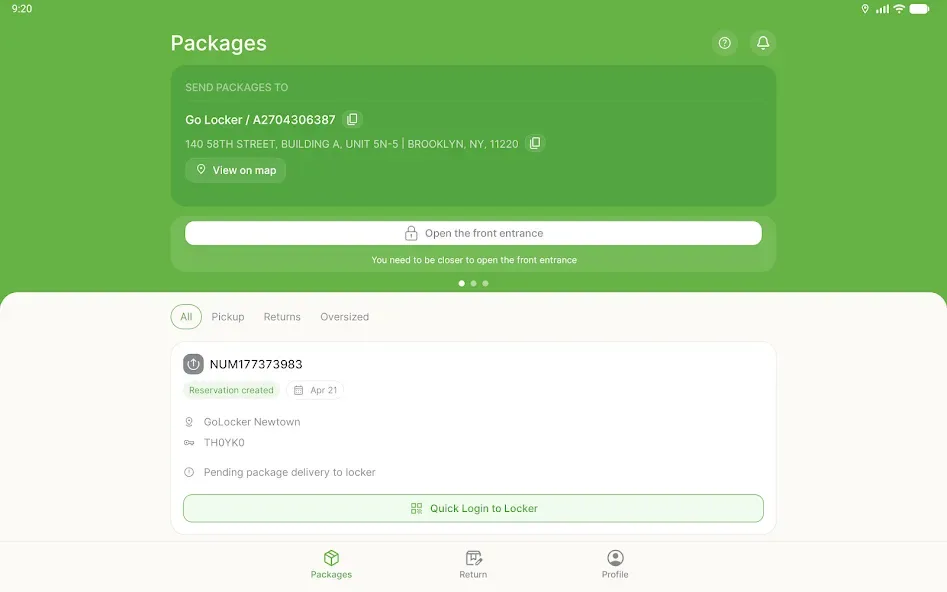
Notification Bar: Add a new notification bar to your screen to enable the lock or unlock app and other privacy tips.
How to Use the App
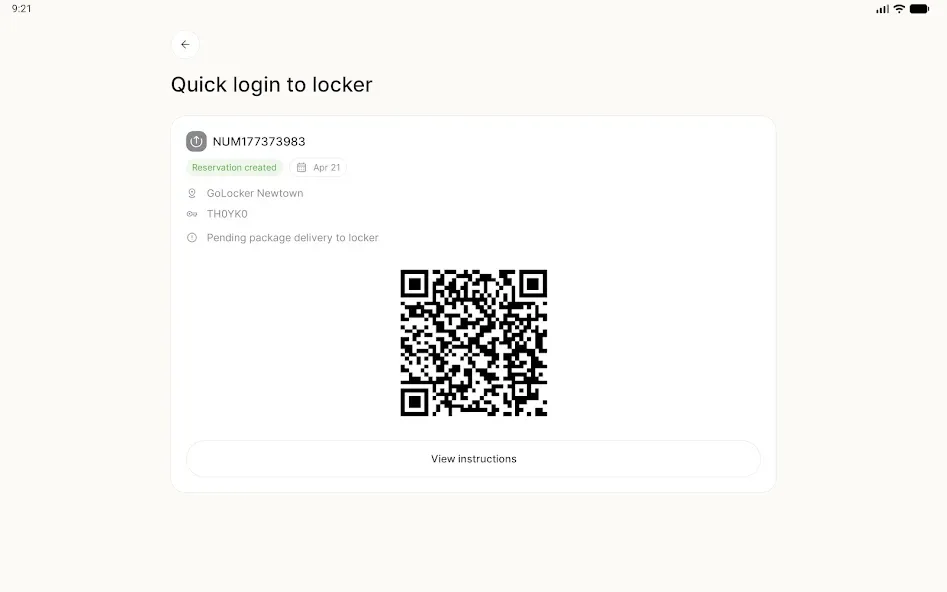
If you want to activate the means of security of this app for your smartphone, what you need to do is picking the setting menu to start the process. Afterwards, you will be served with several menus to pick. Choose protection menu and set mode of protection you need; be it password, PIN, or pattern lock. Next thing, pick apps you want to protect with. It can be anything, so you do not need to worry about one or several of your apps cannot be covered with GO Locker for Android.
Advantages and disadvantages
Pros
Lots of personalization options
Plenty of available themes
Allows access to programs and alerts
Lightweight, demanding few additional resources from your device
Cons
Needs GO Launcher EX to run
Limited usefulness for newer Android OSs
Summarize
Experience seamless customization with the GO Locker app, designed to enhance your Android device's lock screen. This app is compatible with a variety of Android versions, although users are advised to avoid installation on Jelly Bean for the time being due to ongoing compatibility issues. By integrating the app into your existing GO Locker, you gain access to the visually appealing Red and White theme, completing the Red and White series with style.








