

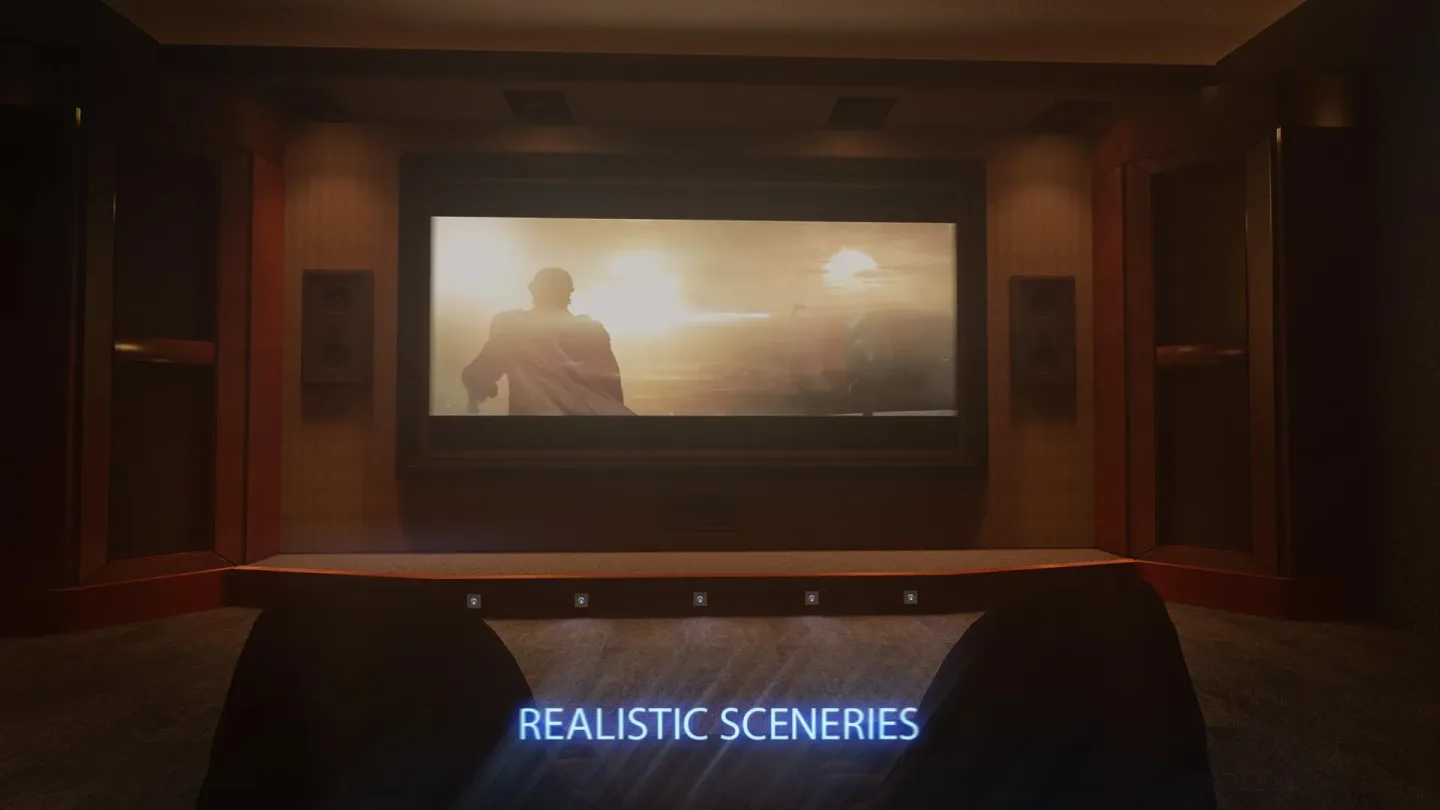
Cmoar VR Cinema is a highly entertaining video-viewing app that combines stunning visuals with a clean, powerful feature set, allowing users to experience a cinematic atmosphere right on their mobile devices. With Cmoar VR Cinema, users can watch their favorite movies and—thanks to PC-quality visuals—relive the thrill of those first awe-inspiring moments of immersion. The app also offers a wealth of features, including dynamic lighting effects and beautifully realistic environments, delivering an exceptional viewing experience.
Highlights:
Dynamic Lighting
LAN connection
All video formats support ( .mp4/.mkv/.avi/.mov/.ogg/ etc.)
Watching Youtube videos (1080p 2D)
Watching Youtube videos (1080p 3D)
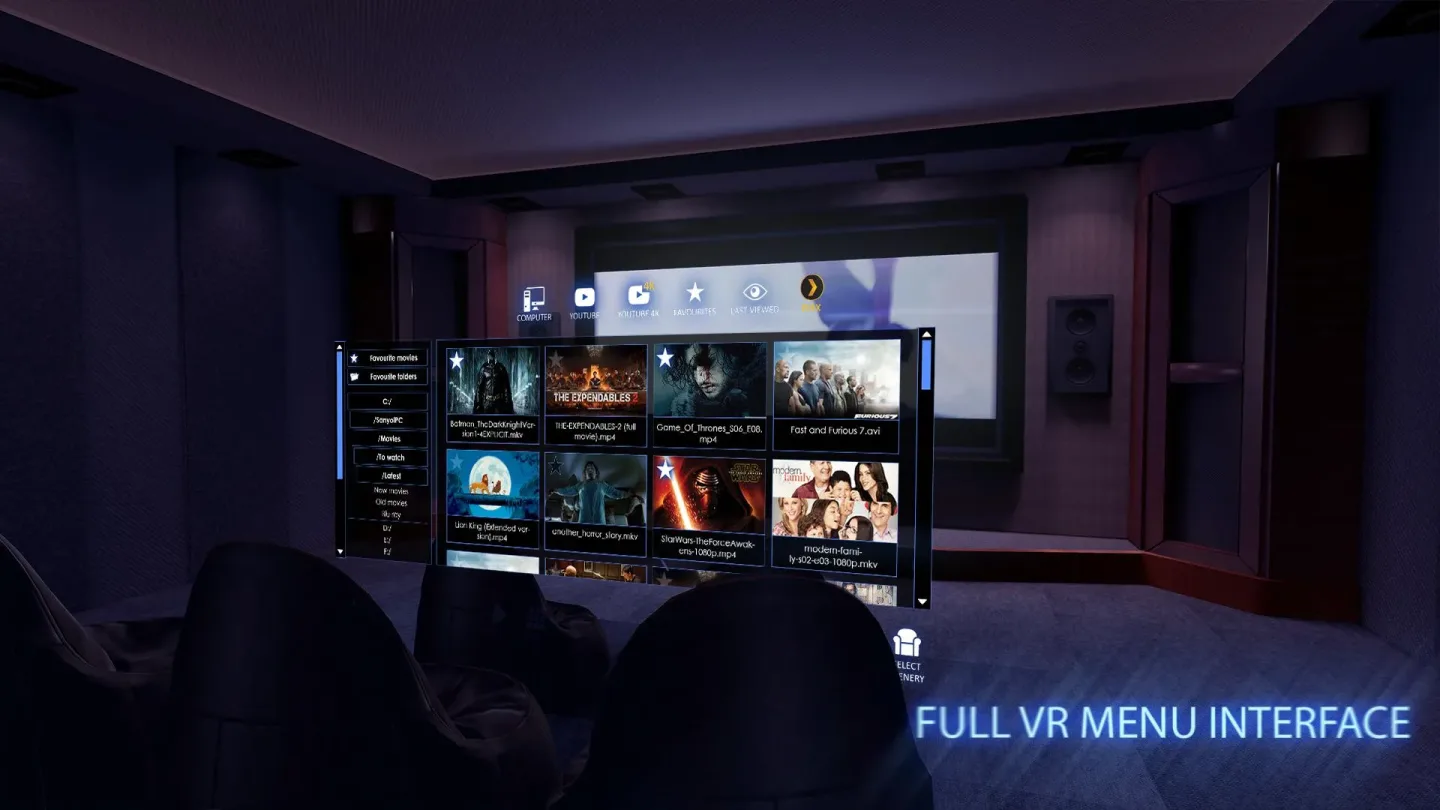
3D interface
Chromatic aberration correction
Auditorium variations
Automatic downloading of subtitles and posters
Possibility to add every movie to Favorites
Multitude of various settings (eg. FOV)
New 3D camera
Voice search
Features:
This app transforms your mobile into a virtual theater, combining high-quality graphics with a user-friendly interface optimized for VR. Offering a dynamic platform, you can enjoy both classic and contemporary films in a captivating viewing environment. Cmoar VR Cinema brings an enhanced movie-watching experience by engaging your senses and ensuring intuitive navigation.
Cmoar VR Cinema offers a deeply immersive VR environment with support for Google Daydream, allowing you to enjoy films in various formats such as 3D, 180°, and 360°. The app lets you control orientation, zoom, and tilt, providing a tailored and personalized experience.
Enhance your viewing with options like switching virtual seats and modifying sceneries. You will find increased content accessibility through features like media streaming from LAN PLEX or shared servers, embedded subtitles, and multiple audio track support.
Cmoar VR Cinema extends beyond traditional movie experiences by including YouTube videos in both 1080p 2D and 3D. With features like a "last-viewed" option and a favorites list, content management becomes efficient and straightforward.
Changelog:
-strongly improved performance,
-resolved: phone overheating issue,
-added: automatic aspect ratio feature (3:2,4:3,5:3,5:4,16:9,16:10,21:9 - available in Settings menu)
-more Youtube search results with page navigation
-fixed possibility to display all Youtube videos
-added 3D over/under display mode
-selecting a movie fragment on a movie timeline by pointer
-restored barrel distortion/IPD settings
-resolved screen brightness override issue
- Removed Thumb scenery due to performance issues
Final Words:
Those who prefer physical media collections can navigate through discs using the LAN category, making the app a comprehensive choice for VR media enthusiasts seeking versatile and convenient options. Uncover the possibilities of your virtual theater with Cmoar VR Cinema. The demo version offers a 90-second movie display, allowing you to explore its engaging features before deciding on a full-fledged experience.








