

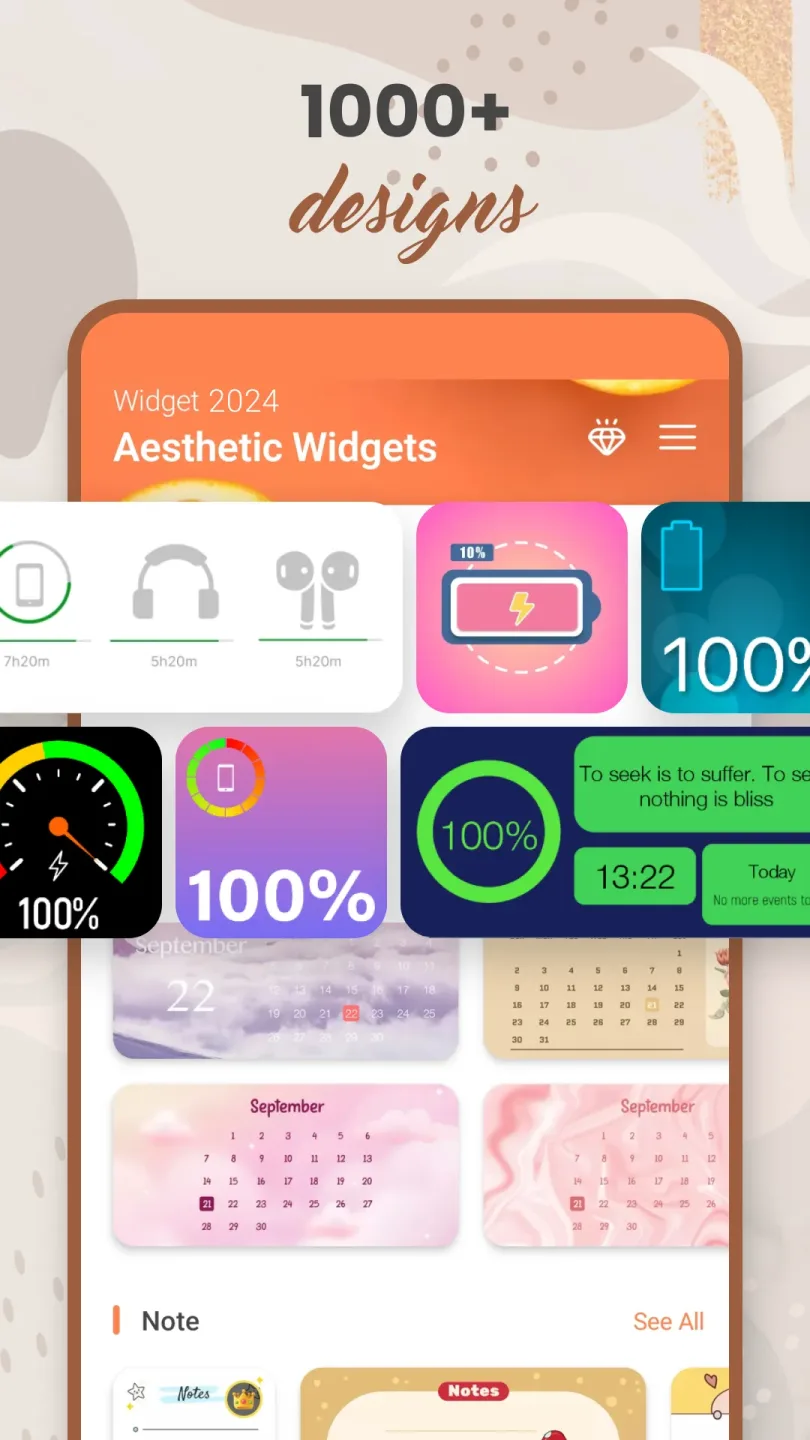
Widget 2026 is an application for customizing widget themes on Android systems. Users can design their own widgets to display on their phones. The application offers over 1000 widget images, allowing users to choose their preferred style. Users can also customize text styles, backgrounds, and more. The application also supports adding weather, date, and messages to widgets, ensuring users can easily access important information. Furthermore, it allows for the design of multiple custom widgets on the screen, making the user's phone screen more aesthetically pleasing.
Features
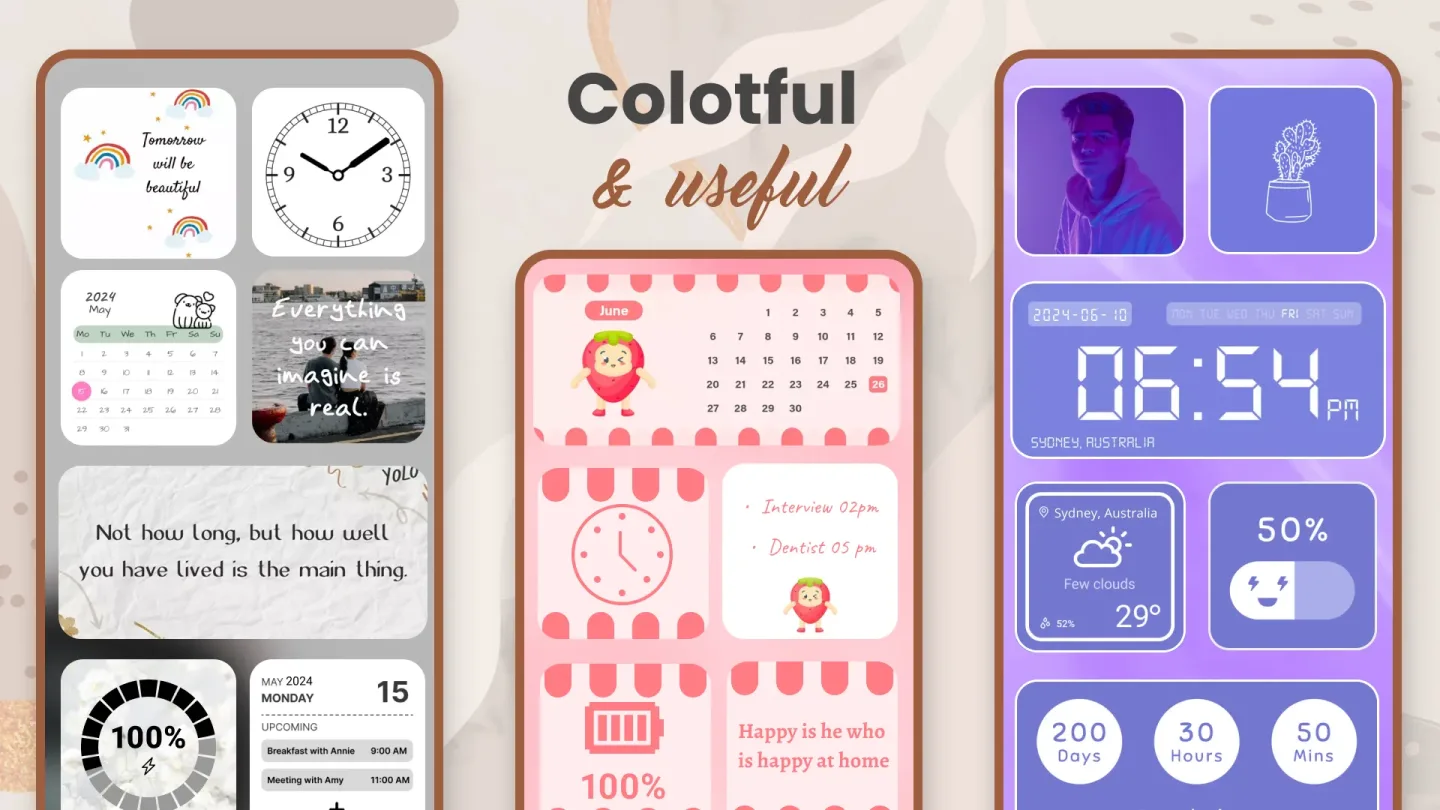
Color widget maker to match themes with custom colors, fonts, and backgrounds.
Photo widgets for the home screen, from single photos to carousels.
Quickly view weather and clock styles without opening the app.
Calendar, countdown, and day counter widgets for tracking events and goals.
Daily quote and note widgets for motivation and reminders.
Contacts and battery widgets to speed up calls and monitor phone status.
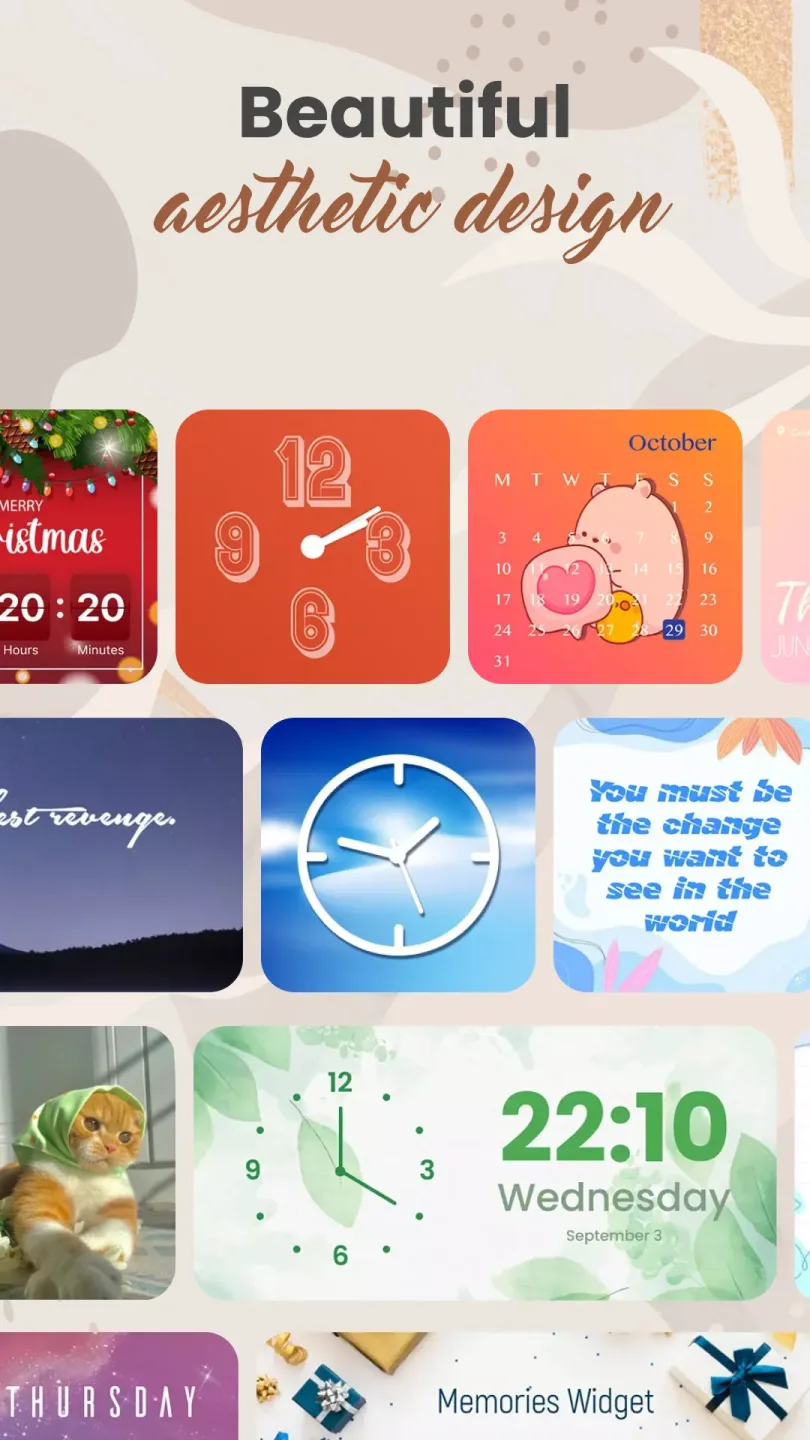
Multiple size and layout options to suit different screens and styles.
Color Widget Maker
The color editor lets you adjust backgrounds, fonts, and accent colors to match your wallpaper or theme. With just a few tweaks, clocks or weather tiles can echo your color palette for a harmonious and unified visual effect. Widget 2026 displays instant previews, allowing you to quickly and confidently make adjustments.
Photo Widgets and Daily Messages
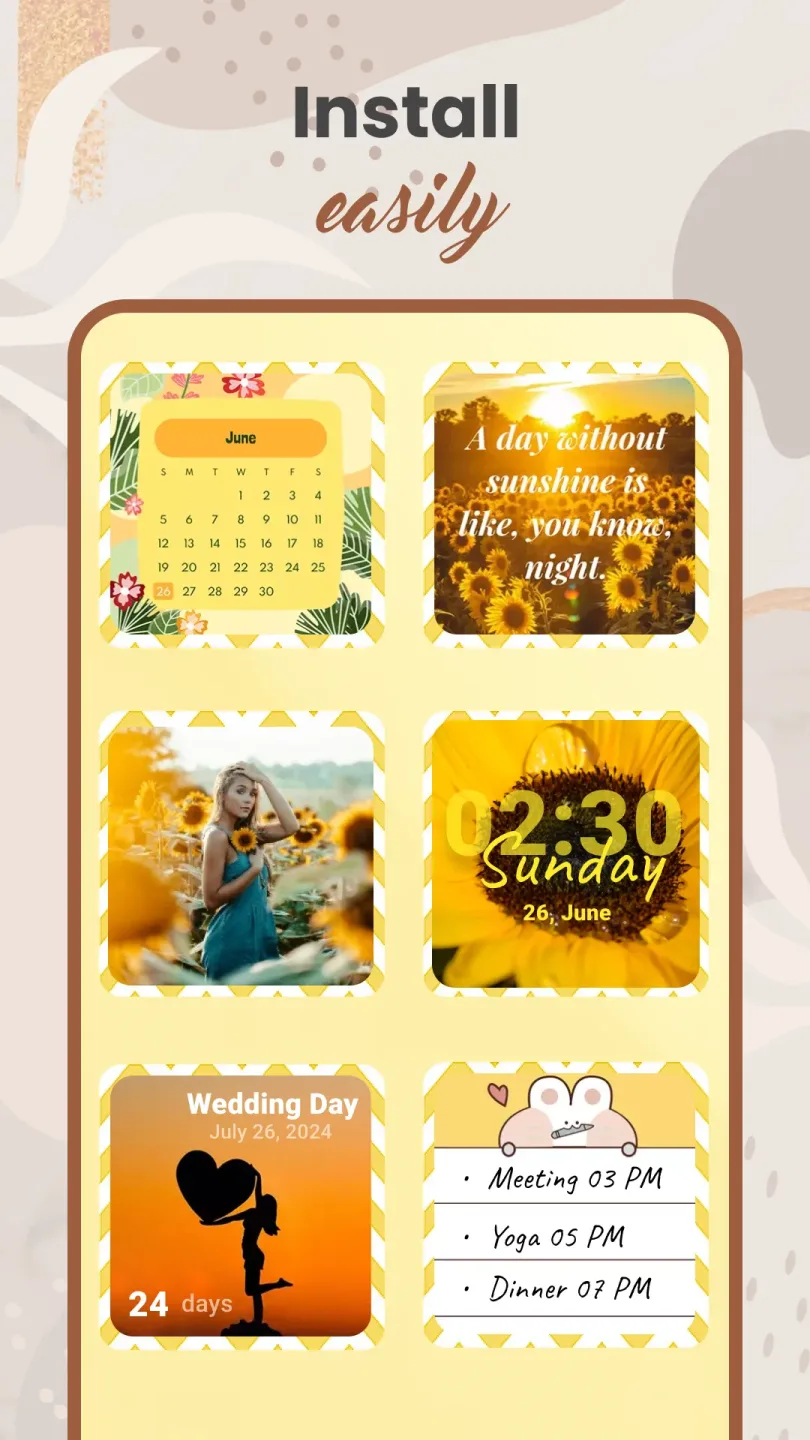
Photo widgets pin your favorite photos to your home screen, ranging from single photos to small carousels. You can also combine them with countdown timers, date counters, or calendar tiles for easy scheduling. With Widget 2026, contact tiles and daily quotes add even more functionality and personalization.
Pros and Cons
Pros:
Over 1000 image widget designs
A wide variety of widget categories
Easy home screen customization
Personalized color adjustments
Live widget updates
Cons:
Limited advanced customization options
User Reviews
Honest Review: I think this app is absolutely perfect! It's not just good, it's not mediocre either. It's simple and easy to use, the widgets don't have annoying watermarks, and images display perfectly. There are tons of customization options and widgets, definitely worth exploring and trying.
This app is powerful and offers a wealth of customization options. I spent a lot of time decorating my phone with various widgets, and the results are fantastic.
Absolutely amazing, I've downloaded many apps and they're all trash except for this one. It's really simple and gives you many options and freedom to customize.
Conclusion
Want to make your phone look cooler? How to add a photo widget to your home screen? Looking for the most exquisite styles? Then try Widget 2026! Download now and start personalizing your phone! Create your own screen with this best custom widget app. Easily create, edit, and personalize your Android home screen. Our user-friendly app gives your Android device the best look. Create a unique home screen with widgets!








