

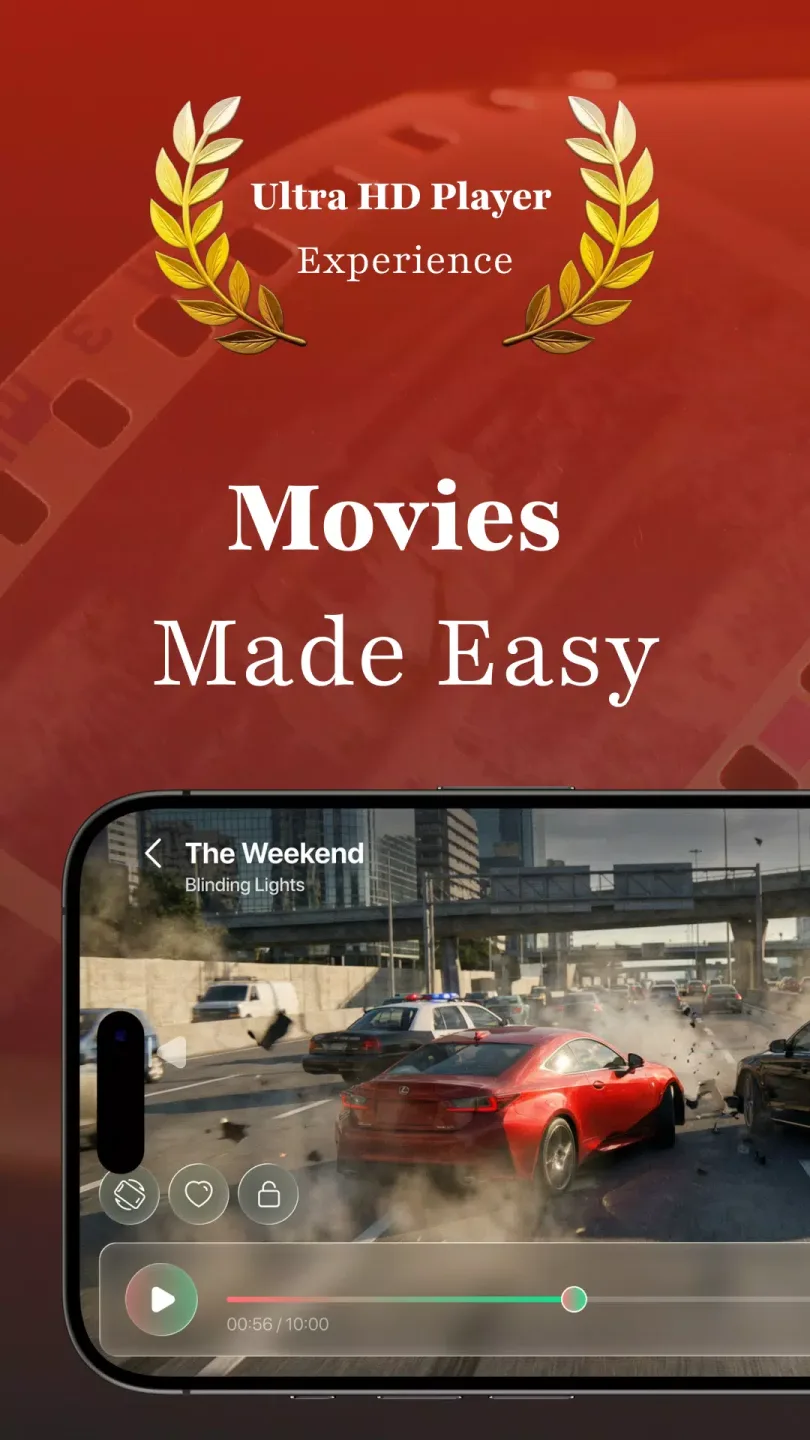
Video Player Pro is a powerful video player that allows users to import video and audio files in various formats to start their binge-watching journey. Users can customize settings—such as screen size, playback speed, and subtitle styles—to create a comfortable viewing environment. The app features built-in audio enhancement to boost sound effects and vocal clarity, delivering a cinema-like audiovisual experience. Additionally, intuitive gesture controls make it easy to switch episodes, adjust screen size, and fast-forward, ensuring a seamless and enjoyable viewing experience.
Features of Video Player Pro:
Smooth Playback: Experience seamless playback with advanced hardware acceleration technology. Say goodbye to buffering and stuttering, and hello to uninterrupted viewing pleasure!
Easy Navigation: Finding your favorite videos has never been easier! With intuitive navigation controls and a user-friendly interface, you can effortlessly browse through your video library and find exactly what you're looking for.
Customizable Settings: Tailor your viewing experience to suit your preferences! Video Player Pro offers a wide range of customizable settings, including playback speed, aspect ratio, and screen orientation. Personalize your viewing experience and make it truly your own!
Subtitle Support: Never miss a word of dialogue with built-in subtitle support. Whether you're watching foreign films or simply need subtitles for clarity, Video Player Pro has you covered. Sit back, relax, and enjoy your favorite movies with crystal-clear subtitles!
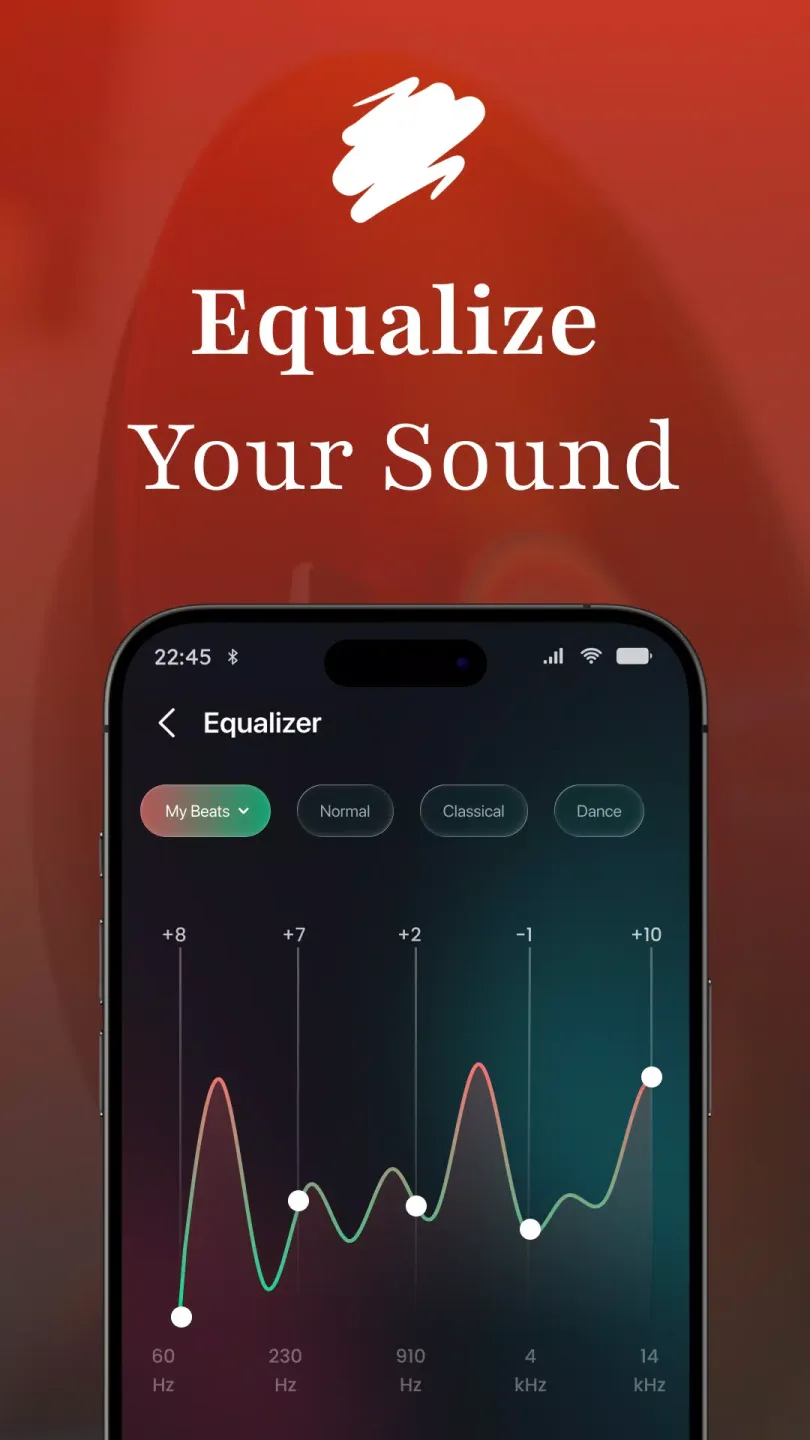
Audio Enhancements: Immerse yourself in the world of cinema with advanced audio enhancements. From surround sound support to audio equalizer controls, Video Player Pro delivers stunning audio quality that will blow you away!
Gesture Controls: Control your playback with simple gestures! Swipe to rewind or fast forward, pinch to zoom, and tap to play or pause. With intuitive gesture controls, you can navigate through your videos with ease and precision. It's like magic at your fingertips!
Highlights of Video Player Pro:
New features of Video Player Pro have just been added, and they will undoubtedly be beneficial to users now that they can save their movie progress. You can imagine coming home after a tiring day at work and being able to continue the part you were watching earlier. At the same time, the application also added two categories (album, artist) for music along with new control features. So these are absolute features that you cannot ignore.
The first feature that you will be impressed with when using Video Player Pro is watching your videos in high quality without any problems. Specifically, 4K video quality can also be played with the application, so this will be a movie tool that any user should install. Besides the quality, the level of support of the application is also awe-inspiring when you can open different video files besides mp4, a format commonly found and used.
After mentioning the coverage of Video Player Pro with media file types, users should not ignore the way it works inside the device. For videos, you can find a floating screen that helps you watch movies and do other small tasks simultaneously. You can control and forward the song you listen to through the play feature on the lock screen. At the same time, the application also supports streaming on larger screen platforms, especially those that support Chromecast.
FAQs of Video Player Pro:
What kind of video formats can we play with the Video Player Pro?
Support ALL video formats, including MKV, MP4, M4V, AVI, MOV, 3GP, FLV, WMV, RMVB, TS, etc. All-in-one media player for different formats.
Can we store personal videos in a private folder?
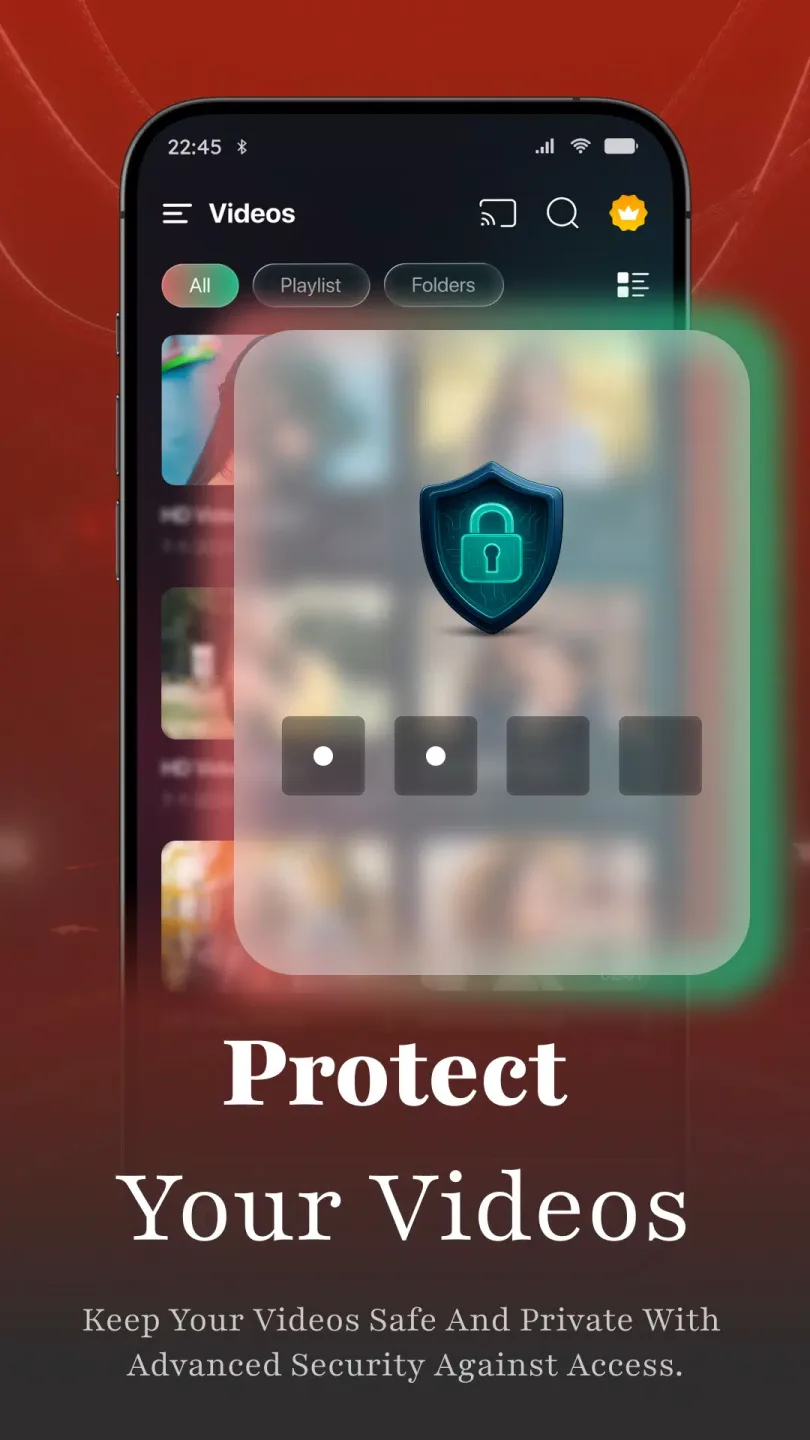
Keep your video safe in a private folder. Support subtitle downloader and more. Play the video in the pop-up window, split-screen, or background.
What kind of other playback features do we get with this app?
Night Mode, Quick Mute, and Playback Speed. Identify ALL video files on your device and SD Card automatically. Video player HD for both Android tablets and Android phones.
Can we play multiple items on this video player app?
Multi-playback option auto-rotation, aspect-ratio, screen-lock etc. Manage or share videos easily. You can also try BS Player FREE for a better experience.
Final words:
With its comprehensive features and intuitive interface, Video Player Pro is the ultimate video companion for your Android device. Whether you're a casual viewer or a hardcore cinephile, this app has everything you need to enjoy your favorite videos in style. Download Video Player Pro today and take your video playback experience to the next level!








