

WO Mic is a powerful utility application. This application has a user-friendly interface, extremely low audio latency, and can handle various scenarios. Whether your computer microphone is malfunctioning or you don't have a microphone at all, it can solve your problems. With WO Mic, you can transform your smartphone into a fully functional microphone in just a few simple steps, ensuring your work or tasks proceed smoothly and without interruption. The app also offers flexible connectivity options, supporting connections to your computer via Bluetooth, USB, or Wi-Fi, allowing for seamless integration into your existing setup and a hassle-free user experience.
Click to load YouTube / 点击加载视频
YouTube ↗Features:
Turns Your Smartphone into a Real Microphone: WO Mic allows you to use your Android device as a microphone when your PC microphone is broken or missing.
Convenient and Concise Interface: The application has a user-friendly interface that is easy to navigate, making it simple to use for all Android users.
Minimal Audio Delay: WO Mic offers very little audio delay, ensuring a smooth and seamless experience when using it as a microphone.
Multiple Ways to Connect to PC: You can connect WO Mic to your PC via Bluetooth, USB, or Wi-Fi, providing flexibility and convenience for different situations.
Easy Setup: Setting up WO Mic is hassle-free, allowing you to start using it quickly without any difficulties.
Good Sound Quality: Despite being a smartphone microphone, WO Mic delivers a fairly good sound quality, ensuring clear and crisp audio during use.
How to Works:
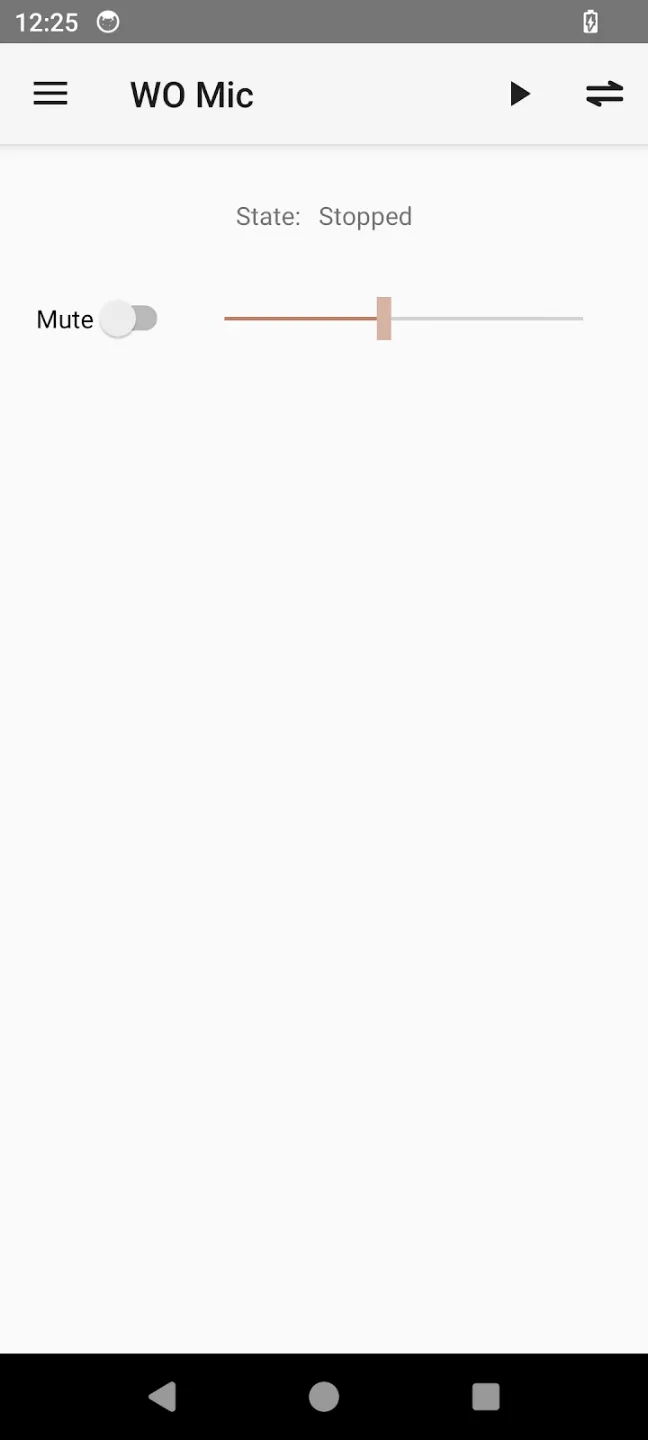
WO Mic App (on your phone)
This app listens to your voice using your phone’s microphone.
It then sends the voice data to your computer using the selected connection method. Android supports Wi-Fi, USB, Bluetooth, and Wi-Fi Direct, while iPhone and iPad use Wi-Fi.
WO Mic Client (on your computer)
This program receives the voice data from your phone.
It then passes the audio to the WO Mic Virtual Device, which works as a virtual microphone.
WO Mic Virtual Device (on your computer)
This creates a virtual microphone on your computer.
It allows apps like Zoom, Skype, Discord, and OBS to detect your phone as a standard microphone.
Pros & Cons:
Pros
High-quality microphone alternative
Supports various transport types
Totally free
Easy to setup
Cons
Leaves the screen forcibly at times
Changelog:
What's new
- Change UI
- Fix crash bugs reported on a few phones
- Add option so that screen can keep on when streaming
Final Words:
WO Mic is not necessarily a replacement for a good dedicated microphone, but it can get you out of trouble with a device you probably already have nearby. Download the WO Mic APK and turn your Android phone into your PC mic whenever you need it.








