

Video to MP3 Converter combines video conversion and editing into one tool. Users can convert videos in various formats into MP3 files—a process that supports batch conversion and runs in the background, allowing you to multitask while your files are being processed. The resulting audio can be set directly as a ringtone or alarm, or shared with friends to impress them with great content. The software also includes built-in video editing tools, enabling you to easily trim, merge, or flip your videos. Best of all, the software is completely free, so you can use it with total peace of mind.
Features of Video to MP3 Converter:
Convert 15 Videos Simultaneously: The app can convert up to 15 videos simultaneously, saving you valuable time and effort.
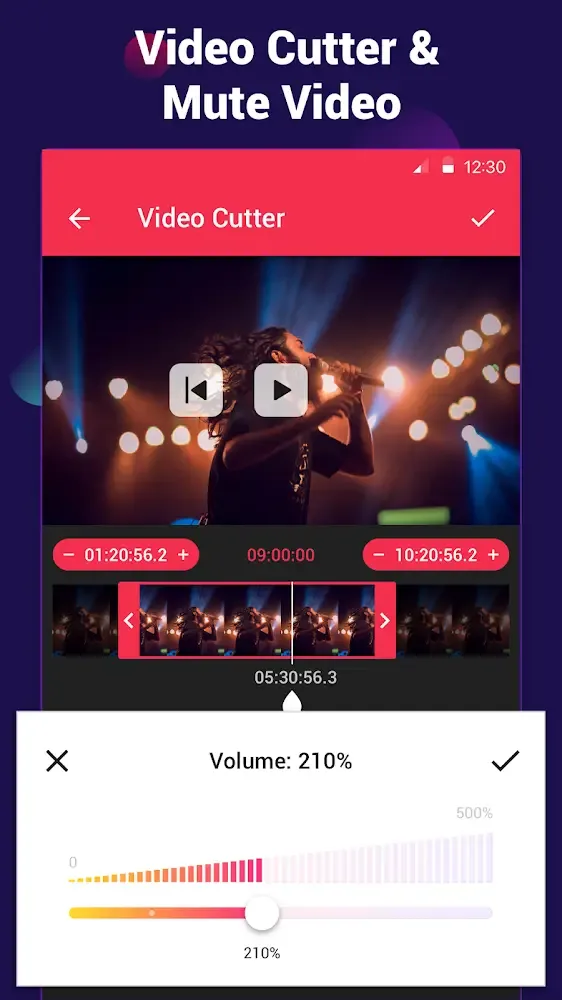
Sound Boost: Enhance the audio volume of your converted files with the sound boost feature.
Add Music Cover: Customize your MP3 files by adding music covers in the MP3 format.
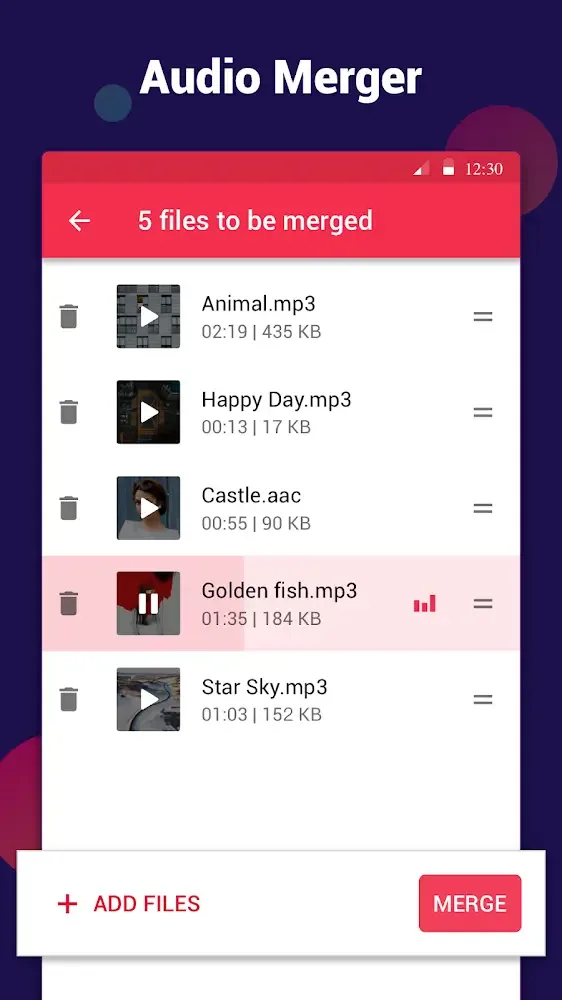
Audio Merger: Merge multiple audio files seamlessly to create your unique compositions.
Edit Tags: Edit tag details such as title, album, artist, and genre for your audio files.
Background Conversion and Batch Conversion: Conveniently convert videos in the background while multitasking. The batch conversion feature saves time when handling multiple files.
Highlights of Video to MP3 Converter:
Work on all common video and audio formats: And for those of you who are interested, you can easily make uses of the mobile app on all common video formats, including MP4, 3GP, WEBM, WMV, FLV, and others. Select any of these files and let Video MP3 Converter start converting the files into MP3, AAC, or OGG audio files. These will make sure that you can all make uses of the application and its features on all available media files on your system.
Edit your videos and audios with built-in editors: To make it easier to work on your multimedia files, Video to MP3 Converter also provides the built-in video and audio editors, which will allow Android users to immediately customize the files according to their own preferences. Now, you’re free to cut, resize, and trim your videos and audio files to better suit your editing purposes. Export your files as ringtones or use the app to merge multiple audio or video files together. The intuitive and accessible editing interfaces will make sure that you can easily work on the mobile app and its features.
Simple and easy to use: To start with, Android users in Video to MP3 Converter will find themselves enjoying the simple and accessible video converter app, which is super easy to use. Simply enable access to your local storages and let Video MP3 Converter look for any videos on your system. Select certain videos and let Video MP3 Converter start the converting operations. The lightweight and optimized converter will make sure that you can get the audio files as quick as possible.
User Reviews of Video to MP3 Converter:
One of the best apps on Android – is actually pleasant to use in free version (light ADs at least in my short experience), knows how to scalp audio without converting it to MP3 or whatever, probably deserves an actual name (as you can probably tell I'm using it NOT to deal with MP3's in spite of the name). I wish more apps were human-like like this.
This app is absolutely perfect. Can use offline then there's no ads. Has an output folder so you can see what you've recently converted, allows conversions to run in the background so you're not just sitting waiting for them to finish. Fantastic.
This app is amazing! It converts videos to audio really quickly and the sound quality is excellent. The app is simple to use, fast, and does exactly what it promises. I love being able to turn my favourite videos into audio to listen to anytime. Highly recommend it to anyone looking for a reliable video-to-audio converter! I don't have words to describe how this saved my life.
Best app in this category. However, the editing workflow is tedious. I wish it supported multi-split trimming so I could cut out multiple sections of a single audio file at once, rather than having to save and reload the file after every single trim. Right now, you are forced into an annoying workflow: Trim once » Export/Save » Re-import » Trim again.
Summary:
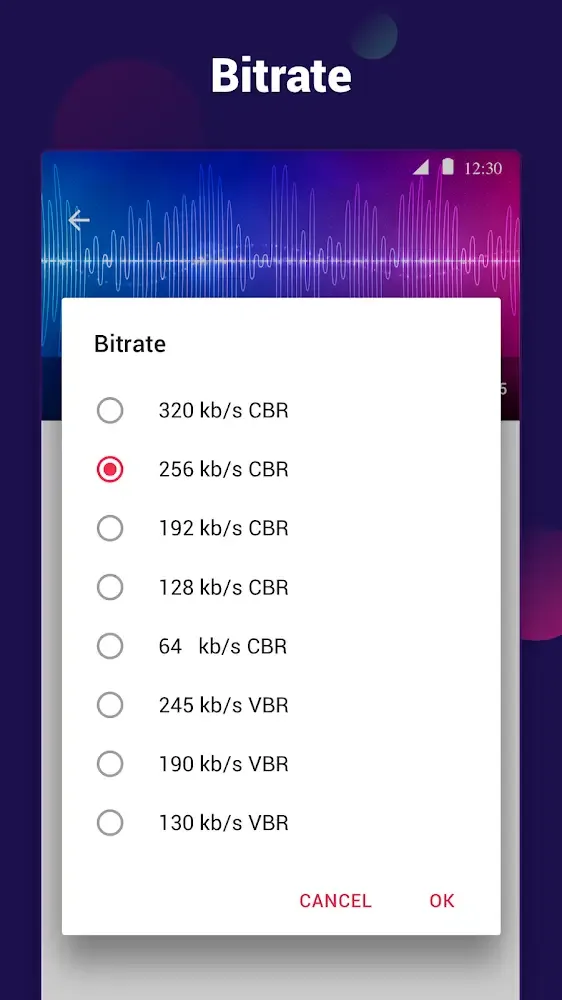
Video to MP3 Converter allows you to easily extract audio from video files, including MP4, WMV, 3GP, FLV, AVI, and more. It also includes an audio cutter that can be used for making ring tones. Supports multiple bitrates and offers both simple and advanced modes, depending on your expertise.








