
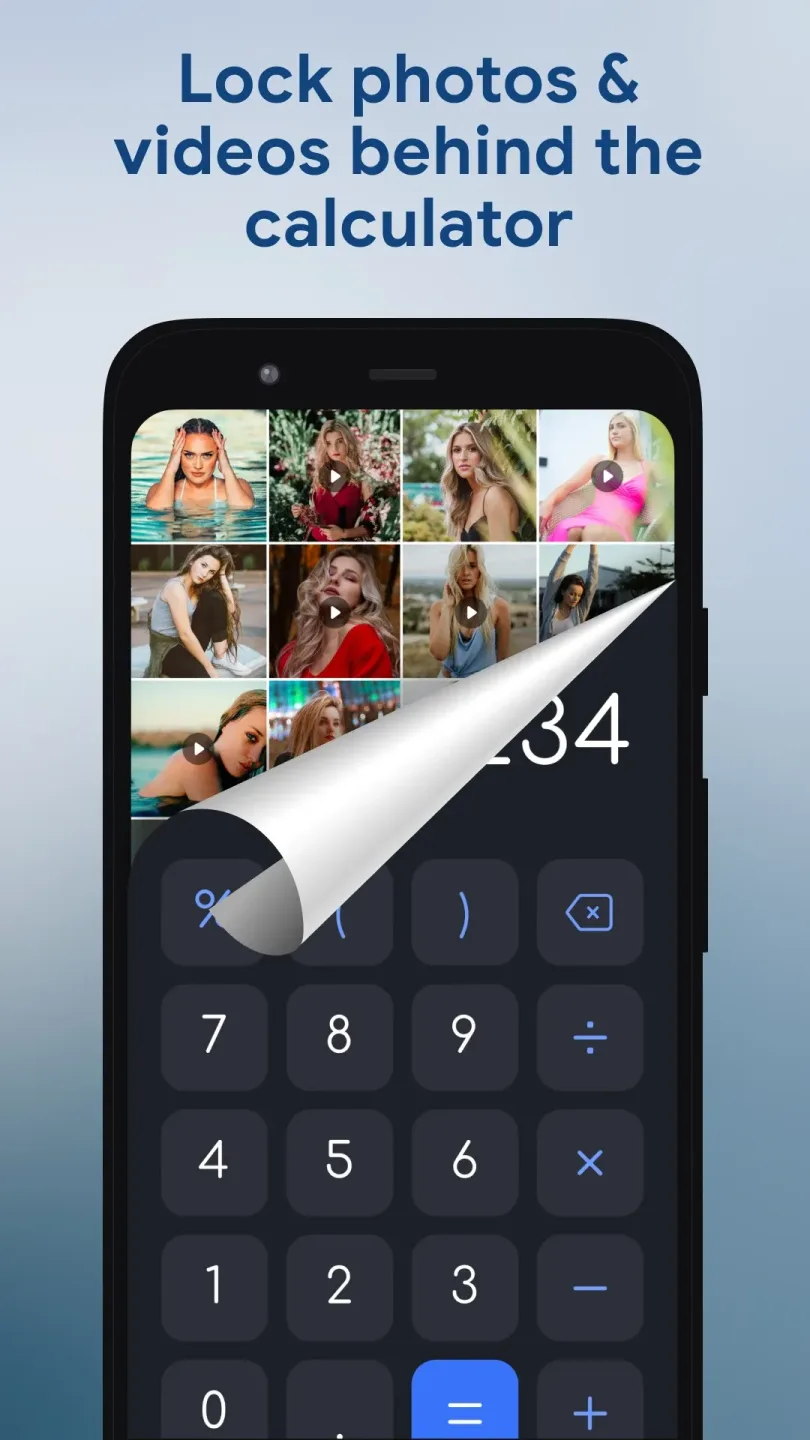
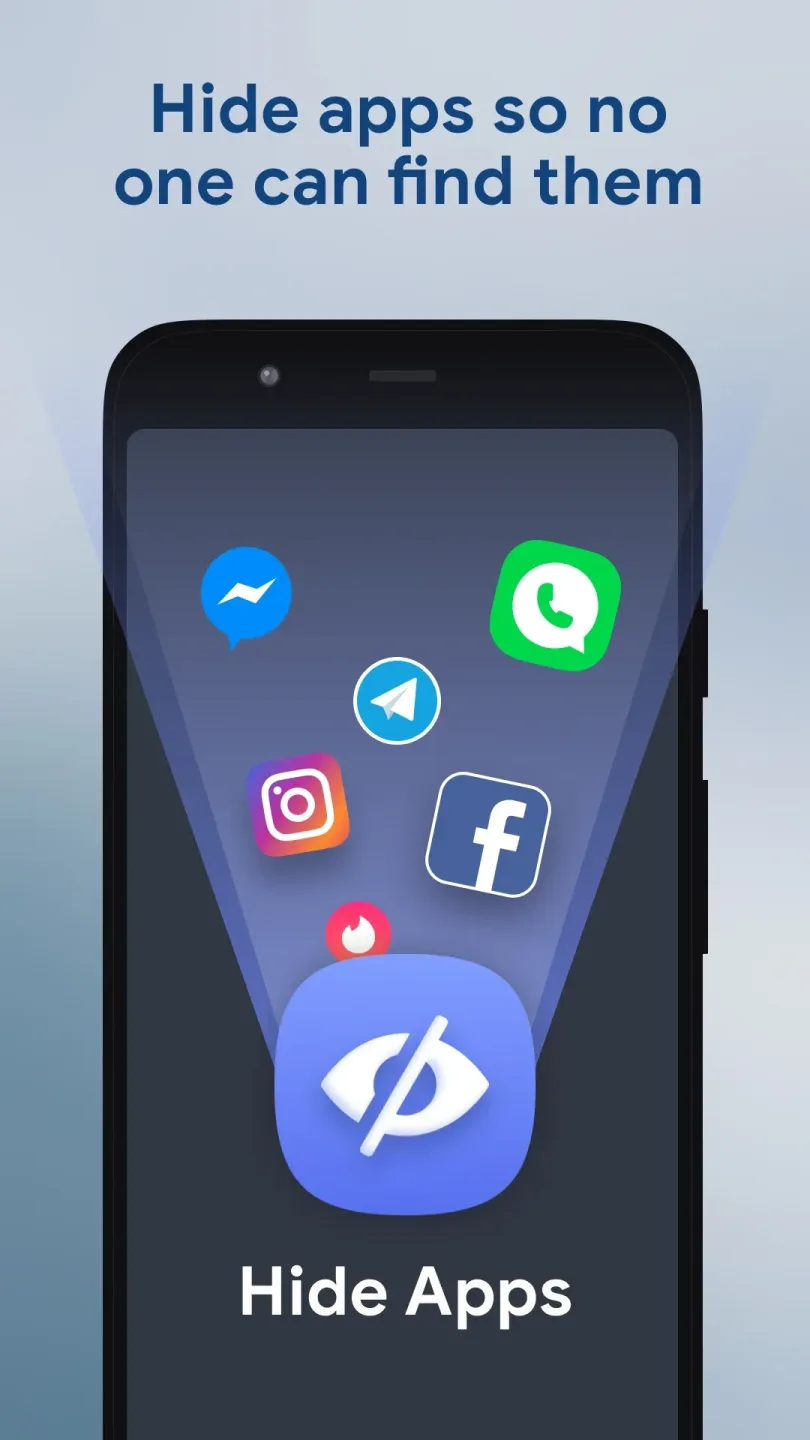
HideU provides robust protection for users' private information and data. Disguised as a fully functional calculator—complete with a corresponding icon—the app allows users to upload sensitive files, images, and videos, keeping them securely hidden and protected. Users can also lock specific features, such as photo galleries, notes, and audio files, by setting a password to prevent unauthorized access. Furthermore, the app enables users to manage their files, supporting batch operations like moving, backing up, and deleting.
Click to load YouTube / 点击加载视频
YouTube ↗Features of HideU:
Safeguarding Personal Files: HideU excels in protecting files from unwanted access on smartphones. Whether dealing with intimate photographs, classified documents, or personal video clips, the app ensures that these files remain invisible to all but the owner. It cleverly disguises its true function behind a simplistic calculator-like façade, creating an extraordinary layer of secrecy.
Augmented Digital Privacy: The integration of a private browser along with decoy vault features enhances user privacy significantly. You can browse the internet without leaving a trace while utilizing a faux vault to minimize the likelihood of intruders discovering your actual files. This level of protection instills a sense of security even in scenarios where digital privacy might feel compromised.
Monitoring Unauthorized Access: The intruder Selfie and break-in alert features are crucial tools for maintaining control over who accesses your vault. The breakout alert will notify you via message, letting you know who accessed your vault without authorization, complete with their photograph.
Cloud Service: The app provides a secure and private cloud service for backing up personal files and data, guaranteeing optimal data security.
Icon Disguise: The application's icon cleverly mimics a system calculator, maintaining the secrecy of the private space. The password entry to unlock this space remains exclusive, ensuring only the user can access the hidden files.
User Reviews of HideU:
Great app to secure apps not given permission to by you to your parents. I just downloaded it, and WOW, is it good. my main. concern is that someone might 1+n it until they get your pin and unlock it. no other problems other than not being able to use the scientific form of a calculator.
i love this app it's absolutely best hiding app it's not easy to identify because it is calculator but inside is hidden file, photos ,apps, and video.how I like it because it's not only hiding file its also have amazing wallpaper widget and effect for swiping your phone on home screen that's why I rate it 5 star. download it right now!
GREAT APPLICATION ! The main reason for me hiding apps is because I get distracted while I try to work , study ,prepare for things like exams , chess , etc .. Sometimes I play a lot on chess com and lichess , sometime I spend too much time answering peoples queries on Discord , Quora , Telegram , Whatsapp etc .. And sometimes I just scroll , This helped me to become mpre focussed :) .. A small question , How are we sure our privacy isn't compromised here , are the datas safe? Can ya brief on it?
This app is the best hide app I have seen so far it can stay in your phone and no body / no one will notice it even of a person later on notice the app they won't be able to guess the password and this app also helps to lock apps that still appears on your home screen. written by BRAVE (A.K.A) Son Toshiba.
FAQs of HideU:
Is HideU free to use?
Yes, HideU is free to download and use, although it offers in-app purchases for additional features.
What types of files can I hide using HideU?
You can hide various types of files including photos, videos, and documents through the app's secure vault.
Is my data secure with HideU?
Yes, HideU employs encryption and requires a password or PIN code to access hidden files, ensuring that your data remains secure.
Can I recover files that I accidentally deleted from HideU?
No, once files are deleted from the HideU vault, they cannot be recovered.
Does HideU consume a lot of battery?
HideU is designed to operate efficiently and should not significantly impact your device's battery life under normal usage.
Can I use HideU on multiple devices?
Yes, you can install HideU on multiple devices; however, files will not be shared between devices unless you manually transfer them.
Conclusion:
Overall, if you're looking for a way to secure your media or just keep your data private in general, HideU is a decent option to consider. It looks nice, is easy to use, and works across your media, files, and even apps. There's only the matter of ads to deal with, but that's not an issue for you, give this one a try.








