
nPlayer is a video player designed for the Android operating system. It allows users to play videos directly without the need for format conversion, supporting a wide range of video file formats. The app features a clean, ad-free interface, ensuring a smooth and convenient user experience. For videos lacking subtitles, the software supports the addition of external subtitle files. It also includes a built-in web browser that supports various services, making it easy for users to browse the web.
Features
Supports iXpand flash drives
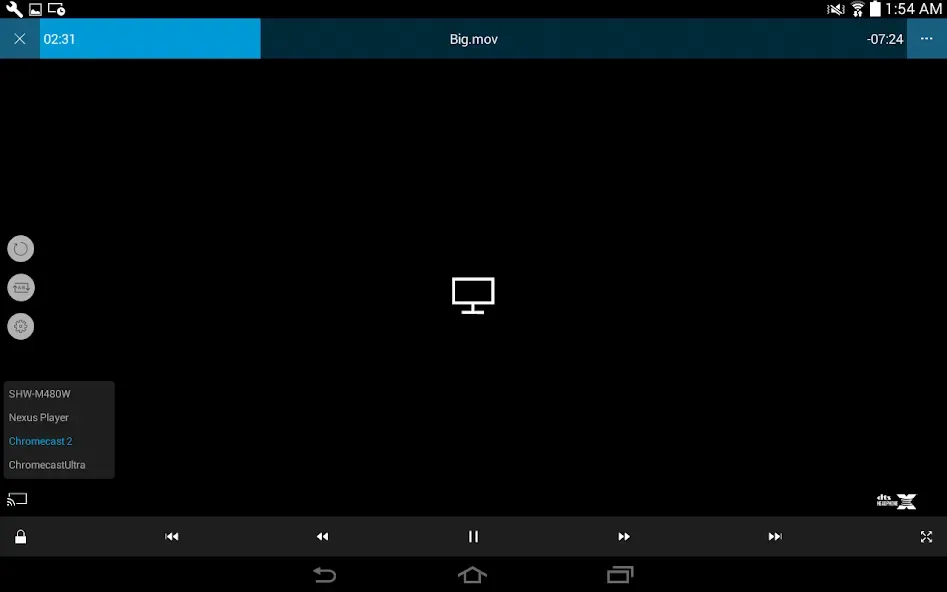
Supports HDMI output
Supports a wide variety of video, audio, subtitle, image, and playlist file formats
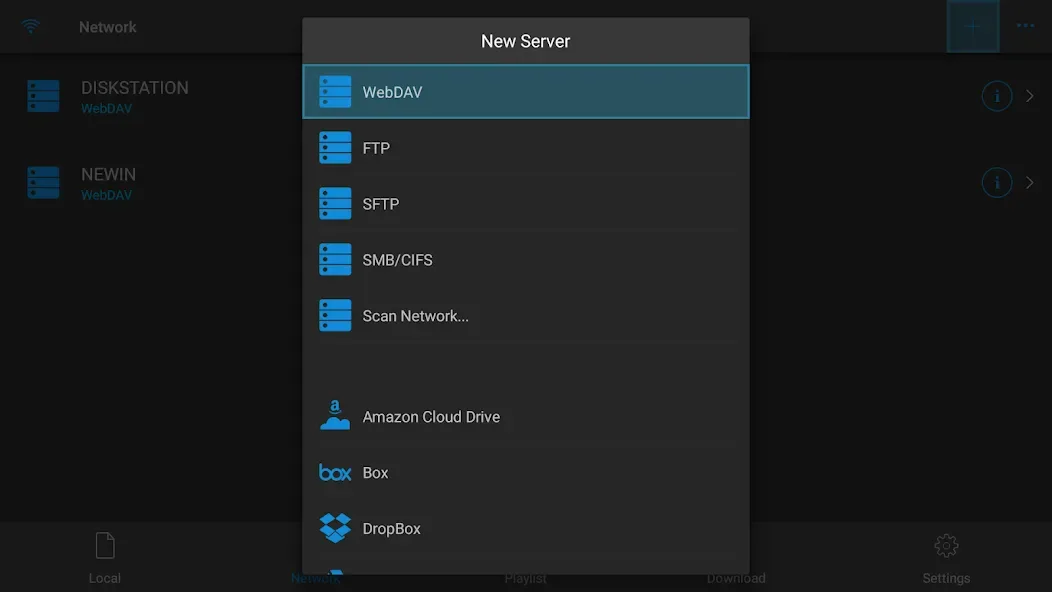
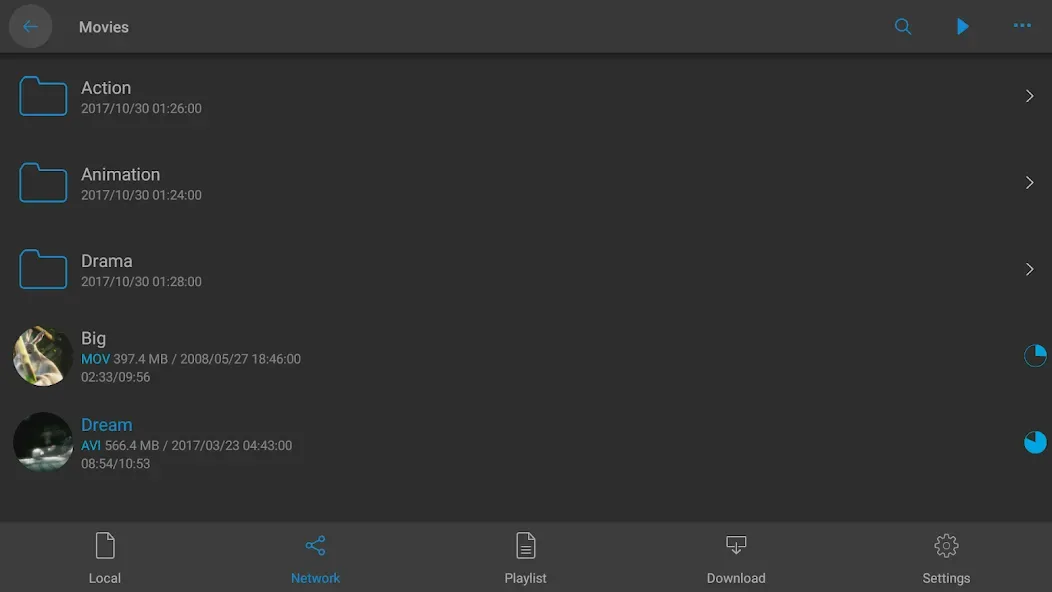
Supports multiple network protocols, including WebDAV, FTP, SFTP, HTTP, SMB/CIFS, and NFS
Compatible with cloud services such as Box, Dropbox, Google Drive, OneDrive, and Yandex.Disk
Built-in web browser for convenient web browsing
Enables playback of iTunes video/audio content (excluding DRM-protected content)
Supports playback of videos and images from the device's photo gallery
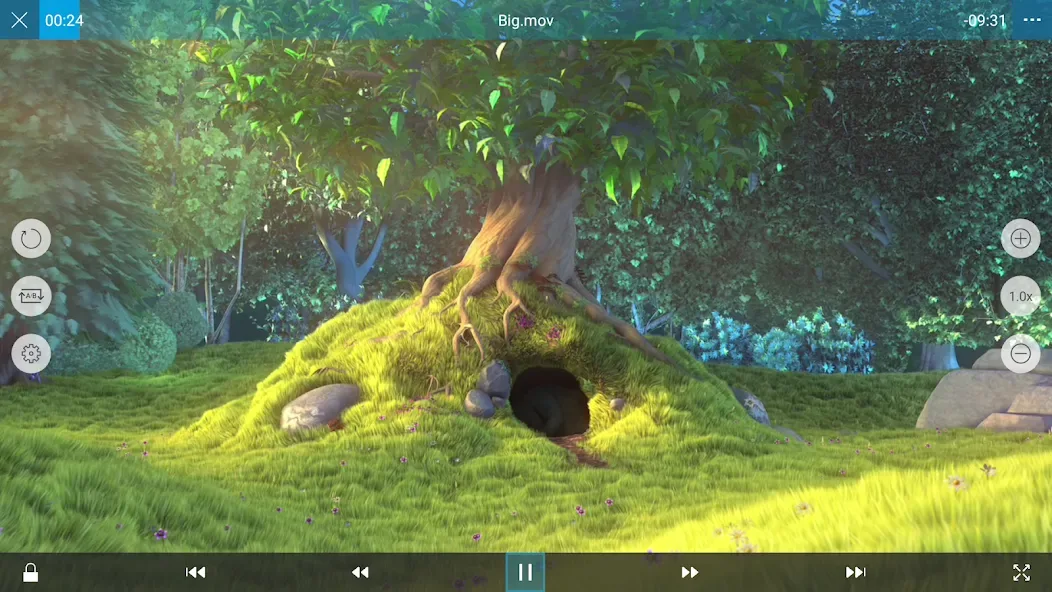
Offers playback speed control, resume-from-last-position, A-B repeat, and screen lock functions
Utilizes hardware acceleration for HEVC/H.264/MPEG4 video codecs
Includes 3D video mode, screen flipping, and brightness/saturation controls
Provides various aspect ratio options
Supports multi-track audio and audio enhancement
Allows for audio synchronization adjustments and the display of lyrics
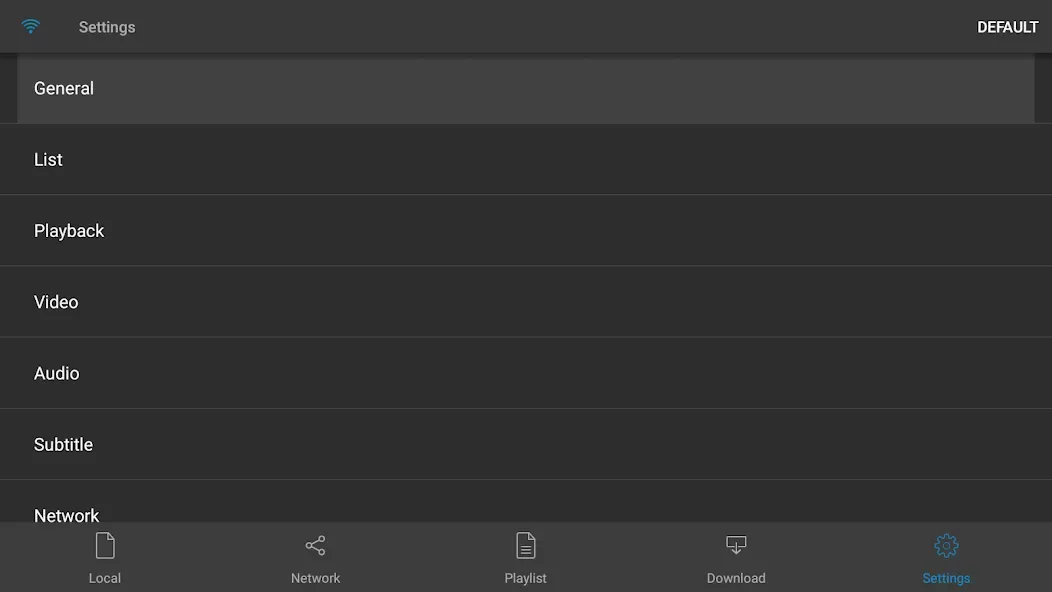
Comprehensive subtitle support, including embedded and external subtitles, with customizable fonts, colors, and styles
Supports file and playlist management, such as deleting, moving, renaming, and creating folders
Includes a folder lock feature for enhanced security
Facilitates easy file sharing via the "Open In" function
Supports custom touch gestures for a personalized experience
Pros and Cons
Pros:
Supports a wide range of video and audio formats
User-friendly and intuitive interface
Offers advanced playback features, such as speed control and subtitle support
Supports streaming from both local devices and cloud services
Compared to other media players, the "Lite" version contains minimal to no advertisements. Good performance with high-quality video playback.
Cons:
The lite version has limited features compared to the full version.
Occasional glitches or errors reported by users.
Does not support certain advanced file formats and codecs found in competing products.
May require additional purchases or upgrades to access advanced features.
Limited customization options for user interface settings.
FAQs
What file formats does nPlayer support?
nPlayer supports a wide range of file formats, including MP4, MKV, AVI, MP3, WAV, and more.
Can I stream content from the cloud using nPlayer?
Yes, nPlayer allows you to stream content from cloud storage services such as Google Drive and Dropbox.
Does nPlayer support subtitles?
Yes, nPlayer supports various subtitle formats and allows users to load external subtitle files.
User Reviews
Great news—this is the best player out there; it’s extremely stable and completely bug-free. It’s so feature-rich, it feels like hitting the jackpot!
I absolutely love this app—I can’t recommend it enough. It has become the central hub for all my media files on my iPad. I can seamlessly stream directly from my cloud servers as well as access all my local content. The user interface is clean and straightforward, with large text that makes it easy to navigate. It may not be flashy, but it’s got everything you need! Fantastic work!
I have a massive collection of music stored on my network-attached storage (NAS) drive. I’ve been looking for a simple player that could access and play media files from my NAS. This player performs exceptionally well, which is why I opted for the paid version instead of sticking with the free (ad-supported) one. If you also keep your media files on a network drive, this app is definitely worth a try.
Conclusion
nPlayer is a must-have media player for all Android users. With its extensive file compatibility, rich feature set, and smooth performance, you can finally say goodbye to playback lag and compatibility issues. Try nPlayer today and enjoy the ultimate media streaming experience!








