
Video Converter & Compressor is a powerful video editing tool. It supports converting videos into a wide range of popular formats, ensuring compatibility across various platforms and enabling users to process their videos quickly. With Video Converter & Compressor, users can easily convert videos in just a few simple steps, including multiple formats such as MP4, MKV, and AVI. In addition to format conversion, the app offers basic video editing features, allowing users to trim and merge clips, and even add subtitles.
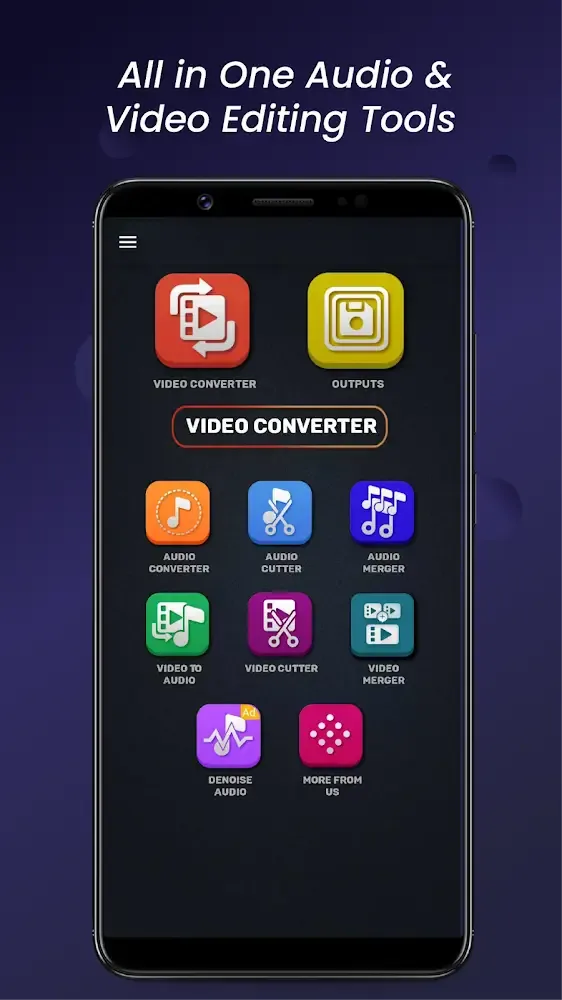
It supports many videos formats
To modify a video using the Video Converter & Compressor app by Inverse.AI, the user first imports the desired video into the app. From there, they can choose whether they want to convert, compress, or edit the video. After selecting the function, you can choose the desired settings, such as the video format, resolution, quality, or compression rate and size that suits your preference.
It then processes the video file using the selected settings and advanced algorithms to perform the desired function. Once the processing is complete, you can save the modified video to your device or share it directly from the app to your social media accounts or cloud storage services. The entirety of the app also has additional features, including batch processing.
There is also support for multiple languages and support for numerous video formats. Moreover, it uses a user-friendly interface that allows even those with no experience in video editing to modify their videos quickly. However, the app has limited support for high-resolution videos, which may not be suitable for some users, and has limited editing tools, making it suitable for basic editing tasks.
Features:
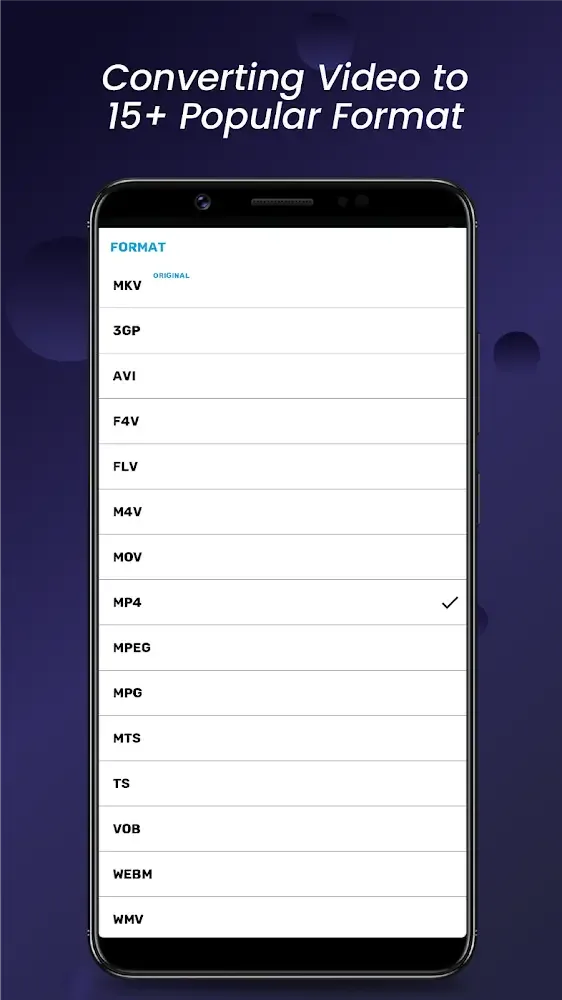
Wide Format Support: Video Converter & Compressor supports most video formats available on all devices, making it easy to convert videos into popular formats such as MP MKV, AVI, and more.
Memory Saving Features: The converter in Video Converter & Compressor helps save memory by reducing frame rates, changing resolutions, and even converting videos to audio files, maximizing device and platform space.
User-Friendly: Unlike complex and specialized tools, Video Converter & Compressor is designed for all users looking to convert video formats with simple and easy-to-follow operations.
Editing Capabilities: In addition to converting formats, Video Converter & Compressor allows users to perform moderate video editing tasks, enhancing the versatility of the application.
Pros & Cons:
Pros
Supports a broad range of video and audio formats
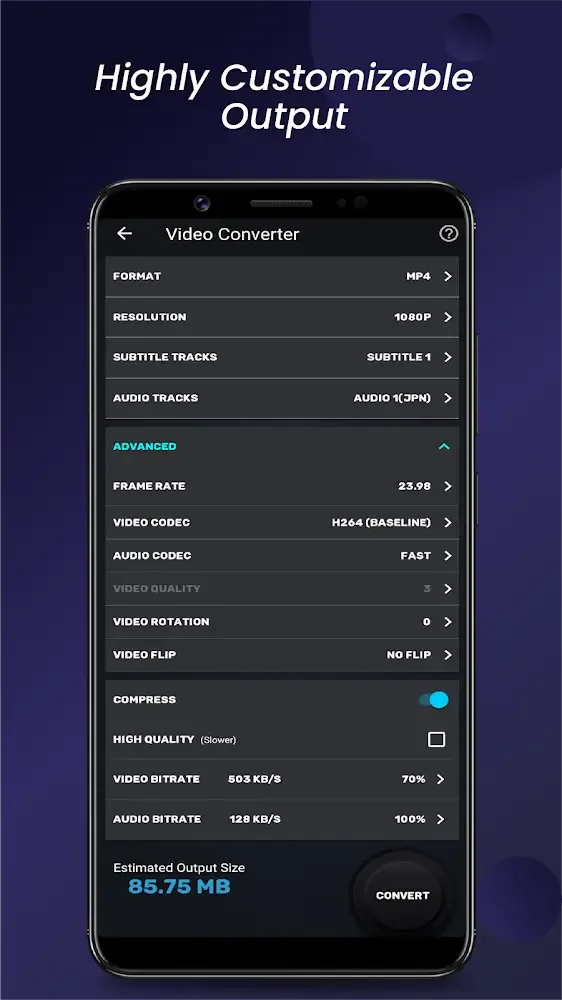
Provides detailed resolution, codec, frame-rate, and bitrate controls
Processes multiple files in a batch queue
Includes precise cutting and flexible video merging
Cons
Limited tools for creative video editing
High-resolution handling may be restrictive
Changelog:
Meet IVA AI — smarter, faster video & audio converting, compressing, merging, cutting, and trimming.
Added 20+ new features — Reverse Video, Speed Control, Fade In/Out, Slideshow Maker and many more!
Resolved file not showing issue in the file picker on some devices.
Fix major crashes and bugs.
Conclusion:
We don’t have any problems putting together and editing large files at the same time. With an amazing auto mode, the audio bitrate will be aligned and put together in a way that is always changing. Cut audio mode lets you remove parts of an audio file you don’t want. Live recording and drum parts are also very useful. This utility will give you tools you’ve never seen before and save time. Also, the features for translating and aligning camera angles, changing lighting, and cropping images have been updated to a new mode to work with a wide range of camera formats.








