

Tubi TV is a video streaming application that allows users to watch movies and videos completely free of charge. The platform features an extensive library of films from around the world, spanning a wide variety of genres. It is regularly updated, ensuring a fresh selection of content for users. In addition to on-demand viewing, the app offers live TV channels. It also provides access to various news programs and supports casting content to your television, making it easy to balance your entertainment with your daily life and work.
Click to load YouTube / 点击加载视频
YouTube ↗Features
Free, Legal Streaming
Tubi TV offers free streaming of movies, series, and channels with minimal ad interruptions. There are no trials, no subscription fees, and no credit card requirements. You can start watching immediately, with the option to create an account later if you wish. This low barrier to entry makes it perfect for users who simply want to sit back and enjoy some entertainment.
A Vast and Diverse Library
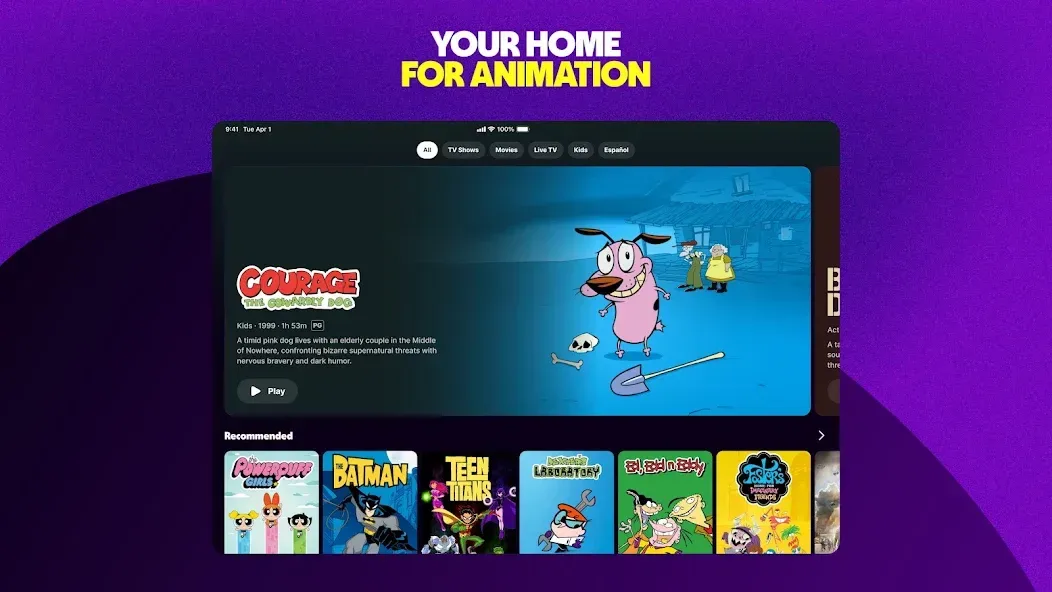
Tubi TV’s library caters to a wide range of tastes and genres, featuring everything from timeless classics to recent hit series. The collection includes movies, TV shows, Tubi Originals, anime, K-dramas, British series, and much more. New titles are added weekly, keeping the library fresh and engaging—whether you’re just browsing or diving deep into specific content, Tubi TV has you covered.
Live TV Channels and On-Demand Services
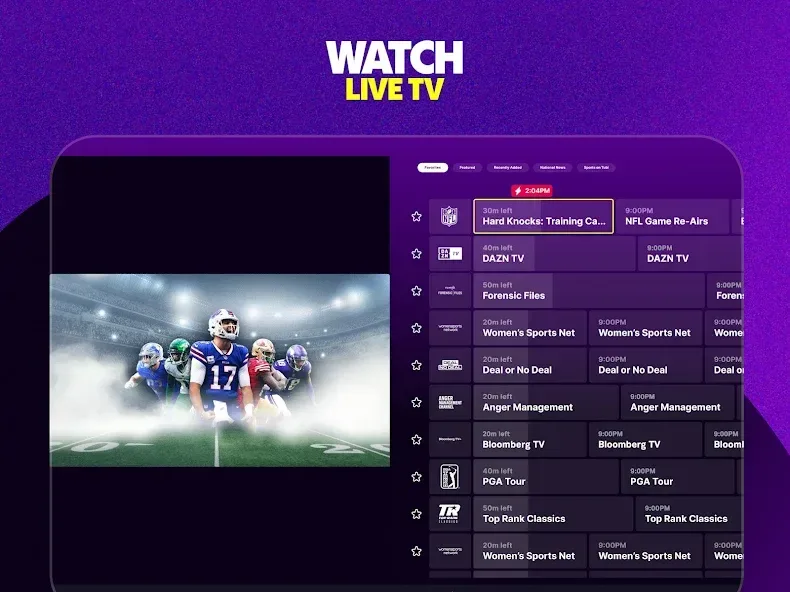
Beyond its on-demand library, Tubi TV provides live channels covering news, sports, weather, and entertainment. This integration allows you to watch scheduled programming without needing to switch between different apps; you can easily toggle between live channels and on-demand content within the same interface. It’s a convenient solution for users who want to stay updated on current events while also enjoying their favorite series or movies.
Multi-Device Viewing with Casting and Synchronization
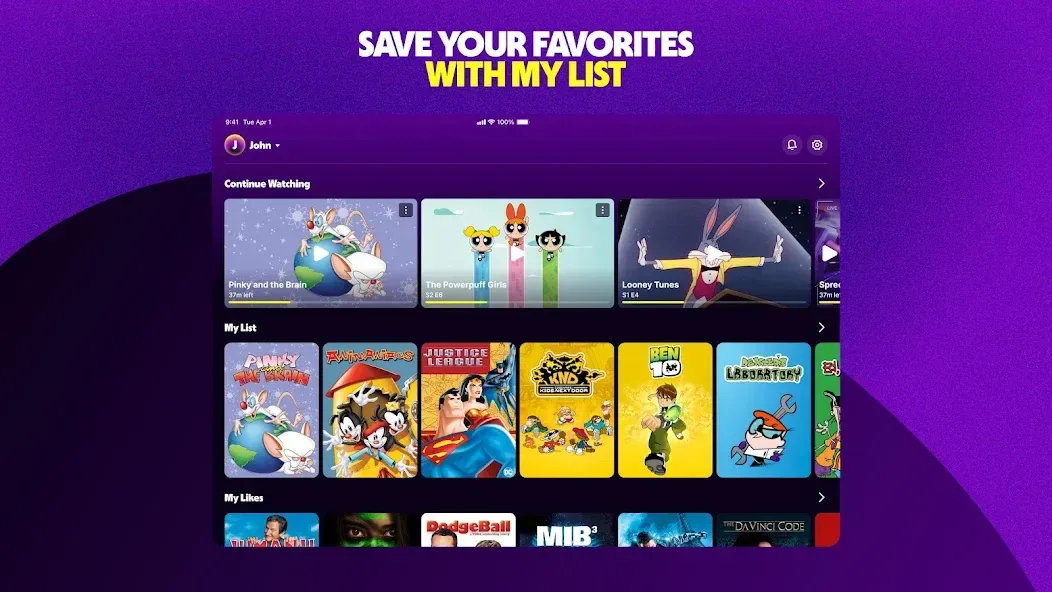
Tubi TV supports casting to compatible televisions via Chromecast or AirPlay, allowing for a seamless transition from your mobile device to a larger screen. The "continue watching" feature automatically saves your progress, and you can enable synchronization across devices by signing into an optional user account. This allows you to start watching on a mobile device and pick up right where you left off on your TV—no need to manually search for your previous spot. It’s an effortless way to maintain a consistent viewing experience across all your devices.
Featured Hubs and Tubi Kids
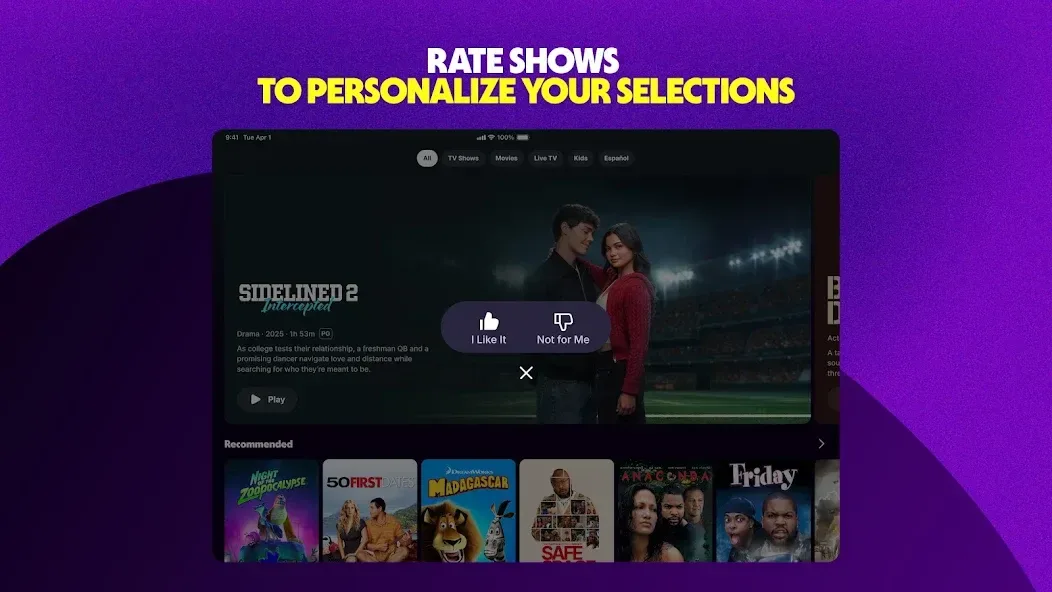
Tubi TV helps you browse content more efficiently through sections like "Most Popular," "Recently Added," "Channels," and "Tubi Kids." Whether you’re looking for hit movies or family-friendly entertainment, these categories help you quickly find exactly what you want to watch. These dedicated areas minimize the need for endless scrolling and highlight great content you might have otherwise missed. Parents can also guide their children to age-appropriate sections within the app.
Usage
Open Tubi TV and grant any necessary permissions for playback or casting.
Explore the home feed and categories, or use the search bar to find specific movies, shows, or channels.
Select a title to view details, then tap "Play" to start watching. Use "Add to My List" if you’d like to watch it later.
Sign in to sync your "My List" and "Continue Watching" features across different devices—or, if you prefer, you can skip this step.
To watch on a TV, tap the cast icon and select your device. If using a TV app, follow the on-screen prompts—such as entering a code or scanning a QR code—to activate it.
Pros and Cons
Pros:
Wide variety of genres
Smooth, stable playback
Clean, intuitive navigation
Cons:
Content availability changes (rotations)
Repetitive content recommendations
User Reviews
In today’s world, it’s absurd to still see ads on paid subscription services—but when a service is free and includes ads, it’s perfectly acceptable. You get exactly what you’re looking for, and in return, you’re supporting the provider. So, yes—I’m all for this app!
As a young girl who can’t afford subscriptions like Netflix or Disney+, this app is the perfect alternative! I’ve found it incredibly useful, with a fantastic selection of movies and series. I originally downloaded it just to watch one specific show, but I ended up discovering so many other great films! Even though there are quite a few ads, the app itself is truly excellent. Highly recommended!
I’ve tried to watch movies online many times, only to end up being directed to paid subscription services. It feels like every time I want to watch a movie, I’m prompted to sign up for a new subscription—which can really add up for someone on a fixed income. Tubi, however, is completely free. There are only two short ads per movie, which I find to be a great deal—it saves both money and hassle. Plus, the movie library is constantly updated. You definitely won’t regret downloading Tubi.
Conclusion
Tubi TV offers a reliable streaming service for users who want to enjoy a wide selection of movies and TV shows without the burden of subscription fees. The platform provides a convenient entertainment experience, featuring intuitive navigation, flexible content browsing options, and smooth, stable playback performance.








