

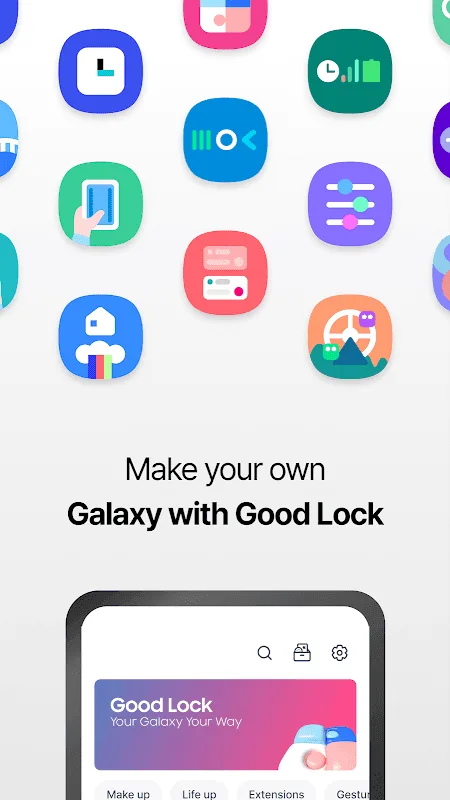
Samsung Good Lock is the ultimate personalization tool. The application offers a variety of different feature templates, allowing users to modify the "Recently Used Apps" menu using Task Changer, adjust multi-window settings using MultiStar, manage notifications using NotiStar, or create custom themes using Theme Park, and so on. With Samsung Good Lock, users can fully customize their device's lock screen and user interface to craft a truly personalized experience. At the same time, this app does not require root access to the device, and most of its functions can be used directly.
Highlights:
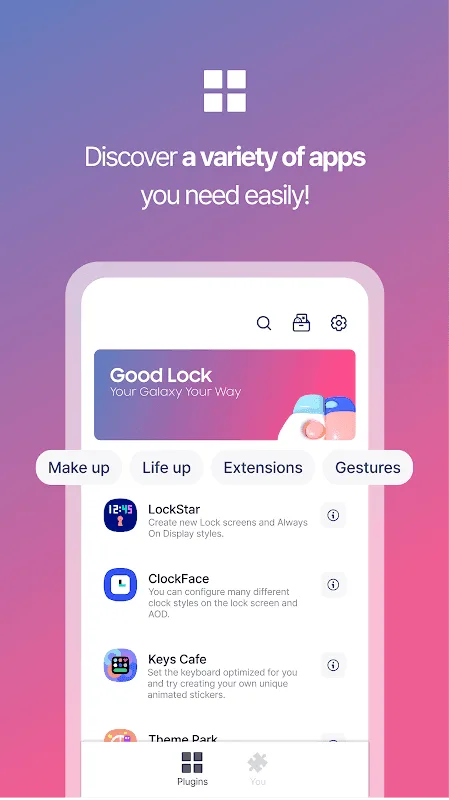
LockStar: Build custom lock screens and AOD styles with flexible layouts and elements.
ClockFace: Choose from many lock screen and AOD clocks, matching mood or routine.
NavStar: Reorder navigation buttons, set gestures, and tune responsiveness for quicker actions.
Home Up: Improve folders, grids, and Recents for a cleaner, consistent home experience.
QuickStar: Arrange quick toggles and status icons, keeping essentials visible and distractions low.
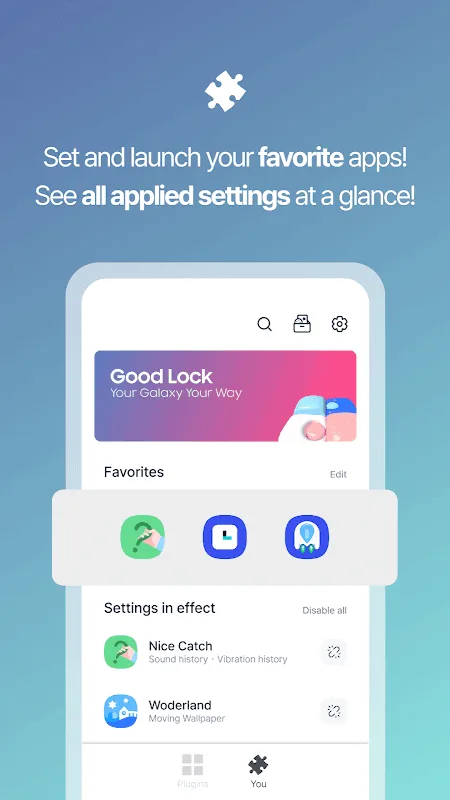
Wonderland: Create motion wallpapers that react to how you move your device.
Features:
Customizable lock screen: With Samsung Good Lock, you can easily modify the clock display and design of your lock screen to match your personal style and preferences.
Notifications customization: This app allows you to define the style and design of your notifications, ensuring that they are visually appealing and in line with your taste.
Task Changer utility: The "Task Changer" feature enables you to adapt the display style of recently used apps and games, making it easier for you to access and navigate through them.
Wallpaper customization: Samsung Good Lock provides the option to change wallpapers, allowing you to choose from a wide range of options or even design your own creations to give a more personalized touch to your device's interface.
Small apps for customization: This app offers various small apps that can be explored individually, providing you with the ability to customize different aspects of your Samsung device as much as possible.
Maximizing your Samsung device: Samsung Good Lock is designed to help you make the most out of your Samsung device by offering a plethora of features and customization options.
Tips and Tricks:
Explore the different modules and download the ones that best suit your needs.
Take advantage of Task Changer to give your recent apps menu a fresh look.
Use Theme Park to express your creativity by creating your own unique themes.
Customize your multi-window experience with MultiStar.
Optimize your phone settings using Nice Catch to monitor activities efficiently.
FAQs:
Is Samsung Good Lock compatible with all Samsung devices?
Yes, Samsung Good Lock is compatible with most Samsung devices running One UI -1 or higher.
How do I access the different modules within Samsung Good Lock?
Simply download the main app from the Galaxy Store and then download the specific modules you want to use within the app.
Are there any fees associated with using Samsung Good Lock?
No, Samsung Good Lock is a free app that offers a wide range of customization options for your Samsung device.
Conclusion:
The Routine feature extends Samsung Good Lock's automation capabilities beyond interface customization. Users define conditions or schedules, creating profiles or routines that adjust multiple system settings automatically and adapt the device based on context or time of day, reducing the need for ongoing manual configuration.








