
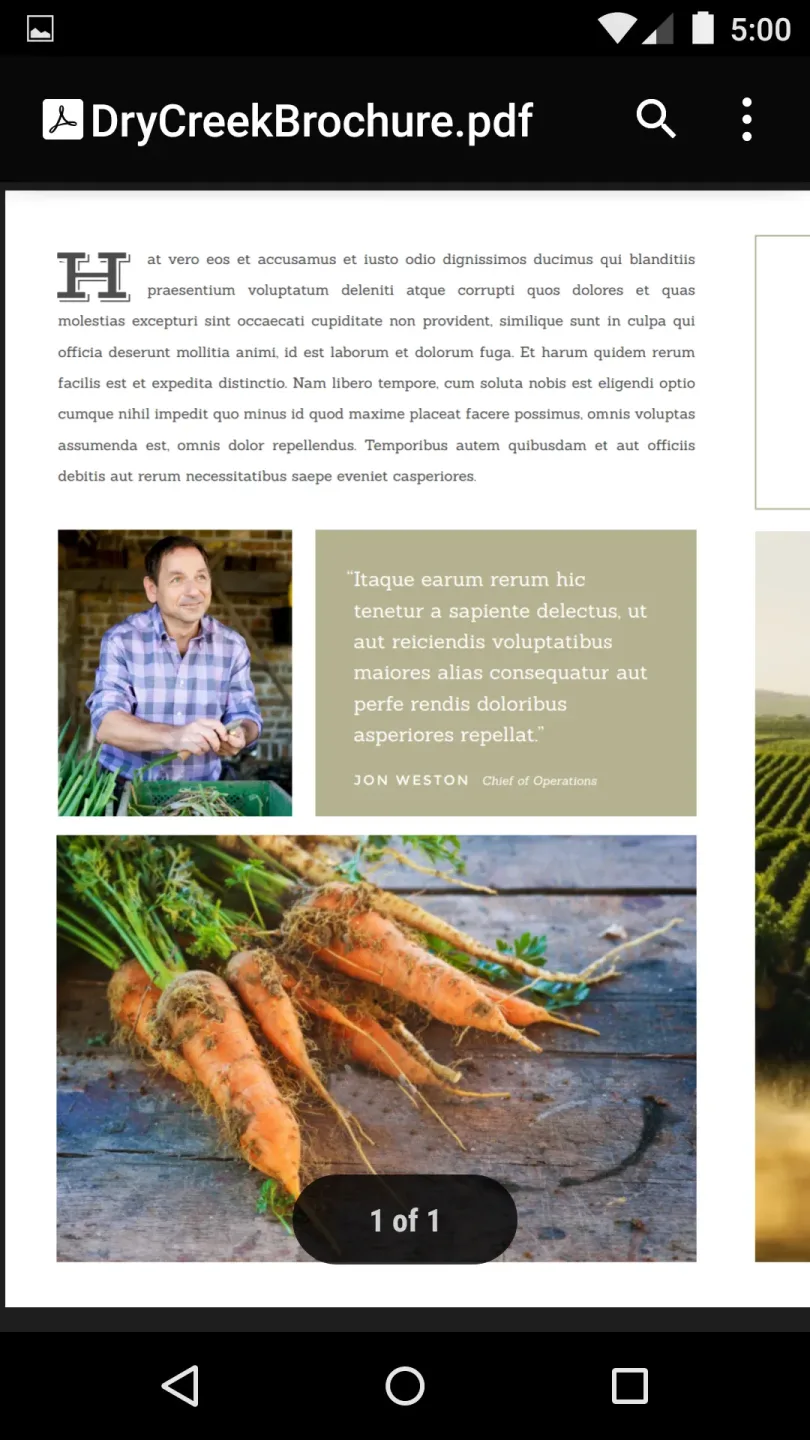
Google PDF Viewer is a PDF reading tool designed for the Android operating system. Users can employ this software to view a wide variety of PDF files; it also supports printing, allowing users to send PDF documents directly from the app to a printer. Beyond reading, the software enables users to copy text from PDF files to the clipboard, making it easy to paste content into other applications. The app is suitable for use on both smartphones and tablets—supporting landscape-mode reading on the latter—and features a very small memory footprint, making it accessible to all users.

Features
Open files from various sources
Please note that Google PDF Viewer does not have an icon in your app launcher. Once installed, the app will launch automatically whenever you open a PDF file from your "Downloads" folder, an email, a chat thread, or a file manager.
Print support
When you need a hard copy, you can use the system print option to send a PDF file to a compatible printer. The application hands off the print task to your device’s native print service to complete the standard printing process.
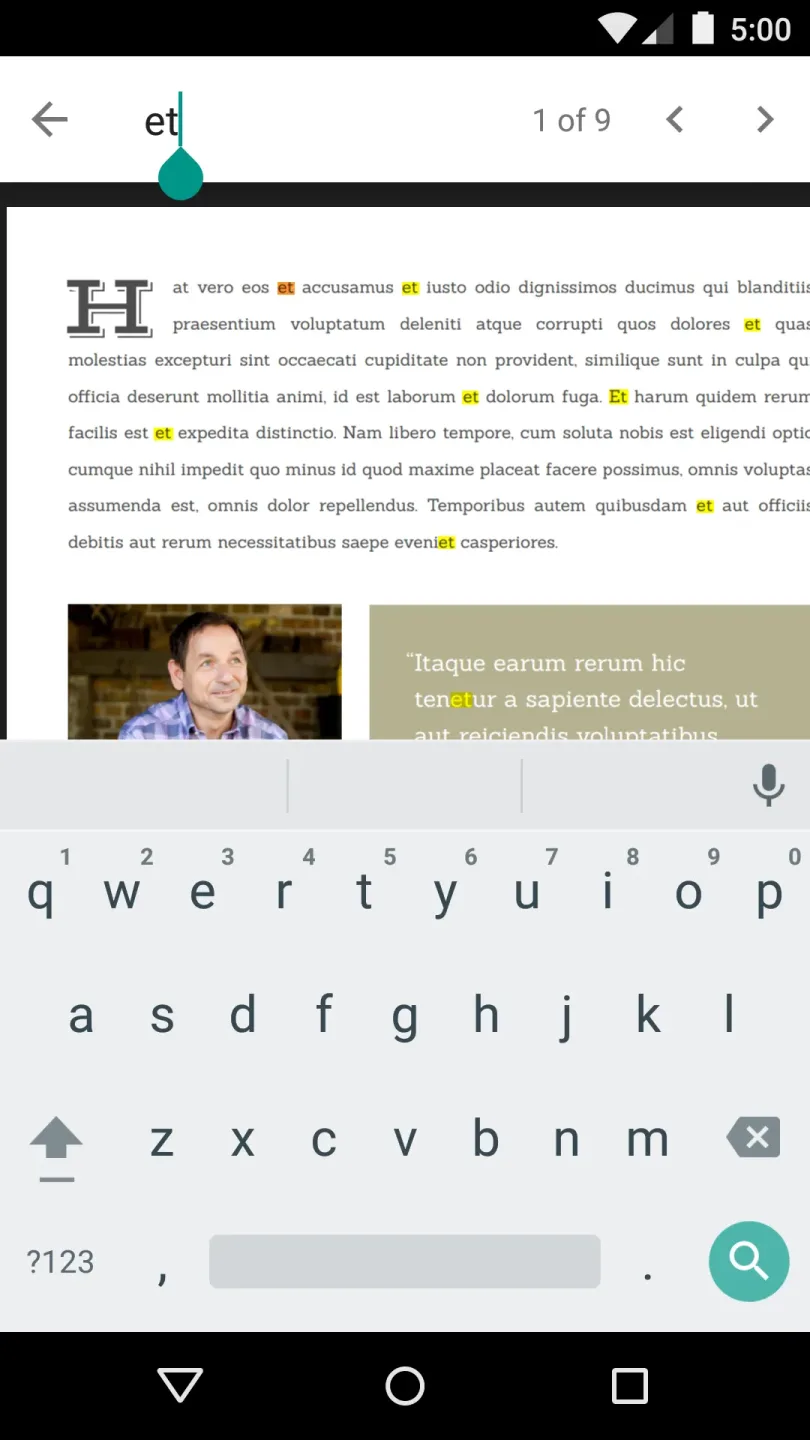
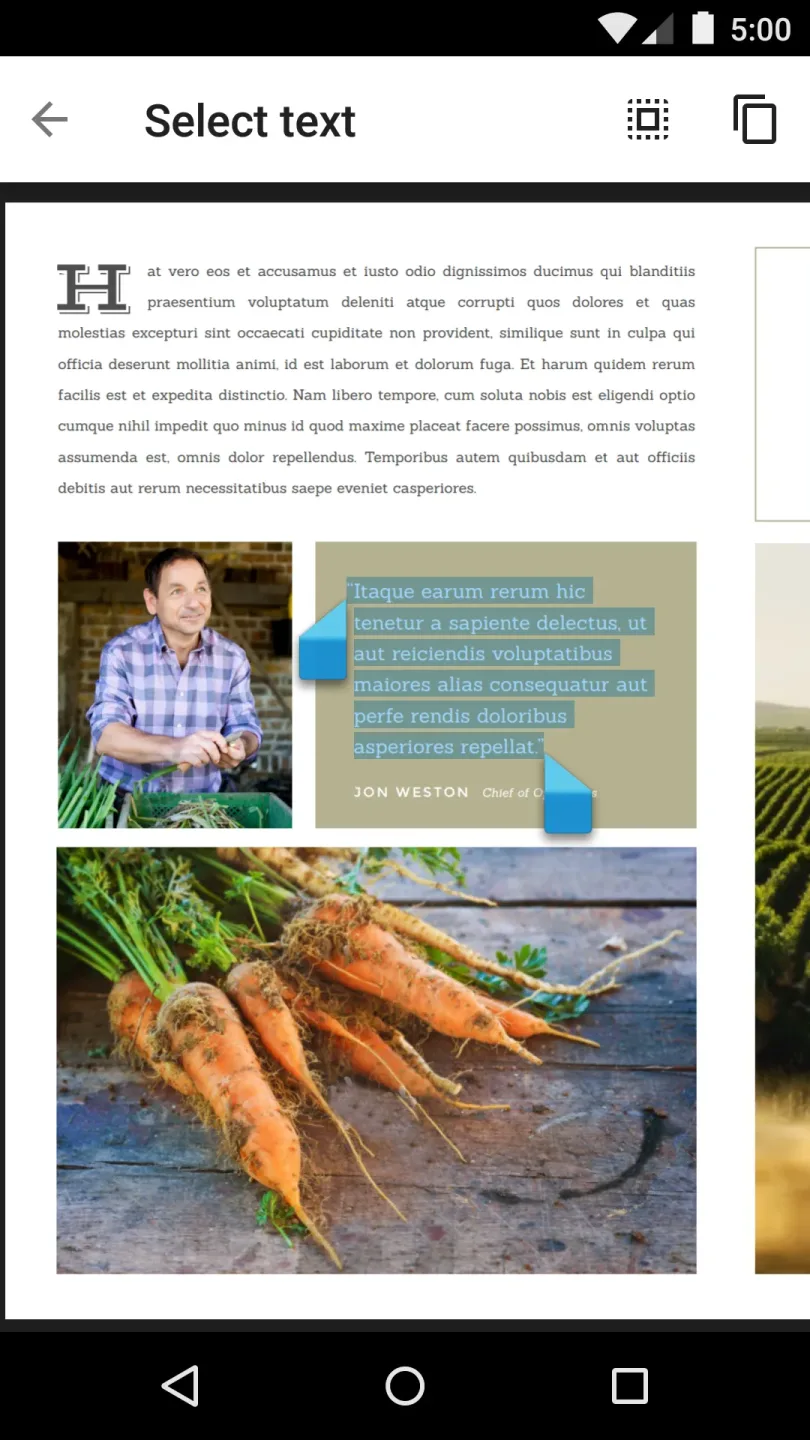
Search and copy text
Easily navigate documents by searching for specific words or phrases.
Select and copy text to your clipboard for use in other applications.
Suitable for professional environments
In managed deployment environments, Google PDF Viewer is primarily used as part of the "Android for Work" program. It is ideal for devices where policy restrictions prevent the use of built-in tools, necessitating a standalone PDF viewer.
Tips
The app is optimized for both landscape and portrait orientations. When you rotate your phone or use the app on a tablet, the interface adjusts automatically—often displaying two pages side-by-side. Its design is highly efficient, making excellent use of screen real estate: the search bar occupies only a small portion at the top, the on-screen keyboard appears at the bottom, and the middle section displays search results. Once the search bar is dismissed, the interface seamlessly returns to its previous state.
Pros and Cons
Pros:
Interfaces tailored for both tablets and smartphones.
Designed with touch-screen functionality in mind.
Highly optimized and fast.
Cons:
Does not include PDF editing features.
Full functionality is only realized when used in conjunction with Google Drive.
User Reviews
It’s a pleasure to use! I highly recommend it. I hope to see more AI features added in the future—keep pushing toward becoming an industry leader!
The design is clean and free of unnecessary clutter. It’s efficient, streamlined, free to use, has minimal ads, and launches quickly. A truly excellent piece of software.
I’ve tried many others, but this one stands out. The "eye-care" (reading) mode is fantastic, and page-turning is incredibly smooth—no lag at all. Highly recommended!
A fantastic PDF reader. It automatically scans your phone for files and provides cover previews, so you can easily see exactly which PDFs you have on your device.
Conclusion
When you need to access PDF files on your Android device in environments where other viewers have limited functionality, Google PDF Viewer is the perfect solution. Designed specifically for enterprise-managed devices, it offers a familiar viewing experience with no additional setup required.








