

HMA VPN is a user-friendly proxy service that offers access to network nodes in over 200 locations. It enables users to bypass geographical restrictions to access websites, download software, and play games. The service encrypts and masks users' IP addresses and network traffic, ensuring their privacy and security. There are no data limits, allowing for unrestricted use, and the software includes a built-in FAQ section to help users resolve any potential issues. With excellent compatibility, it can be installed and run on a wide range of devices, including smartphones, tablets, and computers.
Click to load YouTube / 点击加载视频
YouTube ↗Features of HMA VPN:
Split Tunneling: HMA VPN offers split tunneling in its Android and Windows apps. This is a clever feature that allows you to choose which apps you want to secure with HMA VPN. This way, you can route traffic on certain apps through the VPN and leave other apps’ traffic unencrypted, so that they pass through your normal ISP network.For example, I like to run my browser app through the VPN. Meanwhile, I make sure my banking app routes through my ISP so that I don’t trigger any alerts on my account.
IP Shuffle: The IP Shuffle makes it harder for anyone to track your location because you can randomly change your IP address at a time interval of your choice. Though it’s worth noting that this feature is available for Windows, Android, and macOS but not for iOS.There’s also an IP Refresh if you would like to manually and quickly change your IP. This feature is useful if you want to be completely protected. Since your IP address can change every 10 minutes, no one will be able to backtrace the connection to you.
Auto-Connect: The auto-connect feature lets you configure when the VPN connects automatically. This is very useful because you can set it to automatically connect and keep you safe when you’re on public WiFi, in case you forget to turn on the VPN yourself. It is available for Windows, Android, macOS, and iOS.
Ad Blocker: HMA VPN’s Chrome extension offers a built-in ad-blocker. This is an awesome addition, especially for all of you that are tired of constantly dealing with unwanted ads like I am. Unfortunately, it’s only available with its extensions. I don’t recommend using these, which I’ll elaborate on later.
Virus Test: HMA VPN’s apps are completely safe and malware-free. Before I downloaded the Windows app, I used the VirusTotal website to check that the installer is clean. I didn’t expect any issues, but I wanted to check just to make sure. Fortunately, the results met my expectations, and there weren’t any viruses or other types of malware in the file.
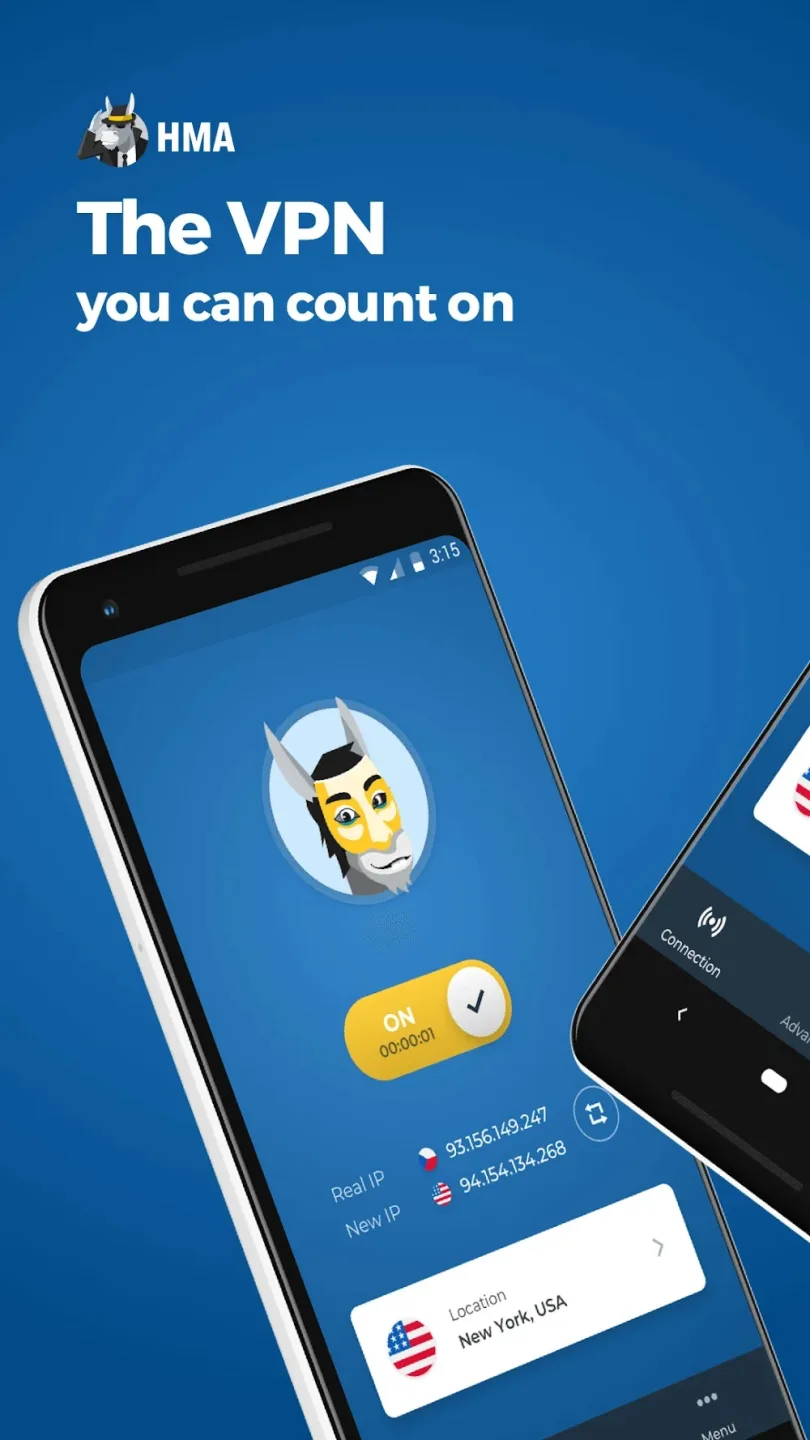
Strengths of HMA VPN:
Enhanced Online Privacy: Maintaining anonymity online is crucial, and this service excels at it by masking your real IP address. When you connect, your internet traffic is routed through an encrypted tunnel, making it virtually impossible for third parties to track your online movements or identify your location. This ensures a private browsing experience, safeguarding your personal information.
Robust WiFi Security: Public Wi-Fi networks are notorious for security vulnerabilities, but HMA VPN offers a vital defense. It encrypts all your data, transforming unsecured public hotspots into secure private connections. This protection is critical for shielding your personal details, banking information, and communications from hackers and data thieves who often target open networks.
Global Server Network: The extensive network offered by this tool is a significant advantage, boasting servers in over 100 locations worldwide. This vast selection allows you to choose almost any virtual location, providing flexibility for accessing content and ensuring fast, reliable connections wherever you are. It means you can always find an optimal server for speed and accessibility.
Effortless User Experience: Designed with simplicity in mind, the interface ensures that even novice users can quickly set up and connect. With just a few taps, you can select your desired server location and activate the VPN protection. This intuitive design removes any complexity, allowing you to focus on enjoying secure and unrestricted internet access without hassle.

User Reviews of HMA VPN:
I made an order and there was an option to provide a EU VAT ID so I could pay VAT in my country. But the amount never changed. If I knew the amount is not lowered then I would have not given my VAT number because now I pay tax twice - once to the seller and once to my country. I emailed them 2 times but received no response. Edit: problem was resolved.
Excellent protection with no effect on the speed of your internet connection. Easy to use. Gives you multiple server options. All around, it is just what you need to maintain your privacy online.
I started receiving notifications of license expiration and I knew that wasn't right. Come to find out, I had purchased a second license and the original license was expiring. I sent an email to HMA VPN Customer Support requesting assistance, Branko Mitkovic responded.He reviewed my account, explained how I got to this point and offered to consolidate my licenses and adjust the expiration date to reflect the changes. You cant ask for more than that!
For as long.as I have been with you, your service has been great! The issues l have had have always been with 2checkout. Your speeds faster than before as well as connection times are faster. I constantly recommend you to friends. You are a true 5 star provider.
I've been using HMA VPN for a few years now, always been great, had good functionality and reliability, and good speeds. Not had not do any travel since early 2020 of course, but when I do, I'm glad I'll still have HMA VPN to keep my browsing secure, and not region-tied.
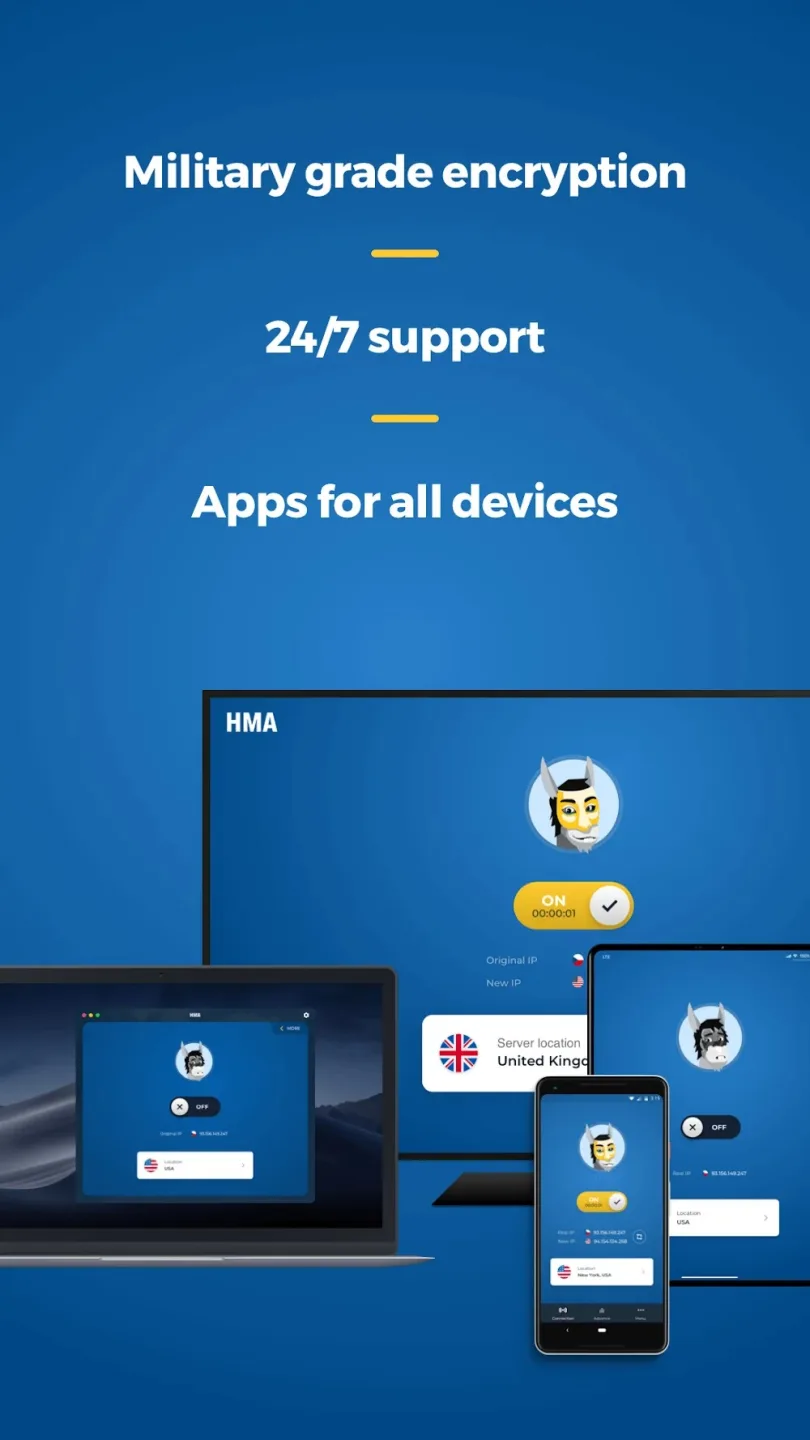
How to install HMA VPN:
HMA VPN is a virtual private network that secures your internet connection using an encrypted tunnel to disguise your real location, and prevent others from eavesdropping on your online activity over public Wi-Fi and unsecured networks.
HMA VPN is a paid product that requires a subscription to use. This article contains instructions to install the application and either activate an existing subscription or purchase HMA VPN.
Install HMA VPN
Tap Install to download and install the app. When installation is complete, tap Open.
Tap Get started to confirm that you accept Avast's License Agreement and Privacy Policy, then tap Next to go through the tutorial.
Select one of the following options:
Activate: If you already purchased HMA VPN before installation, tap ⋮ Options (three dots) ▸ Already purchased?.
Purchase: Tap See subscriptions to view subscription plans and follow the on-screen instructions to complete the purchase.
HMA VPN is now installed on your Android device. If you've chosen the Already purchased option, you can select one of the following:
Sign in: Sign in to your HMA VPN Account and restore your subscription.
Enter activation code: Type in the activation code you received when you purchased the service on our website.
Conclusion:
HMA VPN is a mainstream, functional VPN option suited to people who want to access geo-blocked content or add a basic layer of privacy. It’s important to use any VPN responsibly: while the tool can improve privacy in many situations, it doesn’t grant immunity from laws or guarantee absolute anonymity.








