
Redfinger Cloud Phone is a cloud-based Android mobile emulator. It allows users to play games in an "offline" mode—keeping games running continuously even when the user is logged off—which is ideal for "AFK" (away-from-keyboard) gameplay. The platform supports multi-account logins and enables cross-platform access across various devices. Running games or applications on this cloud phone significantly reduces the burden on your physical device, conserves battery life, and minimizes mobile data consumption. Furthermore, it allows users with lower-end hardware to play resource-intensive, large-scale games, catering to a wide range of user needs.
Click to load YouTube / 点击加载视频
YouTube ↗Features
24/7 Cloud-Based Game and App Execution
Redfinger Cloud Phone ensures that your apps and games remain active, even if your local device loses power or internet connectivity. Sessions continue in the cloud, meaning your progress and automated tasks persist even after you close the app. You can reconnect from a different device and pick up exactly where you left off.
Manage Multiple Accounts with Batch Control
Redfinger Cloud Phone supports the simultaneous operation of multiple cloud-based Android instances, making it perfect for gaming, marketing, or professional studio operations. You can perform batch actions—such as restarting, scheduling reboots, installing apps, or uploading files—to streamline repetitive tasks. This facilitates scaling from a few instances to large-scale deployments while maintaining simple, centralized control.
Cross-Platform Access and Seamless Switching
Use a single account to access Redfinger Cloud Phone across Android, iOS, Windows, and macOS. Switch between devices to view your cloud-based Android instances without the need for manual synchronization. Since all data and sessions are stored in the cloud, transitioning between devices is always fast and fluid.
Cloud-Based Execution for Enhanced Security and Zero Local Strain
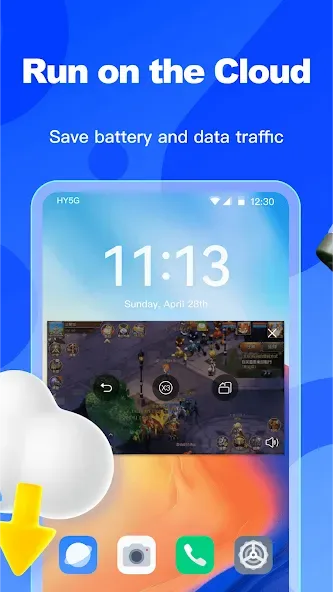
Apps and games run on remote servers rather than on your physical device. This minimizes the strain on your local battery, storage, and mobile data usage. Because your content resides within the Redfinger Cloud Phone environment, the physical device you use to connect consumes far fewer local resources.
Run Demanding Applications on Low-End Hardware
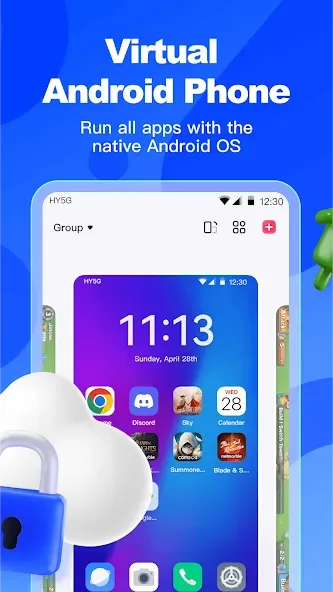
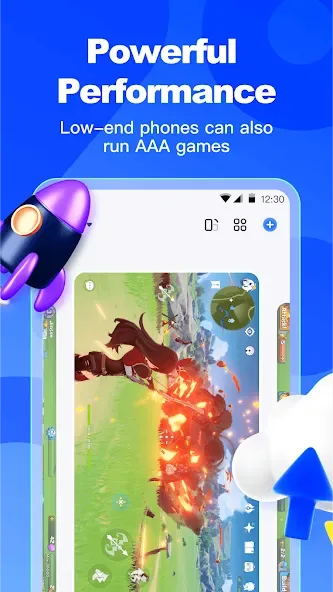
Redfinger Cloud Phone delivers a high-performance cloud experience, ensuring that resource-heavy games and applications run smoothly. Enjoy fast startup times and responsive app switching. As an Android cloud emulator, it also frees up local storage space and RAM on your physical device for other uses.
Usage
Once installed, open the Redfinger Cloud Phone app and either register for an account or log in.
Start a free trial or select a subscription plan, then choose a server region—such as the United States, Taiwan, or Singapore.
Create your first cloud phone and wait for it to finish booting up. Once it’s ready, tap to enter the cloud phone.
Install the apps or games you need within the cloud phone, and log in as required to set up your workflow.
Keep the cloud phone running to maintain your progress. If you need multiple accounts, simply create additional cloud phones and take advantage of bulk operation features when available.
Pros and Cons
Pros:
Remotely keep Android games and apps running.
Manage multiple virtual phones from a single account.
Includes features like bulk installation, scheduled restarts, file uploads, and root access.
Accessible via Android, Windows, macOS, and iOS.
Cons:
Remote control may occasionally experience latency or connection issues.
Some users have expressed concerns regarding server reliability following recent updates.
FAQs
Is Redfinger Cloud Phone safe to use?
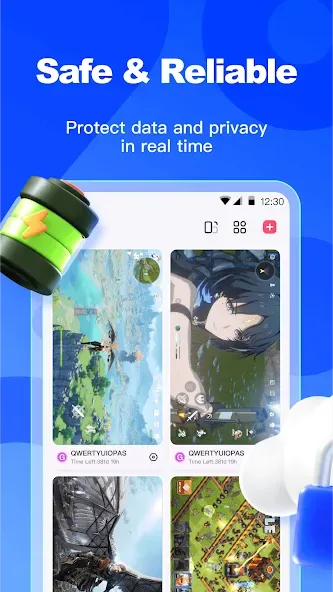
Absolutely. Since it operates in the cloud, your physical device remains protected from malware or data-related risks. Your apps and data are kept secure and entirely isolated from your personal device.
Can I use Redfinger Cloud Phone to play mobile games 24/7?
Yes. Redfinger Cloud Phone is designed to keep your games running even when you are offline or away from your device—perfect for games like *Genshin Impact* or *Ragnarok Online* that require extensive grinding or idle gameplay.
How can I try out Redfinger Cloud Phone before paying?
Redfinger Cloud Phone offers a free trial, allowing you to test its features and determine if it meets your needs before committing to a paid subscription plan.
Conclusion
Redfinger Cloud Phone acts like a virtual, cloud-based smartphone, offering a fresh take on your Android experience. Whether you are a gamer, an app developer, or simply looking for a more efficient way to run your mobile applications, Redfinger Cloud Phone has you covered.








