

v2rayNG is a network proxy application that supports various network protocols. Users can import configurations—such as by copying links or scanning QR codes—to bypass geographical restrictions, access a wide range of websites, and download files, software, or games directly to their devices. While in use, the software automatically switches nodes based on the network environment and encrypts the user's IP address and traffic, ensuring a seamless and secure online experience. Additionally, v2rayNG offers a variety of customization options, including automatic startup upon system boot, multiple themes, and language settings, catering to the diverse needs of its users.
Click to load YouTube / 点击加载视频
YouTube ↗Features of v2rayNG:
Secure connections and regional access: v2rayNG helps you connect through encrypted tunnels so your traffic is harder to inspect and restrict. This allows you to reach region-limited services and content when your network enforces blocks. The client runs through Android VpnService and relies on the V2Ray and Xray core for transport and routing.
Rule-based proxy with flexible routing: Users can tailor routing behavior to match different apps, domains, or network scenarios. v2rayNG lets you decide which requests go through the proxy and which stay direct, so daily browsing and streaming behave the way you expect. This flexibility supports advanced setups without forcing a single configuration on every connection.
Open source with privacy first design: The project is transparent, with source code available for review on GitHub. v2rayNG does not collect or share personal information, and any data generated by the app is stored locally on your device. This approach gives users insight into how the client works and control over their own data.
Official builds for multiple architectures: To match different phone and chip types, official releases provide architecture-specific APKs. Options include arm64, armeabi v7a, x86, x86 64, and a universal build, so you can choose the file that fits your device. Updates follow the GitHub releases, which makes version history easy to track.
Subscription handling and update behavior: During setup, keep only one active subscription to avoid issues with server list refresh. Having more than one subscription can cause update failures and stale server entries. With a single subscription, list updates are more reliable and faster to verify.
Functions of v2rayNG:
Support for Multiple Proxy Protocols: v2rayNG supports a variety of proxy protocols such as VMess, VLESS, Shadowsocks, Socks, Trojan, etc., enabling users to choose the protocol that best fits their needs.
Proxy Server Addition via Subscription URLs: The software allows for adding node information using airport subscription links, facilitating easy management and updating of the proxy server list for users.
Customizable Settings: While custom configurations can be complex, v2rayNG provides this option, allowing advanced users to tailor their settings to meet specific requirements.
Stable Updates: v2rayNG is consistently updated to ensure that its features and security measures meet the latest standards.
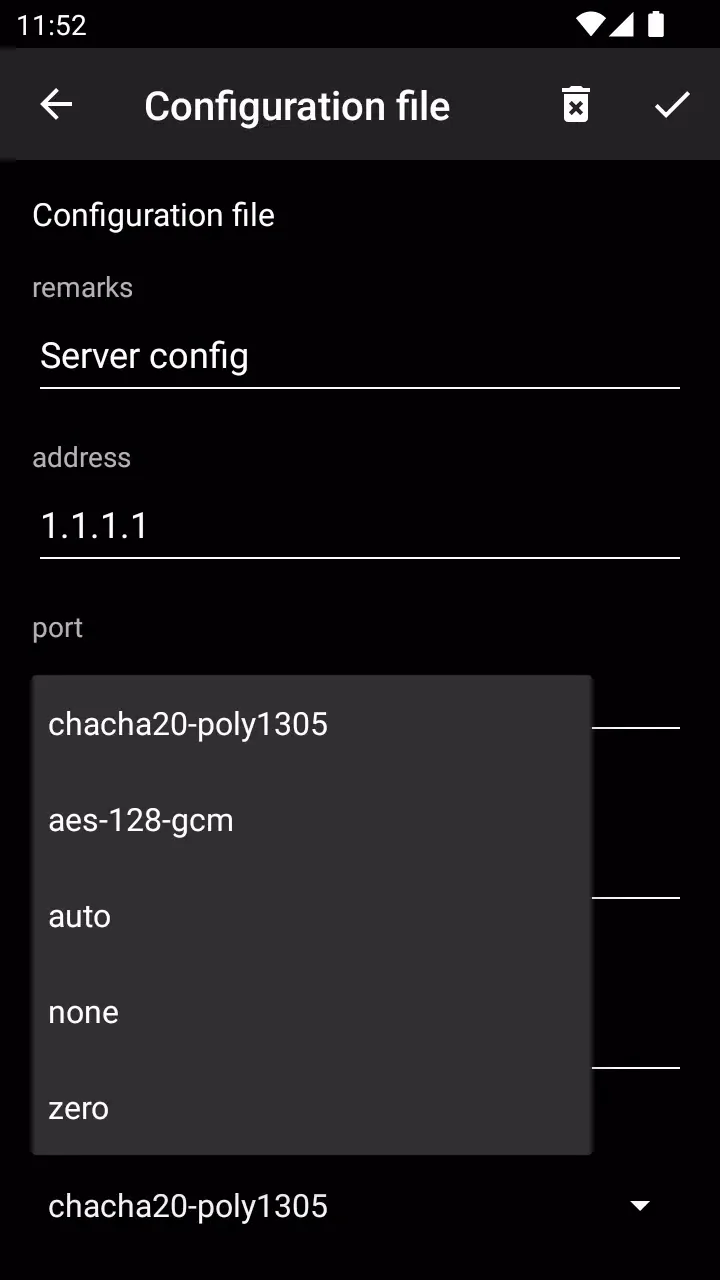
Manual and Automatic Configuration: Users can add configuration files by scanning QR codes, importing from the clipboard, entering details manually, or using subscription URLs. This offers flexible configuration options to cater to diverse user preferences.
How to Use v2rayNG:
Run the downloaded file to install. You may get an error about unknown apps that you need to confirm to install the app. Installation is very simple.
Add configs to the app:
In the user panel in the previous section, click on the button next to the Subscription Link to open the QR code page.
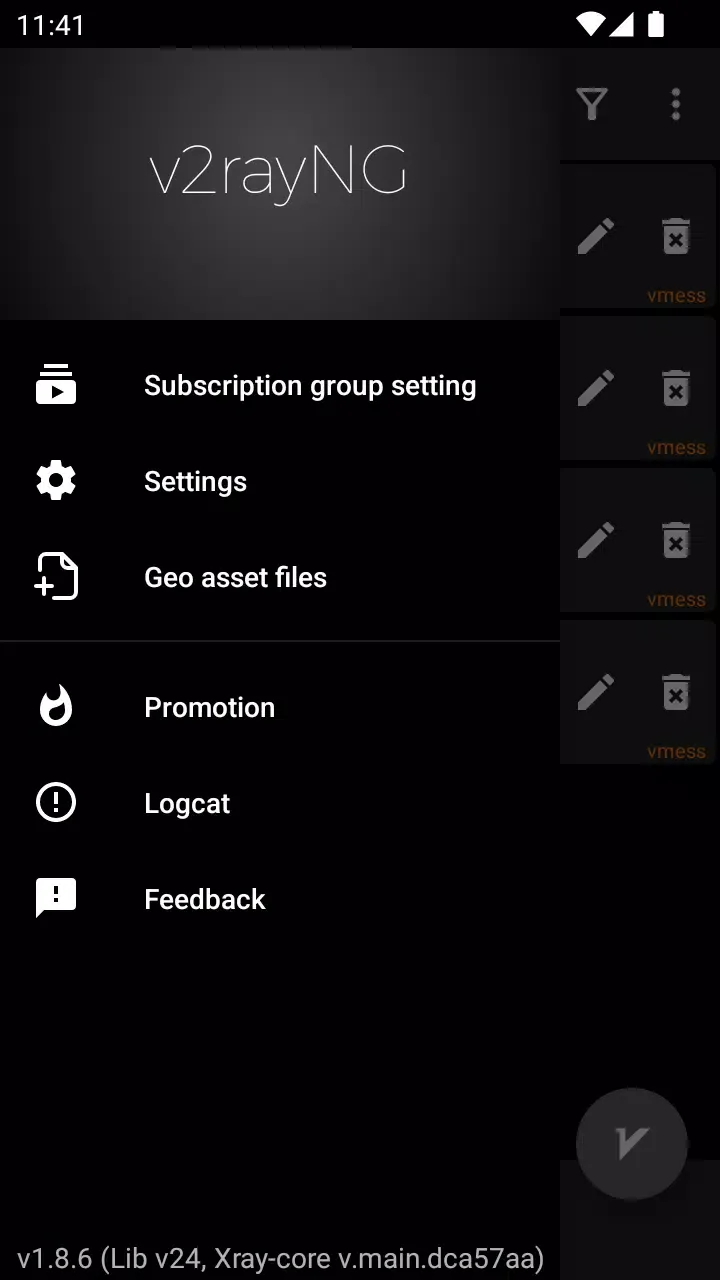
Then tap on copy.Now enter the V2rayNG program and select Subscription group setting from the three-line menu.
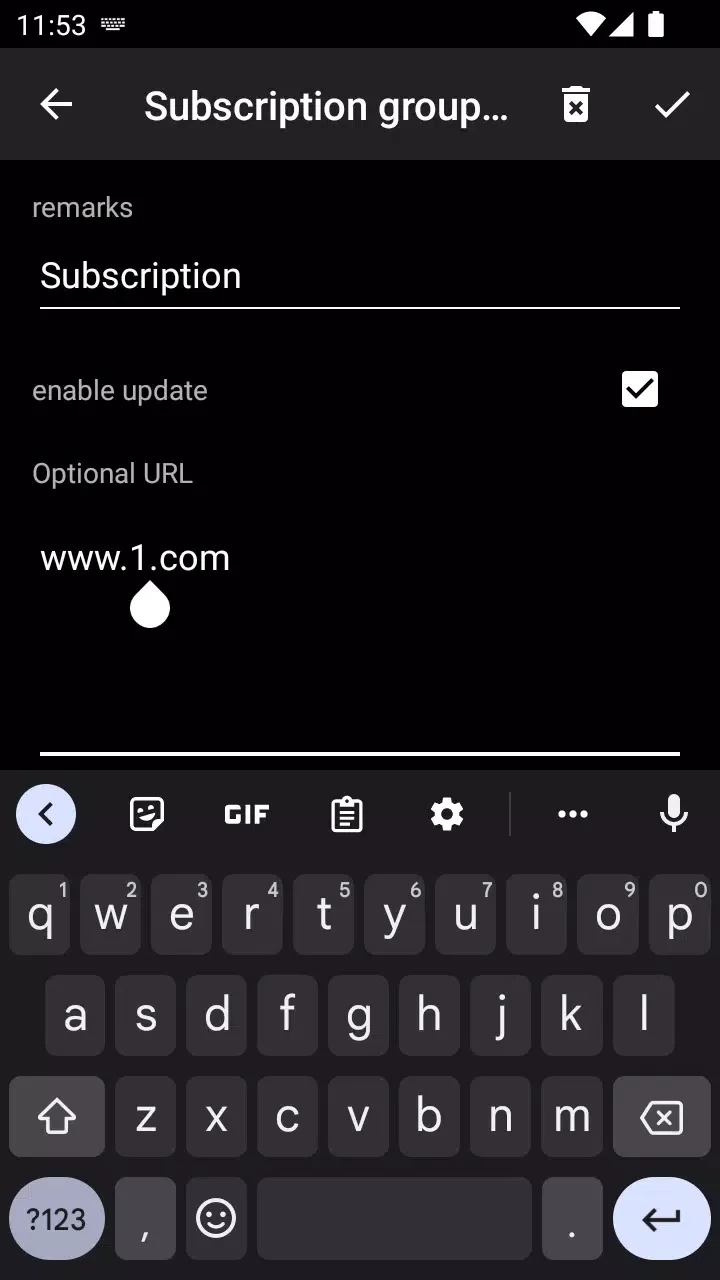
On the screen that opens, tap +.
On the next page, give a desired name for the remark and put the copied link in the URL field and save it.
Then click on the three-dot menu and select the Update subscription option so that the configurations in the subscription link are loaded into the program.
Config test:
To do this, enter the three-dot menu and select the Real delay all configuration option so that a ping test is taken from all configurations.
The test result is displayed next to each configuration.
Connect to the app
To connect to the app, press the Connect button at the bottom to establish a connection.
Update subscription
First, disconnect your connection from VPN. To do this, press the connection button to disconnect.
Then, from the three -point menu to the Update Subscription option to update the subscription link with the latest settings on the panel.
FAQs of v2rayNG:
How to add configuration files?
v2rayNG supports configuring the proxy server by scanning QR codes, importing from the clipboard, manually entering configuration information, or using a subscription address.
Unable to connect to the network after a period of time?
There is a high probability that the APP has been closed by the system in the background. You can try to solve this by setting the APP to locked, allowing self-start, allowing background activities, allowing associated starts, setting battery optimization to “do not allow”, etc.
What protocols does v2rayNG support?
v2rayNG supports Fragment, Hysteria, Hysteria2, Shadow-TLS, Shadowsocks, Shadowsocks-2022, SSH, Trojan, TUIC, VLESS, VLESS-Reality, VLESS-Visison, VLESS-XTLS, VMess, WireGuard and XHTTP protocols, providing flexibility and compatibility with various network configurations.
Can v2rayNG be used for gaming?
v2rayNG supports the TUN engine, which facilitates efficient packet capturing. This feature enables seamless gaming experiences.
Is v2rayNG easy to use?
Yes, v2rayNG features a user-friendly interface, making it simple to navigate and customize various parameters according to your preferences. You can easily select servers, and even set up auto-connect on startup.
Summary:
If you are interested in bypassing internet censorship, then the v2rayNG app has the features and capabilities you need to do so. While using this app, you will feel safe and secure. The program has several functions to bypass internet censorship, including Shadowsocks, VMess, and V2ray. It has a simple interface that is easy to use and includes several customization options.








