

Maple TV is a video streaming application designed for the Android platform. It allows users to access their subscribed television packages—including a wide variety of live TV channels—across their mobile devices, tablets, and televisions. The app supports simultaneous logins on multiple devices. Users can choose from a diverse range of channel packages tailored to their personal viewing preferences. Additionally, the app provides ample storage space for saving downloaded content. Simply log in using your service provider credentials to start watching—it’s a highly convenient way to enjoy your favorite programs.
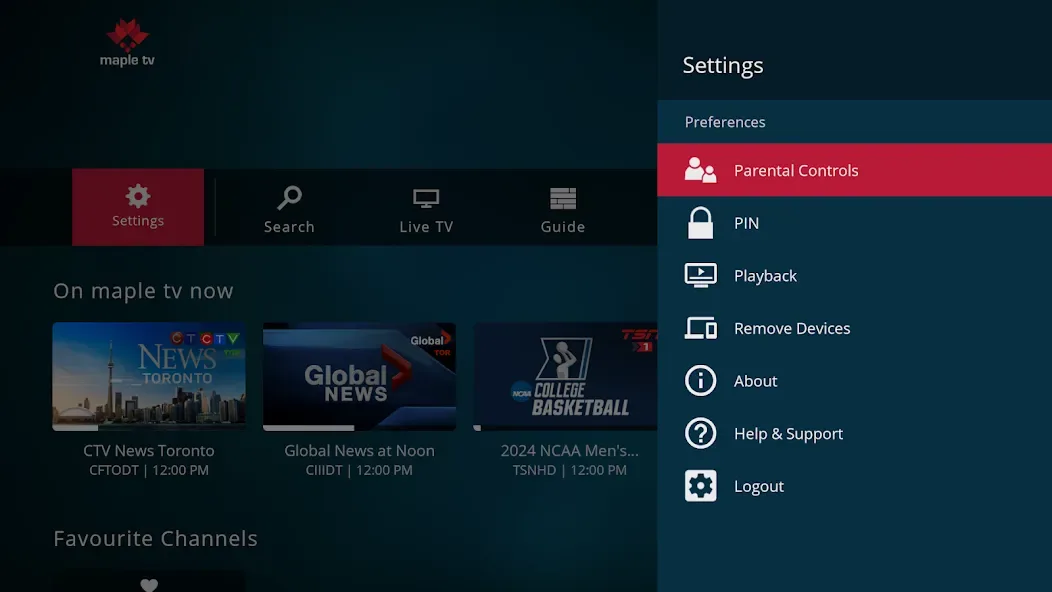
Features
Watch live channels from your service provider
Maple TV lets you watch live TV programs included in your subscription, such as local news, sports, and entertainment channels. Once you log in with your service provider username and password, the app will display the channels available in your package. If your subscription plan changes, the channel list will update automatically.
Available on mobile phones, tablets, and TVs
You can watch on your Android phone or tablet, as well as on compatible smart TVs and Android-based streaming devices (such as the Fire TV Stick). This allows you to enjoy content in different rooms or even while on the go. Switching between devices is as simple as logging in with your service provider account.
Choose a package that fits your viewing needs
Maple TV offers a variety of channel packages—from popular selections to comprehensive full-service bundles—so you can choose the one that best suits your viewing habits. The package tier determines the number of channels and the specific networks available to you. Your in-app experience reflects the subscription plan linked to your account, so there’s no need for additional purchases to access your channels.
Record programs with the Cloud DVR add-on
You can add 50 or 100 hours of Cloud DVR storage to save programs and watch them later. Once this feature is enabled, you can schedule recordings via the program guide and manage them directly within the app. You can also delete programs you’ve already watched to free up space as needed.
Simple setup, no installation fees
Maple TV uses your existing service provider credentials to log in, meaning there’s no need for technician visits or extra wiring. Installation is completely free, and setting up each device takes only a few simple steps. If your television is not a smart TV and you do not have a compatible streaming player, service providers like RCML offer optional device rentals to help you get connected.
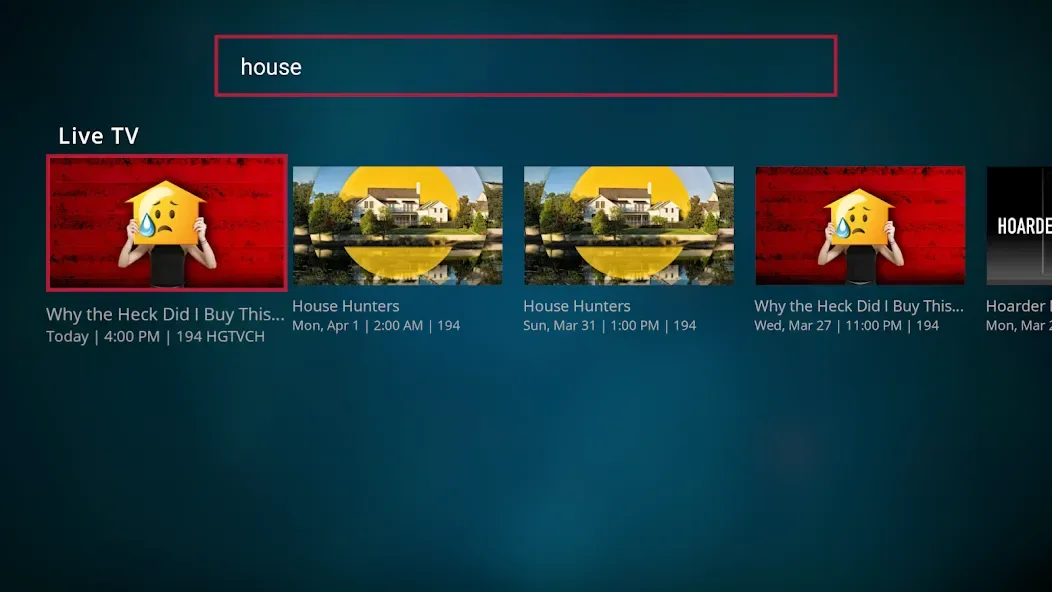
Usage
Install Maple TV on your Android phone or tablet, then open the app.
Next, ensure that your TV service is activated and locate the username and password provided by your service provider.
Enter your credentials on the login screen and allow the app to load your channel list.
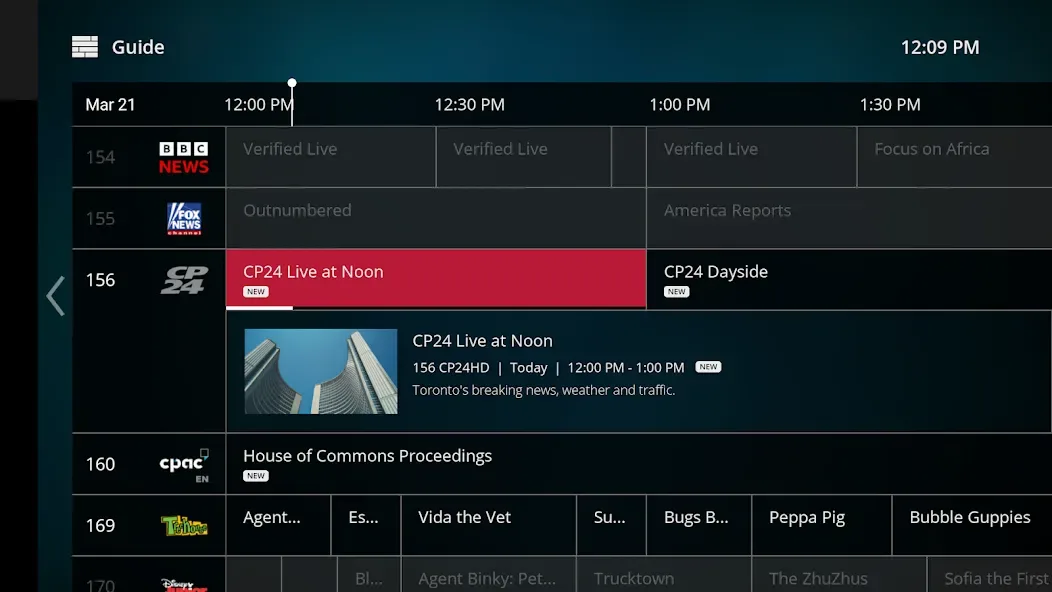
Browse through the guide or categories, select a channel, and tap "play" to start watching live TV.
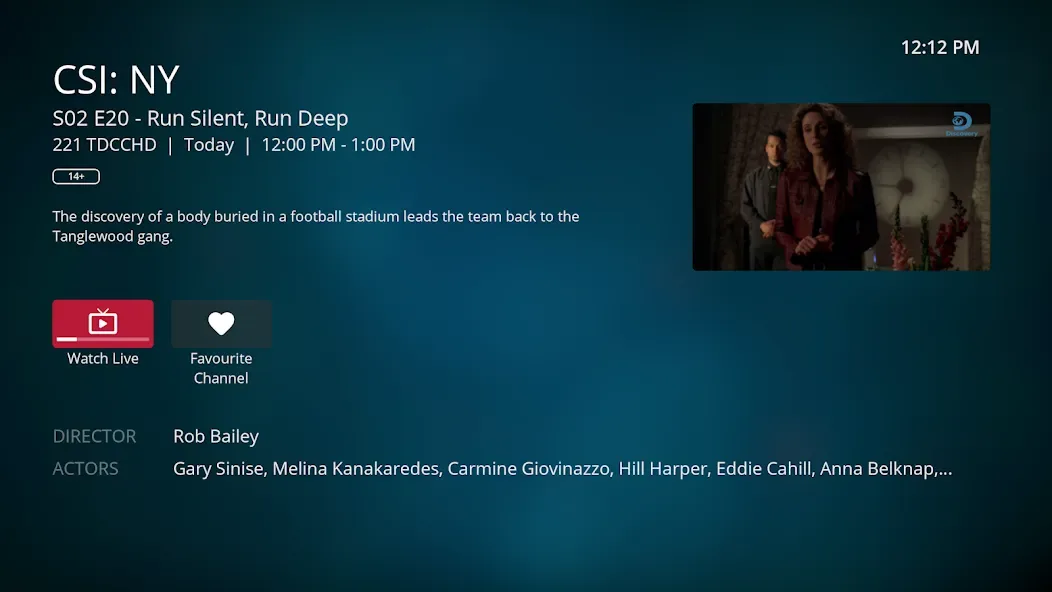
Finally, if your subscription includes Cloud DVR, you can open the program details and select "record" to save shows for later viewing.
FAQs
Is Maple TV free to use?
The app is free to download; however, you must have a valid subscription from a supported service provider to watch content.
Can Maple TV be used without an internet connection?
No, a stable internet connection is required to stream channels and movies.
Who should use Maple TV?
It is an ideal choice for users who already subscribe to a cable or internet-based TV service and wish to watch their content on mobile devices.
Conclusion
Maple TV serves as a platform for watching TV and movies by linking directly to your existing cable or internet TV subscription. It does not replace your service provider; rather, it extends your current channels and content to your phone or tablet.








